
A red flag warning usually does not arrive at a convenient time. It lands while the dishwasher is half-empty, the dog needs a walk, someone is in a meeting, and the car is pointed nose-in toward a cluttered garage. The useful version of a red flag warning preparation checklist is not a giant emergency binder. It is a short execution routine you can run in about 20 to 30 minutes because the decisions were already made.
That distinction matters because the runway can be short. NPR has reported that red flag warnings may be issued as little as 12 hours before the dangerous conditions are expected to begin.[1] The National Weather Service generally uses red flag warnings for combinations of very low humidity, strong wind, and dry fuels, with examples including relative humidity at or below 15%, wind gusts of at least 25 mph, and a critical fire-weather window lasting at least 3 hours within a 12-hour period; local Weather Forecast Offices set the exact thresholds for their areas.[2][3]
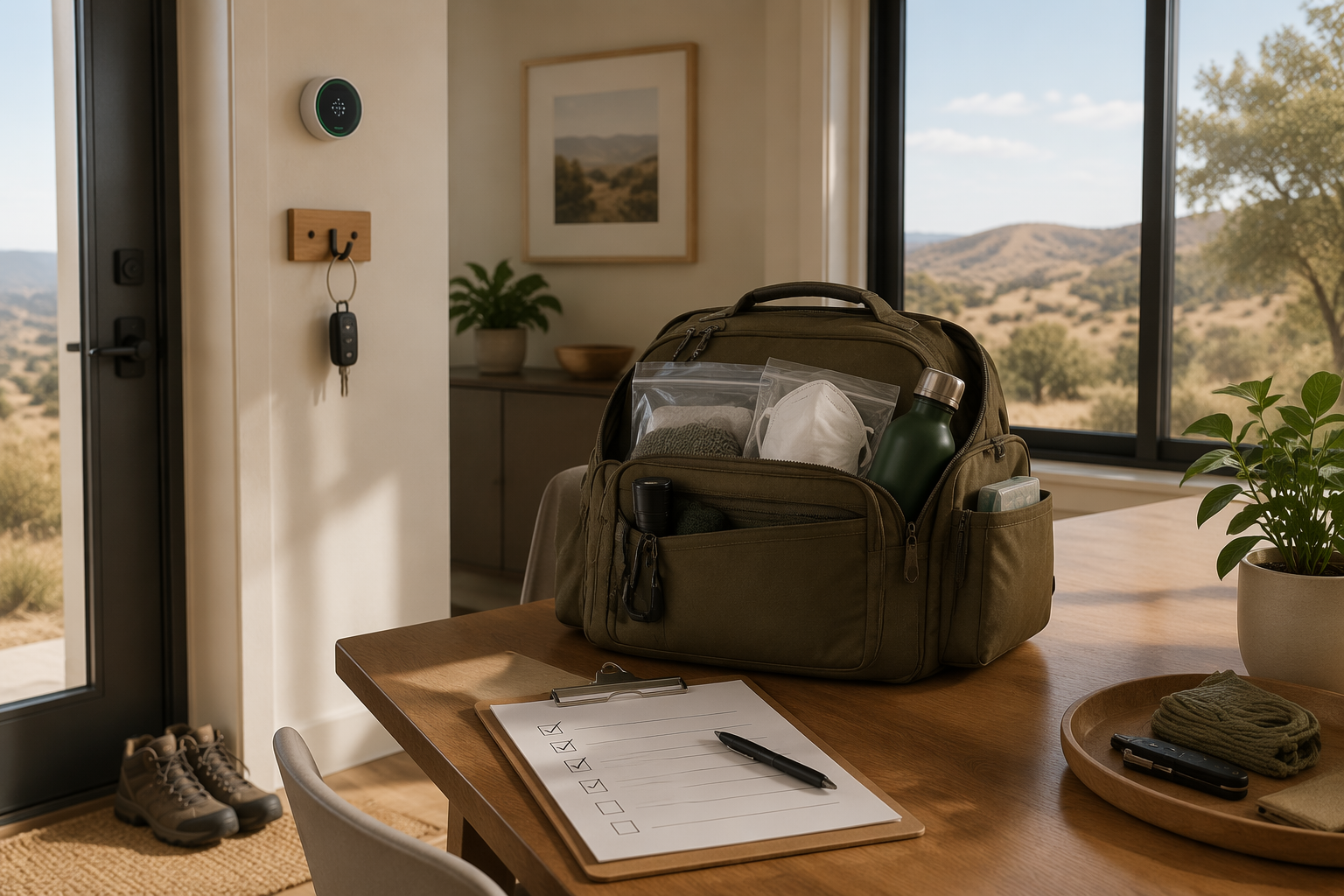
The warning-day checklist should therefore be deliberately small: move combustible patio furniture and cushions away from the house, clear gutters if they need it, park vehicles facing out, confirm go-bags are in their assigned place, check household communications, and verify alerts. Fire Safe Marin places several of these immediate red flag actions in the under-30-minute category, which is only realistic if nobody is inventing the list at 4:30 p.m. on a windy weekday.[4]
The Checklist Has Two Jobs
A red flag warning preparation checklist has to separate preparation work from warning-day execution. Mixing them is how a household ends up shopping for batteries, cleaning defensible space, choosing an alert app, and arguing about pickup plans during the same 12-hour window.
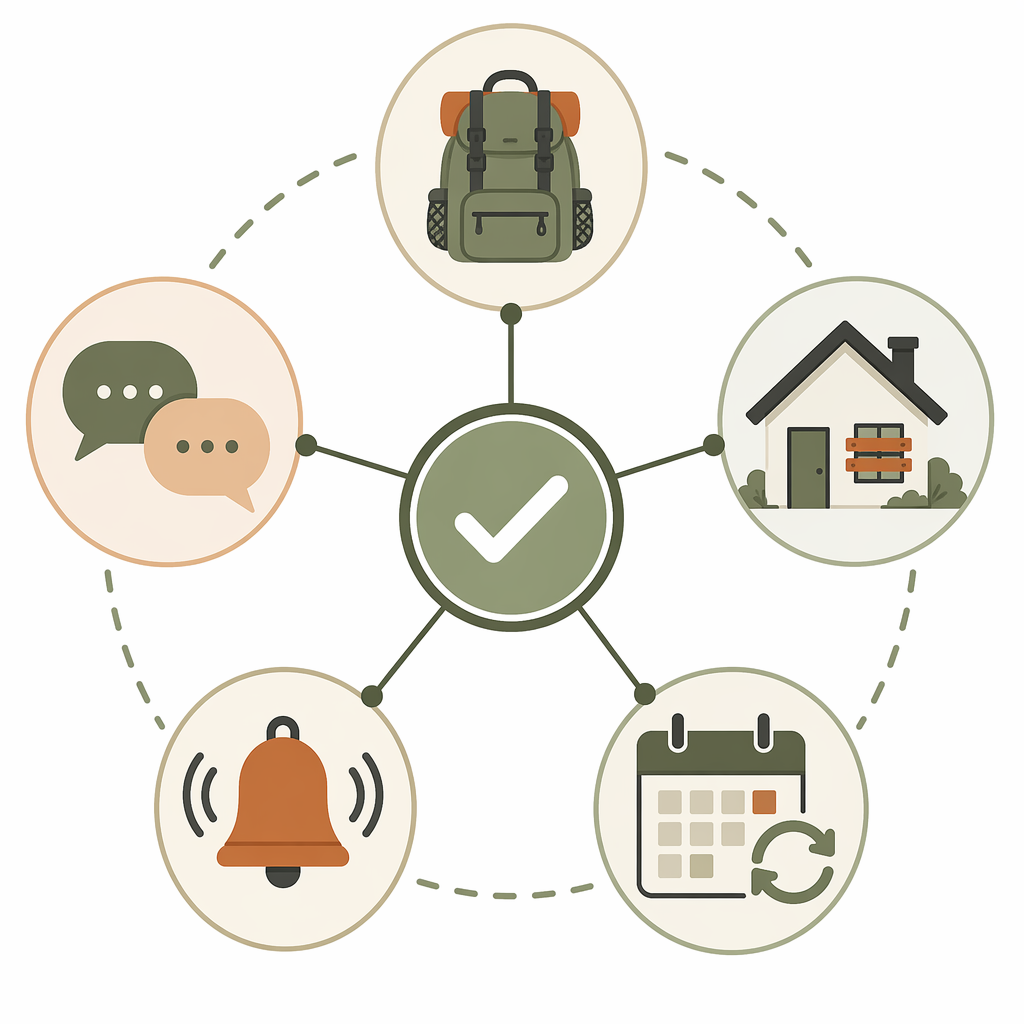
| System layer | Built before the season | Executed when a warning drops |
|---|---|---|
| Go-bag inventory | Create and stock 72-hour bags; record expiration dates and storage location | Confirm each bag is present, accessible, and assigned to a person or pet |
| Home hardening tasks | Schedule gutters, vegetation, vents, furniture storage, and driveway access work | Move combustibles, close openings, clear urgent debris, and stage vehicles |
| Communication plan | Document contacts, pickup roles, meeting points, and out-of-area contact | Send a short status message and confirm who is responsible for whom |
| Alert configuration | Register for local systems and test multiple alert channels | Check that notifications are active and that at least one non-cellular channel works |
| Seasonal review | Run a recurring review before and during fire season | Log what was missing after the warning ends |
The table is intentionally uneven. Some work is inventory. Some is home maintenance. Some is communication design. Some is notification configuration. Treating all of it as one flat checklist makes the warning-day list too long and the off-season list too easy to ignore.
Why This Needs to Be Recurring
The case for a maintained system is not that every red flag warning becomes an evacuation. It is that fire-weather conditions are now common enough in many western regions that readiness cannot depend on a one-time burst of motivation.
Climate Central’s May 2026 analysis found that western U.S. climate divisions now average 32 fire weather days per year, and that some areas see 44 more such days annually than they did 50 years ago.[5] Those are climate-division averages, not a forecast for a specific address, and 2026 year-end totals may differ. But the operating lesson is plain enough: if the condition returns every year, the workflow should return every year too.
Even in a local frame, the cadence is not rare. The City of Calabasas says Southern California averages 8 red flag days per year.[6] That is enough repetitions for a household system to show its weak spots: the app that was never registered, the go-bag moved to make space for holiday bins, the pet carrier that technically exists but is behind three boxes.
Build the System Before the Warning
Before fire season, the checklist should look less like an emergency document and more like an operations file. It needs owners, locations, review dates, and a small number of actions that can be verified without interpretation.
Go-bag inventory
FEMA recommends preparing for wildfires with emergency supplies, including enough supplies to last several days; many emergency checklists use a 72-hour go-bag standard.[7] The practical checklist should not stop at “pack a go-bag.” It should name where the bag lives, who owns it, what expires, and what must be added on the day of departure.
- Location: shelf, closet, car, or hook where the bag is supposed to be.
- Owner: the person responsible for checking that bag during seasonal reviews.
- Expiration fields: water, food, medication, batteries, documents, and pet supplies.
- Grab-at-exit items: phone, wallet, keys, medications in daily use, glasses, laptops if needed for work continuity.
- Physical constraint: each person should be able to carry their assigned bag without repacking it under stress.
The inventory can live in a spreadsheet, Notion database, task manager, or printed page. The tool matters less than the audit trail: when was it checked, by whom, and what failed?
Home hardening tasks
Home hardening belongs mostly before the warning, not inside it. The recurring checklist should hold the work that becomes unfair to do under wind pressure: cleaning gutters, reducing nearby combustibles, checking vents and screens, knowing where patio cushions go, and keeping driveway access clear enough for a fast departure or emergency access.
The warning-day version is narrower. It does not say “make the property fire safe.” It says: move the wooden chairs to the garage, put cushions inside, sweep visible leaf piles from corners and decks, close windows, close garage doors, and park facing out. If a task cannot be completed quickly and safely in wind, it belongs in the seasonal review, not the red flag execution list.
Communication plan
A communication plan should remove negotiation from the warning window. The document needs the household’s out-of-area contact, school or care pickup rules, pet responsibilities, meeting points, and a default message format. A short message is better than a complete one that nobody sends.
| Trigger | Message |
|---|---|
| Red flag warning received | Red flag warning active. I am checking bags and alerts now. Please confirm your location and battery level. |
| Evacuation warning received | Evacuation warning. Start packing exit items. Confirm who has pets, kids, medications, and vehicle keys. |
| Evacuation order received | Evacuation order. Leaving now or already left. Send destination and route when safe. |
Those examples are templates, not official instructions. Local agencies decide warnings and orders. The point is to make the household’s response legible before adrenaline starts editing the plan.
Alert configuration
Alert setup is configuration work, not app collecting. The mistake is assuming one downloaded app equals being informed. County systems, city systems, law enforcement alerts, weather alerts, and incident-intelligence tools do different jobs, and some require separate registration.
FEMA’s app can provide National Weather Service alerts for up to 5 locations, which is useful if home, school, work, older relatives, and a frequently used evacuation destination are in different places.[7] Watch Duty describes itself as a nonprofit service providing real-time wildfire information, which can help households follow verified incident intelligence rather than relying on rumor threads.[8] Ready.gov also directs people to sign up for community warning systems, which may include local emergency alert platforms that are not automatic for every resident.[7]
The least glamorous alert channel deserves space in the system: NOAA Weather Radio. Ready.gov identifies NOAA Weather Radio as a way to receive emergency information, and its value is that it does not depend on a phone notification arriving through cellular data or home internet.[7] A phone can be dead, silenced, overheated, out of coverage, or stuck behind a focus mode. The alert stack should assume that.
- Weather layer: National Weather Service alerts through a trusted weather source or FEMA app.
- Local authority layer: county, city, sheriff, police, fire, Nixle, Everbridge, or similar systems where available.
- Incident intelligence layer: a service such as Watch Duty where it operates and where the household understands what it does and does not replace.
- Non-cellular layer: NOAA Weather Radio or another local emergency broadcast option.
- Household layer: direct texts, calls, shared location if the household uses it, and an out-of-area contact.
Test the stack before the season. Open each app. Confirm locations. Check notification permissions. Verify that critical alerts are not muted by a work profile or sleep mode. Make sure the county account uses a current phone number and address. Then write the setup down, because the person who configures the alerts may not be the person home when the warning arrives.
Seasonal review cadence
The review cadence is where preparedness becomes a system rather than a pile of good intentions. A workable rhythm is simple: one pre-season review, one mid-season review, and a short post-warning note whenever the checklist is actually used. In higher-risk areas, a monthly fire-season reminder may be more realistic than trying to remember which supplies expire and which alert settings changed after a phone upgrade.
| Review | What to check |
|---|---|
| Pre-season | Go-bags, alert registrations, NOAA Weather Radio, home tasks, vehicle plan, communication plan |
| Mid-season | Expired supplies, moved bags, changed school/work schedules, app permissions, new household constraints |
| After a warning | What took too long, what was missing, who did not get the message, what should move to the pre-season list |
The 20- to 30-Minute Red Flag Warning Runbook
When the warning arrives, the checklist should be short enough to complete without a meeting, a shopping trip, or a debate. The first pass is about readiness, not perfection.
- Read the alert source and time window. Confirm whether it is a red flag warning, an evacuation warning, or an evacuation order.
- Send the household status message. Ask for location, battery level, and responsibility confirmation.
- Move combustible items away from the structure. Prioritize patio furniture, cushions, doormats, firewood, and visible debris near corners, decks, and doors.
- Check gutters and obvious debris only if it can be done quickly and safely. Do not turn a wind event into a ladder project.
- Close windows, doors, garage doors, and other openings listed in the household plan.
- Park vehicles facing out. Keep keys, wallets, shoes, chargers, and pet gear where the exit plan says they belong.
- Confirm go-bags are present. Add daily-use medications, glasses, devices, and documents only if they are listed as grab-at-exit items.
- Verify the alert stack. Check phone alerts, county alerts, incident updates, and the non-cellular backup.
- Stop adding new tasks. If the checklist exposed a bigger gap, write it down for the review instead of trying to rebuild the system during the warning.
That last step is not about lowering standards. It is about protecting the operating window. If the go-bag is missing water, fix it. If the defensible-space plan was never done, record the failure and complete the safe immediate actions. The warning-day checklist is allowed to be incomplete compared with a perfect home-hardening program; it is not allowed to become so ambitious that nobody finishes it.
Red Flag, Extreme Red Flag, and Evacuation Are Not the Same Trigger
A red flag warning means critical fire-weather conditions are occurring or expected. It does not automatically mean there is a nearby fire, and it does not automatically mean evacuate. It means the environment can support rapid fire growth if ignition occurs, so the household should move from normal mode into readiness mode.
The National Weather Service introduced Extreme Red Flag Warnings in October 2019 as a higher-severity tier, analogous to Particularly Dangerous Situation language used for some tornado warnings.[3] That is a useful distinction for the checklist: a higher-severity fire-weather alert should shorten the tolerance for unfinished work and make alert monitoring more active.
Evacuation warnings and evacuation orders are different triggers from red flag warnings. The preparedness system can include them in the same runbook, but it should not blur them. Red flag readiness is about staging. Evacuation instructions come from local authorities and should override household preferences.
What to Put in the Actual Template
A template should be boring in the best way: easy to scan, hard to misunderstand, and specific enough that a tired person can use it. Whether it lives in a notebook, spreadsheet, Notion workspace, or printed page on the inside of a cabinet, it needs the same core fields.
| Field | Example entry |
|---|---|
| Trigger | NWS red flag warning for home location |
| Owner | Alex: vehicle and pet carrier; Sam: go-bags and alerts |
| Time target | Complete first pass in 30 minutes |
| Physical location | Go-bags: hall closet top shelf; pet carrier: laundry room |
| Alert links or channels | County alerts, FEMA app locations, Watch Duty, NOAA Weather Radio |
| Done criteria | Vehicles facing out, bags staged, combustibles moved, message confirmed |
| Review date | Pre-season review scheduled; post-warning note added if used |
The template should also separate “fix now” from “fix later.” If a phone number is wrong during setup, fix it now. If the gutter-cleaning schedule is inadequate, put it into the seasonal maintenance list. If a household member never received the alert, treat that as a system failure to investigate after the immediate window.
A Checklist Is Only as Good as the Physical System Behind It
Documentation can create a false sense of readiness. A beautiful dashboard does not move the patio chairs. A shared note does not register the county alert account. A spreadsheet does not make the pet carrier accessible. The checklist is the control surface for the system, not the system itself.
The audit question is simple: if someone else had to run the plan today, would they know where things are and what to do first? If the answer depends on one person’s memory, the system is still fragile.
After each warning, keep the review short. Note what was missing, what took longer than expected, which alert arrived first, who did not respond, and which task should move out of the warning-day checklist and into seasonal maintenance. Then schedule the fix. The value is not in having a perfect preparedness document; it is in moving decisions out of the 12-hour danger window and into a calm recurring system.
References
- Red flag warnings: What they mean and what you should do, NPR, 2023.
- Red Flag Warning tips, National Weather Service.
- Fire Weather Definitions, National Weather Service Denver/Boulder.
- Red Flag Warnings, Fire Safe Marin.
- More U.S. Fire Weather, Climate Central, May 2026.
- Red Flag Warning, City of Calabasas.
- Wildfires, Ready.gov.
- Watch Duty, Watch Duty.
Comments
Join the discussion with an anonymous comment.