
The intended move is satisfyingly literal: tap the familiar social-app position and open a note instead. But FlowDesk’s record does not include baseline screen time, post-swap totals, dated urge entries, screenshots, the test window, or a failure log. As of August 28, 2026, the procedure is documented, but no before-and-after result can be verified.
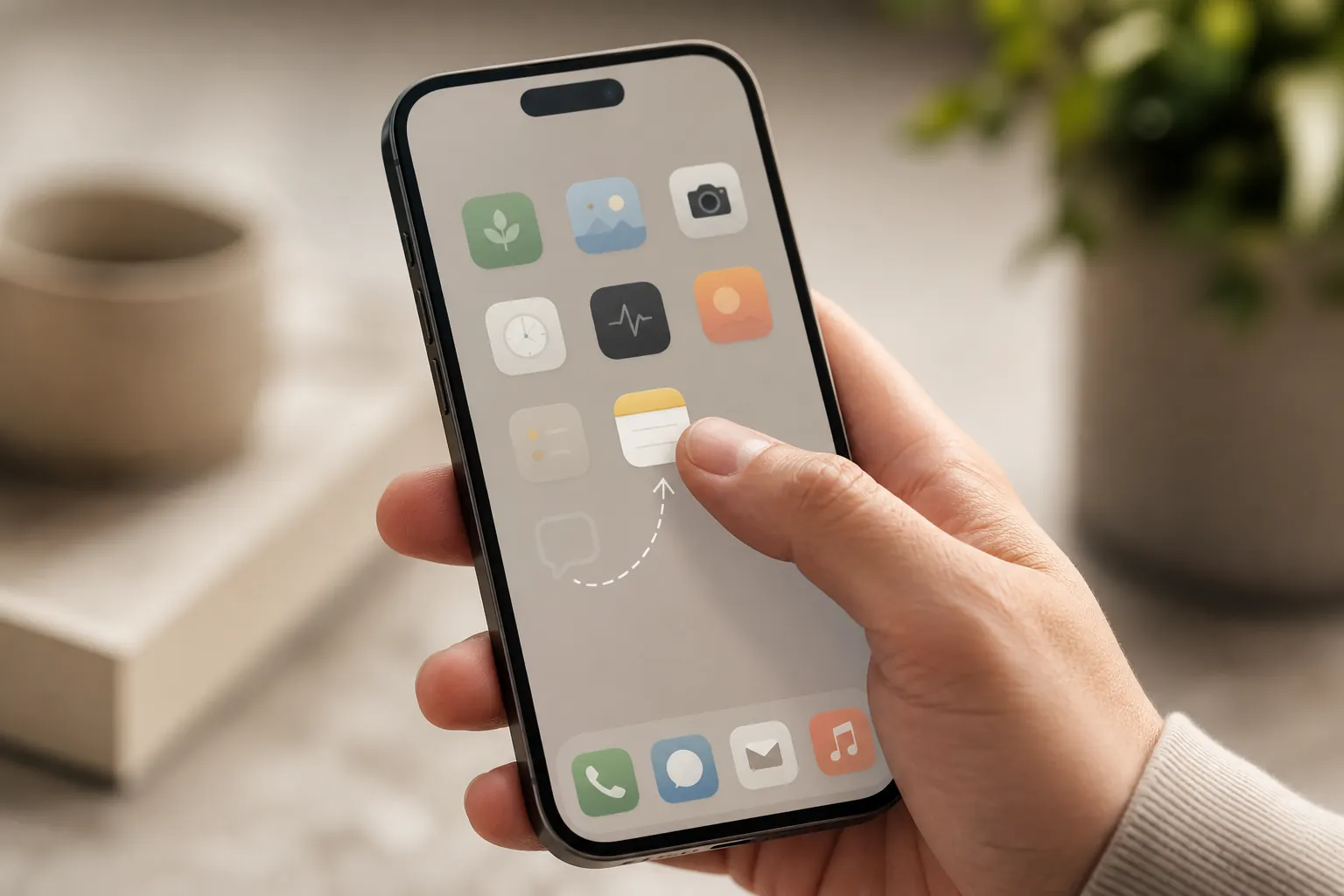
What can be reproduced is the full protocol: measure scrolling before changing anything, identify when the automatic reach occurs, preserve the physical tap while changing its destination, and judge the outcome by screen time rather than by how interesting the resulting notes appear. That distinction matters. A folder full of observations may feel productive while social-media use remains unchanged.
The protocol at a glance
| Phase | Action | Record to keep |
|---|---|---|
| Baseline | Leave the phone setup unchanged for seven days. | Daily and weekly screen time for the social apps included in the test. |
| Trigger audit | For three days, note each recognized urge to open a social feed. | Time, situation, intended app, and what happened next. |
| Environment change | Remove social apps from the home screen, disable their notifications, and put the notes app in the vacated slot. | Before-and-after home-screen screenshots and the time of the change. |
| Urge capture | When the reflexive tap opens the notes app, write one to five sentences in under two minutes. | A dated entry for every urge you notice. |
| Weekly review | Compare equivalent screen-time periods and inspect the failure log. | Social-app time, missed captures, bypasses, and setup changes. |
Use the same phone and the same screen-time reporting method throughout the run. Decide before the baseline which apps count as social media, especially if one of them is also used for work. Changing the inclusion rule afterward can create an improvement that exists only in the spreadsheet.
Measure seven ordinary days before touching the icons
Record a complete seven-day baseline with the phone arranged as usual. Do not start hiding apps, silencing alerts, or attempting to scroll less during this period. The baseline needs to describe the behavior the swap is supposed to change, not a temporarily improved version produced by knowing a test has begun.
Save the daily totals as well as the seven-day total. A screenshot is better than a number copied from memory because it preserves app-level detail and the reporting window. Note any day that was plainly unusual—a trip, illness, deadline, or job requirement—but do not quietly delete it. Its effect can be discussed during review.
- Start and end dates of the baseline
- Social apps included in the total
- Screen time for each included app
- Combined daily and seven-day totals
- Screenshots showing the reporting period
- Notes about abnormal days or necessary work use
The notes created later are supporting evidence. This baseline is the outcome measure. Without it, the experiment can show that microjournaling happened but cannot show that scrolling decreased.
Audit the reach before redirecting it
For the next three days, keep the original icon layout and record each social-app urge you consciously notice. This is not yet the intervention. It is a short map of the moments that the icon swap will need to catch.
Keep the audit entry small enough to make in place. Record the time, what was happening immediately beforehand, which app you meant to open, and whether you opened it. Useful context is concrete: waiting for a meeting to begin, finishing a difficult paragraph, receiving an alert, or picking up the phone to check something unrelated. “Distracted” is usually too broad to help.
| Field | What to enter |
|---|---|
| Timestamp | The time the urge was noticed |
| Immediate context | What you were doing just before reaching for the app |
| Intended destination | The social app you expected to open |
| Possible cue | Notification, pause, discomfort, boredom, or another observable prompt |
| Outcome | Opened it, stopped, or did something else |
The audit cannot count urges that never enter awareness, so it should not be treated as a complete census. Its practical value is identifying recurring reaches and establishing how the phone is being approached. If the thumb repeatedly travels to one home-screen position, that is the position to preserve during the swap.
Keep the tap path; change what opens
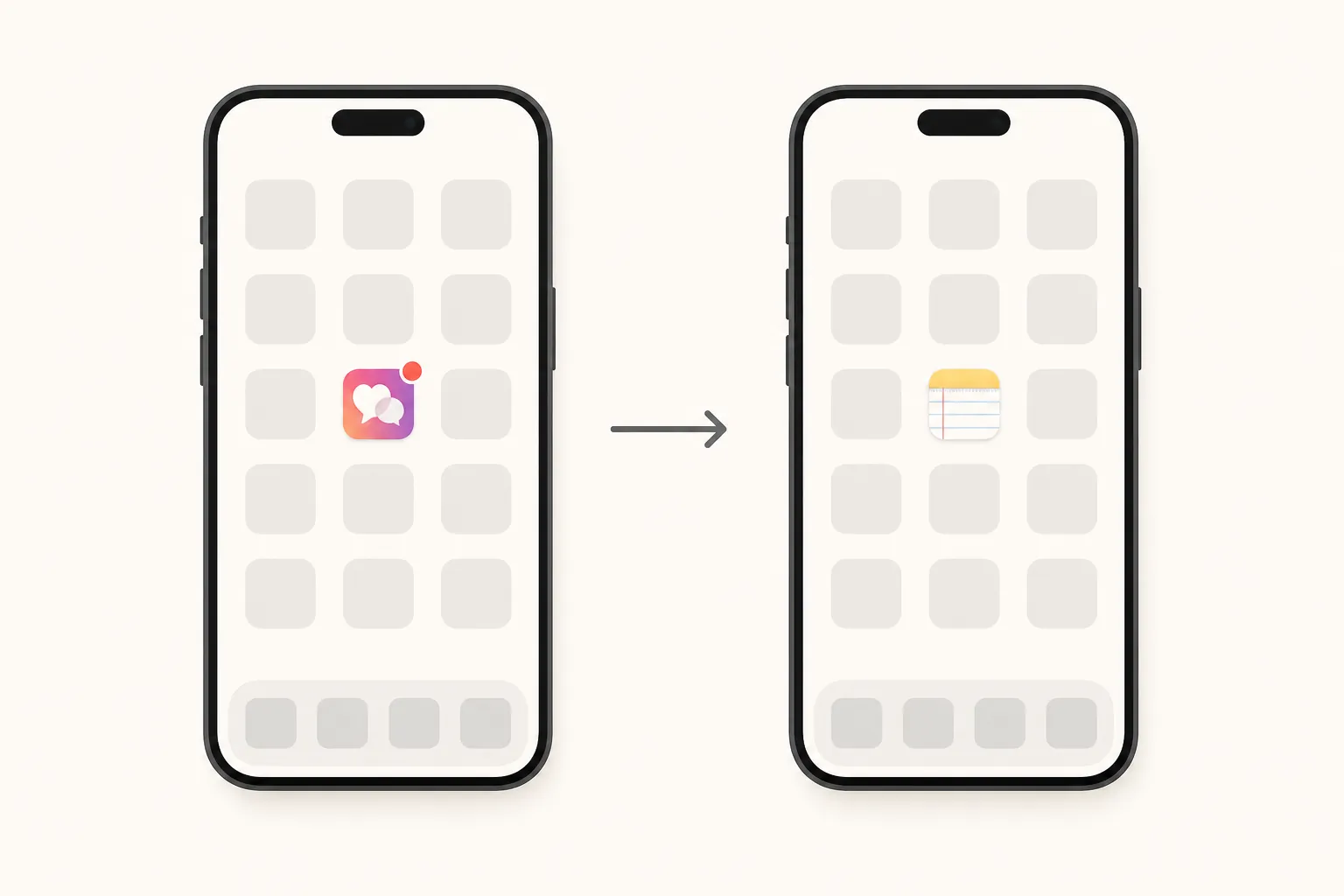
After the three-day audit, remove the target social apps from the home screen and disable their notifications. Do not merely move a social icon one position sideways. Put the notes app in the exact grid slot formerly occupied by the social app your thumb most often sought.
Exact placement is part of this protocol, not an independently established guarantee. The procedure is designed to intercept a practiced spatial action: unlock, move to the known position, tap. If the notes app is placed somewhere merely convenient, the user must remember a new worthy task before acting. In the old slot, the existing reach can begin before that decision is made.
The social apps do not have to be deleted unless deletion is part of the test you intend to run. They can remain accessible through search or the app library. That friction is modest, and deliberate access remains possible. Record such access rather than pretending that removing an icon made the app unreachable.
Notification settings need their own check. Removing an icon while leaving lock-screen alerts, badges, sounds, or watch notifications active creates another route into the same feed. Save screenshots of the home screen and relevant notification settings immediately after the change.
Capture the urge in one to five sentences
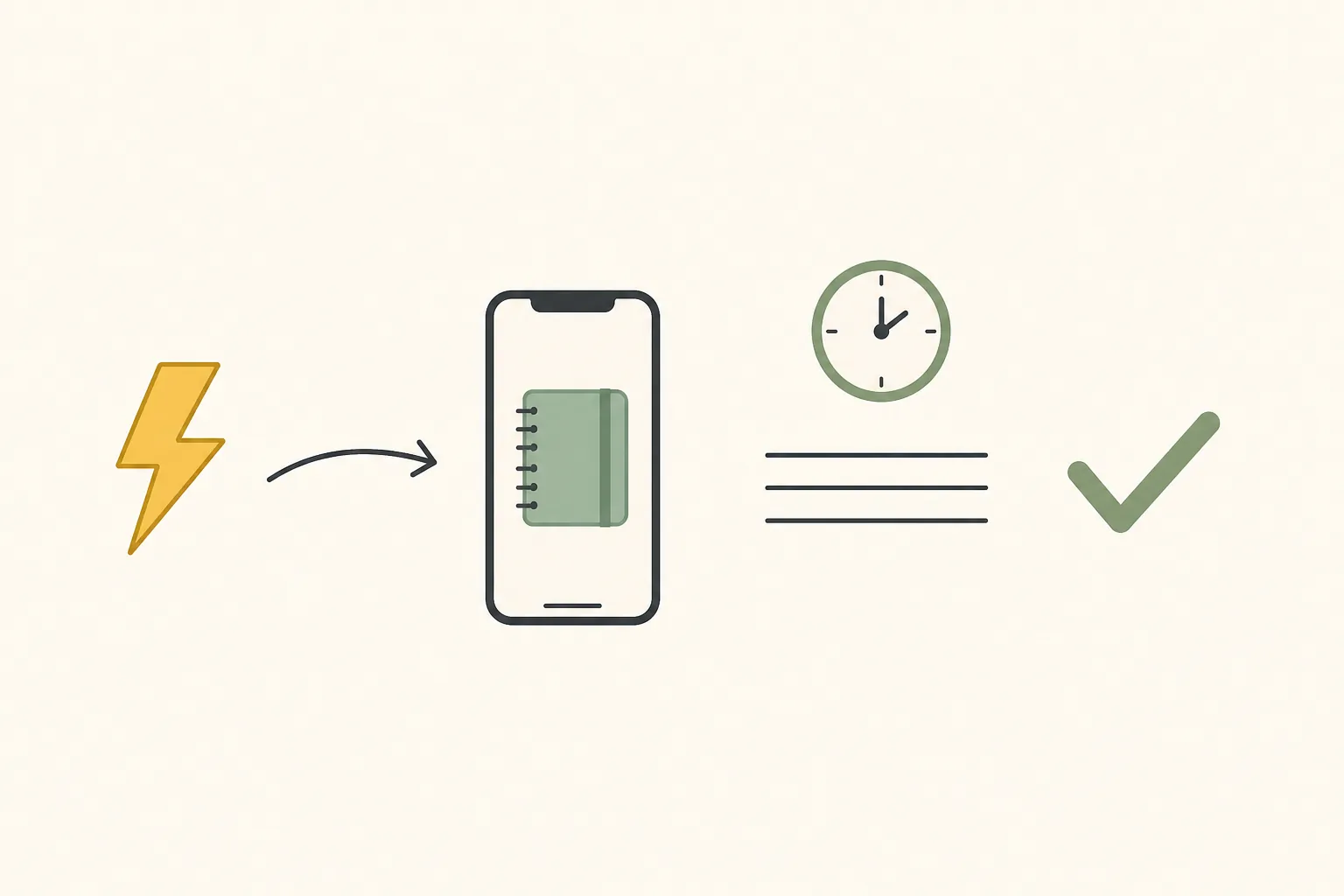
Create one easy-to-open note for the run and pin it if the app permits. When the old tap opens that note, add a timestamp and write between one and five sentences. Stop before two minutes have elapsed.
The entry can name what you were about to do, what prompted the reach, or the next concrete action in the work already in front of you. It does not need to be insightful. A fragment that accurately records the interruption is more faithful to the method than a polished paragraph that turns journaling into another extended detour.
- Add the date and time.
- Write at least one sentence and no more than five.
- Finish in under two minutes.
- Record the urge even when you subsequently open the social app.
- Do not expand or reorganize earlier entries during the capture.
That fourth rule prevents a useful failure from disappearing. The swap may interrupt the reflex without ending the desire to scroll. If the person writes a sentence and then searches for the social app anyway, the entry still shows that the interception occurred; the screen-time report shows whether it changed behavior enough to matter.
A practical entry can be as plain as: “Reached for the feed while waiting for a document to load. I can send the draft when it finishes.” That is a hypothetical illustration, not a FlowDesk log entry. The purpose is capture, not literary quality.
Review behavior weekly, not note quality
At the end of each seven-day period, save the same screen-time views used for the baseline. Compare matching app totals and equivalent windows. The primary result is the change in measured social-media time. Number of entries, subjects recorded, and apparent quality of ideas may explain how the procedure felt, but they should not replace that result.
Calculate the absolute change by subtracting the follow-up total from the baseline total. If reporting a percentage change, divide that difference by the baseline total and state exactly which apps and dates are included. Keep work-related use under the same rule in every period rather than subtracting it only when the result looks unfavorable.
Maintain a what-broke log
The failure record belongs beside the screen-time totals. Log each known departure from the setup: a notification left active, a social site opened in the browser, an icon moved back, an urge skipped because the capture felt inconvenient, or an entry that expanded beyond two minutes. Also record phone changes, operating-system resets, and days when the device was used differently.
| When something breaks | Record |
|---|---|
| The swap is bypassed | Date, access route, intended app, and whether scrolling followed |
| A capture is skipped | Reason it felt too slow, awkward, or unavailable |
| The note becomes a project | Approximate duration and what extended the session |
| A notification gets through | Device and notification channel |
| The setup changes | What moved or was re-enabled, and when |
A poor week is still evidence. It may show that the notes app opened too slowly, that the old position was identified incorrectly, or that another device supplied most of the scrolling. Those are operational findings. Removing them from the account would make the method appear cleaner while making it harder to reproduce.
What a completed run could establish
A completed run should still make a narrow claim. Lower screen time would demonstrate reduced use during the measured window under this particular setup. It would not demonstrate that the urge disappeared, that the notes caused every minute of the reduction, or that the same result will occur on another phone. The defensible endpoint is behavioral redirection measured against a baseline—not a declaration that the reflex has been extinguished.
Comments
Join the discussion with an anonymous comment.