
Half the time your team spends on documents goes to finding the right version. That is not a feeling — it is a number: 54% of US professionals spend more time searching for documents than responding to emails, according to a 2026 study by MyHero.
What Manual Workflows Actually Cost
The most frequently cited figure is $46,000 per year saved by automating workflows. It comes from a Formstack survey, picked up by Cflow and DocuClipper. The number is real enough — but Formstack sells workflow software, so the sample skews toward companies that already see value in automation, and it leans SMB. I would not treat $46,000 as a universal truth. I treat it as a directional anchor.
More concrete than the average is the per-document cost. Manual document processing runs between $5 and $25 per document, according to SenseTask via Docsumo. That range is wide because it depends on complexity — a simple nondisclosure agreement is near the floor; a multi-party contract review is near the ceiling. But even at $5, a department processing 500 documents a month is burning $30,000 a year in raw processing labor, not counting the search time, the rework, the approval delays. Those hidden costs are where the real expense lives.
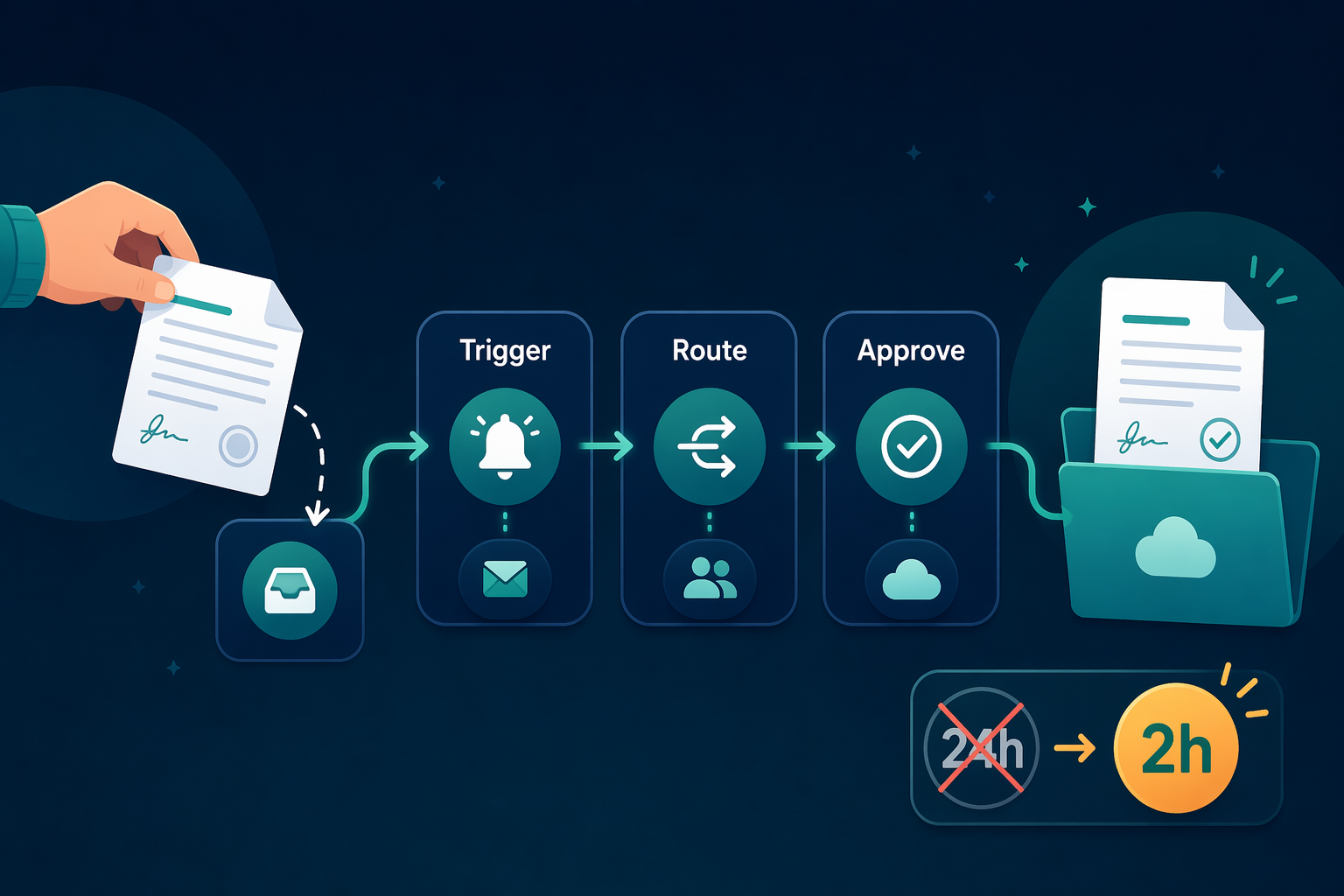
The Before and After
This is where the numbers start to shift judgments. Let me put the before and after side by side, with the source caveats you need to judge them. I’ve seen vendor claims that look too good to be true—and sometimes they are. The table below is a compilation from multiple sources. Where a figure comes from a vendor study, I’ve flagged it.
| Metric | Manual | Automated | Source |
|---|---|---|---|
| Processing time reduction | Baseline | 60–90% faster | Infrrd (2026) |
| Cost per AP invoice | $10–$13 | $2–$2.78 | GitNux (2025); Medius AP Benchmark (2026) |
| Error rate reduction | Baseline | 67% fewer errors | Cflow / MyHero (vendor-sourced) |
| Contract approval cycle | 8 days | Under 24 hours | PandaDoc (2026) |
| Data accuracy increase | Baseline | 88% improvement | DocuClipper (2026) |
| Overall cost reduction | Baseline | 60–80% | McKinsey Digital via MyHero |
The pattern across all these numbers is consistent: manual document workflows are expensive and error-prone, and automation cuts both dramatically. But the real test is whether your team's specific process fits the high-volume, repetitive pattern that generates these gains. For invoice processing, contract approvals, and new-hire paperwork, the answer is almost always yes. For low-volume, highly unstructured documents, the savings may not cover the setup cost. Do the math for your own workflow — but don’t ignore the time you’re not counting.
Comments
Join the discussion with an anonymous comment.