
The usual focus problem does not look dramatic. A laptop is open. Email is one click away. Slack or Teams is running in the background. A phone sits beside the keyboard, face-up or face-down, close enough to be checked without thinking. The work itself may be reasonable; the environment around it is doing a quiet imitation of an emergency room.
That is the better starting point for anyone asking how to improve focus and concentration naturally. Before supplements, heroic morning routines, or another promise to “be more disciplined,” the practical question is simpler: what is allowed to interrupt the task before you have even had a chance to concentrate?
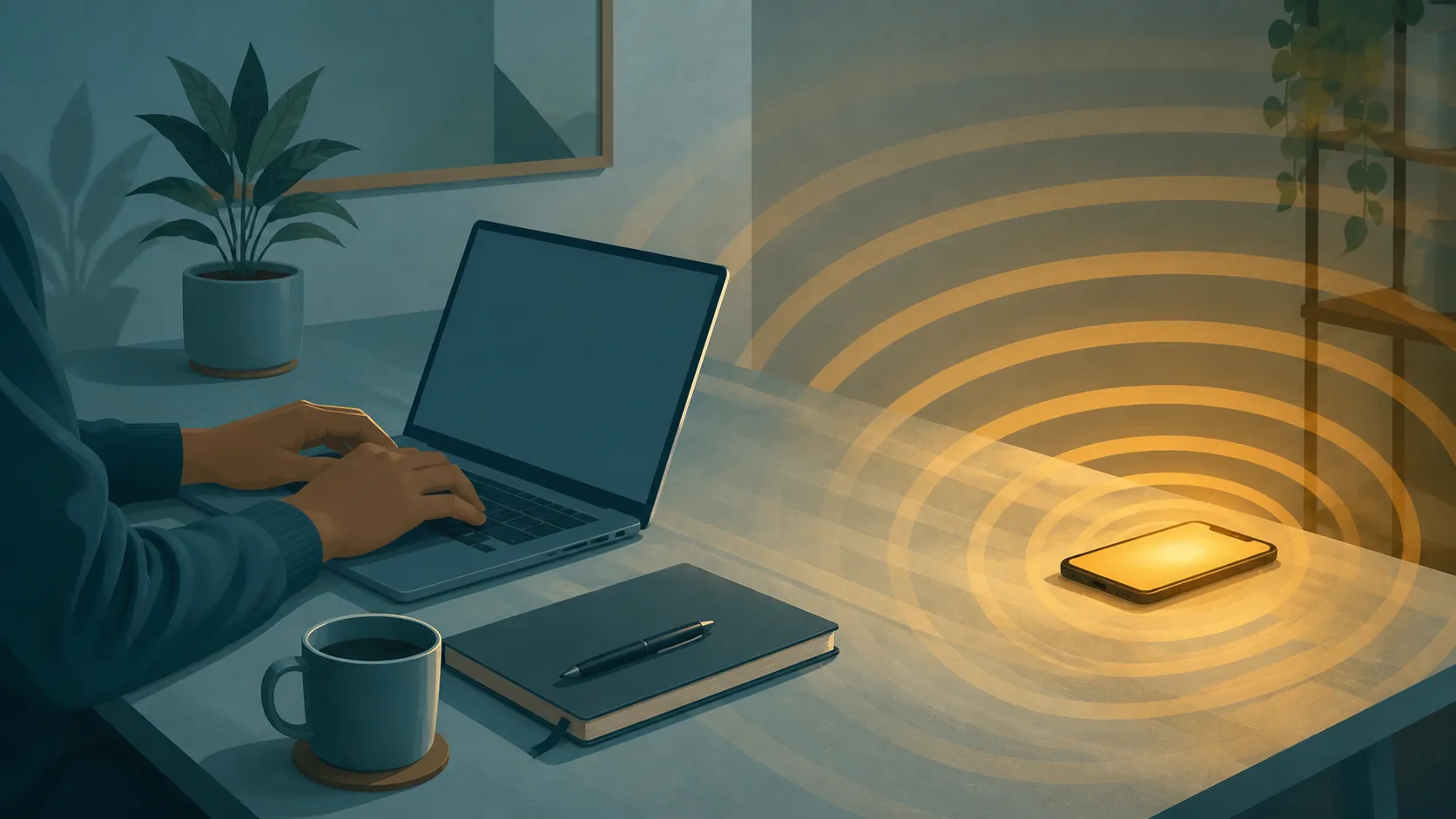
A digital workspace can be clean and still be hostile to attention. If every app is allowed to tap you on the shoulder, focus becomes something you have to rebuild repeatedly. The cost is not only the seconds spent reading the alert. It is the re-entry: finding the sentence again, remembering which cell in the spreadsheet mattered, reconstructing the half-formed argument that vanished when the phone lit up.
The interruption becomes part of the task
A 2026 Computers in Human Behavior study by Fournier and colleagues gives this everyday annoyance a measurable shape. In a study of 180 university students using a Stroop task, a single social media notification disrupted cognitive processing by about seven seconds. The same study found that daily notification count and checking frequency predicted distraction better than total screen time. That finding was last checked against available sourcing on August 26, 2026, and it should be read as exactly what it is: one study, in one student sample, using a specific cognitive task, not a universal conversion rate for every notification in every job.[1]
The narrowness matters, but it does not make the result trivial. Seven seconds inside a lab task is not the same as seven seconds inside a legal brief, a code review, or an organic chemistry chapter. In real work, the interruption often lands in the middle of a dependency chain: this clause depends on that paragraph; this formula depends on the row above; this decision depends on what the last message changed. The measured disruption is small enough to be believable and large enough to explain why a day full of “tiny” interruptions feels oddly shredded.
Another study points in the same direction from a different angle. In a 2022 PLOS ONE study of 73 students, Upshaw and colleagues found significantly slower responses on trials paired with smartphone notification sounds, along with a higher cognitive-control load. Smartphone-addiction proneness predicted both notification-related performance costs and cognitive-control demand in that study.[2]
The important detail is that the sound itself mattered. The phone did not need to be opened. The student did not need to scroll. The environment only had to inject a cue strong enough to claim cognitive control. Upshaw and colleagues also discuss earlier findings by Stothart and colleagues that receiving a notification decreased sustained attention similarly to active device use, and findings by Ward and colleagues that the mere presence of one’s own smartphone reduced available cognitive capacity.[2]
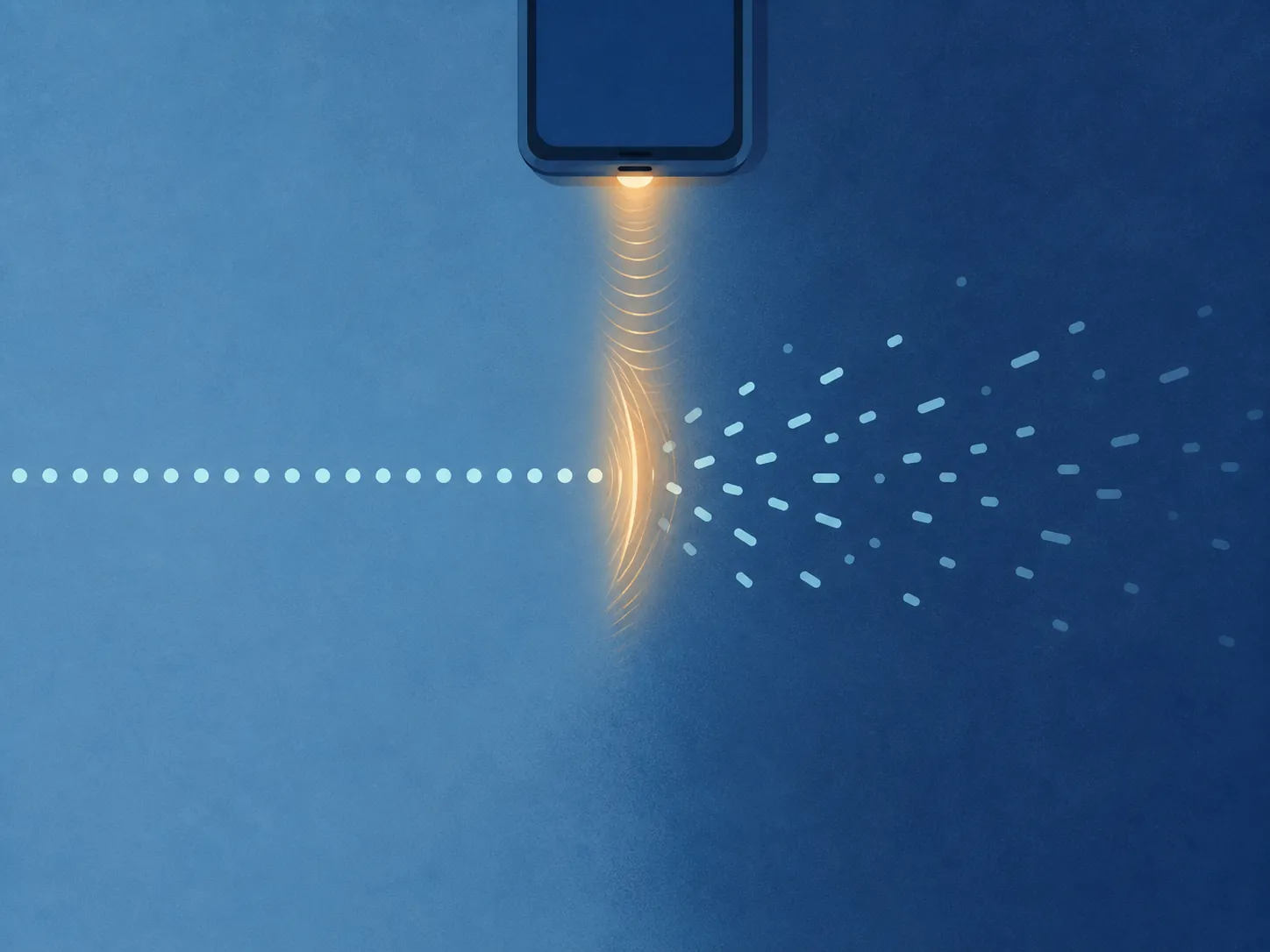
That is why “just ignore it” is such a poor design principle. Ignoring is still work. A visible phone, a familiar ping, or a badge count asks the brain to decide whether the cue matters. Even if the answer is no, the task has already paid a toll.
Total screen time is a blunt instrument
Screen-time guilt is popular because it is easy to measure. It is also a poor first diagnostic for focus. Two people can both spend eight hours on screens and have completely different attention environments. One person may spend long blocks in a writing app, spreadsheet, design file, or reading queue. Another may spend the same number of hours being interrupted every few minutes by messages, alerts, calendar nudges, browser tabs, and phone checks.
The Fournier finding is useful here because notification count and checking frequency predicted distraction better than total screen time in that sample.[1] That does not mean screen time never matters. It means that if the goal is better focus tomorrow, “reduce screen time” is often too vague to act on. “Stop nonessential apps from interrupting while I work” is more precise. “Move my phone out of reach during reading blocks” is more precise. “Check email at planned times instead of keeping it open” is more precise.
This is also where natural focus advice should resist drifting into generic wellness filler. Sleep, movement, stress, and health conditions can all affect attention, and they deserve care when they are the real constraint. But for a student rereading the same paragraph after every buzz, or a knowledge worker losing the thread after every incoming message, the first repair is not philosophical. It is environmental.
Audit interruptions before adding another focus tool
A useful focus audit is small. It does not require a quantified-self dashboard or a full productivity-system rebuild. For one or two work sessions, write down what pulled you away and what happened after. The point is to see whether your concentration is being broken by alerts, proximity, open loops, boredom, unclear next actions, or a communication system that expects instant response.
| What to notice | What it usually means | First environmental move |
|---|---|---|
| You look at the phone before deciding to | Proximity is doing part of the interrupting | Move the phone out of reach and out of sight |
| You switch after a sound, banner, badge, or vibration | Notifications are allowed to initiate task changes | Turn off nonessential alerts during focus blocks |
| You open distracting sites when the task gets hard | The problem may be impulse drift or task friction | Use a blocker, a softer friction tool, or a clearer next action depending on your self-regulation profile |
| You keep checking email or chat for updates | Communication has no container | Create focused communication windows and close the inbox between them |
| You leave because you do not know what to do next | The interruption is partly a planning problem | Define the next visible action before starting the block |
Do not overread the audit. It is not a diagnosis of your character. It is a map of where attention leaks. If three interruptions came from messages, start with messages. If the phone was touched six times without a clear reason, start with placement. If the task was abandoned every time it became ambiguous, a blocker alone will not fix the missing next step.
Notification hygiene is the broadest first move
Turning off notifications is not glamorous productivity advice, which is one reason it keeps getting skipped. It is also one of the few changes that directly targets the measured problem. If notification sounds slow responses and increase cognitive-control load, and if notification count predicts distraction better than total screen time in at least one recent student sample, then reducing interruptive alerts is a more sensible first step than searching for a new concentration hack.[1][2]
Start with interruption rights, not app morality. A banking alert, calendar reminder, or direct message from a project lead may deserve a different rule from a retail promotion or a social media reaction. The practical question is: should this app be allowed to interrupt active work, or should it wait until I check it?
- Turn off sounds and banners for apps that do not require immediate action.
- Remove badge counts from apps that create checking loops.
- Keep calendar alerts only where missing the event has a real consequence.
- Use a focus mode for work blocks instead of changing settings manually every day.
- Let people bypass focus mode only through a narrow emergency channel, not every chat app.
This is the part where a configurable system helps, but only if it stays maintainable. A notification setup that requires twenty minutes of daily supervision will not survive a busy week. Prefer rules you can forget: scheduled focus modes, app-level defaults, and a short list of people or channels allowed through.
Phone placement is not symbolic
Putting the phone away can sound like a moral gesture, as if the serious person performs seriousness by exiling the device. The stronger reason is more mechanical: if the mere presence of one’s own smartphone can reduce available cognitive capacity, the phone does not need to be used to matter.[2]
For work that requires sustained reading, writing, analysis, or studying, use a placement rule with physical friction. Across the room is better than beside the keyboard. Inside a bag is better than face-down on the desk. Another room is better still when the task is difficult and the phone is not needed for authentication, calls, or safety.
The phone may still be necessary. Students use it for two-factor authentication, family coordination, transit, recordings, or class logistics. Knowledge workers use it for secure logins and urgent calls. The point is not to pretend the device is disposable. The point is to stop giving it the easiest seat at the desk when the task in front of you is already cognitively expensive.
Website blockers need a self-regulation match
Website blockers are where environment design gets interesting, because they are both useful and easy to overprescribe. A blocker can be a guardrail: it prevents the reflexive tab change before the decision becomes a debate. It can also become a wall: it removes every low-stakes break and leaves the person more fatigued, more resentful, or more likely to abandon the system.

Gloria Mark describes this trade-off in her discussion of attention and digital work. In her blocker research, blockers helped people with weaker self-regulation, while people with stronger self-regulation could be harmed because the blocks removed short restorative breaks they were already managing reasonably well.[3]
That finding should change how a blocker is chosen. If you tend to drift impulsively, lose track of time once you start browsing, or repeatedly break a work block despite intending not to, a blocker is not a punishment. It is a support rail. It reduces the number of moments where you have to win an argument with yourself.
If you already return from short browsing breaks reliably, a hard block may solve the wrong problem. You may need scheduled breaks, clearer stopping points, or softer friction rather than a rigid ban. A softer version might delay access, ask for an intention, block only during your hardest work window, or limit the highest-risk sites while leaving harmless recovery options open.
| Your pattern | Blocker style that fits better | Avoid |
|---|---|---|
| You open distracting sites automatically and stay longer than intended | Hard blocks during defined focus windows | Relying on willpower while keeping the tab one shortcut away |
| You can take short breaks and return on time | Soft friction, timed breaks, or selective blocking | All-day bans that remove recovery and create resentment |
| You get distracted because the task is unclear | A next-action checklist before the block starts | Using a blocker to hide a planning problem |
| You need certain sites for work but drift within them | URL-level or category-level rules where possible | Blocking an entire tool you genuinely need |
Harvard Health’s concentration advice points in the same environment-first direction, recommending steps such as turning off notifications and using website blockers when concentration is required.[4] The useful version of that advice is not “block the internet.” It is “remove the particular route by which your attention keeps leaving.”
Email and chat need windows, not permanent visibility
Email is especially good at disguising interruption as responsibility. Keeping the inbox open feels professional because it makes you reachable. It also turns every new message into a possible task switch.
James Clear’s focus guide cites a 2003 International Journal of Information Management study reporting that people checked email about once every five minutes and took about 64 seconds to resume the previous task afterward.[5] Gloria Mark has also described field data showing about 77 email checks per day on average.[3] These figures come from different contexts and should not be mashed into a single universal law. They are useful because they make one thing hard to ignore: a permanently open inbox can become a task-switching machine.
The environmental fix is to decide when communication is supposed to happen. That can be three email windows, a top-of-the-hour check, or a schedule shaped around your team’s actual response expectations. The interval matters less than the container. Close the inbox between checks. Quit the chat app or mute nonessential channels during focus blocks. If your role requires fast response, separate urgent channels from general noise so everything is not treated as urgent by default.
This pairs well with structured work blocks. If you already use time blocking, reserve visible communication windows instead of letting messages seep through the entire day. If you work better with timed intervals, a break structure like the Pomodoro Technique can help you decide when checking is allowed rather than treating every pause as an invitation to scan the inbox.
Design the first focus block, not the perfect life
A good environment change should be visible in the next work session. Pick one block of work that actually needs concentration: reading, drafting, analysis, studying, planning, debugging. Then change one part of the interrupting environment before the block starts.
- Choose the task before opening your tools.
- Define the next visible action, such as “outline section two,” “read pages 40–52,” or “reconcile the failed rows.”
- Silence nonessential notifications.
- Move the phone out of reach unless the task truly requires it.
- Use a blocker only if your audit shows impulsive drift or repeated overrun.
- Decide when email or chat will be checked next.
The next-action step may look unrelated to notifications, but it protects the same fragile moment. When a task becomes unclear, the easiest available stimulus wins. A clean digital environment helps more when the work has an obvious re-entry point.
For a fuller planning structure, time-blocking methods can help place focus work and communication into separate containers. The useful overlap is not aesthetic calendar color-coding; it is reducing the number of times your brain has to ask, “What am I supposed to be doing now?” These time-blocking techniques are a better fit if your audit shows that interruptions come from an unstructured day rather than from one especially distracting app.
Verify re-entry, not vibes
The simplest measurement is not total output, because output depends on the task. Measure re-entry instead. After the focus block, ask: how many times did I leave the task, and how hard was it to restart? A useful change should reduce either the number of exits or the cost of coming back.
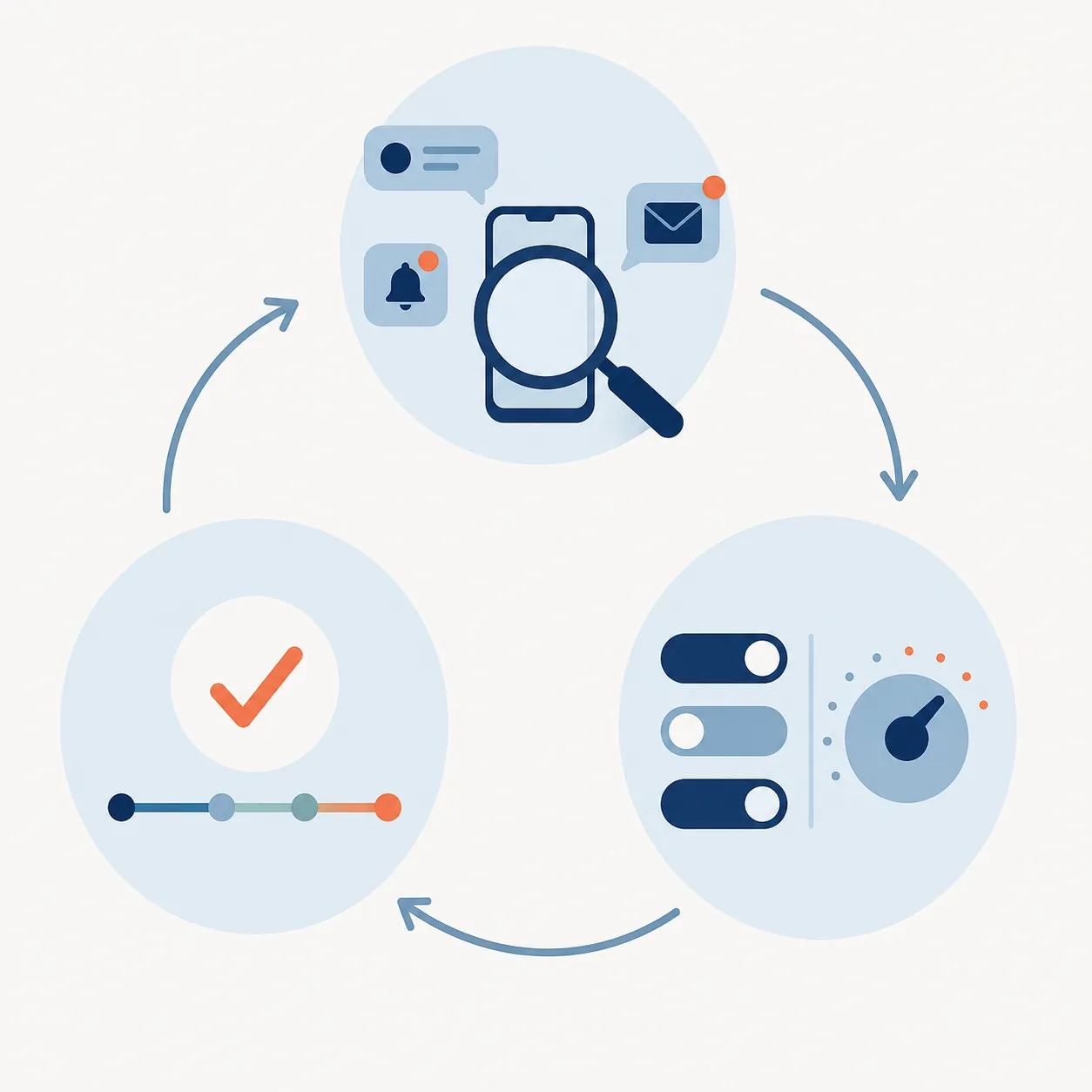
Use a tiny log for a few sessions: task, environment change, interruptions, restart difficulty. If notification rules cut interruptions but you still drift into websites, add friction there. If a hard blocker makes you tired and irritable despite decent self-control, loosen it and schedule real breaks. If moving the phone away helps immediately, keep that rule boring and permanent.
Improving focus naturally does not require pretending technology is the enemy. It requires deciding which parts of the environment are allowed to make claims on attention. Remove the interruptions that do not deserve a vote, match stronger tools to your actual self-regulation pattern, and judge the system by whether returning to the work gets easier.
References
- Attention hijacked: How social media notifications disrupt cognitive processing — ScienceDirect, 2026.
- The hidden cost of a smartphone: The effects of smartphone notifications on cognitive control — PLOS ONE, 2022.
- Speaking of Psychology: Why our attention spans are shrinking, with Gloria Mark, PhD — American Psychological Association.
- Focus on concentration — Harvard Health.
- Focus: The Ultimate Guide on How to Improve Focus and Concentration — James Clear.
Comments
Join the discussion with an anonymous comment.