
What Document Workflow Automation Actually Means (and Doesn’t Mean)
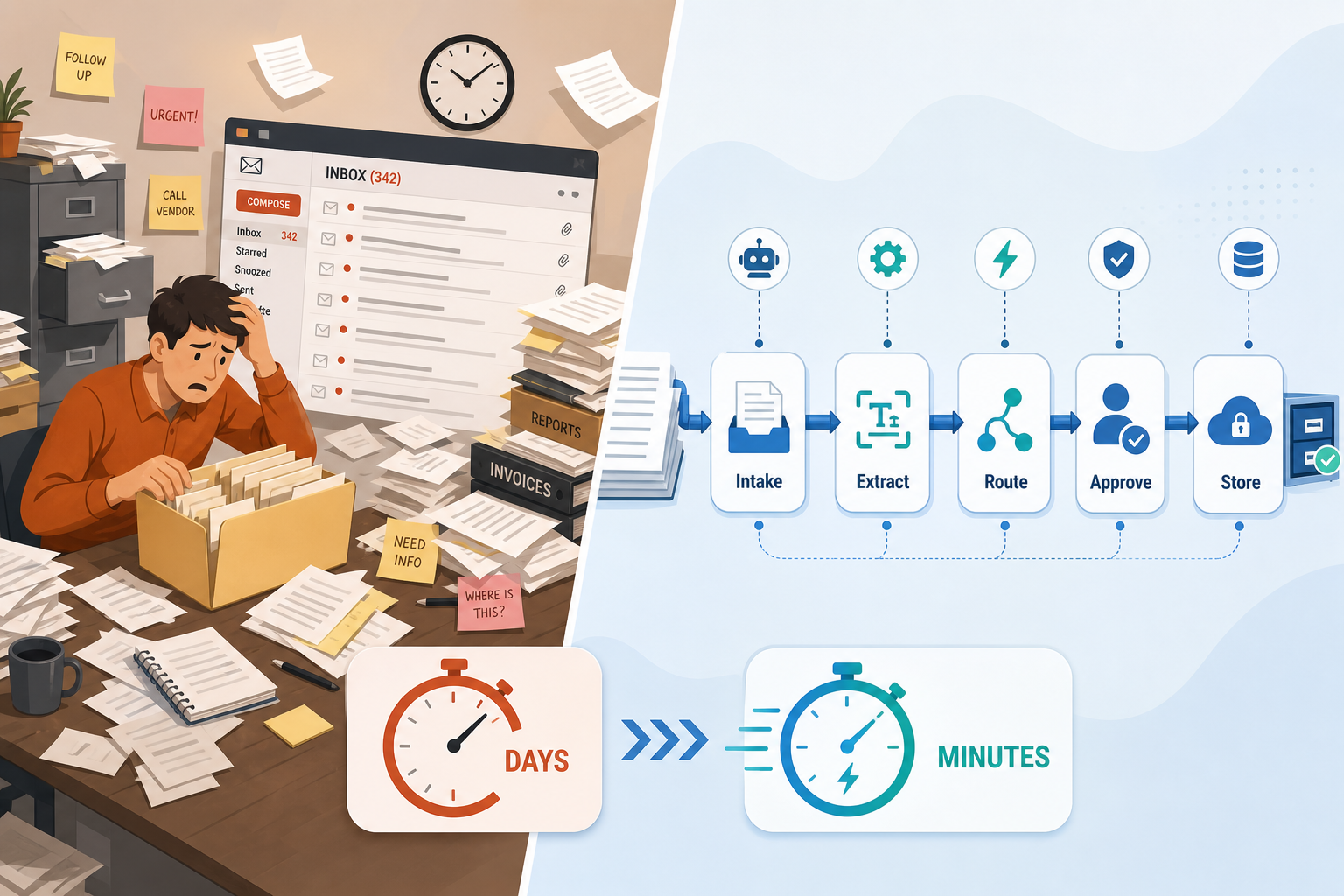
Document workflow automation is the use of software to route documents through a predefined sequence of steps — intake, data extraction, validation, approval, and storage — without requiring a person to carry each file from one stage to the next. It is not a single product you buy and install. It is a layered system: an extraction tool pulls data from the document, a routing tool moves the data and the file between people or systems, and a storage tool keeps the final version accessible.
For an operations manager or small business owner, the practical definition is simpler: instead of an employee opening an emailed PDF, manually typing the invoice number and amount into a spreadsheet, emailing the PDF to a manager for approval, and then saving the approved version into a folder, the software does the typing, the routing, and the filing. The person only reviews and clicks approve.
What document workflow automation does not mean: it does not require a six-month IT project, a dedicated developer, or a forklift upgrade of your existing systems. It does not mean replacing your team with software. It means removing the repetitive, error-prone parts of a process so your team can focus on the decisions that actually need human judgment.
Why Starting Small Is the Only Way to Succeed
The most common mistake in document workflow automation is over-engineering the first implementation. Teams try to automate every document type across every department in one go, and the project stalls under its own complexity. A Camunda report found that 85% of organizations find process management more complex when combining automated tasks, with 56% attributing the complexity to legacy systems that are difficult to connect. Starting small avoids that trap entirely.
The quick-win philosophy is straightforward: pick one document type, in one department, with a high volume of repetitive processing. Accounts payable — specifically invoice approval — is the textbook first candidate. Invoices arrive in a predictable format (PDF), contain a small set of fields that need extraction (invoice number, date, amount, vendor name, PO number), and follow a simple approval path (submitter → manager → payment).
The ROI math is concrete. According to Lido, a team processing 500 invoices per month at a labor cost of $10 per document spends $5,000 per month on manual processing. Automation at $2 per document — $1,000 in labor plus $200 in software — saves $3,800 per month. That is a single workflow, in a single department, using off-the-shelf no-code tools.
Audit Your Current Document Workflow (With a Checklist)
Before you automate anything, you need a clear picture of what currently happens. Sit down with the person who actually does the work — not the process document, not the manager's recollection — and walk through the last ten documents end to end. Use the following checklist to map the current state.
- Where does the document originate? Email attachment, web upload form, physical mail scanned by a third party, or direct from a vendor portal?
- Who touches it first? What do they do — open the file, rename it, save it to a folder, enter data into a spreadsheet or accounting system?
- What data fields are manually entered? List every field: invoice number, date, amount, vendor name, PO number, line items, tax, shipping. Count how many keystrokes per document.
- What happens next? Is the document sent to someone for approval? How — email forward, Slack message, printed copy on a desk?
- How long does approval take? Track the elapsed time from submission to approval for the last ten documents. Note any that sat for days.
- Where is the final document stored? Network folder, cloud drive, document management system, or a shoebox? How would you find a specific invoice from six months ago?
- What errors have occurred in the last month? Wrong amount entered, lost document, duplicate payment, missed approval. Count them.
This audit serves two purposes. First, it reveals the bottlenecks and error points that automation will address. Second, it gives you a baseline — you cannot measure improvement if you do not know your current processing time and error rate.
Choose Your First Workflow to Automate: The Prioritization Matrix
Not all document workflows are equally worth automating. A simple prioritization matrix — plotting document volume against the combination of manual time and error cost — helps you pick the workflow that delivers the highest return for the least implementation effort.
| Quadrant | Volume | Time & Error Cost | Action |
|---|---|---|---|
| Low Priority | Low | Low | Leave as-is; automate later if volume grows |
| Fix First | Low | High | Redesign the process before automating |
| Quick Win | High | Low | Automate now — simple setup, fast savings |
| Top Priority — Start Here | High | High | Automate immediately; this is your invoice approval workflow |
Comments
Join the discussion with an anonymous comment.