
If you want CSUF academic dates in Google Calendar, first look for an official subscription link. If CSUF displays an ICS, webcal, subscribe, or export link on its own calendar pages, that link may support a live subscription. If no such link can be verified, use Google Calendar’s file-import process instead. The result will be a static snapshot, not an automatically synchronized calendar.
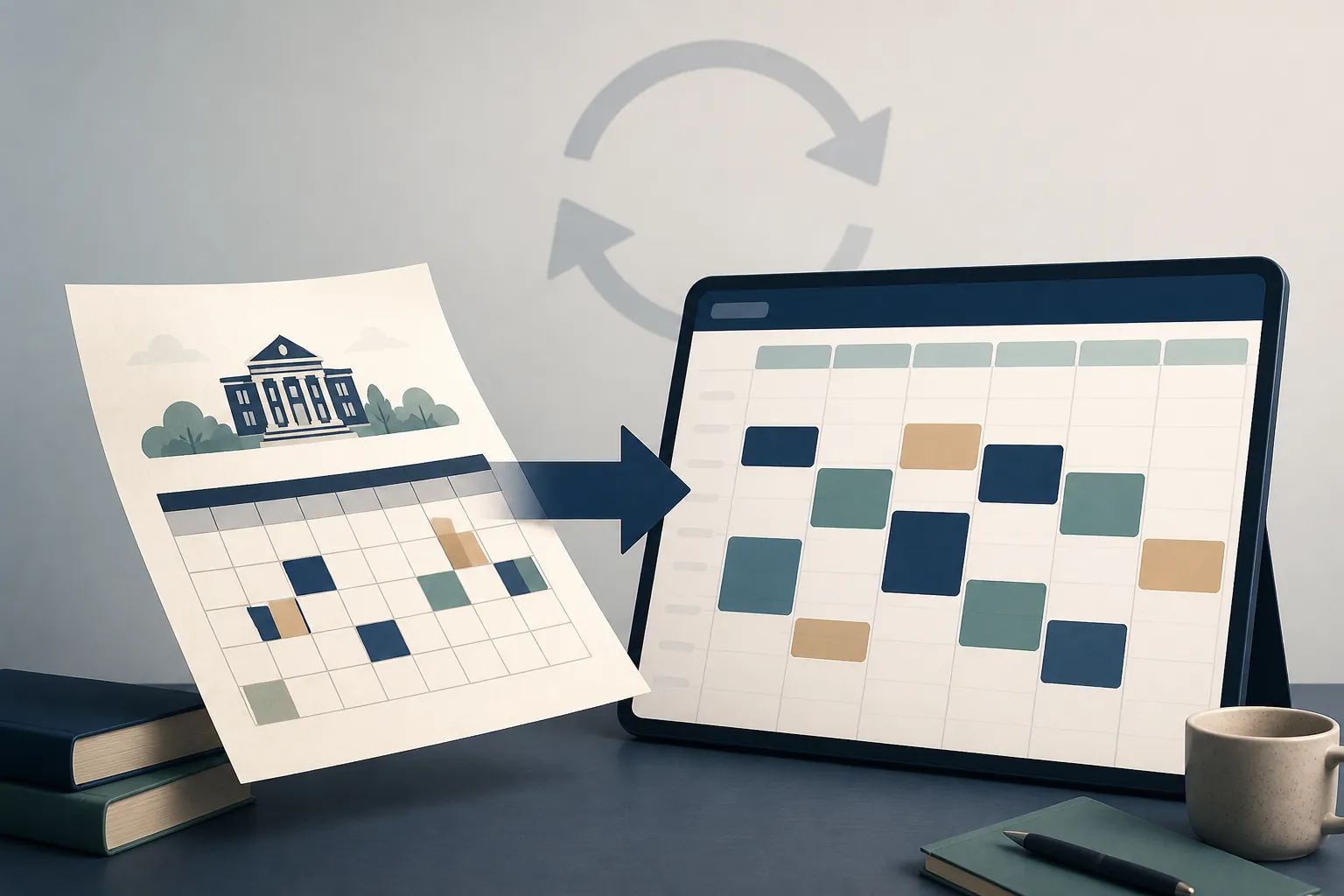
The distinction matters when CSUF changes a registration deadline, holiday, or exam date. A subscribed feed can be checked for updates by the calendar service. An imported file only adds the events that were present when the file was created.
Check CSUF’s pages before importing anything
The relevant official pages are CSUF’s Academic Calendar, the Campus Calendar, and the Registrar calendar. The captured material shows date listings on these pages, but no fullerton.edu-published ICS, webcal, subscribe, or export URL could be verified.[1][2][3]
That is a verification result, not proof that CSUF can never publish a feed. The full HTML bodies of some pages were not captured, so a link could be present below the visible content or in a page element that is not obvious at first glance. Check each page in this order:
- Search the visible page for “ICS,” “webcal,” “subscribe,” or “export.” Also look for a calendar icon, “Add to calendar” control, or a link described as a calendar feed.
- If you are comfortable inspecting a page’s source or developer tools, search the HTML for the same terms. A link may appear as a URL ending in .ics or beginning with webcal://.
- Check that the link is hosted by CSUF or another clearly identified official CSUF service. A third-party page that republishes CSUF dates is not an authoritative feed for this purpose.
If none of those checks reveals an official link, treat a live CSUF feed as unavailable for your setup and move to a file import. That avoids building your schedule around an attractive but unverified synchronization promise. For example, Agenda Hero has a third-party CSUF calendar page, but it is not a CSUF-published source and should not replace the university’s calendar pages.[4]

Import a CSUF calendar file into Google Calendar
Google’s official import method accepts calendar files that end in .ics or .csv.[5] Before opening Google Calendar, obtain one of those files from an official CSUF page or an official CSUF system. Do not assume that a page’s printable view, download button, or email attachment is importable: confirm the filename extension.
- On a computer, open Google Calendar.
- Select the gear icon, then choose “Settings.”
- In the settings area, open “Import & export.”
- Choose “Select file from your computer” and select the downloaded .ics or .csv file.
- Choose the Google Calendar that should receive the events. A separate calendar for academic dates is usually easier to hide, replace, and review than mixing them into a personal calendar.
- Select “Import,” then review the confirmation and inspect several dates on the calendar.
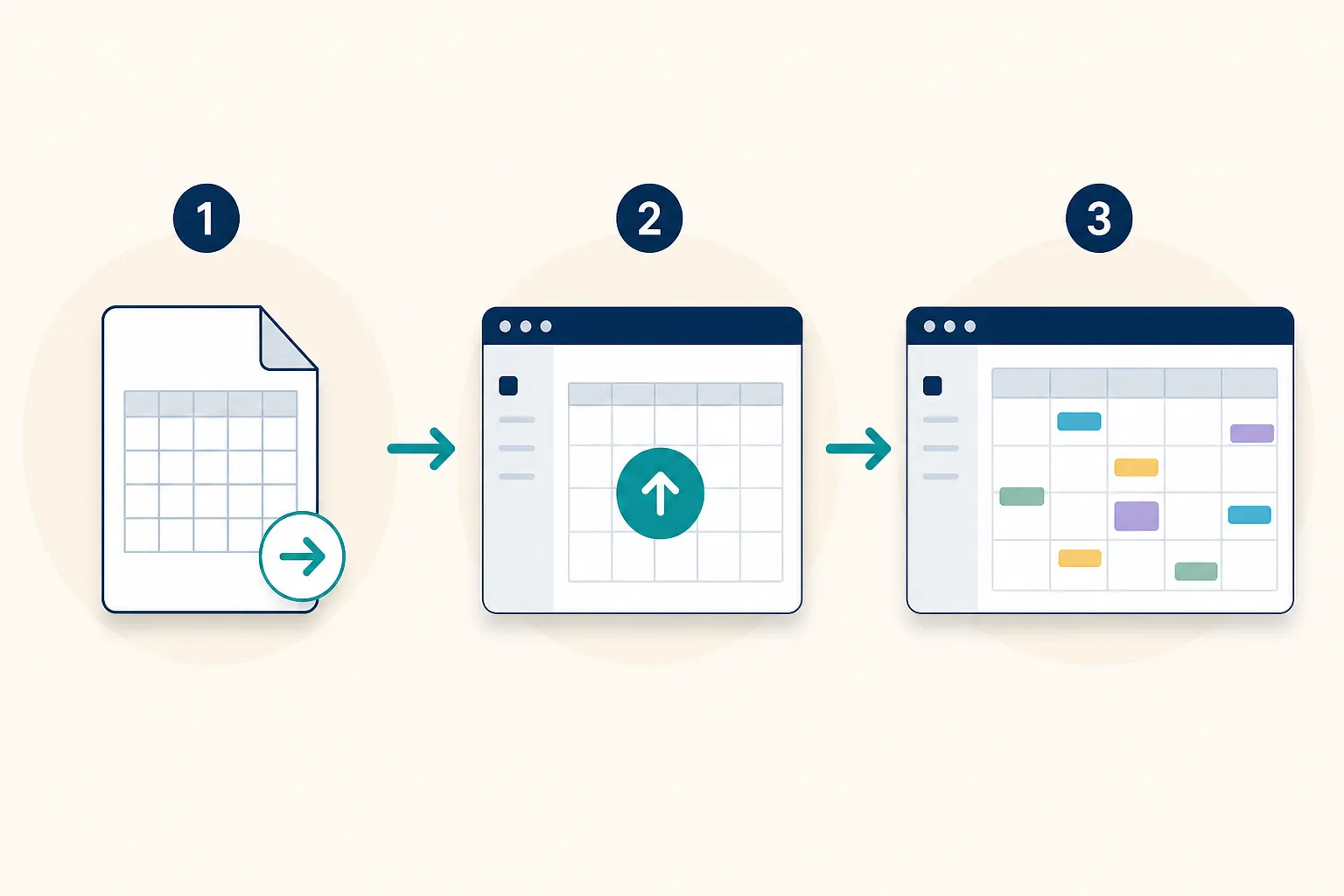
A successful import means Google added the events contained in that file. It does not mean Google created a connection back to CSUF. Google describes imported events as a static snapshot that does not stay in sync with the source calendar.[5] If CSUF later moves a deadline, the imported event will not automatically move with it.
CSV files also have a specific limitation: repeating events are imported as a series of one-time events rather than as a repeating rule.[5] That can make an otherwise successful import behave differently from the source calendar. After importing, check recurring-looking dates and any high-consequence items such as registration deadlines, add/drop dates, holidays, and final examinations.
Time zones can affect how events appear. Google stores events in UTC and displays them in the user’s local time; its documentation also notes that some past or future events may not reflect daylight-saving-time changes.[6] If a date appears to shift by an hour, inspect the event’s time zone rather than assuming the source date itself changed.
What to do if you find an official feed link
A URL subscription is a different Google Calendar action from uploading a file. Google’s “Add calendar from URL” path is commonly described as gear icon > “Settings” > “Add calendar” > “From URL,” but the interface path available in the research material is documented by third-party instructions rather than Google’s official import help.[7] Use the current Google interface you see, and paste the URL only if CSUF itself displayed it.
Do not treat an alleged refresh interval as a guarantee. Claims that Google polls subscribed calendars at a particular interval, or that webcal links are handled in a particular way, come from third-party material rather than the official Google documentation used for this procedure.[8] Google’s “Secret Address in iCal format” is also for sharing a calendar you own; it is not a method for pulling CSUF’s calendar into your account.
A separate option for your class schedule
If your goal is your personal class timetable rather than CSUF-wide academic dates, Titan Schedule Builder is a separate route. CSUF’s instructions say students can view saved schedules and print, export, or email them, but the instructions do not identify the exported file format.[9]
Continue to Google Calendar only when the downloaded output ends in .ics or .csv. A PDF may be useful for reading or printing, but it is not presented as a Google Calendar import file. Titan Schedule Builder exports should therefore not be described as the CSUF academic-calendar feed.
References
- Academic Calendar — California State University, Fullerton
- Campus Calendar — California State University, Fullerton
- Registrar Calendar — California State University, Fullerton
- Fall CSUF 2025 — Agenda Hero
- Import events to Google Calendar — Google Calendar Help
- Use Google Calendar in different time zones — Google Calendar Help
- Add calendar from URL — Indiana University Livewhale documentation
- What is webcal subscription calendar URLs — AddCal
- Using Titan Schedule Builder to Plan Your Semester — California State University, Fullerton
Comments
Join the discussion with an anonymous comment.