

If you are deciding whether to use Claudeforce for sales workflows, start with the control model—not the connection screen. Salesforce and Anthropic say an administrator will connect Salesforce in Claude once, manage permissions centrally, and give sellers access without individual setup. As of August 28, 2026, that is an official launch claim, not the result of an independent hands-on test. The product is still pilot-only, with an open beta expected in September 2026. [1]
The practical sequence is therefore: prepare both systems, define access before connecting them, separate read actions from writes, enable the logs that will let you investigate changes, and test in a sandbox with a narrow team and clean data. The official click-path is the easy part. The decisions around who can change Salesforce, which records may be touched, and how you reverse or explain a bad change are the part you can verify now.
What is actually available on August 28, 2026
Salesforce announced Claudeforce on August 26, 2026. The launch material describes a Salesforce connection inside Claude, with Salesforce authentication, permissions, business rules, and actions routed through Salesforce’s AIforce and Headless 360 architecture. Salesforce describes Headless 360 as providing more than 60 Model Context Protocol tools and more than 30 preconfigured skills; the press release specifically names meeting preparation, deal-health review, and pipeline review among the use cases. [1]
That is different from saying the entire product has been tested in production. No independent third-party hands-on test of Salesforce in Claude had been published by the date above. The setup below is a reconstruction from the official product descriptions and Anthropic’s documented Skills mechanics. It is not an executed walkthrough, so labels, screens, and availability may change before the beta.
The product page also presents a broader set of skills, including names such as daily-briefing, sfdc-hygiene-check, and stakeholder-map. Treat that broader product-page presentation separately from the smaller set of skills explicitly named in the launch announcement. A displayed skill list is evidence of what is being presented, not evidence that every skill is available in your org or has been validated for your workflow.[1]
Prepare Claude before the Salesforce connection
Anthropic’s Skills documentation provides the Claude-side prerequisites. On Free, Pro, and Max plans, code execution is enabled from Settings > Capabilities. On Team and Enterprise plans, an organization administrator uses Organization settings > Skills. Skills are managed under Customize > Skills, and organization owners can provision them for the organization. [2]
Before enabling anything for sellers, confirm which Claude plan and organization role you are using, whether code execution is permitted, and whether the relevant skill is available to the intended users. Record those settings as part of the rollout change. That gives you a baseline when a seller reports that a skill is missing or an action behaves differently after a configuration change.
Reconstructed connection path
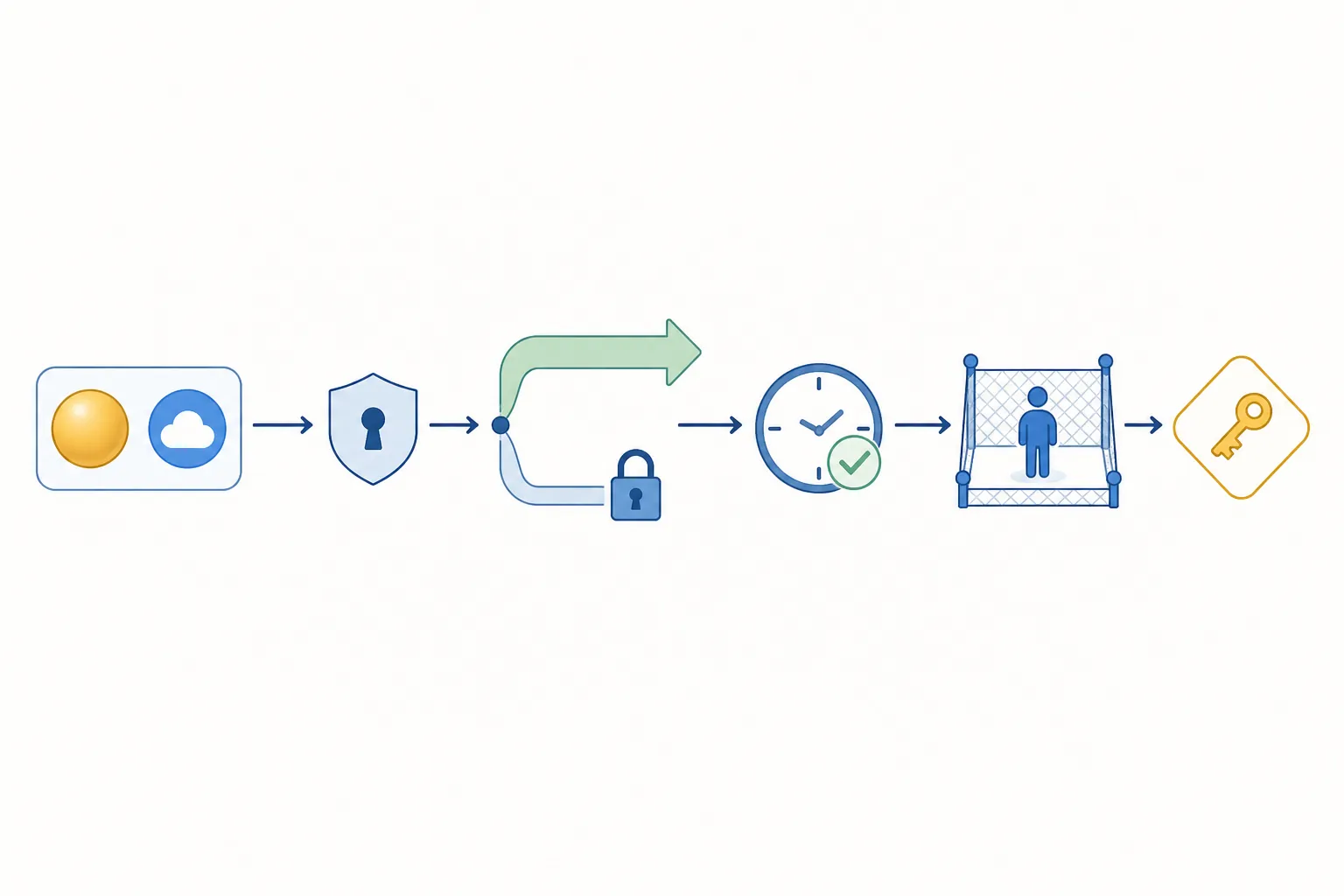
The likely admin-side path, based on Salesforce’s description of a single connection and Anthropic’s Skills documentation, is:
- In Claude, open the capability or organization settings applicable to your plan and confirm that the required Skills and code execution settings are available.
- Open Customize > Skills and identify the Salesforce-related capability intended for the pilot.
- Start the Salesforce connection from the Claude-side integration or skill interface, then authenticate with the Salesforce administrator account designated for the connection.
- Review the Salesforce permissions presented during authorization. Do not approve a broad existing profile simply because it makes the first connection succeed.
- Complete the connection once at the administrator level, then provision access to the pilot users through the centrally managed model.
- Run a controlled read-only test before enabling any workflow that can create, update, or delete Salesforce data.
The permission review and read-only test are governance requirements, not confirmed UI details. The vendors publicly describe the one-time admin connection and centralized permissions; they do not provide enough material to claim that every label or authorization screen above has been independently verified.
Run the governance checklist before connecting production
The most useful pre-connect work is visible in the Salesforce org, even while the product itself remains untested by independent reviewers. A practitioner checklist published on August 27, 2026 recommends the following controls for Claude-driven Salesforce access. [3]
- Create a dedicated permission set from scratch with only the objects, fields, and actions required for the pilot. Do not inherit a human user’s broad profile as the default automation identity.
- Separate read access from write access. Begin with retrieval, summarization, and review workflows; treat every create, update, or delete action as a separately approved capability.
- Gate every write. Require an explicit approval or confirmation step for changes to opportunity stages, amounts, close dates, account fields, contacts, tasks, and other consequential records.
- Enable Event Monitoring and field-history logging before go-live. Confirm which user, integration, or process identity appears in the logs and how long the records will be retained.
- Start in a sandbox with one team and clean test data. Keep the first workflow narrow enough that an administrator can inspect every changed record.
- Define the regulated-data boundary. The practitioner guidance points to routing regulated data through Amazon Bedrock within the Salesforce Trust Boundary rather than assuming that a general connection satisfies the organization’s data-handling requirements.
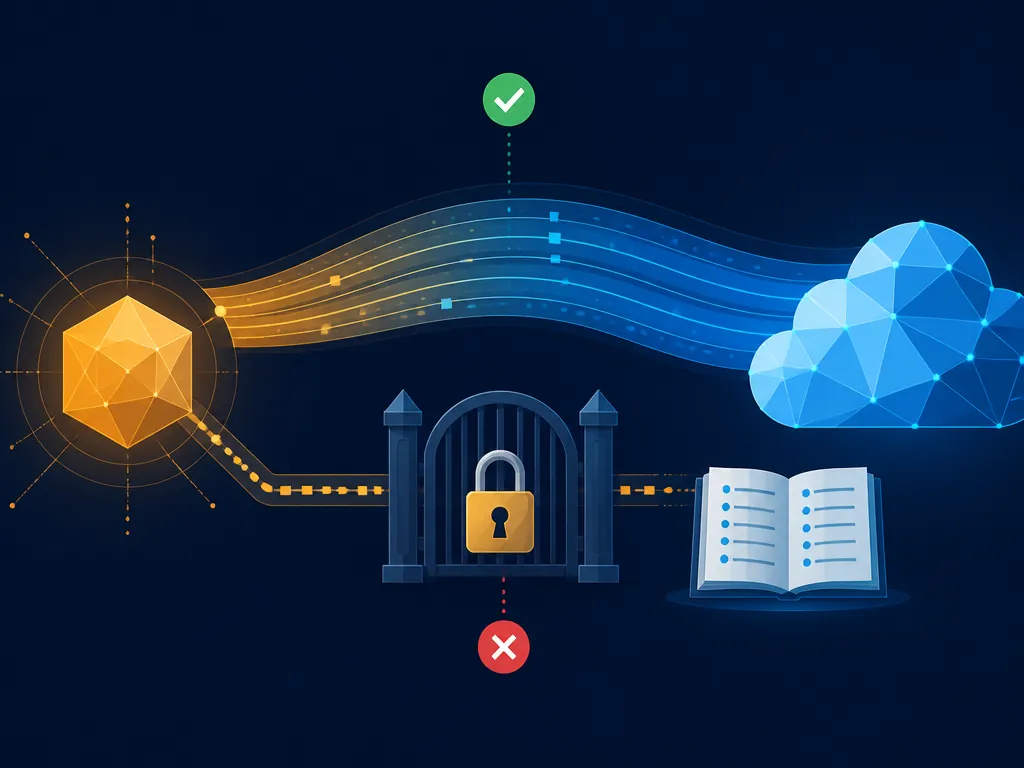
Read and write separation deserves special attention because a successful read test proves very little about a safe update path. A seller asking Claude to summarize an opportunity and Claude changing that opportunity are different risk classes. They should have different permissions, different test cases, and different approval conditions.
Logging is equally practical. If a record changes after launch, the investigation should not depend on a seller remembering the exact prompt. Event Monitoring can help examine access activity, while field history records field changes, but only if they were enabled before the workflow began. Turn them on after the first incident and the evidence for that incident may already be missing.
Use a verification ladder instead of one blended product claim
There are four different evidence levels in this rollout, and they answer different questions.
| Evidence level | What it can establish | What it cannot establish |
|---|---|---|
| Salesforce launch and architecture material | The announced connection model, intended Salesforce enforcement layer, named use cases, and availability timeline | That the connection works reliably in your org or that a workflow is safe in production |
| Anthropic Skills documentation | Claude-side settings, Skills locations, and organization provisioning mechanics | The exact Claudeforce installation screen or Salesforce-specific behavior |
| Practitioner governance guidance | Concrete controls to apply before granting access: least privilege, write gating, logging, sandbox scope, and data boundaries | A completed test of Claudeforce or proof that every control is implemented automatically |
| Analyst coverage | Open questions around headless licensing, token consumption, MCP-call service levels, pilots, and sandbox commitments | A measured cost, reliability rate, or production service guarantee |
The analyst concerns are not minor procurement details. Coverage of Salesforce’s Headless 360 and Claudeforce has noted that pricing and licensing for headless capabilities have not been disclosed, while service-level agreements for MCP tool calls also remain unclear. The sensible response is to request an extended free pilot and sandbox access before making a commitment, not to fill the gap with an invented cost estimate. [4][5]
Token consumption is another unresolved operating question. Until the vendors publish the applicable licensing and usage model, a sales leader should not treat “one connection” as equivalent to “one predictable bill.” The connection count describes administration; it does not yet disclose the economics of repeated model and tool calls.
Test one workflow, not the promise
For the sandbox pilot, choose one workflow with a clear input, a bounded record set, and an observable outcome. Meeting preparation, deal-health review, and pipeline review are the launch material’s named examples, so they are more defensible starting points than assuming every skill shown on the product page is ready for use. [1]
Keep the first pass read-only. Compare Claude’s output with the underlying Salesforce records, check whether restricted fields are omitted, and record false positives and missing context. If the workflow later needs to write, introduce one write action at a time and require a human confirmation that identifies the target record and proposed change.
- The permission set exposes only the objects and fields required by the test.
- The test user cannot perform an unapproved write through the connection.
- Event Monitoring and field history capture the relevant access and changes.
- The sandbox data contains no unnecessary customer or regulated information.
- An administrator can identify the responsible identity and reconstruct what happened from available records.
This is also where the phrase “tested” needs to be used carefully. Your sandbox test can establish how your permissions, data, and workflow behave under the selected conditions. It cannot turn a pilot into independent product validation, and it cannot establish an uptime or response-time guarantee that has not been published.

Decide whether your org is ready for the September beta
As of August 28, 2026, Claudeforce is in pilot and the open beta is expected in September. Requesting access makes sense only after the org has a narrow permission model, a sandbox scope, a logging plan, and an explicit boundary for regulated data. The vendor’s one-time connection may reduce administrative setup for sellers, but it does not remove the administrator’s responsibility for access design or incident review.[1]
For context on where a CRM-native connection fits among sales-automation approaches, see Sales Workflow Automation 2026: CRM-Native vs Standalone Platforms. The related Claudeforce or Agentforce comparison covers the product choice rather than reopening it here. For the organizational question of what happens to reclaimed seller time, see The Productivity Paradox, alongside the site’s 2026 productivity and ROI analysis.
References
- Salesforce and Anthropic Announce Claudeforce — Salesforce, August 26, 2026
- Use Skills in Claude — Anthropic Help Center
- Claude can drive your Salesforce now. But are you driving Claude? — Robin Leonard, LinkedIn, August 27, 2026
- Salesforce launches Headless 360 to support agent-first enterprise workflows — CIO/InfoWorld
- Salesforce, Anthropic partner to deliver Claudeforce — CIO/InfoWorld
Comments
Join the discussion with an anonymous comment.