
If you searched for an app that takes notes from voice, the first problem is that three different products are now answering the same query. A meeting assistant says it can summarize your calls. A personal voice-note app says it can turn messy thoughts into clean writing. A dictation tool says it can put words wherever your cursor is. They all sound useful. They are not interchangeable.
In 2026, raw transcription accuracy is no longer the question worth starting with. Wirecutter tested 19 dictation and speech-to-text tools and found that every one exceeded 94% accuracy, with Wispr Flow measured at 98% in its testing.[1] That does not mean every app behaves the same in a noisy room, with overlapping speakers, or with a cheap laptop microphone. It does mean the old buying ritual—scan a leaderboard, pick the highest percentage, hope the notes become useful—has mostly become a distraction.
The better question is: what kind of voice-to-note job are you actually doing?
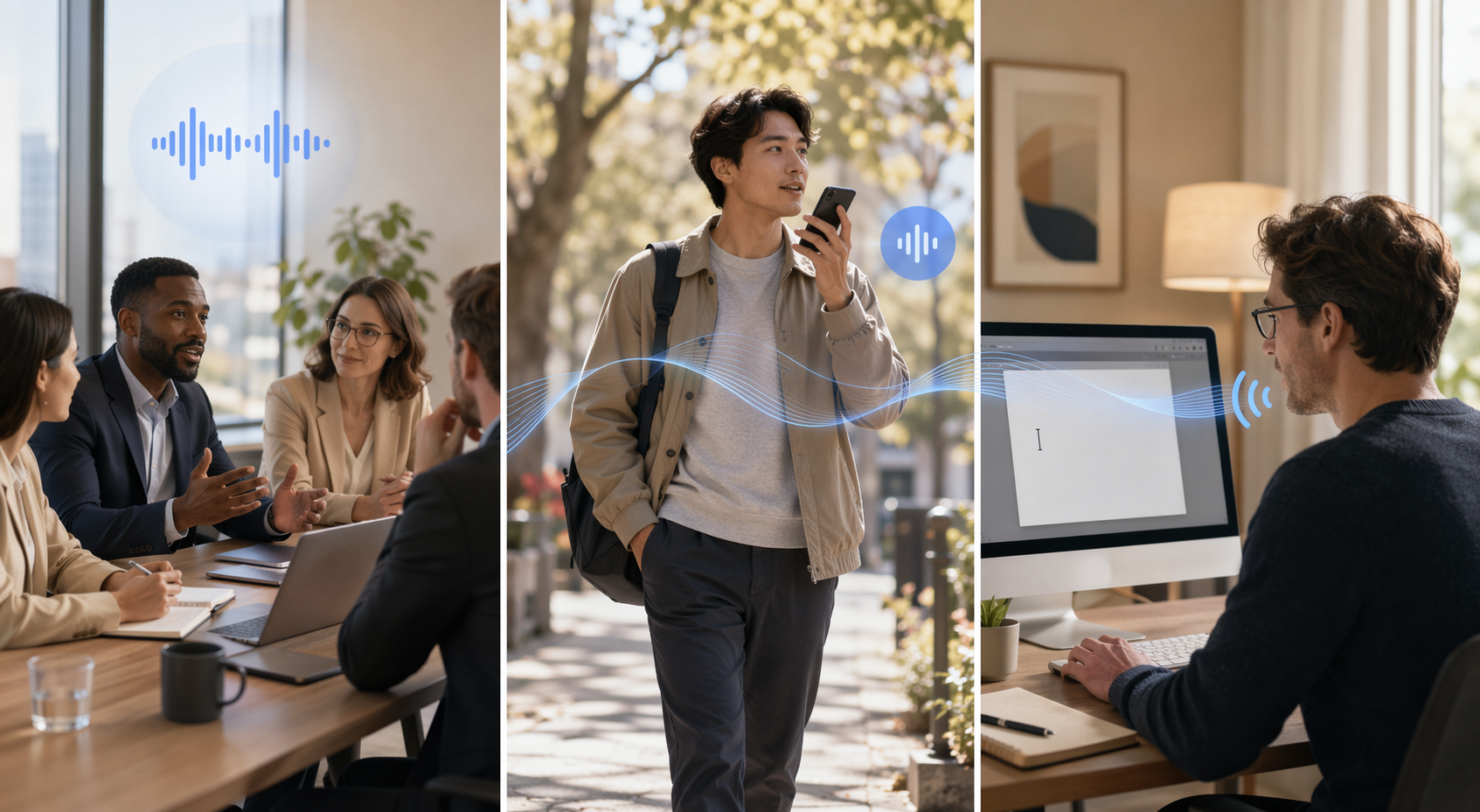
| If the voice source is… | Start with… | Because the hard part is… | Watch for… |
|---|---|---|---|
| A multi-speaker meeting, sales call, class discussion, interview, or client review | Meeting AI | Speaker separation, attendance behavior, summaries, action items, and team sharing | Bot visibility, minute limits, calendar permissions, client or IT discomfort |
| Your own half-formed thinking, walking notes, journal entries, rough outlines, or quick ideas | A personal voice note app | Turning rambling speech into a usable note, draft, list, or structured thought | Capture friction, rewriting quality, export options, and whether the app creates another inbox |
| Text you would otherwise type into email, docs, chat, forms, or a CMS | System-wide dictation | Fast text entry exactly where you already work | Correction workflow, supported apps, command handling, and weekly word limits |
That map matters because a good tool in the wrong category creates work. A meeting assistant used for private thoughts can leave you paying for minutes, bots, calendar features, and team workflows you never needed. A polished voice-note app used for client calls may produce a lovely summary while failing at speaker attribution. A dictation tool can be brilliant for email and useless as a knowledge system if every captured idea still has to be filed by hand.
For readers still deciding whether they need a dedicated app at all, that threshold question belongs before any tool comparison. Built-in dictation may already cover simple text entry; a paid voice app should earn its place by reducing the cleanup step, not by producing a prettier transcript. The same category mismatch is why using a meeting transcription tool for private ideas can become an expensive habit rather than a productivity system.
Meeting AI is for conversations where the note is shared, attributed, and reviewed
Meeting AI earns its keep when the source material is not just speech, but a social event: several people, overlapping turns, decisions, objections, follow-ups, and an implied record. In that setting, the app is not merely taking notes from voice. It is deciding who said what, when to join, whether to announce itself, how to package the call, and where the result should live afterward.
That is why meeting AI deserves more scrutiny than a solo voice recorder. The transcript may be accurate enough, but the workflow can still fail before anyone speaks. A bot entering a client call changes the room. People pause. Someone asks what it is. A prospect may wonder whether they are being recorded, whether their company allows it, or whether the call just became part of a vendor’s data trail.

A Laxis-published test of five AI note-taking apps across more than 200 meetings called out bot visibility as a recurring friction point, including the familiar moment when someone asks who “OtterPilot” is. The same test also reported Otter’s Pro plan changing from 6,000 to 1,200 monthly minutes without a lower listed price, a reminder that meeting-minute economics can quietly change after a team has built a workflow around them.[2] Because this test came from a vendor blog and one sales-oriented workflow, it should not be treated as a universal benchmark. It is still useful because the annoyance it describes is a real meeting cost, not a lab metric.
Pricing sharpens the category decision. Current public prices collected from official pages between December 2025 and June 2026 put Otter at $16.99 per month, Fireflies at $18 per month, Granola at $14 per user per month, and Laxis at $15.99 per month, while Fathom offers a free limited option.[3] Those numbers should be checked again before you commit; SaaS pricing, minute allowances, and plan boundaries move often.
The point is not that one of those prices is outrageous. The point is that meeting AI pricing is built around meeting behavior: minutes, seats, calendar integration, shared summaries, CRM or workspace handoff, and sometimes team administration. If your actual habit is recording five private thoughts a day while walking the dog, you are buying the wrong machinery.
Bot-based and bot-free meeting tools solve different problems
Bot-based meeting assistants are convenient because they can join scheduled calls, record in the meeting environment, and often make speaker attribution easier. That convenience is exactly what creates the social and IT problem: a visible participant appears in the room. AssemblyAI noted in January 2026 that bot-free recording had become the top requested feature in this category.[4]
Bot-free tools such as Granola, Laxis, Superpowered, and Tana are attractive when the cost of a visible bot is higher than the cost of a little setup friction. They can feel more natural in a client review, sales call, or sensitive internal discussion. The trade-off is that bot-free capture may give up some of the things people like about bot-based assistants: reliable auto-join behavior, clean calendar handoff, and stronger speaker diarization in some meeting setups.
This is the meeting AI decision in plain terms: if you need a record of a multi-speaker conversation, choose the tool by meeting behavior first. Ask whether it joins as a bot, whether participants can tell it is present, whether your clients or IT policies allow it, how it attributes speakers, what happens when two people talk at once, and whether the summary lands where the team already works. Accuracy belongs on that list, but it no longer deserves the first slot.
For a deeper comparison of bot-based and manual or bot-free workflows, a dedicated meeting note-taking guide is more useful than another universal ranking. Meeting tools have enough organizational baggage that they should be judged as collaboration software, not as simple recorders.
Personal voice note apps are judged by what happens after the ramble
Solo capture looks simpler because there is only one speaker. In practice, it fails for a different reason: people do not speak in finished notes. They circle the point, restart sentences, leave out context, change their mind mid-thought, and rely on the situation around them. A plain transcript preserves that mess. A good personal voice note app turns it into something you would actually want to read later.
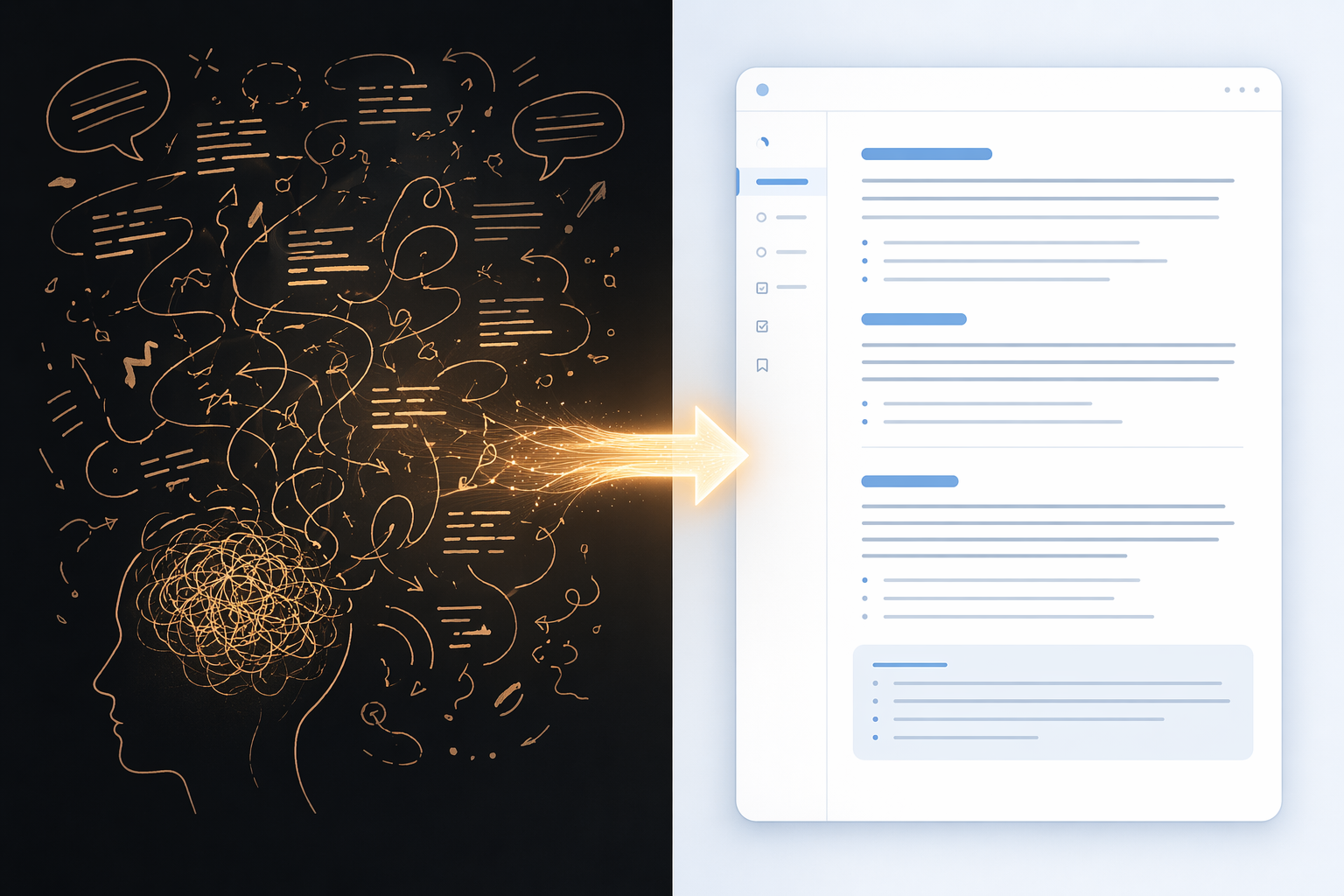
That is the difference between transcription and transformation. AudioPen, for example, is positioned around rewriting rambling speech into polished text, with an annual price equivalent to $8.25 per month.[5] Letterly is described in PCMag’s 2026 speech-to-text roundup as a tool that can restructure spoken input into formats such as social posts, with a listed price of $12.90 per month.[6] Voicenotes starts from $14.99 per month and also reaches toward broader capture and organization features.[7] Whisper Memos is much smaller in scope, with a one-time $4.99 price noted in the same market context.[6]
Those prices matter less than the cleanup behavior. If the app gives you a transcript and a generic summary, you still have to decide whether the thing was a task, a draft paragraph, a journal entry, a project note, or an idea worth deleting. If the app lets you choose a style, preserve the original thought, rewrite it into a readable note, and send it to the right place, it has removed a real step.
The capture moment is also more important than feature grids admit. A personal voice note app should open fast, start recording with little ceremony, tolerate unfinished speech, and make the next action obvious. The best version of this category feels like an inbox for thought, but the danger is obvious: if every recording becomes another item to process, the app has only moved your backlog from your head into a prettier container.
This is where a comparison between dictation and AI-polished notes becomes practical. Dictation is for text you are ready to say. Personal voice capture is for thought you are not ready to write. If you frequently speak in fragments and need the app to impose shape, rewriting quality is the buying criterion. If you already know the sentence and just want it typed, a voice-note app may be doing too much.
System-wide dictation is the fastest path when the destination is already open
Dictation has a cleaner job: put words where the cursor is. It is the right category when you are replying to email, drafting in a document, filling a form, writing in Slack, or adding text to a CMS. You are not asking the app to manage knowledge or summarize a meeting. You are using your voice as a faster keyboard.
Wispr Flow sits in this category with a free tier of 2,000 words per week and a paid plan at $15 per month, and Wirecutter measured it at 98% accuracy in its 2026 testing.[1] Dragon Professional remains the expensive specialist option at $700, while Apple and Windows built-in dictation are free starting points for many users.[8]
The choice here is not primarily about note management. It is about availability. Does dictation work in the apps where you already type? Does it handle corrections without making you reach for the mouse every few seconds? Does it stay out of the way when you switch from a document to a browser field to a chat thread? A beautiful standalone transcript is a step backward if the whole point was to avoid copying and pasting.
Built-in dictation is the sensible first test for short, low-stakes writing. Paid dictation starts to make sense when voice input becomes a daily production habit: long messages, frequent drafts, accessibility needs, repetitive documentation, or enough weekly volume that correction speed matters. Dragon’s price makes it a serious commitment; Wispr Flow’s model is easier to trial; built-in tools cost nothing but may ask for more patience.
Hybrid tools are useful, but they do not remove the category decision
The categories blur at the edges. Voicenotes can reach beyond simple personal capture. Tana can act like a voice-friendly workspace rather than a single-purpose recorder. Utter, priced at $5.99 per month in its own 2026 comparison material, explicitly frames the choice as voice dictation versus meeting transcription.[9] These tools are not wrong for crossing boundaries. The mistake is assuming the boundary has disappeared.
A hybrid app should still be bought for its strongest job. If you mainly need meeting records, judge it by meeting behavior: speaker handling, bot visibility, team sharing, and calendar fit. If you mainly need solo notes, judge it by capture speed and rewriting quality. If you mainly need to write faster across apps, judge it by cursor-level dictation. “Can also do X” is useful only after the main workflow is solid.
A practical way to choose
Start with the moment of capture, then follow the note ten minutes forward. Who is speaking? Where are you? Who else can see the tool? What must the output become?
- Choose meeting AI if the source is a multi-speaker conversation and the output needs speaker context, a shareable summary, action items, or a team record.
- Choose a personal voice note app if the source is your own messy thinking and the output needs to become a readable note, draft, idea, list, or journal entry.
- Choose system-wide dictation if the source is speech you are ready to turn into text and the destination is already email, docs, chat, forms, or another writing surface.
Then check price against the workflow you are actually buying. Meeting AI plans often charge for meeting-oriented capacity and collaboration. Personal voice apps charge for capture, rewriting, and storage. Dictation tools charge for faster input and sometimes higher-volume use. Free plans can be enough if your volume is low or your needs are simple; paid plans should remove a repeated step, not just unlock a nicer transcript.
Accuracy still matters at the margins. Accents, background noise, microphone quality, domain-specific vocabulary, and overlapping speech can all change the result. Vendor accuracy claims are often made under controlled conditions, so treat them as a starting point rather than a promise. But once credible tools are clearing the “good enough to edit” bar, the more expensive failures tend to come from fit: the bot that makes a client call awkward, the voice-note app that creates a pile of polished clutter, or the dictation tool that works everywhere except the place you write most.
The best app that takes notes from voice is not one universal winner. Use meeting AI when the voice belongs to a conversation. Use a personal voice note app when the voice is your own unfinished thought. Use system-wide dictation when the goal is faster text entry wherever you already work. Once accuracy is broadly good enough, the right app is the one built for the moment the voice is captured and the next step the note has to take.
References
- The Best Dictation Software of 2026, Wirecutter / The New York Times, June 2026.
- Best AI Note Taker 2026: I Tested 5 Apps Across 200+ Meetings, Laxis.
- Official pricing pages, Otter, Fireflies, Granola, Laxis, and Fathom, pricing collected between December 2025 and June 2026.
- AssemblyAI blog article on bot-free recording, AssemblyAI, January 2026.
- AudioPen official site, AudioPen.
- Best Speech-to-Text Apps 2026, PCMag, 2026.
- Voicenotes blog, Voicenotes.
- The 9 Best Dictation and Speech-to-Text Software in 2026, Zapier, 2026.
- Voice Dictation vs Meeting Transcription: How to Choose the Right Tool 2026, Utter.
Comments
Join the discussion with an anonymous comment.