

“AI organizes your notes” sounds like a feature claim. It is actually a measurement problem. The useful question is narrower: which app, performing which task, on which note corpus, returned what result, and how much human repair did that result require?
That standard matters because tags, embeddings, and a polished search panel can make an untidy collection look organized without proving that you can retrieve the right note or trust the classification. A vendor’s claim about hours saved does not answer either question.
What this test can—and cannot—establish
The intended test compares two verified paths: Obsidian with the Smart Connections semantic-search workflow, and Notion AI. It measures retrieval, classification, elapsed setup time, manual correction, and breakage. Evernote and Logseq are not treated as tested subjects here: the available material does not verify their current AI behavior sufficiently for a fair run.
There is an important evidence gap in the available materials. They identify the protocol and the two app paths, but do not provide the actual corpus definition, registered task list, app versions, timings, hit counts, classification errors, or dated failure log. Those values cannot be reconstructed from feature pages. The numerical findings therefore remain pending rather than being filled with plausible-looking numbers.
| Protocol element | What must be fixed before execution | What counts as evidence |
|---|---|---|
| Corpus | The exact notes included, excluded, and frozen for the run | A dated inventory or export identifier |
| Retrieval tasks | Pre-registered questions with a known relevant-note set | Returned notes recorded before manual searching |
| Classification tasks | The labels or tags to apply and the rule for judging them | Predicted labels compared with the registered expected labels |
| Time cost | Start and stop points for installation, indexing, processing, review, and repair | Separate app time from human correction time |
| Failure log | A dated record of missing results, wrong labels, permissions problems, and broken setup | The original error, affected task, workaround, and whether the task was completed |
This structure follows the useful part of Stanford HAI’s pre-registered legal benchmark: register open-ended queries in advance, separate task categories, and evaluate the output against a defined procedure rather than selecting impressive examples after the fact.[1] The domain is different. A legal-research hallucination rate cannot be transferred to personal-note retrieval or tagging.
The measurement procedure
A retrieval task needs a judged answer set before the tool is used. For each query, the protocol should identify which notes are relevant and whether the task requires one note, several notes, or a synthesized answer. The tool’s first returned results are then recorded as returned. Searching manually afterward may repair the task, but that repair belongs in the failure and time record; it does not turn the original miss into a hit.
A simple retrieval hit rate can be calculated as the number of tasks that return at least one pre-judged relevant note divided by the number of completed retrieval tasks. A stricter version can record whether all required notes appeared and where they appeared in the result list. The chosen definition must be stated before execution. Otherwise, a result that surfaces one useful note while omitting the note needed to answer the question can be described selectively as a success.
Classification requires a different denominator. If the system assigns tags or categories, each assigned label should be compared with the expected label under the pre-registered rules. A classification error is not limited to a missing tag: an incorrect tag, an overly broad category, or a label that requires manual reinterpretation should be recorded according to the agreed scoring rule. The report should include the error count and the number of classifications assessed, not only the percentage that looks favorable.
Time accounting also needs boundaries. Installation or enabling, permission review, indexing or processing, waiting, first search, result review, correction, and cleanup should be logged separately. If a user spends ten minutes repairing a result that appeared instantly, the repair is part of the task cost. If indexing continues while the user does other work, that waiting period should be marked as elapsed time and distinguished from active attention.
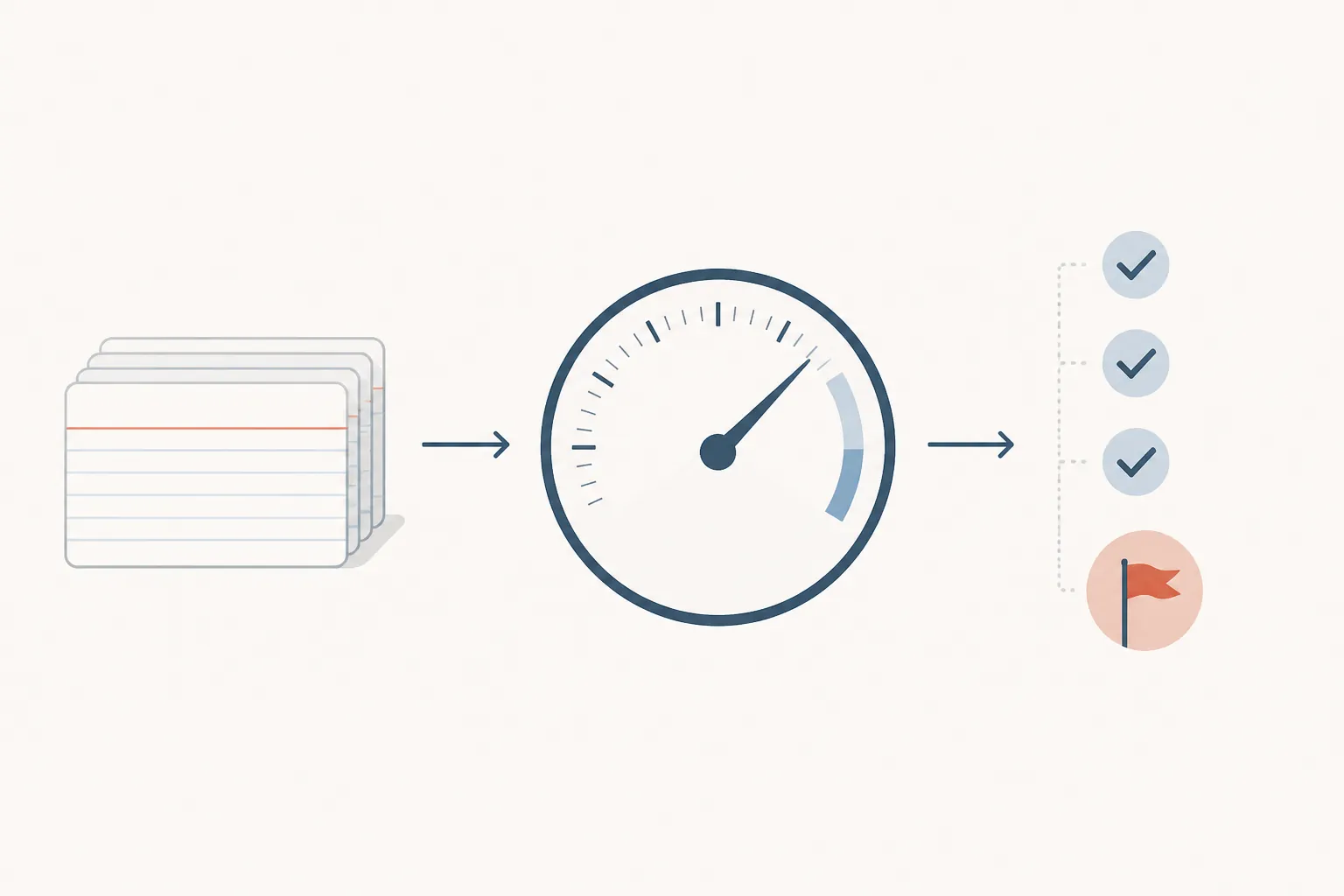
A reproducible record should preserve the original query, the raw returned notes or labels, the reviewer’s judgment, the correction made, and the time spent. Without those artifacts, a reported hit rate is difficult to audit and a reported time saving is mostly an impression.
Obsidian: the “one-click” path includes a wait
The verified Obsidian route is plugin-based rather than a built-in, universal organization layer. The described Smart Connections flow is install, allow the notes to be indexed, and use the semantic side panel for discovery.[2] That sequence is operationally important. A button that starts semantic search is not the same as an immediately searchable corpus.
The test record needs to show how long indexing took, whether the interface was usable while it ran, what permissions were requested, and whether the returned notes were relevant on the registered tasks. Smart Composer is also described as supporting user-chosen routing, including a local Ollama option, but the route used in the test must be named rather than implied.[2] Different routing choices can change both the privacy boundary and the behavior being measured.
Notion: a different task surface, not a clean control
Notion AI is described through writing assistance, Ask Notion, and AI Agents rather than as a single semantic-search plugin. AI Agents are listed at $20 per user per month on the Business plan in the supplied commercial material.[3] That pricing and feature description are context for setup, not evidence that the system will retrieve or classify a personal note corpus accurately.
A fair comparison therefore cannot simply ask which interface feels faster. The same registered task should be expressed as equivalently as possible, while recording when an app’s design makes the task unavailable or changes it into summarization, writing assistance, or workspace Q&A. If Notion can answer a question without exposing the underlying notes that support it, the answer still needs to be checked against the judged note set.

What a time-saved claim leaves out
alfred_ claims that AI note-taking tools can save five to eight hours per week.[3] The claim has no supplied sample size, task definition, baseline, correction procedure, or time diary. It is therefore a marketing baseline to test, not an observed result.
The missing variables are decisive. Saving time on a clean demonstration query says little about finding a dated project decision in a noisy archive. Nor does a fast answer prove that no relevant note was omitted. A defensible time comparison needs the same tasks performed with and without the tool, plus the time spent checking and repairing the AI-assisted result.
Storyflow’s “We Tested Them All” framing supplies the opposite warning: the available page does not disclose a test corpus, protocol, or metrics, and instead cites older research.[6] A roundup can be useful for discovering candidates. It cannot substitute for a reproducible note-organization benchmark.
The failure log is part of the result
The most useful entry in a test may be a dated miss: the note that should have appeared but did not, the label that looked plausible but was wrong, or the setup step that quietly required intervention. Each failure should identify the task, the app state, the returned output, the reviewer’s correction, and whether the correction changed the final answer.
This is also where app differences become visible. Obsidian’s indexing wait may be a tolerable one-time cost for a local-first workflow, or it may be a recurring source of friction when notes change. Notion may reduce setup for a workspace already configured for its AI features, while creating a different review problem if answers are difficult to trace back to source notes. Those are testable consequences, not conclusions that can be inferred from the presence of an AI label.
Privacy changes what “works” means
Organization is not successful if the workflow exposes material that the user did not intend to send elsewhere. Social Europe describes a workplace failure mode in which AI tools can sync automatically with internal systems without IT awareness, raising GDPR Article 32 concerns; it also discusses Brewer v. Otter.ai, filed in the Northern District of California in August 2025.[4] That is a warning about governance and data flow, not evidence that either tested note app committed the same failure.
Notion’s stated AI security scope covers its LLM providers, workspace content used to generate responses, permission-respecting behavior, and related response generation.[5] The supplied material does not resolve every question a personal corpus may raise, including retention, opt-out, deletion, or Apple Intelligence-specific processing details. Those unresolved terms belong in the decision record.
For a local-notes workflow, the relevant comparison is not simply cloud versus local. It is the actual route used for indexing, embedding, retrieval, and generation, along with the permissions granted at each stage. FlowDesk’s existing guide to [AI in PKM value versus hype](https://flowdesk.example/setup-guides/ai-pkm-apps-2026-value-vs-hype), [local notes and cloud AI](https://flowdesk.example/comparisons/ai-note-tools-vs-local-notes), and [personal AI policies for note apps](https://flowdesk.example/setup-guides/personal-ai-policy-note-apps) provide useful framing, but they do not replace the app-specific record for this run.
What this baseline supports
The honest conclusion is per-app and per-task. A favorable retrieval result matters only if the corpus resembles yours, the task resembles yours, and the correction time does not erase the apparent gain. A low classification-error rate matters only when the labels have a clear purpose and the cost of one wrong label is acceptable.
This FlowDesk baseline is limited to the tested Obsidian and Notion configurations once the run record is completed. It does not establish performance for every note collection, future app version, Evernote, or Logseq. The current evidence supplies the protocol boundary and the relevant setup behavior, but not the numerical execution results. Those results should be added from the dated corpus, task sheet, metric calculations, time log, and “what broke” record—not inferred from vendor promises.
For related context, see FlowDesk’s [local-notes comparison](https://flowdesk.example/comparisons/ai-note-tools-vs-local-notes), [PKM failure-traps guide](https://flowdesk.example/setup-guides/pkm-system-failure-traps), and [personal AI policy guide](https://flowdesk.example/setup-guides/personal-ai-policy-note-apps).
References
- AI Trial Legal Models Hallucinate 1-in-6 or More Benchmarking Queries — Stanford HAI
- Best AI Plugins for Obsidian 2026 — Shadow
- Best AI Note-Taking Apps — alfred_
- AI Note-Takers at Work: The Silent Threat to Privacy and Compliance — Social Europe
- Notion AI Security Practices — Notion
- Best Note-Taking Apps 2026: We Tested Them All — Storyflow
Comments
Join the discussion with an anonymous comment.