
The strongest ServiceNow workflow automation productivity claim is also the one that needs the most careful handling: ServiceNow says its own Now-on-Now deployment handles 90% of IT support requests autonomously. The same internal benchmark says AI specialists resolve cases 99% faster than human agents, while the company saved $500 million and freed 2.3 million employee hours in 2025.[1][2]
Those are not neutral lab results. They are vendor-reported figures from a company using its own platform at unusual scale, with internal access to the integrations, data, process ownership, and executive pressure most customers will not have on day one. But they are still useful because they put the right question on the table. The question is not whether ServiceNow can automate a password reset or route a ticket. The question is what has to be true inside an enterprise before automation removes support volume instead of creating a second queue for humans to babysit.

What the 90% figure can and cannot prove
A 90% autonomous support rate sounds like a finished answer. Operationally, it is only the beginning of the analysis. It does not mean every organization that licenses ServiceNow will remove 90% of its IT service desk workload. It does suggest that, under the right conditions, a large share of routine IT demand can be handled without a human fulfiller touching each request.
The distinction matters because support desks are not overloaded by mystery work alone. They are overloaded by repeatable questions, access requests, device issues, approvals, status checks, password problems, software provisioning, onboarding steps, policy lookups, and handoffs between teams. If those requests arrive in predictable formats and the platform has permission to act, the productivity gain is not abstract. A ticket does not wait for triage. A fulfiller does not retype the same answer. A manager does not chase the next approver. The employee gets a result, or the case moves to the right human with context already attached.
That is the charitable reading of ServiceNow’s internal benchmark. The skeptical reading is just as necessary: the public figure does not tell buyers enough about the request mix, the pre-existing workflow maturity, the amount of process cleanup that happened before automation, or the failure modes that still route to humans. A mature internal deployment at the platform vendor is a useful reference point, not a portable guarantee.
The newer ServiceNow story is process completion, not ticket decoration
ServiceNow’s 2026 positioning is built around AI specialists and an Autonomous Workforce that can complete end-to-end processes across IT, CRM, HR, and Security, with humans co-piloting where judgment or exception handling is required. The company also reports that its platform runs more than 100 billion workflows annually, and that Autonomous CRM processes more than 100 million customer cases, 16 million orders, and 7 million quotes per month.[1]
This is a shift from the older, safer version of enterprise automation, where software mostly filled forms, routed approvals, and surfaced knowledge articles. Those capabilities still matter. Flow Designer, Decision Builder, Integration Hub, RPA Hub, Process Mining, and Now Assist are productivity mechanisms when they remove a handoff, standardize a decision, connect a system of record, automate a legacy screen, expose process waste, or generate a useful answer inside the flow of work.
The more ambitious claim is that the AI specialist does not merely suggest the next action. It identifies the request, checks policy, takes permitted action across connected systems, updates the case, and escalates when the work falls outside its boundaries. That is where productivity starts to show up as fewer touches per case, shorter cycle times, and less queue-jumping by employees who are tired of waiting.
ServiceNow’s AI Control Tower is important in that context because autonomy without governance is just a faster way to create audit findings. The Control Tower is described around five dimensions: Discover, Govern, Secure, Observe, and Measure.[3] For enterprises, that is not decorative architecture. It is the difference between letting an AI reset access because policy allows it and letting an AI improvise through a permissions boundary no one has reviewed.
The customer evidence points to a specific kind of workload
The best supporting examples do not prove universal productivity gains. They show where ServiceNow tends to make sense: high-volume service interactions, enough structure to automate decisions, and enough organizational complexity that one-off tools would multiply the mess.
City of Raleigh reportedly reached a 98% deflection rate and saved a month of employee time, according to Knowledge 2026 session takeaways published by KANINI.[4] DocuSign was described as targeting 90% autonomous ticket handling at Knowledge 2026.[2] Honeywell, according to Cloud Wars coverage, eliminated the majority of service desk conversations.[5] Boston Scientific handled more than 1 million tickets across 9 languages, while Shell cut system upgrades to 6 weeks, both in Knowledge 2026 coverage.[2]
Those examples are not interchangeable. A municipal deflection result, a multilingual ticket operation, a service desk conversation reduction, and a shortened upgrade cycle measure different things. That is exactly why they are useful. They show that the productivity case is not one magic metric. It can mean fewer contacts reaching agents, faster case handling, less language-based friction, fewer upgrade delays, or less employee time consumed by internal service work.
| Evidence type | What it suggests | What it does not prove |
|---|---|---|
| ServiceNow internal 90% autonomous IT support benchmark | Routine IT requests can be automated at very high rates in a mature ServiceNow environment | That a new customer will reach the same rate |
| City of Raleigh 98% deflection report | Structured public-sector service interactions can move away from human handling | That all departments or all request types deflect equally |
| Boston Scientific multilingual ticket volume | ServiceNow can support large ticket operations across languages | That language coverage alone creates productivity gains |
| Shell 6-week upgrade cycle | Platform work can compress operational timelines | That upgrades are always short or low-risk |
If there is a pattern, it is not “AI everywhere.” It is volume plus structure plus ownership. The request has to happen often enough to justify automation work. The decision path has to be clear enough to encode or govern. The downstream system has to be integrated or accessible. Someone has to own the exception path when the automation stops.
Where productivity actually comes from
In a service operation, productivity rarely comes from one dazzling AI response. It comes from eliminating small pieces of waste at scale. Intake becomes more complete. Triage happens immediately. Duplicate requests get recognized. Knowledge answers appear before a ticket is opened. Standard approvals move without manual chasing. Fulfillers receive cleaner cases. Employees stop opening side-channel messages because the official workflow finally responds.
That is why ServiceNow is most credible when the workflow already resembles a service queue. ITSM is the obvious case, but the same logic can apply to HR cases, security requests, customer service operations, finance approvals, facilities work, and employee onboarding. The common thread is not department name. It is repeatability.
A hypothetical example makes the mechanics clearer. Suppose a new employee needs access to several standard applications. In a weak process, the manager emails IT, IT asks for missing information, security reviews the request later, an app owner approves in a separate thread, and the employee waits. In a stronger ServiceNow workflow, the manager submits a structured request, the platform checks role-based policy, triggers approvals only where required, provisions access through connected systems, and leaves an audit trail. No single step is glamorous. The productivity gain is the reduced handling across the whole chain.
Process Mining can help identify which chains are worth fixing. Integration Hub and RPA Hub matter when the work has to cross into other systems. Decision Builder matters when a policy can be made explicit. Now Assist and AI specialists matter when employees need natural-language help and the platform can safely act on the request. The tool names are less important than the operational question behind them: which human touch is being removed, and what control replaces it?
The price changes the productivity calculation
ServiceNow is not priced like a casual productivity app, and it should not be evaluated like one. Official pricing is quote-based, but 2026 pricing analyses commonly place ITSM around $100 to $150 per fulfiller per month, with some ranges reaching $200 or more depending on edition, modules, and contract terms. Now Assist AI add-ons are commonly estimated around $25 to $75 per fulfiller per month.[6]
Implementation is the larger budget shock for teams that have only looked at subscription math. Aegis Softtech’s ROI guidance describes ServiceNow implementation costs as commonly reaching 3 to 5 times annual license fees.[7] That estimate will vary by scope, integrations, data cleanup, process redesign, partner involvement, and how many business units insist their exception is special. Still, it is the right order of concern: the license is not the whole project.
This is where many productivity discussions get too soft. A platform can save labor hours and still be the wrong purchase if the organization cannot absorb the ownership model. Someone has to configure workflows, maintain integrations, manage roles, test upgrades, review AI behavior, update knowledge content, measure deflection quality, and handle exceptions. If those responsibilities are invisible in the business case, they will reappear later as delay, rework, or quiet user abandonment.
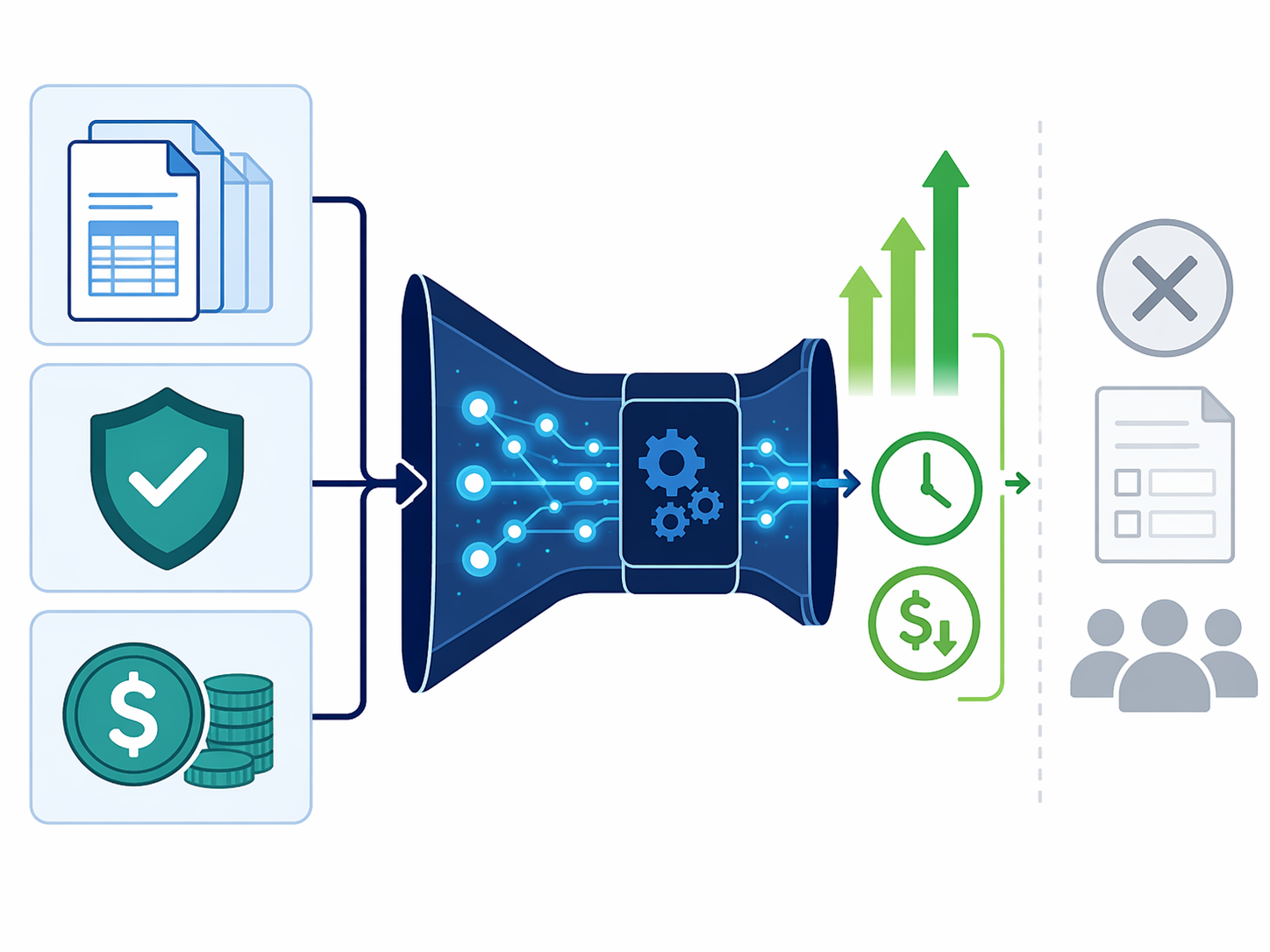
The cost can still make sense. For an enterprise with thousands of fulfillers, fragmented service channels, multilingual demand, compliance requirements, and legacy systems, reducing touches per case can be worth far more than the platform expense. For a small team that needs a form, a routing rule, and a Slack notification, the same platform can turn a simple workflow into an administrative estate.
If ServiceNow is still one option among several, a broader business process automation comparison is a better next stop than another feature tour. If the business case is already moving forward, the harder question is how to measure AI productivity investments without counting every avoided click as a strategic win; an AI productivity tools ROI guide can help separate labor savings, cycle-time gains, risk reduction, and adoption effects.
Readiness matters more than enthusiasm
The organizations most likely to see real ServiceNow workflow automation productivity gains usually have a few things in place before the AI layer gets interesting. They know their highest-volume request types. They can distinguish standard work from exception work. They have process owners with authority to simplify approvals. Their identity, HR, finance, CRM, or security systems can be integrated with tolerable effort. They have governance teams that understand both automation risk and business urgency.
- Good fit: high-volume IT, HR, security, customer service, or operations workflows with repeatable request patterns.
- Good fit: enterprises that need audit trails, permission controls, multilingual service, and cross-department routing.
- Risky fit: organizations that have not standardized intake, ownership, approvals, or knowledge content.
- Poor fit: small teams automating low-volume tasks that could be handled with lighter forms, document routing, or project tools.
- Poor fit: buyers looking for cheap AI automation without ongoing platform administration.
Document-heavy workflows deserve a separate check. If the main pain is contract review routing, invoice approvals, policy acknowledgments, or internal document handoffs, ServiceNow may still be relevant inside a broader enterprise service model. But if the need is narrower, a document workflow automation ROI comparison may produce a cleaner answer.
The McDermott productivity projections belong in the ambition column
ServiceNow CEO Bill McDermott projected a 20% productivity boost in 2025, a 50% boost in 2026, and 2.5 days per week saved per worker in a January 2025 interview covered by Cloud Wars.[5] Those numbers are worth noting because they show how aggressively ServiceNow frames AI productivity. They should not be treated as audited customer outcomes.
There is a practical reason to keep ambition and evidence apart. A board may hear “50% productivity” and expect a headcount plan. A service desk manager may hear the same number and know the real work starts with catalog cleanup, integration testing, knowledge maintenance, and exception design. The second interpretation is less exciting, but it is much closer to how automation survives contact with production.
The fit decision
ServiceNow can deliver substantial productivity gains when the work is structured, frequent, measurable, and spread across enough people or systems for automation to matter. The strongest evidence points to large enterprises and public-sector or regulated environments where service volume, governance needs, and integration complexity justify a platform approach.
The same evidence does not support treating ServiceNow as a universal productivity shortcut. If the organization lacks process ownership, cannot define which decisions AI may make, or has too little volume to amortize licensing and implementation, the platform can become expensive infrastructure around modest work. The sensible purchase case is not “we want AI.” It is “we have repeatable service demand, the cost of human handling is visible, and we are ready to own the workflow after launch.”

References
- ServiceNow Autonomous Workforce Knowledge 2026 press release, ServiceNow Newsroom.
- Knowledge 2026 coverage of ServiceNow AI specialists and customer examples, BizTech Magazine.
- AI Control Tower analysis, ECI Research.
- Knowledge 2026 takeaways, KANINI.
- ServiceNow productivity interview and Knowledge 2026 coverage, Cloud Wars, January 2025.
- ServiceNow Pricing 2026 analysis, Redress Compliance.
- ServiceNow ROI guide, Aegis Softtech.