
Tested Aug. 2, 2026, on iOS, the practical question was narrow: can Grok Voice work as a dictation and note-capture layer before Apple Notes, Obsidian, Notion, Logseq, Evernote, or another actual note system gets involved?
For short capture, the answer is mostly yes. A quick spoken note starts with very little ceremony, live text appears while speaking, and the experience is close to what voice capture should feel like when the alternative is losing the thought. The important distinction is that Grok gets words onto the screen; it does not, by itself, turn those words into a durable note.
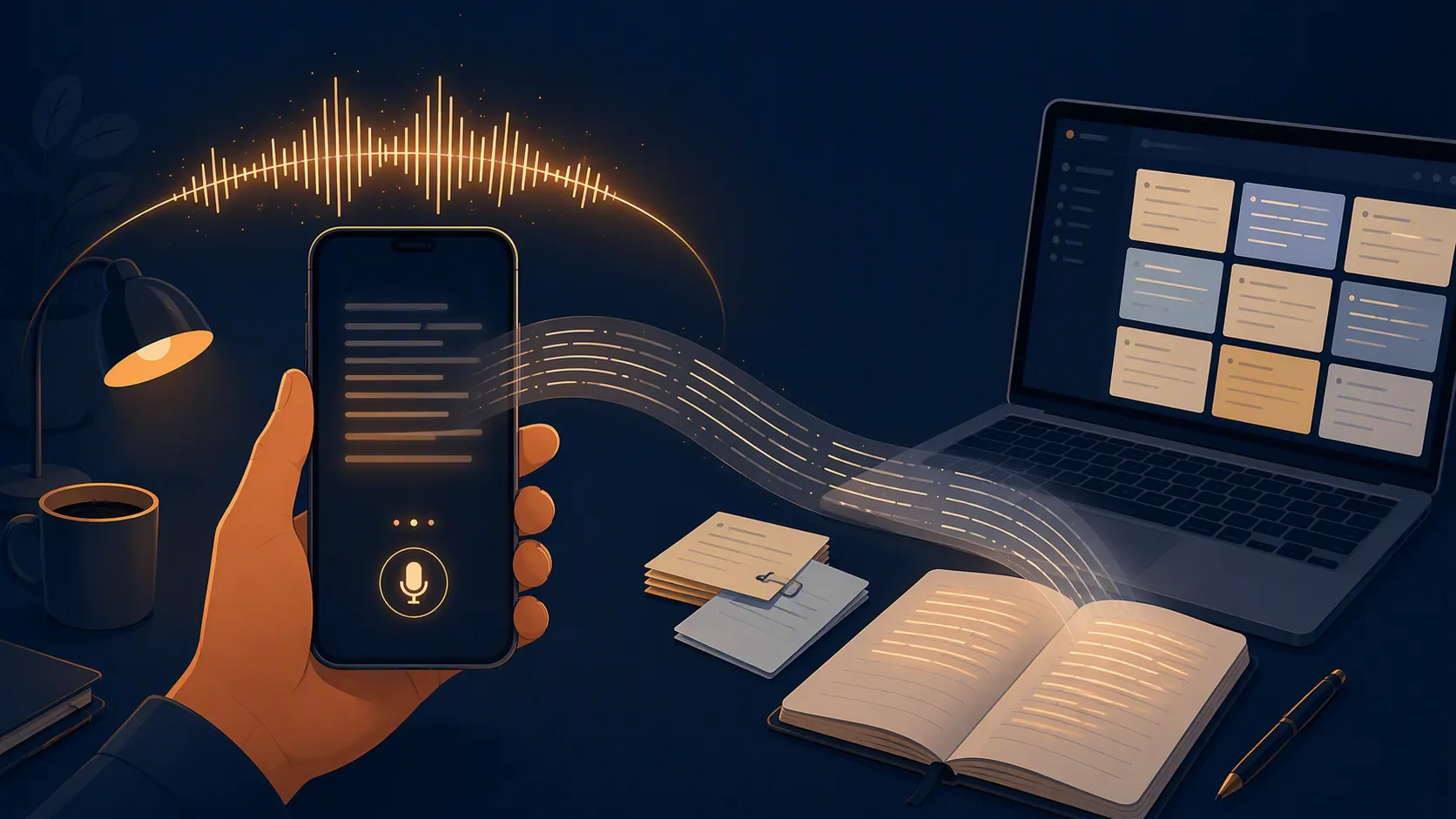
Dictation tools are often demoed at the moment the transcription appears. Note-taking starts after that: title cleanup, paragraph breaks, bullets, links, tags, backlinks, export, search, and later retrieval. Grok Voice is strongest before all of that begins.
The quick-capture test
The most convincing use was the least theatrical one: speak a messy, half-formed thought, watch it become editable text, then move it into the place where notes actually live. In that short-burst mode, Grok handled ordinary spoken phrasing well enough that the cleanup burden stayed small. False starts and conversational filler still needed editing, but the transcript did not require babysitting word by word.
That makes Grok useful for the notes people actually lose: a line after a meeting, a cooking thought with wet hands, a walking idea before it evaporates, a quick reminder that is too long for a task title but too immediate to open a full writing app.
The iOS side is also where the tool currently makes the most sense. Grok’s release notes list a “Dictation shortcut for voice-to-text input” dated Jan. 20, 2026, and the iPhone interface separates a Speak-style voice entry point from a dictation setting, which fits this front-end use case better than a purely conversational voice bot would.[1]

The raw output still looks like dictated text, not a finished note. It can preserve the substance of a thought, but it does not reliably decide what should be a heading, what belongs in bullets, what is an aside, or which phrase should become the title. If the target is Obsidian, the useful workflow is still: capture in Grok, copy or move the text, then make the note real in the destination app.
Accuracy is good enough for capture, but the benchmark story is not simple
xAI’s own speech materials are strong on paper. In its Grok Speech to Text and Text to Speech API announcement, xAI reports an overall Grok STT word error rate of 6.9%, and says Grok scored 5.0% WER on phone-call entity recognition, ahead of ElevenLabs at 12.0%, Deepgram at 13.5%, and AssemblyAI at 21.3% on that entity task.[2] In its Think Fast 2.0 announcement, xAI also claims Grok Voice is 1.5–2.0× better than Deepgram Nova 3 and ElevenLabs Scribe v2 on its reported comparison.[3]
Those numbers are worth knowing, but they do not settle note-taking. A low word error rate can still produce an annoying note if pauses are cut off, paragraphing is poor, a long session hits a cap, or the text has to be manually rescued from the app. For capture, the question is not only “did it hear the word?” It is also “did the session survive long enough, and can I get the result where it belongs?”
The independent counterweight is sobering. AssemblyAI’s July 8, 2026 benchmark reported Grok STT Batch at 35.43% normalized WER on code-switched audio, compared with 7.69% for Universal-3.5 Pro, and 46.23% average cpWER on multi-speaker diarization, compared with a 35.21% leader result.[4] That does not mean Grok is bad at a single person dictating a quick note in a quiet setting. It does mean the vendor accuracy story should not be stretched into a blanket claim about meetings, mixed-language conversations, or speaker-labeled transcripts.
A lightly documented third-party test from AIToolsRecap put Grok Voice Mode around 92% against ChatGPT Voice around 91%, which is interesting but not enough to override the narrower workflow test here.[5] The practical result is simpler: Grok is accurate enough to recommend for short personal dictation, while still not being the tool to trust blindly for multi-speaker notes or code-switched meeting records.
The limits change the verdict more than the word errors do
Short notes flatter Grok Voice. Long notes expose the workflow. The limits reported by AIToolsRecap are the difference between “great capture tool” and “do not use this as your lecture recorder.” Free iOS use is reported at about 100 voice queries per day, while free Android Voice Mode is described as grayed out unless the user has SuperGrok or uses a browser workaround.[5]
| Plan or platform | Reported voice limit | Note-taking consequence |
|---|---|---|
| Free iOS | About 100 voice queries per day | Good fit for quick capture and brief dictated notes |
| Free Android | Voice Mode reported as grayed out; SuperGrok or browser workaround needed | Bad fit if Android is the main capture device |
| SuperGrok | 120 minutes per day, separate from 1,000 daily text messages; maximum 3 sessions per day of 30 minutes | Usable for bursts, risky for long meetings or lectures |
| SuperGrok Heavy | 480 minutes per day in 60-minute sessions | Closer to long-session use, but still plan-dependent |
| Quota reset | Midnight UTC, which is 7 p.m. EST | A reset can arrive before local midnight, so “limit reached” may feel mistimed |
The same source says a May 13, 2026 throttle cut session lengths to the current caps.[5] That matters for note-taking because a cap is not an abstract quota when someone is dictating. It arrives as a break in the middle of a thought, a lecture, a client call, or a journal entry.
This is why the comfortable practical ceiling is lower than the largest advertised daily number. For sustained dictation, the 20–30 minute zone is where the workflow starts to feel fragile: quality can drop after long continuous speech, and hitting a session limit mid-note creates cleanup work at exactly the point a dictation tool is supposed to remove it.[5]
Pricing also needs caution. AIToolsRecap lists SuperGrok at $30 per month and SuperGrok Heavy at $300 per month, while Cybernews lists X Premium+ at $32.92 per month and Heavy at $300 per month.[5][6] That conflict should be checked against x.ai at publication, especially because the note-taking recommendation changes if voice capture moves behind a different paid bundle.
What broke in the workflow
The failures worth tracking are not dramatic AI failures. They are boring capture failures, which is worse for notes. A brilliant transcript that stops at the wrong time is still an interrupted note.
- Session cap hit mid-dictation: the consequence is a split note, not just a used-up allowance.[5]
- Limit reached before local midnight: the reported reset is midnight UTC, so U.S. users can see the reset behavior before their own day ends.[5]
- Android mic unavailable on free tier: if Android is the capture device, the iOS-first praise does not transfer cleanly.[5]
- Premature Android cutouts: late November 2025 reports described STT cutting out early on Android, which is a serious problem for unattended dictation.[5]
- Long continuous dictation quality drop: after roughly 20 minutes, articulation and transcript quality are reported to become less dependable.[5]
- Turn detection can cut pauses short in conversation mode, and the cited hands-on discussion says it cannot be disabled there.[5]
None of those issues ruins Grok as a fast capture layer. They do rule out a lazy recommendation for lectures, meetings, interviews, and long journaling. Those are not just longer versions of short notes; they require endurance, speaker handling, export discipline, and predictable session behavior.
Moving the text into a real note system
The best Grok-to-notes workflow is deliberately unglamorous. Use Grok to catch the raw thought. Then move the text into the app that owns the archive. In Apple Notes, that may mean a fast inbox note. In Obsidian, it means a markdown file with a title, links, and maybe a daily-note reference. In Notion or Evernote, it means the right database, notebook, or tag. Grok does not remove that second step.
For short dictated notes, the cleanup is tolerable: add a title, split a paragraph, delete filler, and file it. For long dictation, the cleanup becomes the real cost. A 25-minute ramble with no intentional structure is not a note; it is a transcript waiting for an editor.
That is also where export control matters. A note-taker needs to know where the text goes, how quickly it can be copied, whether formatting survives, and whether the capture can be recovered if the session ends badly. Grok’s capture speed is the attractive part. The archiving responsibility still belongs elsewhere.
Who should use Grok Voice for notes
Grok Voice is easy to recommend for one specific job: fast, bursty capture, especially on iOS, when the destination is a separate note app. It is good for the sentence you would otherwise forget, the paragraph you do not want to type on a sidewalk, or the quick post-meeting dump before the next call starts.
It is harder to recommend as the primary tool for lectures, meetings, interviews, or long journal sessions. The reported caps, reset timing, Android restrictions, long-session behavior, and limited structure/export control all matter more in those scenarios than a favorable short-dictation impression.
The right placement is before the note system, not instead of it. Let Grok Voice catch raw words quickly. Let Apple Notes, Obsidian, Notion, Logseq, Evernote, or the system you already trust do the slower work: structure, retrieval, and memory.
References
- Dictation shortcut for voice-to-text input, Grok release notes, Jan. 20, 2026.
- Grok Speech to Text and Text to Speech APIs, xAI.
- Introducing Grok Voice Think Fast 2.0, xAI.
- How accurate is speech-to-text in 2026?, AssemblyAI, July 8, 2026.
- Grok Voice Mode FAQ 2026, AIToolsRecap.
- I Tested Grok 4 AI, Cybernews.