
Today is Aug. 25, 2026. For anyone trying to handle Olivia Lin offline migration after service end, the important point is not that BSide: Olivia Lin is getting an “offline version.” It is that two different clocks are running, both in Shanghai time: online-dependent features stop at 15:00 on Aug. 27, and the servers, Steam listing, and offline-version download window end at 15:00 on Aug. 31.[1][2]
That makes the phrase “offline version” easy to misread. The offline package preserves part of the app experience. It does not, by the official data statement, migrate the personal material many users are most likely to care about: letters, MIDI creations, and the music library will not be viewable, recoverable, or synced to the offline version after shutdown.[2][3]

The two deadlines users should not collapse
English summaries that treat Aug. 31 as the only date leave users exposed. If your account contains anything you created, uploaded, wrote, or arranged inside the online service, Aug. 27 is the practical backup deadline. Aug. 31 is the final platform deadline.
| Shanghai-time cutoff | What changes | What to treat as urgent |
|---|---|---|
| Aug. 27, 2026, 15:00 | Online-feature freeze begins. Letter writing and MIDI uploading are discontinued. | Back up letters and any MIDI-related work before this point. Do not wait for the server-shutdown date. |
| Aug. 27, 2026, 15:00 to Aug. 31, 2026, 15:00 | The Steam-only offline-version download window is open. | Download the offline version, launch it, and verify what is actually accessible on your machine. |
| Aug. 31, 2026, 15:00 | Servers shut down, the Steam listing is delisted, and the offline-version download window ends. | Finish all local checks before this point. Anything still dependent on account sync should be treated as lost after the cutoff. |
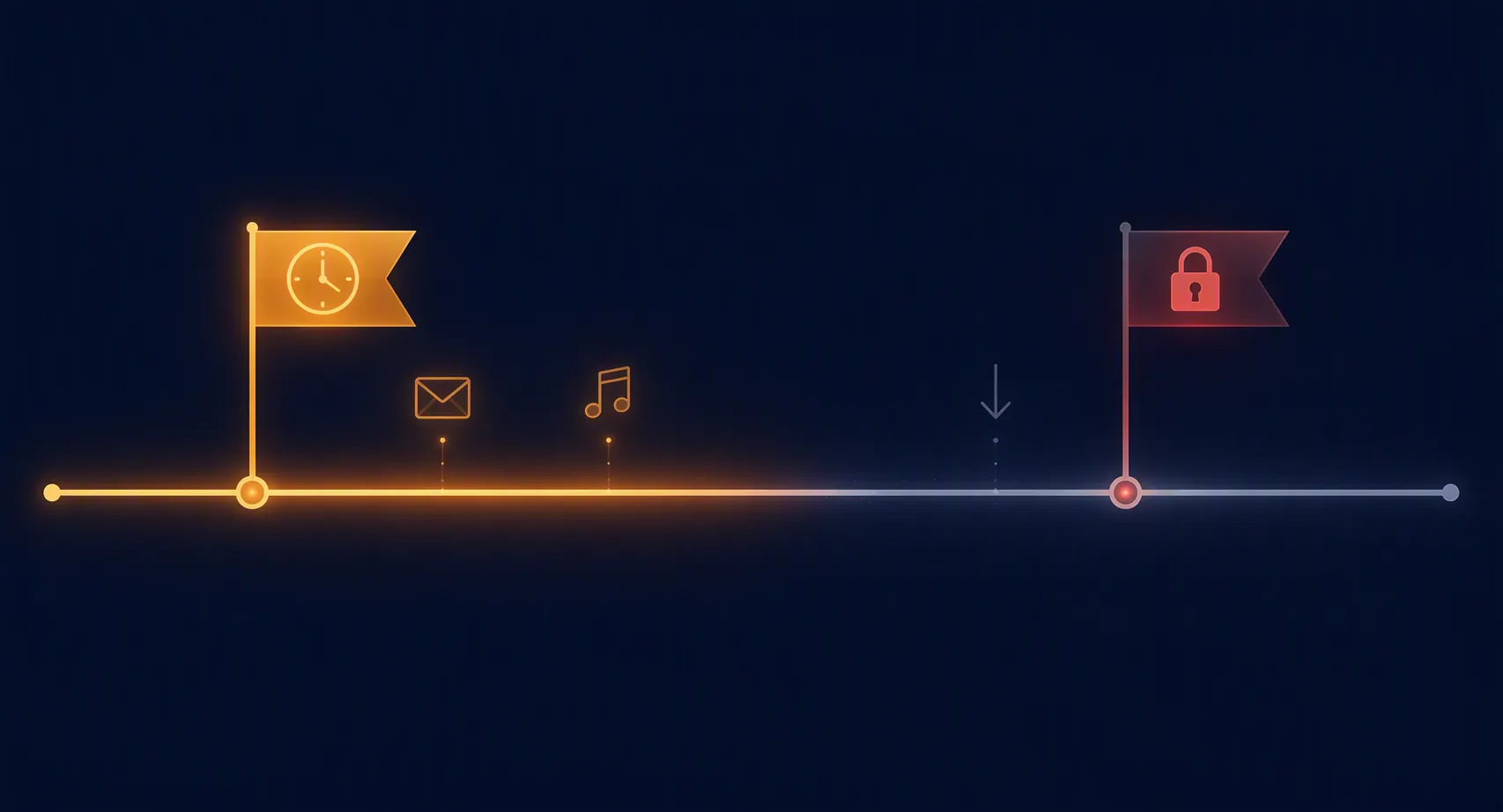
The shutdown notice followed a very short lifecycle: BSide: Olivia Lin entered Early Access on Steam on July 13, 2026, and the service-end notice was published on Aug. 11, citing “phased product planning” in translated coverage.[1] That history explains why many users are now doing migration work in a compressed window, but it does not change the task in front of them: separate app access from account data.
What the offline version preserves, and what it does not
The preserved portion is closer to a sealed exhibit than a moving truck. Reports of the official notice describe the offline version as retaining Lin Li’s piano performances and the desktop dynamic wallpaper, while the user’s letters, MIDI creations, and music library do not carry over after the service ends.[2][3]
| Area | Status after service end | Practical reading |
|---|---|---|
| Lin Li piano performances | Preserved in the offline version, according to the shutdown notice coverage. | This is part of app preservation. |
| Desktop dynamic wallpaper | Preserved in the offline version, according to the shutdown notice coverage. | This is part of app preservation. |
| Letters | Not viewable, recoverable, or synced to the offline version after shutdown. | Back them up manually before the online-feature freeze if they matter. |
| MIDI creations/uploads | Not viewable, recoverable, or synced to the offline version after shutdown. | Keep your original MIDI files outside the app; save anything only visible inside the app before Aug. 27. |
| Music library | Not synced to the offline version after shutdown, according to the official data statement coverage. | Do not assume a downloaded or account-held library will behave like a migrated library. |

This is a respectable preservation choice in one narrow sense: users do not simply lose the whole shell of the app. But it is not a data migration. If the artifact is personal to your account rather than bundled into the offline experience, the safe assumption is that it needs your own backup outside BSide.
Before Aug. 27 15:00: save the material tied to online creation
The Aug. 27 cutoff is where procrastination gets expensive. Letter writing and MIDI uploading stop then, so the work before that deadline is not “install the offline version later.” It is to open the live app while those areas still exist and preserve anything that would hurt to lose.
Letters
Letters are explicitly in the danger zone. The official data statement coverage says they will not be viewable or recoverable after shutdown and will not sync to the offline version.[3] NetEase’s coverage frames the required user action as manual export or backup, not as an automatic migration.[4]
There is no documented one-click export path in the materials available for this guide. Do not invent one at 23:30 on Aug. 26. If your client exposes a copy, save, export, or share function, use it and then verify the result outside the app. If it does not, use boring methods that leave evidence you can open later: copy visible text where the UI allows it, take full-page screenshots, screen-record scrolling through longer letters, and name the files with enough context that you can identify them after the app is gone.
A screenshot is not a clean archive. It is still better than trusting a server-side mailbox that the notice says will not be recoverable.
MIDI creations and uploads
MIDI work belongs in the same early window because MIDI uploading is one of the online-dependent features that stops on Aug. 27.[1] The official data statement coverage also places MIDI creations among the items that will not be recoverable or synced after shutdown.[3]
Start with the cleanest source: any .mid or .midi files you created outside BSide should be copied to a normal folder you control, preferably with a second copy on external storage or cloud storage unrelated to the app. Then open BSide and look for anything that exists only inside the account: uploaded versions, titles, arrangements, comments, generated renderings, or visible playback pages. If there is no export control in your installed client, document the item rather than assuming the offline version will know about it.
For each saved MIDI item, verify two things before closing the app: the file opens outside BSide, and the filename or folder tells you what it was. A folder full of anonymous last-minute files is not much better than a library you cannot open.
Generated videos and other media you can already see
Generated videos are not the clearest part of the official keeps-versus-erases split in the available materials, so they should not be described as safely migrated or definitely preserved. Treat any video-like output, rendered clip, thumbnail, or shareable media item as an account-held artifact unless you can locate it as an ordinary playable file outside the app.
If the app provides a download or save option for a video, use it and play the saved file in a normal media player. If it does not, record what you can while the item remains visible. That is not elegant migration advice, but there is no value in pretending a documented export workflow exists when the available notices do not provide one.
Before Aug. 31 15:00: get the offline version, then test it cold
The offline version is available only through Steam during the window from Aug. 27 15:00 to Aug. 31 15:00, according to shutdown coverage.[2] The same Aug. 31 15:00 cutoff is when the servers shut down and the Steam listing is delisted.[1][2]
That creates a short and slightly awkward sequence. First, back up online-held material before Aug. 27. Then, once the offline version becomes available, download it from Steam and launch it while there is still time to troubleshoot. Do not wait until the final hour to discover that the wrong account is logged in, Steam cannot see the package, or the client crashes on your display setup.
- Download the offline version from Steam during the official Aug. 27–Aug. 31 window.
- Launch it at least once before Aug. 31 15:00.
- Confirm that the preserved piano performances and dynamic wallpaper open without needing server features.
- Check that your manual backups of letters, MIDI files, and media open outside BSide.
- Do not delete the live app or local files until both the offline version and your independent backups have been verified.
Steam ownership mechanics after delisting are not the same thing as a guaranteed data migration. Coverage notes that users who already own the app should retain access to offline functionality after the delisting window, but the user-data exclusions still apply.[2]
The music library is the easiest place to overpromise
The music library needs more caution than a simple “download everything now.” The Steam listing describes a base installation of about 6 GB, while launch coverage reported an on-demand music library requiring roughly 100 GB of storage.[5][6] The official data statement coverage says the music library will not sync to the offline version after shutdown.[3]
Those facts do not prove that every pre-downloaded track will fail after shutdown. They also do not prove that a fully downloaded library will remain playable. The official materials available here do not confirm post-shutdown behavior for a complete on-demand library, so the correct label is risk, not guarantee.
If music matters to you, use the remaining online window to identify what is actually local, what is merely listed in the account, and what you can open without waiting for a download. After installing the offline version, test playback with the network disabled only if you are comfortable doing so and can re-enable it for troubleshooting before Aug. 31. The point is to learn what your machine can play without confusing a successful pre-shutdown stream with a migrated library.
Export paths are unverified until your copy proves them
No source in the available material documents a universal in-app, one-click export path for letters, MIDI creations, or the music library. That absence matters. It means a guide should not tell users to click a menu item that has not been verified across the actual client, especially when the UI is Simplified Chinese-only and the app requires a miHoYo Pass login.[5][6]
The safest migration standard is simple: a backup is not a backup until it opens outside the retiring service. A copied letter in a text file, a screenshot folder you can browse, a MIDI file that opens in another player or editor, or a video file that plays in a normal media player is evidence. A comforting screen inside a soon-to-be-offline account is not.
This is the same lock-in pattern that shows up in less emotional software categories, where free access and sync can hide weak exits until the exit is all that matters. We have covered that broader tradeoff in The Hidden Costs of Free Note-Taking Apps: What You Actually Pay in 2026 for Privacy, Sync, and Lock-In. BSide is a different kind of app, but the farewell problem is familiar: preserved interface, missing personal archive.
Last-minute friction is not theoretical
The migration work is happening inside a product that was already awkward for some users to access. Launch coverage and the Steam page describe BSide: Olivia Lin as a free Steam utility with a Simplified-Chinese interface, miHoYo Pass account requirements, and regional availability limits.[5][6] For an English-speaking user trying to preserve a few letters before a Shanghai-time deadline, each of those details adds friction.
Hands-on Chinese coverage also reported practical issues including account-binding or login stalls, crashes, input-method conflicts, ultra-wide and dual-monitor display problems, and disappearing music or mailbox buttons.[7] Those reports should not be inflated into a claim that every user will hit bugs. They are still enough reason not to schedule your only backup attempt for the final evening.
- If login stalls, try again early enough that you can still troubleshoot before Aug. 27.
- If a mailbox or music button disappears, restart and document what you can once it reappears.
- If input methods interfere with text copying, fall back to screenshots or screen recording.
- If an ultra-wide or dual-monitor setup breaks the layout, try a simpler single-monitor arrangement before assuming the data is inaccessible.
A final pre-shutdown check
Before Aug. 27 15:00 Shanghai time, finish the work that depends on the live online features: open your letters, preserve their contents, collect original MIDI files, document any MIDI-only account material, and save or record generated media that has no verified export path.
Between Aug. 27 15:00 and Aug. 31 15:00, download the Steam offline version and test what it actually contains. Keep the distinction clean: Lin Li’s preserved performances and wallpaper are the offline app; your letters, MIDI creations, and music library are not confirmed passengers.
Before Aug. 31 15:00, open every backup outside BSide. If it only exists behind the miHoYo Pass login or inside the live client, treat it as not yet saved.
References
- miHoYo's BSide to End Service Just One Month After Early Access Launch — Inven Global
- GNN article detail sn=309770 — Gamer.com.tw GNN
- Tencent News / DoNews report on BSide: Olivia Lin service-end notice — Tencent News / DoNews, August 11, 2026
- NetEase 163 report on BSide: Olivia Lin shutdown and manual backup — NetEase 163
- BSide: Olivia Lin — Steam
- miHoYo launches AI companion app BSide: Olivia Lin on Steam — TechNode, July 14, 2026
- 36Kr report on BSide: Olivia Lin hands-on experience — 36Kr / Lei Technology
Comments
Join the discussion with an anonymous comment.