
Upgrading iPhone 14 to 18 Pro for better note taking comes down to a narrower question than Apple’s marketing cycle usually suggests: do you need the phone to process notes for you after capture, or do you mostly need it to capture notes reliably in the first place?
As of July 30, 2026, the iPhone 18 Pro is still unreleased, so display, battery, chip, and price details should be treated as pre-release claims until Apple announces the device. The note-taking split is clearer than the hardware rumors, though. Apple Intelligence features such as audio summaries in Notes and systemwide Writing Tools are unavailable on every iPhone 14 model, while many everyday note tasks already work well on an iPhone 14.
| Note-taking task | iPhone 14 today | Expected iPhone 18 Pro impact | Verdict |
|---|---|---|---|
| Apple Notes audio summaries | Can record and transcribe audio in supported cases, but no Apple Intelligence summary | Should support AI-generated summaries because Apple Intelligence requires iPhone 15 Pro or later-class hardware | Major workflow change |
| Systemwide Writing Tools | Not available on any iPhone 14 model | Rewrite, Proofread, and Summarize should work in Notes and other text-selection contexts | Major workflow change |
| Call recording summaries | No Apple Intelligence call summary | Should support transcript and summary where Apple Intelligence call features are available | Major workflow change if you capture calls |
| Basic audio recording and live transcription in Notes | Available on iPhone 12 and later with iOS 18 support | Not a reason by itself to upgrade | Mostly unchanged |
| GoodNotes, Notability, Bear, and similar apps | Already run well for typical note capture and review | May feel smoother, but the app workflow is not fundamentally different | Minor refinement |
| Display smoothness | Base iPhone 14 is 60 Hz; iPhone 14 Pro already has 120 Hz ProMotion | A bigger upgrade for base iPhone 14 owners than iPhone 14 Pro owners | Conditional |
| Outdoor note review | Base iPhone 14 has lower brightness than iPhone 14 Pro; iPhone 14 Pro already has strong outdoor peak brightness | Rumored brighter display could help if you read notes outdoors often | Conditional and pre-release |
| Battery during long capture sessions | Depends on battery health and workload | Rumored larger battery and chip efficiency could help, but specs are not final | Conditional and pre-release |
| Handwriting with Apple Pencil | No Apple Pencil support | No confirmed Apple Pencil support on iPhone | Unchanged |
| iOS 18 Notes features such as Math Notes, collapsible sections, and highlight colors | Software features, not an iPhone 18 Pro hardware reason | No special upgrade advantage if your current phone supports the iOS feature | Unchanged |
The real upgrade is after the note is captured
The hard boundary is Apple Intelligence. Apple lists Apple Intelligence as available on iPhone 15 Pro models and later, along with supported iPads and Macs; no iPhone 14 model is on that compatibility list.[1] Apple’s Notes guide also describes Apple Intelligence features in Notes, including using summaries with note content and recordings, within that same hardware-limited ecosystem.[2]
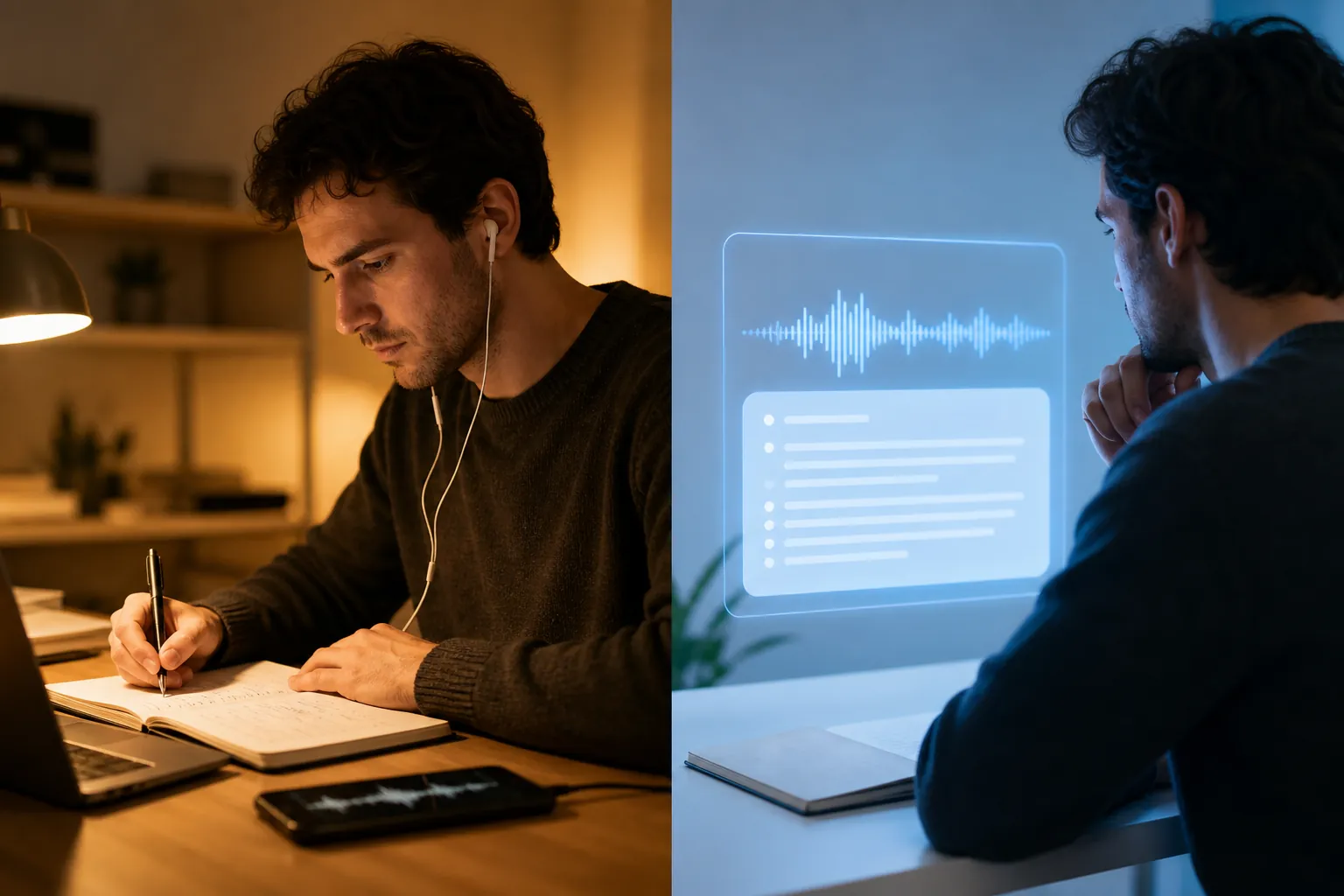
That matters because the tedious part of phone-based note-taking is often not the recording button. It is the 8:30 p.m. cleanup pass: finding the useful minute in a long voice note, turning a loose meeting transcript into action items, trimming a class recording into a reviewable summary, or rewriting a half-formed paragraph so it can live in a project note instead of a dumping-ground note.
On an iPhone 14, installing a newer iOS version does not turn those Apple Intelligence features on. The constraint is not a missing Notes preference; it is Apple’s hardware gate. The iPhone 14 family uses A15-generation hardware, while Apple Intelligence support begins at the iPhone 15 Pro tier and later in Apple’s published compatibility list.[1] An iPhone 18 Pro, assuming Apple’s compatibility rules continue as expected for a newer Pro model, would clear that line.
The difference is practical. A normal transcript preserves more material than most people want to review. A summary can reduce the review step: a meeting recording becomes a short set of points, a call becomes searchable context, and a dictated idea can be cleaned up without copying it into another app. That is the part of the upgrade that can change a Tuesday morning workflow rather than just make the phone feel newer.
Writing Tools are the other hard gate
Systemwide Writing Tools are easy to understate because Rewrite, Proofread, and Summarize sound like generic AI verbs. In a note system, they are more specific than that. They can turn a rough note into something readable without leaving the app, shorten a copied article excerpt, clean up a meeting recap, or make a grocery-list-adjacent family note less chaotic before it is shared.
Apple describes Writing Tools as part of Apple Intelligence, available across places where text can be selected, and Apple’s compatibility requirements still exclude iPhone 14 models.[1] So this is not a case where Apple Notes gets a small visual improvement on the iPhone 18 Pro. It is a difference between having the text-processing layer and not having it.
This is where the upgrade argument is strongest for Apple Notes users. If you already keep meeting notes, lecture fragments, voice memos, copied research, and personal lists in Notes, the iPhone 18 Pro’s value is not that it launches Notes faster. It is that the same capture pile can require less manual shaping afterward.
Call summaries matter only if calls are part of your notes
Call recording with transcript and summary belongs in the same bucket: valuable when it replaces real note labor, irrelevant when it does not. Tom’s Guide describes Apple Intelligence audio summarization as the mechanism behind summarizing recordings on compatible iPhones, including recordings surfaced through Apple’s apps.[3]
For someone who takes client calls, advising calls, interview calls, or planning calls and then writes a summary by hand, this can be a real workflow change. For someone whose note-taking happens mostly in class, in meetings where recording is not allowed, or in typed personal notes, it should not carry the buying decision. The feature is only as useful as the calls you can appropriately record and review.
What does not change as much as it sounds
The easiest mistake is to treat every modern Notes feature as an iPhone 18 Pro feature. Basic audio recording with live transcription in Notes is not the same as Apple Intelligence summarization. MacRumors describes iOS 18’s Notes audio recording and transcript feature as working on iPhone 12 and later, and Apple’s own Notes guide covers recording and transcribing audio separately from Apple Intelligence summaries.[4][5]
That distinction saves money. If your hoped-for upgrade is “I want my phone to record a lecture and show a transcript,” you may already have the core feature, depending on language, region, and app support. The iPhone 18 Pro becomes more interesting when you want the phone to summarize that transcript afterward.
Third-party note apps are also less transformed than the upgrade conversation implies. GoodNotes, Notability, Bear, and similar apps can benefit from faster hardware in small ways, especially with large notebooks, PDFs, or heavy libraries. But for ordinary typing, checklist editing, searching, clipping, and reviewing, an iPhone 14 is not suddenly the bottleneck for most people. The migration here is not really app-to-app; it is capture-to-processing.
Apple Pencil is the cleanest non-upgrade. There is no credible basis in the supplied research to treat iPhone 18 Pro as an Apple Pencil note-taking device. If your “better note taking” means handwriting with Apple Pencil, the answer is still an iPad, not an iPhone.
Display upgrades depend on which iPhone 14 you own
A base iPhone 14 owner and an iPhone 14 Pro owner are not standing in the same place. The base iPhone 14 has a 60 Hz display, while the iPhone 14 Pro already has 120 Hz ProMotion.[6] For note-taking, that means scrolling long notes, moving through PDFs, and navigating dense notebooks may feel more obviously improved from the base model than from the Pro model.
Brightness follows the same pattern. The base iPhone 14 is listed at 800 nits typical brightness, while iPhone 14 Pro goes higher, including stronger outdoor brightness than the base model.[6] The iPhone 18 line has been rumored to move to a much brighter display, with MacRumors reporting claims of 3,000+ nits peak brightness, but that remains pre-release information rather than an Apple specification as of July 30, 2026.[7]
For a student reviewing notes outside between buildings, a field worker checking task notes in daylight, or anyone who uses the phone as a reference screen outdoors, display brightness can be more than a vanity metric. For someone who writes at a desk, in transit, or mostly indoors, it is a comfort upgrade, not the workflow breaker.
Battery could help long capture sessions, but the numbers are not final
Battery is more relevant to notes than spec-sheet debates usually admit. Long recordings, day-long conferences, maps-plus-notes travel days, and continuous camera-plus-notes research sessions all punish an aging phone. If your iPhone 14 battery health is already poor, a new Pro phone may feel like an upgrade before any AI feature appears.
Pre-release reporting estimates the iPhone 18 Pro battery around 4,288 mAh, compared with about 3,279 mAh for the iPhone 14, alongside expected A20 Pro efficiency gains.[8] That suggests a meaningful capacity jump, but it should not be treated as final runtime until Apple publishes official figures and independent testing measures actual use.
For note-takers, the useful question is not whether the battery is larger in isolation. It is whether your current phone dies before the last meeting, lecture, shift, or commute note is captured. If the answer is yes, battery belongs in the “consider upgrading” column. If the answer is no, it is supporting evidence, not the main reason to move.
Price makes the AI question sharper
The iPhone 18 Pro is also expected to be expensive. Digital Trends, citing estimates around a possible price increase, reported murmurs of a $300 hike and a possible $1,299 starting point for the iPhone 18 Pro series, though this is still pre-release pricing coverage rather than Apple’s final announcement.[9]
That price context matters because the main note-taking upgrade is not evenly distributed across every habit. If Apple Intelligence summaries would save you from manually processing several recordings a week, the value case is coherent. If your notes are mostly typed into Bear, checked off in Apple Notes, or reviewed in GoodNotes without much post-capture cleanup, the same price is paying for a better phone that happens to take notes, not a transformed note system.
A practical decision rule
Upgrade from iPhone 14 to iPhone 18 Pro for better note taking if Apple Intelligence summaries and Writing Tools would remove work you actually do now: summarizing recordings, cleaning up meeting notes, rewriting rough text, or turning call transcripts into usable records.
Consider upgrading if your pain is more physical than intelligent: the base iPhone 14’s 60 Hz display bothers you, outdoor note review is difficult, or your battery no longer survives long capture days. Those are legitimate refinements, especially from the base model, but they are not the same as a new note-processing workflow.
Skip or wait if your workflow is mostly typing, checklist editing, third-party note apps, basic audio transcription, or hoping for Apple Pencil support. Recheck the verdict after Apple’s expected September 2026 announcement, because the confirmed iPhone 18 Pro specifications still matter. But unless Apple changes the compatibility picture, the main reason to buy is already visible: you are paying for AI-driven cleanup, not simply better note capture.
References
- Introducing Apple Intelligence, Apple Support
- Use Apple Intelligence in Notes on iPhone, Apple Support
- How to summarize audio recordings on your iPhone with Apple Intelligence, Tom's Guide
- iOS 18: Recording Audio With Transcripts in Notes, MacRumors
- Record and transcribe audio in Notes on iPhone, Apple Support
- iPhone 14 sticks with a 60Hz display — and that's ridiculous, Tom's Guide
- iPhone 18 Rumored to Feature Much Brighter Display, MacRumors
- Apple iPhone 18 Pro Battery AI Strategy, Forbes
- Those murmurs of a $300 price hike for the iPhone 18 Pro series look increasingly likely, Digital Trends
Comments
Join the discussion with an anonymous comment.