
Denver Public Schools students started the 2026-27 school year yesterday under a rule that changes what a normal desk setup looks like. The practical question is not whether phones are distracting in the abstract. It is what happens now that a student’s personal phone, smartwatch, wireless earbuds, and personally owned tablet or laptop are supposed to be off and out of sight for the full school day.
For DPS families, the short answer is this: the ban can make classrooms less interruptible, but it does not automatically create better studying. Its most immediate academic consequence is a forced note-taking reset. Students who used an iPad, personal laptop, phone camera, Apple Watch reminder, or earbuds-linked workflow now need a system that works without those tools during the school day.
What EL-23 actually removes from the school day
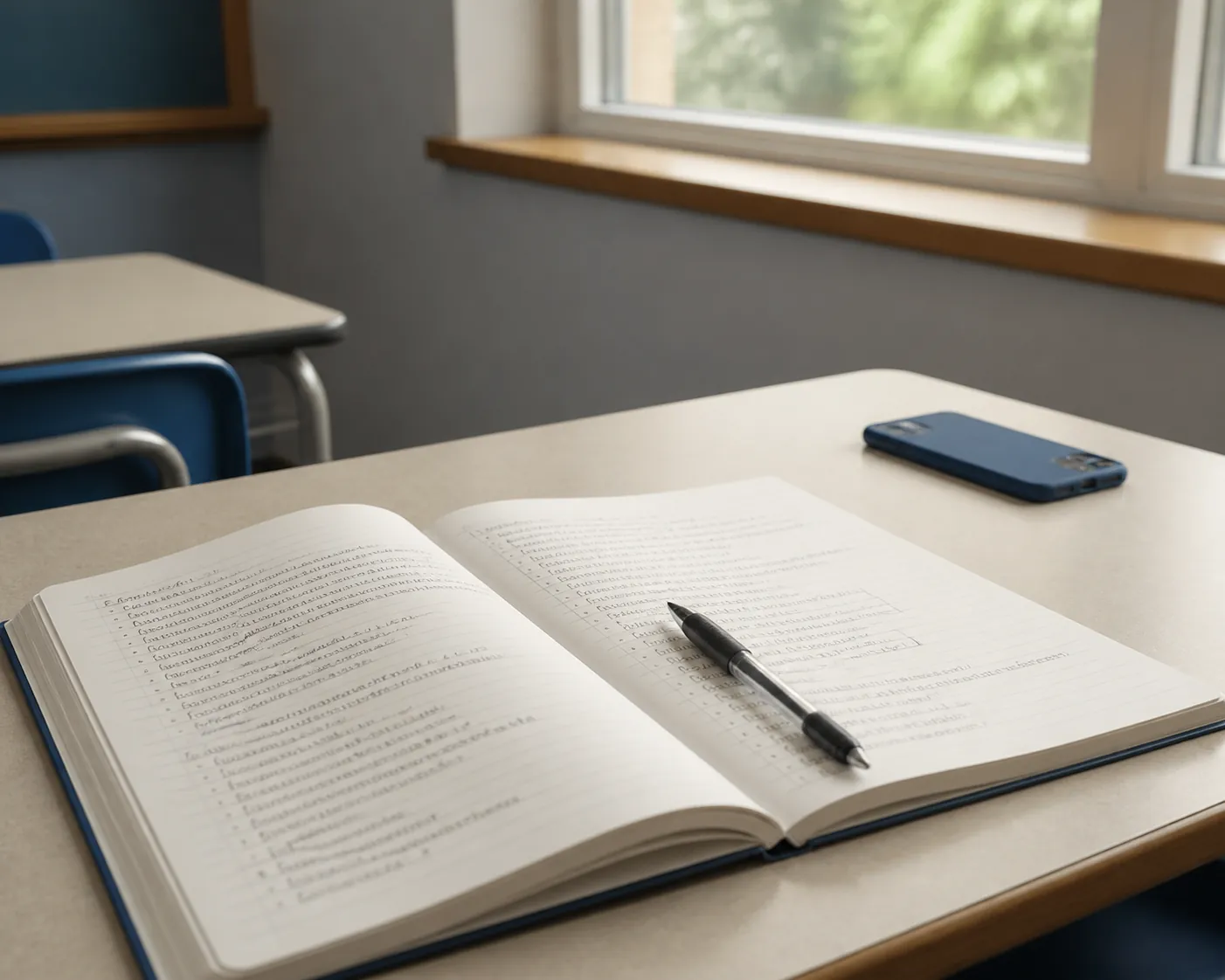
DPS’s Executive Limitation 23 was unanimously approved by the Board of Education on June 8, 2026, and took effect on the first day of school, Aug. 24, 2026. The policy covers more than cellphones. It says cellphones, smartwatches, wireless earbuds, and personally owned, non-district-issued tablets and laptops must be off and out of sight throughout the school day, with exceptions for health needs, disability access, and language access. It also says the district is not liable for personal devices and calls for an annual effectiveness review, with the first review due in October 2027. [1]
That personally owned tablet and laptop language matters. A phone ban mostly changes communication and distraction. A personal-device ban changes how students record class material. A student who built a whole class routine around GoodNotes, Notability, Google Docs on a personal laptop, an iPad keyboard case, AirDropped slides, or photos of the board cannot assume that routine is still available in class.
The policy does not mean every screen disappears. District-issued devices can still be part of instruction where the school and teacher allow them. But the default family-owned device is no longer the student’s backup plan. If the class does not provide a district device or an approved exception, the reliable tool is paper.
Colorado law helps explain why this happened now without making DPS’s exact choice inevitable. HB25-1135 required every Colorado district to adopt a student cellphone policy by July 1, 2026, but it did not require a bell-to-bell ban. Among the state’s 20 largest districts, 5 chose bell-to-bell bans, 11 chose hybrid models, 3 chose instructional-time-only restrictions, and 1 left the matter at the school level. [2]
The focus gain is real enough to plan around, but not enough to promise grades
Teachers do not need a national study to know what happens when a watch buzzes, a phone lights up under a desk, or one student keeps one earbud in and misses the first instruction. The case for stricter device rules starts there: they remove predictable interruptions from the room before a teacher has to negotiate them one by one.
The broader evidence supports that environmental claim more strongly than it supports a quick academic-results claim. Phones in Focus, based on more than 20,000 educator responses, found stricter cellphone policies linked with less classroom distraction. [3] That is useful, but it is still a finding about the learning environment, not proof that every student’s grades rise once a pouch, locker, backpack rule, or bell-to-bell policy appears.
The caution matters because large studies have not produced a clean “ban phones, raise scores” story. An NBER study of pouch-based policies across more than 43,000 schools found phone use declined, but did not find immediate gains in test scores or attention. It also found discipline rose and well-being fell in the first year, while well-being improved by the third year. [4]
Florida evidence points in a similarly delayed and mixed direction. Figlio and Özek found first-year suspensions rose by about 12%, while second-year gains were more positive: roughly 0.6 to 1.1 percentile-point academic gains, along with attendance improvements. [5] That pattern is not a reason to dismiss DPS’s policy. It is a reason to stop talking as if the rule itself does the academic work.
A quieter room still needs a usable learning routine. If a student loses the device that held the planner, the notes app, the textbook photo, the translation shortcut, and the homework reminder, the family has not solved a focus problem until it has replaced those functions.
Student resistance is part of the implementation problem
DPS is not starting from enthusiastic student buy-in. The district’s own survey was reported as showing only about 2% of students agreed with a bell-to-bell ban, with support strongest among staff and weakest among students. [6] Nationally, Pew found about 73% of U.S. teens oppose all-day phone restrictions. [7]
That opposition does not make the policy unworkable. It does mean families should expect friction. Students may not object only because they want entertainment. Some are losing a calendar system, a note archive, a parent-contact habit, a music routine for transitions, or the device they used to photograph board work when the bell moved faster than their pencil.
Pretending that resentment is just immaturity makes the Monday-morning problem harder. A better conversation starts with the exact functions the device used to perform: notes, reminders, translation, medical monitoring, accessibility, emergency contact, homework capture, after-school logistics. Some of those may fit an exception. Some need a paper replacement. Some can move to before school, after school, or a district-issued device.
Why the note-taking reset leans toward handwriting
The ban lands hardest on students who were already taking notes digitally. That does not make handwriting automatically superior in every class, for every student, or for every disability profile. It does mean the default in-class capture method is now much more likely to be a paper notebook, and the research gives families a reasonable basis for treating that as more than a downgrade.
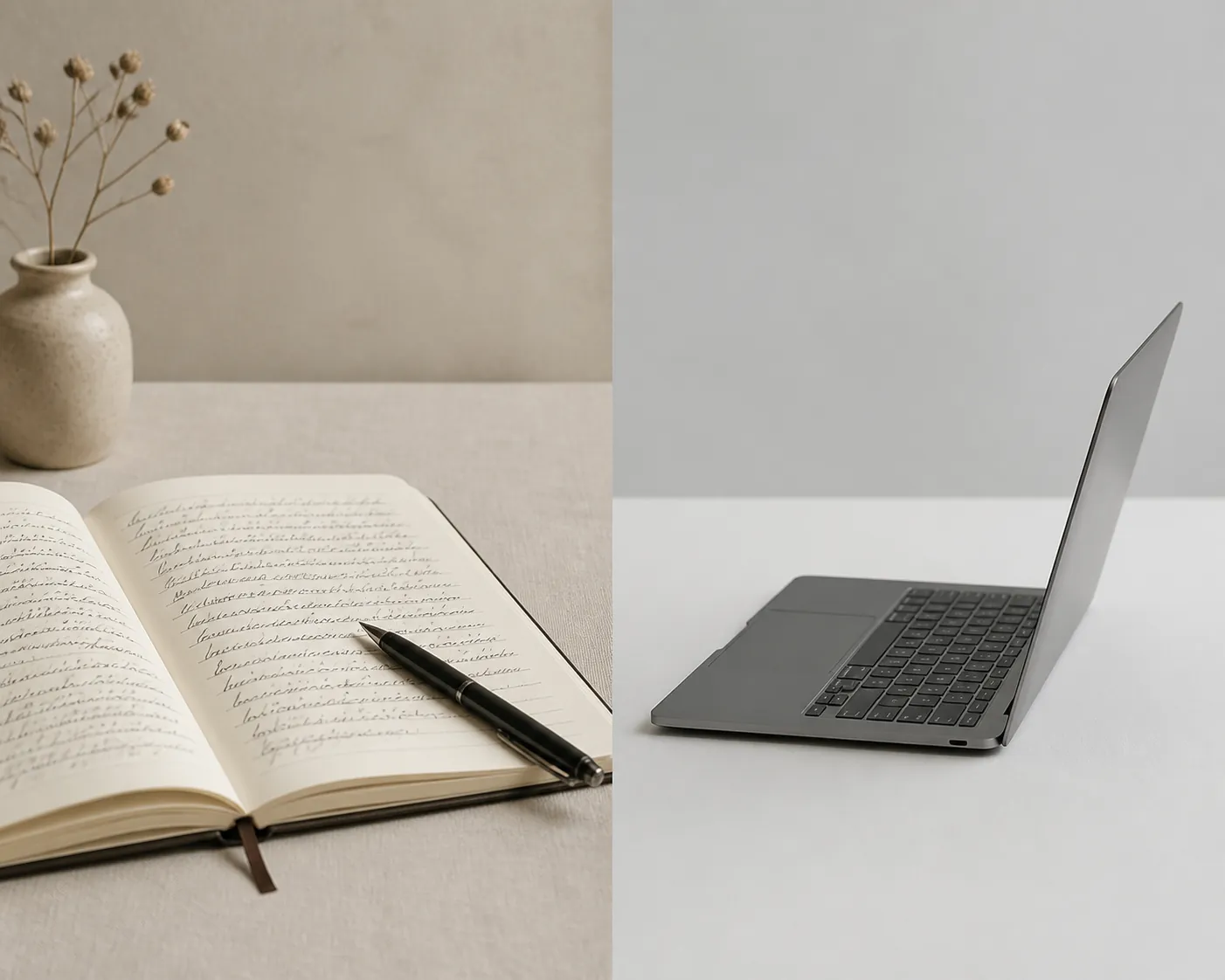
A 2024 meta-analysis by Flanigan and colleagues looked at 24 studies with 3,005 college participants and found handwriting outperformed typing on performance measures. The modeled difference was modest but meaningful: a 9.5% A-rate for handwriting compared with a 6% A-rate for typing. The same analysis found that typed notes captured more words, while the advantage for handwriting was amplified when students reviewed their notes. [8]
That last point is the part worth taping to the inside cover of a notebook. Handwriting is slower, so it can force selection. A student cannot write every sentence a teacher says, so the student has to decide what belongs on the page. That deciding is part of the learning work. It is also why a messy handwritten page can beat a beautiful transcript that the student never thinks through again.
Mueller and Oppenheimer’s 2014 work made a similar distinction. Across three studies, students who took laptop notes performed worse on conceptual questions than students who took longhand notes. [9] The problem was not that typing cannot store information. It was that laptop note-taking made it easier to record words without processing relationships, causes, or contrasts.
Brain-based evidence points in the same direction, while staying far away from a magic-pencil claim. A 2023 NTNU EEG study with 36 students and 256 sensors found handwriting recruited widespread brain connectivity, while typing showed minimal connectivity by comparison. [10] That supports the idea that handwriting involves a richer set of processes than pressing keys, though it does not by itself tell a DPS sophomore how to pass biology.
The evidence is also not perfectly tidy. A 2022 meta-analysis by Voyer and colleagues found no overall handwriting-versus-typing advantage and did not find effects dependent on review. [11] A later replication also found no significant effect. [12] So the honest family rule is not “handwriting always wins.” It is that, under a policy that already removes many personal digital tools, handwritten capture plus deliberate review is the best-supported default for most students who do not have a documented need for another method.
A workable DPS note system now has two phases
The cleanest setup separates in-class capture from after-school organization. Trying to replace an all-day digital workflow with one notebook and no review habit will frustrate students fast. Trying to sneak the old workflow through a personal device will put the student in conflict with the rule. The middle path is simple: capture by hand at school, then organize or digitize later when personal devices are allowed.
| When | Default tool | What the student does |
|---|---|---|
| During class | Paper notebook, folder, pencil or pen; district-issued device only when permitted | Write the date, class topic, key explanations, examples, assigned work, and questions to ask. |
| End of class or passing period | Notebook and planner page | Mark homework, missing materials, quiz dates, and anything that must be checked after school. |
| At home | Personal laptop, tablet, phone, scanner app, or learning platform if the family uses one | Review the day’s pages, fill gaps, upload or photograph notes if helpful, and move tasks into a calendar. |
| Weekly | Notebook plus digital or paper planner | Clean out loose sheets, flag test material, and check whether each class still has a usable system. |
For most students, the in-class notebook should be boring on purpose. One section per class is easier to rescue than five loose half-used notebooks. Each page needs a date and topic. A left margin can hold questions, vocabulary, formulas, or teacher cues. The bottom of the page can hold “next action” items: finish problem set, reread pages, ask about lab partner, check Schoology, bring permission slip.
Students who used to photograph the board need a replacement before the first missed diagram. That replacement might be asking the teacher whether slides are posted, copying only the structure of the diagram in class and labeling it at home, or using a district-issued device if the teacher has built that into the lesson. What cannot be the backup plan is a personal phone pulled out because the class moved quickly.
Students who type because handwriting is painful, slow, illegible, or inaccessible should not be pushed into a notebook by family preference alone. EL-23 includes disability and health exceptions, and those are exactly the cases where families should talk with the school through the student’s existing plan or support process. Language-access needs should be handled the same way. The point is not to make every student use paper; it is to make sure the tool is permitted before the student is depending on it.
What to replace from the old phone workflow
- Calendar alerts: move school-day reminders into a paper planner, assignment sheet, or district-approved platform checked at set times.
- Homework photos: write the assignment in the notebook before leaving class, including where to find the full directions if they are posted online.
- Digital notes: use paper during class, then scan or type a cleaned-up version at home only if that extra step helps the student review.
- Group work messages: write names, responsibilities, and due dates on paper before leaving the room; handle messaging after school.
- Parent contact: decide the school-approved route for urgent communication so the student is not improvising with a hidden phone.
- Translation, medical, or accessibility tools: confirm the exception in advance rather than assuming a teacher will sort it out during class.
This is where families can lower the temperature. Instead of starting with “you can’t have your phone,” start with “what did your phone do for school last year?” Then replace each school function with a permitted tool. If the answer is mostly entertainment, the notebook still needs to exist. If the answer includes access, health, or language support, the family needs a school conversation, not a lecture at the kitchen table.
Harder can be useful, if the harder work is the learning work
A Chalkbeat classroom example from Colorado teacher Dylan Kane makes the tradeoff plain. Kane removed classroom screens, and the class got harder; that difficulty may have been part of why the change worked. [13] That is a better lesson than the usual device-ban sermon. Screens often make school feel smoother. Smoother is not always the same as better learning.
Handwriting notes from a lecture, copying a diagram, marking a confusing step, and returning to the page that evening are all slower than saving a file or taking a photo. They also make it harder for a student to confuse possession with understanding. The notebook page shows what the student noticed, missed, misunderstood, and needs to ask next.
That does not make the DPS ban an academic-results machine. The stronger claim is more modest and more useful: DPS has changed the conditions of the classroom by removing major personal-device distractions and by taking personally owned digital note-taking tools out of the normal school-day routine. Families now need a note workflow that matches that rule. For most students, the best starting point is handwritten capture at school, followed by deliberate review and, when useful, digital organization at home.
References
- New DPS Cell Phone Policy for 26-27 — Executive Limitation 23 — Compassion Road Academy
- HB25-1135 — Colorado General Assembly
- Phones in Focus
- NBER pouch study
- Figlio & Özek Florida cellphone policy study
- DPS student cellphone policy survey coverage — CBS Colorado and Chalkbeat
- Pew teen opinion data on all-day cellphone restrictions — Pew Research Center
- Flanigan et al. 2024 handwriting-versus-typing meta-analysis
- The Pen Is Mightier Than the Keyboard: Advantages of Longhand Over Laptop Note Taking — Mueller and Oppenheimer, 2014
- NTNU 2023 EEG handwriting and typing study
- Voyer et al. 2022 handwriting-versus-typing meta-analysis
- Handwriting-versus-typing null replication
- Chalkbeat report on Colorado teacher Dylan Kane removing classroom screens
Comments
Join the discussion with an anonymous comment.