
Why Sync Is the Real Dealbreaker (Not Features or Price)
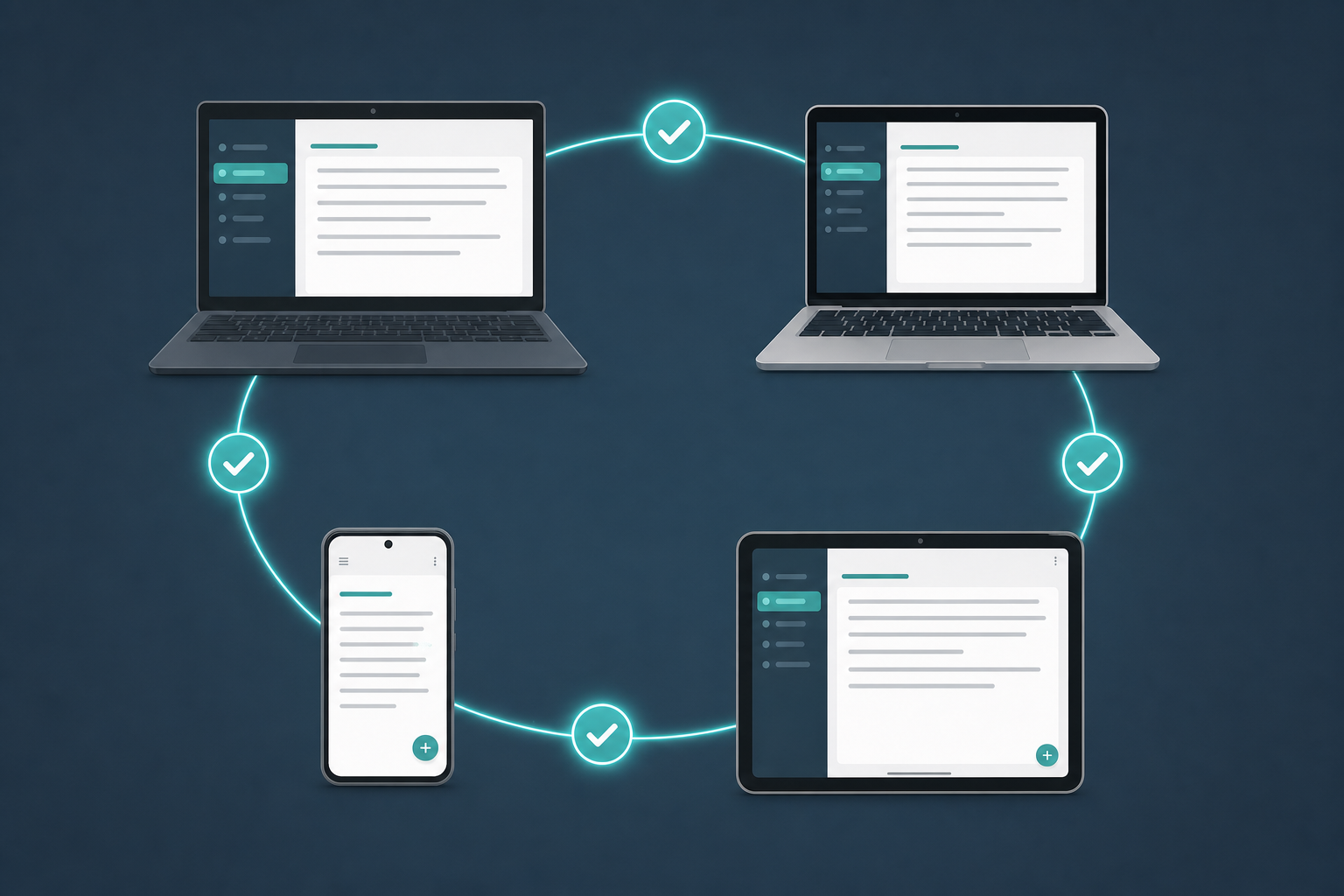
You open your iPad to review a meeting outline you typed on your Windows laptop an hour ago. The note is there — but it's the version from yesterday. Your edits are gone. You check your phone: same story. Somewhere between the laptop and the cloud, the update vanished.
If this scenario sounds familiar, you already know that sync reliability matters more than any feature list or price tag. A note-taking app with perfect markdown support, AI search, and a beautiful interface is useless if it can't reliably move a paragraph from your work PC to your personal tablet. Yet most comparison articles treat sync as an afterthought — a bullet point buried under "collaboration features" or "export options."
This article takes the opposite approach. We rank eight major cross-platform note-taking apps by their sync architecture first — server-authoritative, file-based, and end-to-end encrypted — and then test how each behaves in the real-world scenarios that cause the most frustration: editing the same note on two devices while offline, switching between operating systems mid-day, and recovering from a conflict without losing data. The goal is not to declare a single winner. It is to help you match a sync pattern to the way you actually work.
The Three Sync Patterns That Define Every Cross-Platform Note-Taking App
Every cross-platform note-taking app falls into one of three sync architecture categories. Understanding these patterns is the fastest way to predict how an app will behave when you need it most — during a flight with no Wi-Fi, during a presentation where you're switching between a Mac and an iPad, or during a frantic edit session across three devices at once.
Server-Authoritative Sync (Notion, OneNote, Google Keep)
In this model, the canonical copy of every note lives on the app's servers. Your devices hold cached copies. When you make an edit, it is sent to the server, which resolves any conflicts and distributes the result to all other devices. The Atlas guide describes this pattern as the "most invisible" for multi-device users because conflicts resolve in seconds without user intervention. The tradeoff is equally clear: if the server goes down or the vendor changes its pricing model, you cannot access or edit your notes until the service is restored.
File-Based Sync (Obsidian, Joplin, Logseq)
File-based apps store every note as a plain text file (usually Markdown) on your local file system. Sync is handled by a third-party service — iCloud, Dropbox, Syncthing, or the app's own sync layer — that mirrors the folder of files across devices. You own the source of truth. The risk is that when two devices edit the same file simultaneously while offline, the sync service cannot merge the changes. The result is a conflict file — typically named "note (conflicted copy).md" — that you must merge manually.
End-to-End Encrypted Sync (Standard Notes, Obsidian Sync)
End-to-end encrypted (E2EE) sync encrypts your notes on your device before they ever reach a server. The server stores only encrypted blobs and cannot read your content. Standard Notes is the only major cross-platform app that uses E2EE by default. Obsidian offers E2EE as an optional paid add-on called Obsidian Sync. The tradeoff is that conflict resolution becomes more complex — the server cannot inspect note contents to merge changes, so the app must use explicit conflict handling that sometimes requires user action.
| Sync Pattern | How It Works | Representative Apps | Key Tradeoff |
|---|---|---|---|
| Server-Authoritative | Canonical copy on server; devices hold caches | Notion, OneNote, Google Keep | Convenient and invisible, but creates vendor lock-in |
| File-Based | Notes are local files; third-party or app sync mirrors the folder | Obsidian, Joplin, Logseq | Full ownership, but risk of conflict files that must be merged manually |
| End-to-End Encrypted | Notes encrypted on-device before reaching server | Standard Notes, Obsidian Sync | Maximum privacy, but conflict handling is more explicit and sometimes manual |
Sync Reliability Ratings: What the Testing Shows
The following ratings are drawn from the Atlas guide's hands-on testing, the ROIpad sync audit's real-world latency measurements, and the Zapier review's app-by-app reliability assessments. Each app was evaluated on three criteria: latency (how quickly an edit on one device appears on another), background sync reliability (whether the app syncs without being opened), and failure mode (what happens when sync breaks).
| App | Sync Pattern | Reliability Rating | Notable Findings |
|---|---|---|---|
| OneNote | Server-Authoritative | Excellent | Free across Mac, Windows, iOS, Android, and web with 5GB storage; sync via OneDrive is generally reliable |
| Notion | Server-Authoritative | Good | Conflicts resolve in seconds, but no offline editing on mobile free tier; vendor outage = working outage |
| Standard Notes | E2E Encrypted | Good | E2EE by default; explicit conflict handling; attachments may not import cleanly during migration |
| Obsidian (Sync) | E2E Encrypted / File-Based | Good | Optional Sync add-on ($8/mo) adds E2EE; file-based via iCloud/Dropbox risks conflict files |
| Joplin | File-Based | Good | Free and open-source; Joplin Cloud (€2.99/mo) simplifies sync; conflict files require manual merge |
| Google Keep | Server-Authoritative | Good | Simple and fast, but limited formatting and no offline editing on desktop |
| Logseq | File-Based | Fair | File-based with Markdown; sync via Git or third-party services; conflict handling is manual |
| Evernote | Server-Authoritative | Fair | Free plan limited to 50 notes and 1 device; sync reliability has degraded; recent price hikes have driven users away |
The most consistent finding across all sources is that OneNote offers the least drama for the broadest set of users. It is free across every major platform, syncs reliably through OneDrive, and requires no configuration. The Atlas guide notes that OneNote "syncs free across Mac, Windows, iOS, Android, and web with no cost for 5GB." For users who simply want notes to appear on every device without thinking about it, OneNote is the baseline.
Notion's server-authoritative sync is fast and invisible when it works, but its web-first architecture means that the mobile free tier does not support offline editing. If you frequently edit notes on a phone or tablet without a reliable connection, this is a meaningful limitation.
Conflict Resolution: What Happens When Two Devices Edit the Same Note Offline
The worst-case scenario for any cross-platform note-taker is this: you edit a note on your laptop during a flight, then edit the same note on your phone during the taxi ride home. Both devices were offline. When they reconnect, what happens?
| App | Conflict Resolution Behavior | User Experience |
|---|---|---|
| Notion | Server-authoritative: conflicts resolve in seconds on the server | Invisible to the user; no manual action required |
| OneNote | Server-authoritative: OneDrive merges changes at the page level | Generally seamless; occasional page version history available |
| Standard Notes | E2E encrypted: explicit conflict handling; user must choose which version to keep | Clear but requires user action; no automatic merge |
| Obsidian (file-based) | File-based: creates 'note (conflicted copy).md' files | Manual merge required; risk of data loss if conflicts are not resolved promptly |
| Joplin | File-based: creates conflict notes with timestamps | Manual merge required; similar to Obsidian's approach |
| Logseq | File-based: Git-based conflict files if using Git sync | Manual merge via Git or file comparison; technical skill required |
| Google Keep | Server-authoritative: simple last-write-wins | Risk of losing earlier edits if both devices sync simultaneously |
| Evernote | Server-authoritative: conflict copies created in some cases | Inconsistent; some users report lost edits on the free plan |
Server-authoritative apps like Notion and OneNote handle this scenario invisibly because the server acts as the single source of truth. When both devices come online, the server reconciles the changes and distributes the merged result. The tradeoff, as noted earlier, is that you are dependent on the vendor's infrastructure.
Standard Notes, as an E2EE app, cannot rely on the server to inspect and merge content. Instead, it presents both versions to the user and asks which one to keep. This is more transparent than file-based conflict files, but it still requires your attention.
Offline-First vs. Cached-Offline: Which One Fits Your Workflow?
The distinction between offline-first and cached-offline apps is one of the most practical — and most overlooked — factors in choosing a cross-platform note-taking app. It determines whether you can work productively when the internet goes down.
Offline-First Apps
Offline-first apps store the canonical copy of every note on your local device. The cloud is a backup and sync mechanism, not the source of truth. According to the Atlas guide, Obsidian, Joplin, Standard Notes, and Logseq are "the best offline choices because the canonical copy is local." These apps work fully without internet — you can create, edit, search, and organize notes as if you were online. When connectivity returns, the app syncs your changes to other devices.
Cached-Offline Apps
Cached-offline apps — Notion, OneNote, and Evernote — keep a local copy of notes you have recently opened, but the canonical copy remains on the server. The Atlas guide categorizes these as "cached-offline tools." In practice, this means:
- You can view and edit notes you have opened recently, but notes you have never opened on a particular device may not be available offline.
- If you edit a note while offline and another device edited the same note before you lost connectivity, the server-authoritative model may overwrite your offline changes when you reconnect.
- On the free tier of Notion, mobile offline editing is not supported at all — you must be online to make changes.
| Category | Offline-First Apps | Cached-Offline Apps |
|---|---|---|
| Canonical copy location | Local device | Server (cloud) |
| Full offline functionality | Yes — create, edit, search, organize | Limited to recently opened notes |
| Sync model | Intentional sync when online | Continuous background sync when online |
| Risk of data loss offline | Low — local copy is authoritative | Medium — offline edits may conflict with server state |
| Representative apps | Obsidian, Joplin, Standard Notes, Logseq | Notion, OneNote, Evernote |
Platform-by-Platform Sync Notes: What Works and What Doesn't
Even within the same sync pattern, real-world behavior varies significantly depending on which operating systems you use. Here is what the research reveals about the most common device pairings.
Mac ↔ Windows
OneNote is the undisputed champion here. It is free on both platforms, syncs through OneDrive without any configuration, and offers feature parity across Mac and Windows. Notion also works well across both platforms, though the desktop apps are essentially wrappers around the web interface. Obsidian's file-based sync via iCloud works reliably on Mac but is notoriously unreliable on Windows — many users report that iCloud for Windows frequently fails to sync Obsidian vaults. For Obsidian users on both Mac and Windows, the paid Obsidian Sync add-on ($8/month) or a third-party service like Dropbox is the recommended workaround.
iPad ↔ Android
This is the most challenging pairing because Apple and Google ecosystems do not share a native sync layer. OneNote again offers the smoothest experience — it is free on both platforms and syncs reliably through OneDrive. Standard Notes also works well across iPad and Android thanks to its E2EE sync, though the mobile apps are less feature-rich than the desktop versions. Joplin's sync via Joplin Cloud or a self-hosted WebDAV server works on both platforms, but setup is more involved. Notion's mobile apps are functional but the free tier does not support offline editing on either platform.
Linux Edge Cases
Linux users have the fewest options. Obsidian, Joplin, Standard Notes, and Logseq all offer native Linux apps. Notion and OneNote do not have official Linux clients — users must rely on the web version or third-party wrappers. Joplin is particularly strong on Linux because it is open-source and can be synced via any WebDAV-compatible service, including self-hosted options. The PCMag review gives Joplin a 4.5/5 rating and names it "Best Open-Source" for exactly this reason.
Decision Table: Pick Your Sync Style
The following table distills everything above into a single decision framework. Identify your primary sync priority — convenience, ownership, or privacy — and find the app that matches.
| Sync Priority | Best App | Sync Pattern | Key Tradeoff | Starting Price | Verdict |
|---|---|---|---|---|---|
| Convenience (set it and forget it) | OneNote | Server-Authoritative | Vendor lock-in (Microsoft ecosystem) | Free (5GB) | Best for most users who want zero-config sync across all platforms |
| Convenience (team collaboration) | Notion | Server-Authoritative | No offline editing on mobile free tier | Free for personal; Plus $10/month | Best for teams and knowledge bases, but offline limitations are real |
| Ownership (full control of your data) | Obsidian | File-Based / E2EE | Conflict files require manual merge | Free; Sync add-on $8/month | Best for power users and developers who value local-first architecture |
| Ownership (open-source, self-hosted) | Joplin | File-Based | Setup requires technical comfort | Free; Cloud €2.99/month | Best for Linux users and anyone who wants a free, open-source option |
| Privacy (E2EE by default) | Standard Notes | E2E Encrypted | Explicit conflict handling; fewer integrations | Free; Productivity $90/year | Best for security-conscious users who need E2EE without configuration |
| Simplicity (quick capture) | Google Keep | Server-Authoritative | Limited formatting; no offline desktop editing | Free | Best for quick notes and reminders, not for long-form writing |
No single app is perfect for every workflow. The right choice depends on whether you prioritize seamless background sync (OneNote), data ownership and local-first architecture (Obsidian), or end-to-end encryption without compromise (Standard Notes). What matters most is that you choose based on sync architecture — not on feature lists or pricing alone — because sync is the feature that determines whether your notes are actually there when you need them.
Comments
Join the discussion with an anonymous comment.