
The useful question is not which to-do list Chrome extension wins in a vacuum. It is where the task should go when it appears while you are already in Chrome: in the middle of a Gmail thread, beside a calendar invite, inside a class portal, or on a webpage you know you will not find again later.
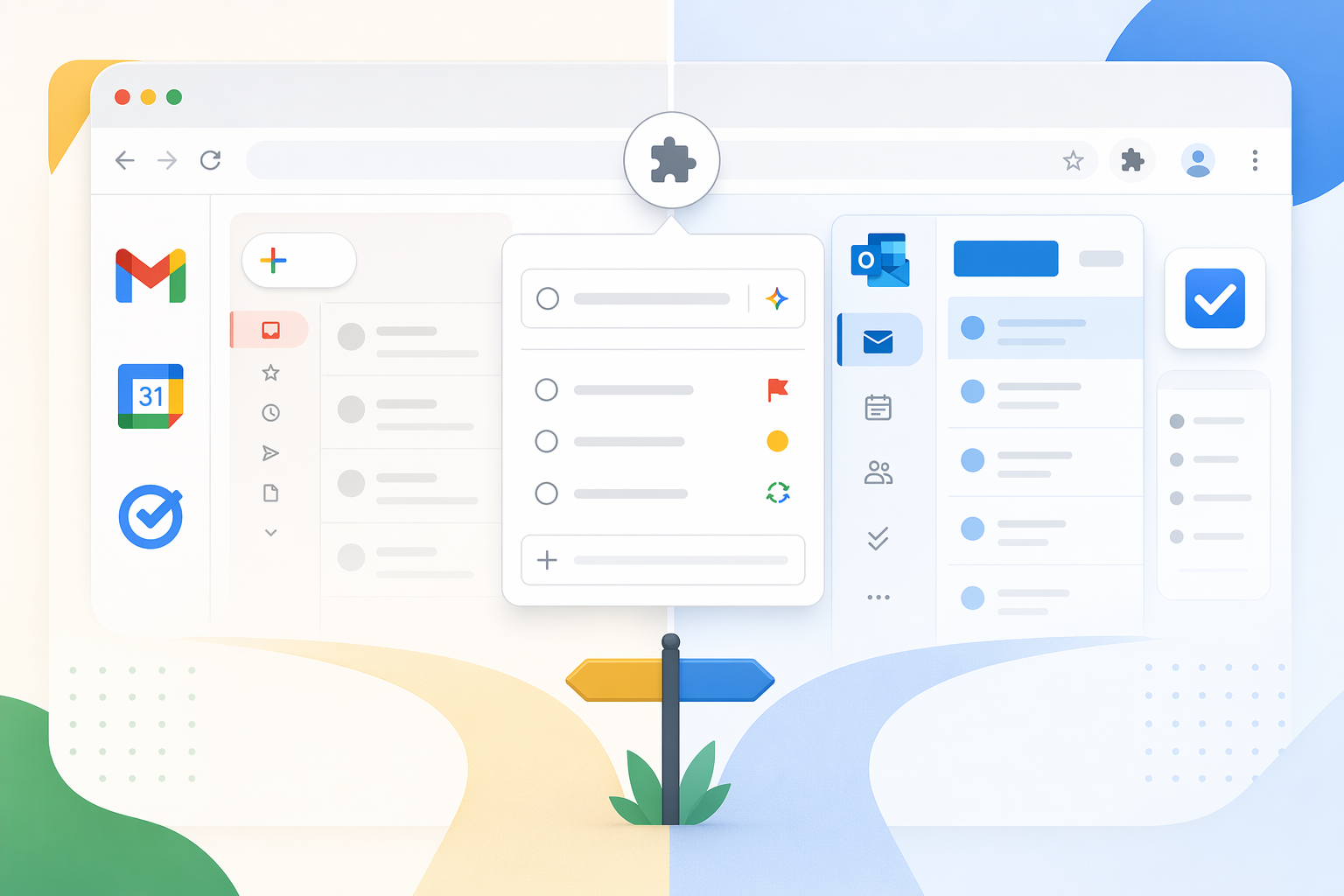
Start with the place your work already lives. If you use Gmail and Google Calendar all day, Google Tasks or TasksBoard will usually feel cleaner than adding another full task database. If Outlook, Microsoft 365, and Teams shape your day, Microsoft To Do deserves more attention than most Chrome-extension roundups give it, even with an important browser caveat. If you want the extension itself to do heavier work, Todoist, TickTick, and Any.do are the real comparison.
| If your work lives in... | Start with... | Why it fits Chrome-based work | Main caveat |
|---|---|---|---|
| Gmail, Google Calendar, Google Tasks | TasksBoard or native Google Tasks | Tasks stay close to Gmail and Calendar instead of becoming another app to check. | TasksBoard adds a board interface; it is not the same thing as native Google Tasks. |
| Outlook and Microsoft 365 | Microsoft To Do | The service is fully free and fits Microsoft accounts well. | The Chrome extension commonly discussed is third-party, not an official Microsoft extension. |
| Independent task apps | Todoist | Best fit when quick capture and natural language recurring tasks matter. | Key conveniences such as reminders require Pro, and public pricing references conflict. |
| Tasks plus focus sessions and habits | TickTick | The Chrome extension can support capture while the app bundles tasks, calendar, habits, and Pomodoro. | The free plan is usable, but the bundle becomes more compelling on paid. |
| Daily planning and overload control | Any.do | Plan My Day gives structure to people who need a morning sorting ritual. | Advanced recurring reminders and AI features are behind Premium. |
Google Users: Separate Google Tasks From TasksBoard
Google Tasks is the quiet option. It is already present in the Google Workspace side panel, so a Gmail user can turn a message into something to handle later without deciding which outside app deserves the task. Tasks can also appear in Google Calendar, which matters more than another attractive list view when the real failure point is forgetting to return to the task at all. TasksBoard’s 2026 Google Tasks review frames Google Tasks around that native Gmail and Calendar fit rather than as a standalone project-management system.[1]
TasksBoard sits on top of that Google Tasks base. That distinction is easy to blur, and it changes the recommendation. Native Google Tasks is the built-in capture surface inside Gmail and Calendar. TasksBoard adds a more visual board layer, with kanban-style organization and sharing built around Google Tasks data. If Google Tasks is enough, TasksBoard may be unnecessary. If Google Tasks feels too narrow but you still want tasks to remain tied to the Google account, TasksBoard is the cleaner upgrade path.
The pricing point is unusually simple: 2026 comparison sources describe TasksBoard as having no paid tier at all and as syncing tasks natively to Google Calendar.[2] That does not make it more powerful than Todoist or TickTick. It makes it hard to dismiss for students, teachers, and Google Workspace users who mainly need capture, visibility, and a board view without adding another subscription.
Microsoft Users: The Service Is Stronger Than The Chrome Story
Microsoft To Do is the option that gets underrated when the comparison starts and ends with Chrome Web Store polish. The underlying service is fully free, and Android Police makes the case for it as a practical alternative to paid task apps such as Todoist, TickTick, and Any.do.[3] For someone whose work already moves through Outlook and Microsoft accounts, that matters. A free task app that shows up where the account already lives can beat a better-looking extension that requires a second daily habit.
The Chrome caveat is not small. The commonly cited “Add to Microsoft To Do” Chrome extension is third-party rather than an official Microsoft extension, with roughly 30K users and a 4.5-star store rating.[3] For a personal account, that may be an acceptable tradeoff. For a company, school, or security-conscious team, extension ownership can be the deciding fact. The question is not whether Microsoft To Do is legitimate; it is whether your organization allows that particular browser bridge.
If your company has strict extension policies, the better setup may be to use Microsoft To Do through its web app or Microsoft-integrated surfaces and skip the third-party Chrome extension entirely. That is less elegant from the toolbar, but it avoids pretending the browser layer has the same institutional footing as the Microsoft service itself.
Independent Apps: Compare The Browser Actions, Not The Brand Names
Todoist, TickTick, and Any.do all make more sense if you want your task app to be independent of Google or Microsoft. They also ask more from the user. Once you leave the native ecosystem, the Chrome extension has to earn its place by reducing steps: capture the current page, parse the due date correctly, save a follow-up without opening a full app, or place the task somewhere you will actually review.
Todoist: best when wording the task is faster than configuring it
Todoist’s Chrome extension has the strongest case for people who capture tasks in fragments throughout the day. 2026 sources point to 500K+ Chrome extension users and highlight Todoist’s natural language parsing as a major differentiator.[2] In practical terms, that means a task like “submit budget draft every second Tuesday at 3pm” is more likely to become the correct recurring task without opening a date picker, recurrence menu, and reminder dialog.
That parsing advantage is not a small preference if your tasks often arrive as email follow-ups, meeting commitments, and recurring admin work. The browser moment is short. If the extension can understand the sentence before your attention moves back to the email, the task is more likely to be captured accurately.
The tradeoff is the free tier. ToolFinder’s Todoist-versus-TickTick comparison lists Todoist Pro at $4 per month on annual billing, while Any.do’s 2026 comparison cites Todoist at $5 per month on annual billing.[4][5] The safe conclusion is not to treat either secondary price as final without checking Todoist’s official pricing page. More importantly, reminders are treated as a Pro feature in the cited comparisons, so a free Todoist setup can be excellent for capture and organization while still withholding a feature many people consider basic.[4]
TickTick: the bundle matters
TickTick is not just a Todoist alternative with a different coat of paint. Chrome Web Store and 2026 comparison sources describe its Chrome extension as having 100K+ users and note that TickTick includes a Pomodoro timer directly in the extension popup, a browser-specific difference that matters if you actually use focus sessions while working in tabs.[2][6]
Its bigger argument is consolidation. ToolFinder lists TickTick at $3 per month on annual billing, and the same comparison emphasizes that TickTick bundles tasks, habits, Pomodoro, and calendar features.[4] For someone who would otherwise keep a task app, habit tracker, focus timer, and calendar planning tool loosely stitched together, that price can be rational. The value is not that every feature is best in class; it is that fewer pieces have to stay synchronized by hand.
The free plan is also not just a trial shell. The cited 2026 comparison identifies 9 lists, habits, and calendar access as available free. That makes TickTick a better free candidate than many people expect, especially if the Pomodoro and habit pieces are part of the real workflow rather than decorative extras.
Any.do: useful when the day needs to be sorted before it can be done
Any.do’s strongest fit is the user who opens a list and sees a pile, not a plan. Its “Plan My Day” structure is the differentiator: a daily review ritual that pushes tasks into a more intentional order. Any.do’s own 2026 comparison says its free plan has no project caps, while advanced recurring reminders and AI features sit behind Premium at $4.99 per month.[5]
Because that source is from Any.do, the comparison should be read with the obvious vendor bias in mind. The free-plan and Premium-feature claims are still useful for understanding Any.do’s own positioning. It is less persuasive as independent evidence that Any.do is better than Todoist or TickTick.
What The Chrome Extension Actually Needs To Do
A to-do list Chrome extension is worth installing only if it shortens the path from noticing a task to storing it somewhere durable. The common useful actions are simple: add a task from the toolbar, save the current webpage as a task, turn an email into a follow-up, parse a due date from plain language, or show today’s tasks without opening a separate tab.
| Chrome need | Best fit | Reason |
|---|---|---|
| Tasks from Gmail and Calendar | Google Tasks or TasksBoard | The task can remain inside the Google account and appear near the calendar. |
| Outlook-centered task management | Microsoft To Do | The service fits Microsoft accounts, though the Chrome extension caveat matters. |
| Fast recurring-task entry | Todoist | Natural language parsing is the main browser-speed advantage. |
| Focus timer in the browser | TickTick | The Pomodoro timer is available directly from the extension popup. |
| Daily task triage | Any.do | Plan My Day helps convert a backlog into a selected day plan. |
There are also things the available sources do not establish well. Chrome-specific performance data is limited: extension resource usage, offline behavior inside the extension, and keyboard shortcut responsiveness are not documented consistently. Store user counts and ratings are useful confidence signals, but they do not prove that an extension is light, reliable, or accepted by your IT policy.
Free Plans Are Not Equal
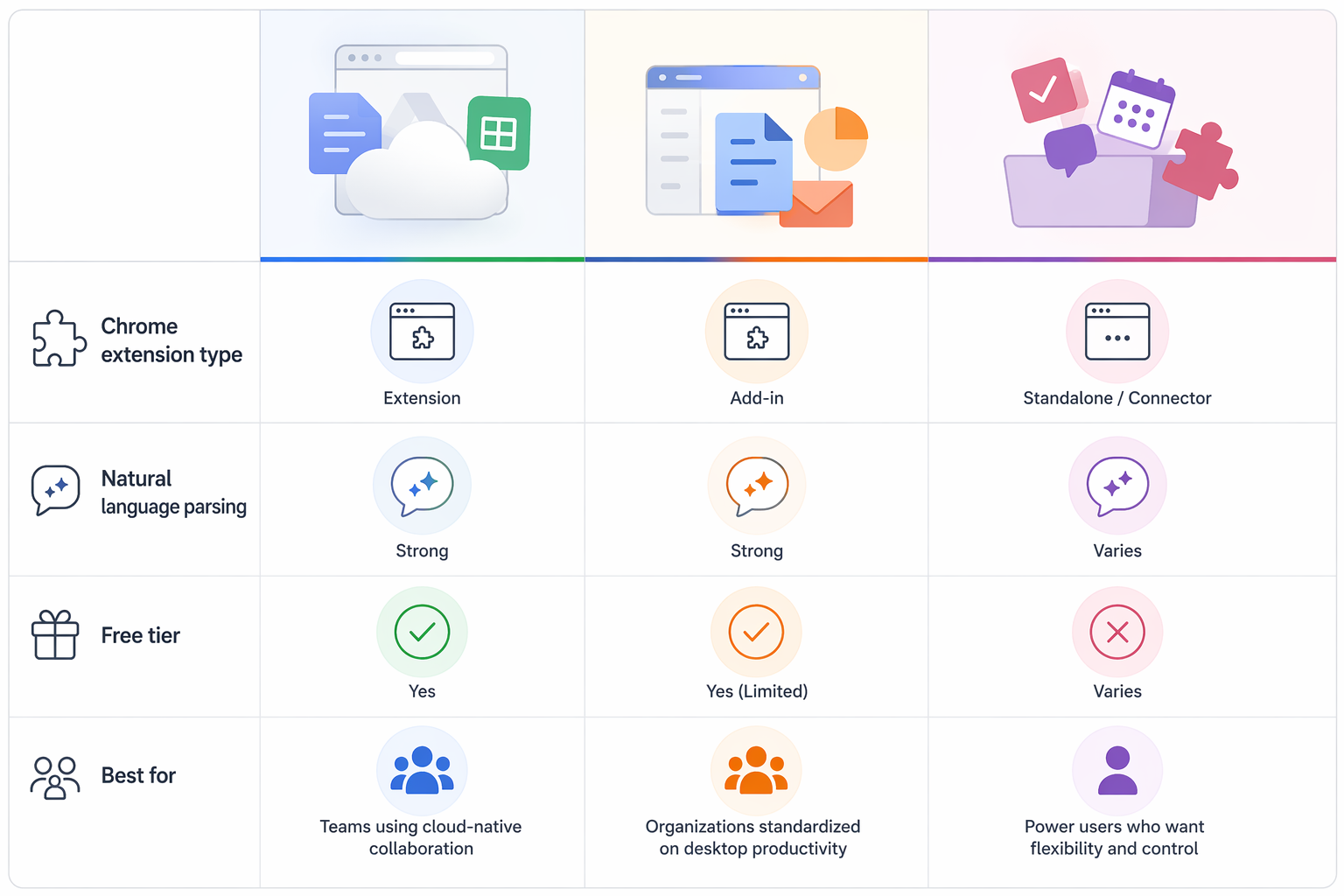
Free can mean several different things in this category. Microsoft To Do is fully free as a service. TasksBoard is described as having no paid tier. Todoist is highly capable free, but reminders push you toward Pro. TickTick’s free plan includes enough structure to be useful, especially with lists, habits, and calendar access. Any.do allows unlimited tasks without project caps, but keeps advanced recurring reminders and AI features for Premium.[2][3][4][5]
That matters because the first week with a task app is usually too generous. You can capture ten tasks anywhere. The real test comes when one task repeats every other Tuesday, another needs a reminder before a meeting, a third came from Gmail, and a fourth is a webpage you promised yourself you would read before class. Free tiers tend to reveal themselves at those edges.
| Tool | Free-tier reality | Upgrade pressure |
|---|---|---|
| TasksBoard | No paid tier described in the 2026 comparison sources. | Less about price, more about whether the board model is enough. |
| Microsoft To Do | Fully free service. | The issue is the third-party Chrome extension, not subscription cost. |
| Todoist | Strong for capture and organization. | Reminders and deeper workflow features push many users toward Pro. |
| TickTick | Free plan includes lists, habits, and calendar access in the cited comparisons. | Paid becomes attractive if the all-in-one bundle replaces separate tools. |
| Any.do | Unlimited tasks and no project caps according to Any.do’s own comparison. | Advanced recurring reminders and AI features require Premium. |
When Not To Pick Each One
- Do not pick TasksBoard if you want a mature independent task methodology with advanced parsing, labels, filters, and automation. Its advantage is Google Tasks fit, not power-user depth.
- Do not rely on the Microsoft To Do Chrome extension in a managed workplace until you confirm that third-party browser extensions are allowed. The Microsoft service and the Chrome extension are not the same trust question.
- Do not pick Todoist free if reminders are non-negotiable. The capture flow may be excellent, but the free-plan boundary will show up quickly.
- Do not pick TickTick just because it has more bundled features. If you will not use habits, Pomodoro, or calendar planning, the bundle is not much of an argument.
- Do not pick Any.do if your main need is complex recurring-task parsing. Its better argument is daily planning structure.
Some readers will discover that the extension is not the real problem. If tasks are captured but never clarified, grouped, reviewed, or trusted, a browser button will only move the mess faster. That is when a method-first setup such as building a GTD productivity system in Notion may be more useful than swapping one extension for another.
The Shortlist
Choose TasksBoard if Google Tasks and Google Calendar are already home base and you want a free board-style layer without leaving that ecosystem. Use native Google Tasks alone if Gmail-side capture and calendar visibility are enough.
Choose Microsoft To Do if the Microsoft ecosystem and a fully free service matter more than having an official Chrome extension. Treat the third-party extension as optional, and check policy before installing it on a work or school account.
Choose Todoist if natural language parsing and workflow depth justify paying for Pro, especially when recurring tasks need to be captured correctly from the toolbar before your attention moves elsewhere.
Choose TickTick if the combination of tasks, habits, Pomodoro, and calendar planning would replace several separate tools. Its Chrome extension matters most when the focus timer and quick capture are part of the same work session.
Choose Any.do if the morning planning ritual solves the actual problem: too many loose tasks and not enough decision about what belongs today.
References
- Google Tasks Review 2026, TasksBoard
- 10 Best To-Do List Chrome Extensions in 2026, Nexasphere
- I don't pay for Todoist, TickTick, or Any.do, I use this free tool, Android Police
- Todoist vs TickTick (2026): Task Apps Compared, ToolFinder
- Any.do vs Todoist: An Honest Comparison (2026), Any.do blog
- Todoist vs. TickTick: I've Tried Them Both, TechWiseInsider