
If Teams keeps disrupting work, the useful question is not whether Slack has fewer incidents. It does not, at least in the public outage record used here. The useful question is whether switching from Microsoft Teams to Slack, tested against 2026 outage evidence and SLA terms, would reduce the kind of downtime that actually traps a company: chat gone, meetings gone, phone gone, managers trying to run an incident through the same system that is failing.
The short verdict: Slack looks marginally safer for teams that cannot tolerate total communication blackouts, because its failures more often appear as narrower component failures. Teams has fewer tracked incidents, but its shared Microsoft 365 and Azure-backed communication stack can make a single failure feel larger when chat, meetings, and calling are part of the same operational dependency. That does not make Slack outage-proof. StatusGator shows 25 tracked Microsoft Teams outages since January 2025, while Slack shows 99 tracked outages in the same broad period, including a severe 37-hour connectivity incident in February 2026.[1][2]
| Reliability Question | Microsoft Teams | Slack | Operational Read |
|---|---|---|---|
| Tracked incidents since January 2025 | 25 | 99 | Raw count favors Teams, but count alone hides scope and blast radius. |
| Typical failure shape in the evidence reviewed | More likely to affect core communication together when the Microsoft 365 stack is involved | More often reported as component-level issues such as mobile workflows, email delivery, or notifications | Slack may leave more ways to work around the edges. |
| Severe 2026 example | January 21 Microsoft 365 ecosystem outage; other 2026 incidents affected messaging, global service, assignments, chat, and video | February 2026 connectivity outage lasting 37 hours | Neither product earns a clean reliability win. |
| Published SLA comparison | 99.9% standard Teams SLA in the research materials | 99.99% for Slack Plus and Enterprise Grid under the cited Slack SLA | SLA strength matters only if your plan includes it and credits are meaningful to your business. |
The outage count is the wrong place to stop
A procurement slide can make this look simple: Teams has 25 tracked outages, Slack has 99, so Teams is more reliable. That conclusion is too quick. StatusGator records include signals that can be narrower than a full service outage, including early warnings and user-reported issues before official confirmation. A notification issue on one operating system and a global collaboration outage should not carry the same operational weight just because both appear as incidents.
The Teams record still deserves attention. StatusGator lists major Microsoft Teams incidents in July 2026 affecting messaging for 1 hour and 12 minutes, June 2026 global issues lasting 1 hour and 22 minutes, a February 2026 assignments incident lasting 5 hours and 34 minutes, and a January 2026 chat and video incident lasting 1 hour and 5 minutes. It also identifies a January 21, 2026 global outage that hit the wider Microsoft 365 ecosystem, which is the sort of event that changes the operational conversation from “the chat app is flaky” to “our work platform is impaired.”[1]
Slack’s record is noisier. The same StatusGator dataset lists 99 tracked Slack outages since January 2025, and the February 2026 connectivity outage lasting 37 hours is not a footnote. Any reliability comparison that waves past a 37-hour connectivity problem is selling comfort, not analysis. But many of the other Slack incidents were narrower: Android workflows, email delivery, Windows notifications. Those can still hurt the people depending on that function. They usually do not erase every communication path at once.[2]
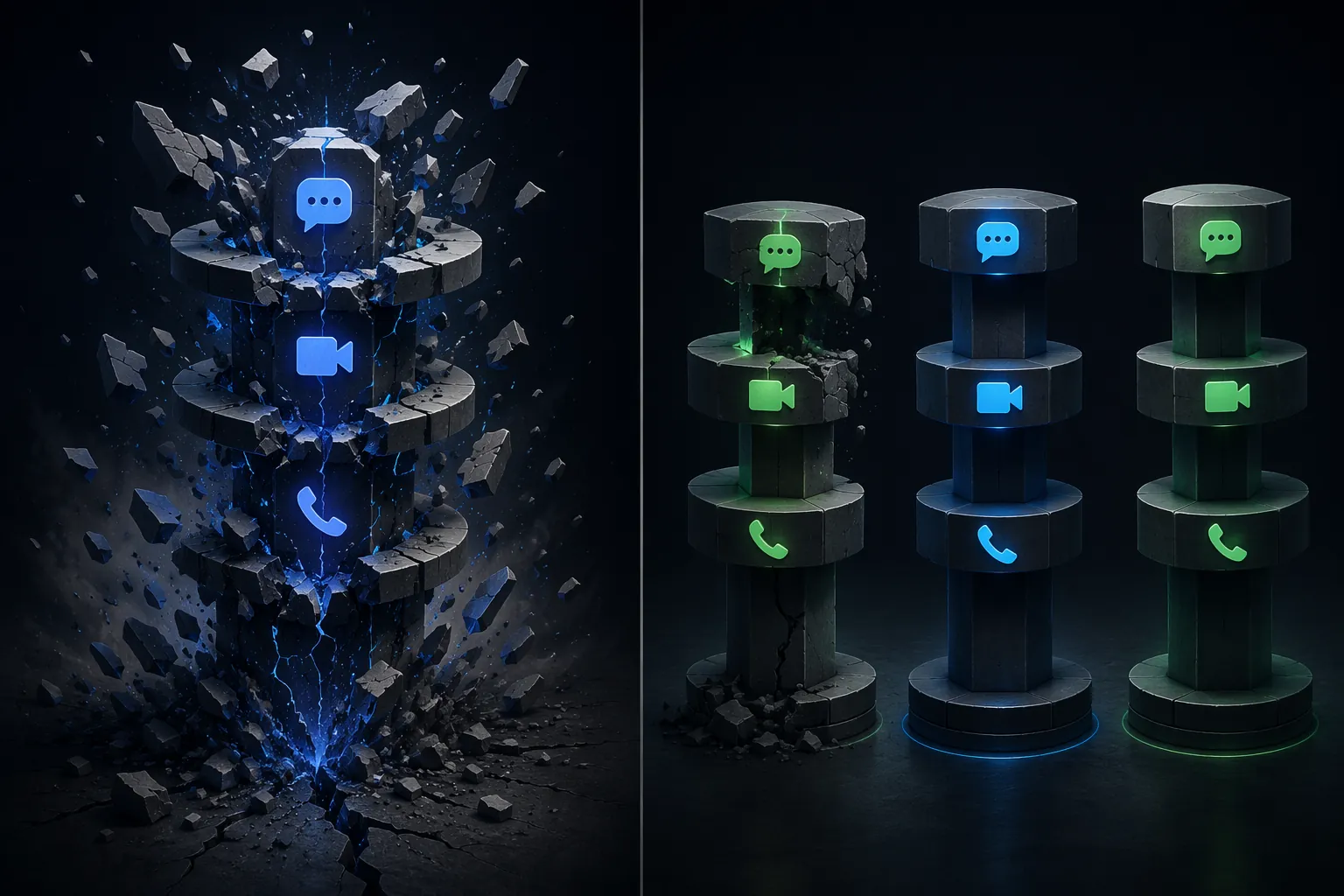
Why Teams failures can feel bigger than their duration
A one-hour outage is not one hour in the calendar. It is the support queue that stops being triaged, the sales call that cannot move to a clean escalation path, the manager who cannot get the incident bridge assembled, and the help desk that starts receiving tickets through whatever channel still works. Duration matters, but dependency concentration is what turns an outage into a business interruption.
Teams is attractive because it is close to the rest of Microsoft 365. That is also the risk. When the organization uses Teams for chat, scheduled meetings, ad hoc calls, Teams Phone, file collaboration context, Outlook calendar joins, recordings, and transcriptions, the collaboration layer becomes less like one app and more like shared plumbing. If that plumbing is affected by a broader Microsoft 365 service issue, the fallback plan cannot simply be “we still have Teams meetings” or “call them through Teams Phone.”
That is the practical difference behind the cascading-failure argument. A Teams incident touching chat and video at the same time is operationally different from a Slack incident where Windows notifications are unreliable but desktop messaging still works. The first can remove the coordination room. The second may create missed alerts, delayed responses, or manual checking, but it can leave the core conversation intact.
This is also why “we can use email” is a weak recovery plan. Email can carry updates, but it does not recreate live triage, shared incident context, quick channel visibility, or a reliable bridge for people already under pressure. If a customer-facing incident starts while Teams is degraded and the same platform is expected to host chat, meeting, and phone escalation, the organization has turned a vendor outage into an internal coordination failure.
Slack fails too, but often in smaller pieces
Slack’s reliability case is not that it has fewer interruptions. The public incident count says the opposite. Its stronger case is that many interruptions are more survivable around the edges. If an Android workflow fails, the mobile team feels it. If email delivery is delayed, notification-dependent workflows suffer. If Windows notifications break, users may need to keep the app visible and check channels manually. None of that is harmless, but it is different from losing the main coordination layer across chat and meetings.
The February 2026 Slack connectivity outage is the hard counterweight. A 37-hour connectivity incident is exactly the kind of event that should stop anyone from treating Slack as a magic evacuation route from Teams problems.[2] If your organization moves every urgent workflow into Slack and never designs a backup path, you have only changed vendors. You have not solved resilience.
Still, for teams that run customer incidents, production support, newsroom-style coordination, or high-volume internal operations, the shape of failure matters. A platform that breaks one component at a time is often easier to route around than a platform that can remove several communication modes together. That is the narrow reliability argument for Slack, and it is stronger than the usual “Slack feels faster” or “Teams is included” debate.
SLA math helps, but it does not run your incident
Slack’s cited service-level agreement offers 99.99% uptime for covered paid tiers, with a 100x service credit for qualifying violations.[3] The available Microsoft Teams SLA materials place the standard Teams SLA at 99.9%. In calendar terms, 99.99% allows roughly 53 minutes of downtime per year, while 99.9% allows roughly 8.8 hours per year. That gap is real, but it is still a contract remedy, not an operational recovery mechanism.
Two caveats matter. First, Slack’s 99.99% guarantee is not a blanket promise across every Slack tier. That stronger SLA applies to Plus and Enterprise Grid, so comparing Slack Pro pricing with enterprise-grade SLA protection would be misleading. Second, service credits do not pay back the missed renewal call, the delayed support escalation, or the engineering time spent improvising around a broken communication layer.
The same restraint applies to downtime-cost estimates. Techmode models a Teams Phone outage at $5,000 to $10,000 per hour for a 100-employee company with phone-dependent roles, and annualized exposure of $180,000 to $360,000 for organizations hit by quarterly multi-hour outages.[4] Those figures are useful as a way to think about order of magnitude. They are not a universal bill. A software company with few phone-based workflows and a sales floor living on voice calls do not have the same exposure.
Where Teams still makes operational sense
Teams is not irrational just because its outage shape can be ugly. For organizations already built around Outlook calendars, SharePoint permissions, Office files, compliance settings, meeting recordings, transcription, and large scheduled calls, Teams can remain the lower-risk operating choice. Reliability is not only uptime; it is also the number of workflows a migration disturbs.
Video is the most obvious example. Teams remains stronger for large video meetings, including support for 300-plus participants, recording, transcription, and breakout rooms. If the business runs training sessions, town halls, customer webinars, or formal cross-functional meetings through that stack, replacing Teams with Slack may create new operational gaps even if day-to-day chat becomes more isolated from Microsoft 365 outages.
The app ecosystem cuts both ways. Slack’s migration guide cites a 2,600-plus app directory, while Teams has 1,400-plus apps but deeper native hooks into Office, SharePoint, and Outlook.[5] That difference matters less as a feature checklist than as a migration map. A company using lightweight SaaS integrations may move cleanly. A company whose approvals, files, meeting artifacts, and permissions live inside Microsoft-native workflows may spend months rediscovering hidden dependencies.
Switching is a project, not a toggle
Slack’s own migration guidance describes a 90-day Teams-to-Slack roadmap, including 1 to 2 weeks of planning and 2 to 3 weeks of technical execution.[5] That is a reasonable shape for a controlled migration, but it should make one thing clear: switching after the next outage, in anger, is not a resilience plan. It is a change program.
The real work is not creating channels. It is deciding which Teams spaces map to Slack channels, which files stay in SharePoint, which alerts move first, which executives still need Teams meetings, which compliance rules apply, and what happens to external guests. The messy part is usually not the tool configuration. It is getting departments to stop treating the old and new systems as parallel sources of truth.
A cleaner approach is to classify workflows by failure tolerance before choosing a platform. Incident response, executive escalation, customer support triage, and sales communication may deserve a different resilience design than routine department chat. Some organizations do not need to replace Teams everywhere. They need one collaboration path that remains usable when Microsoft 365 is the thing under stress.
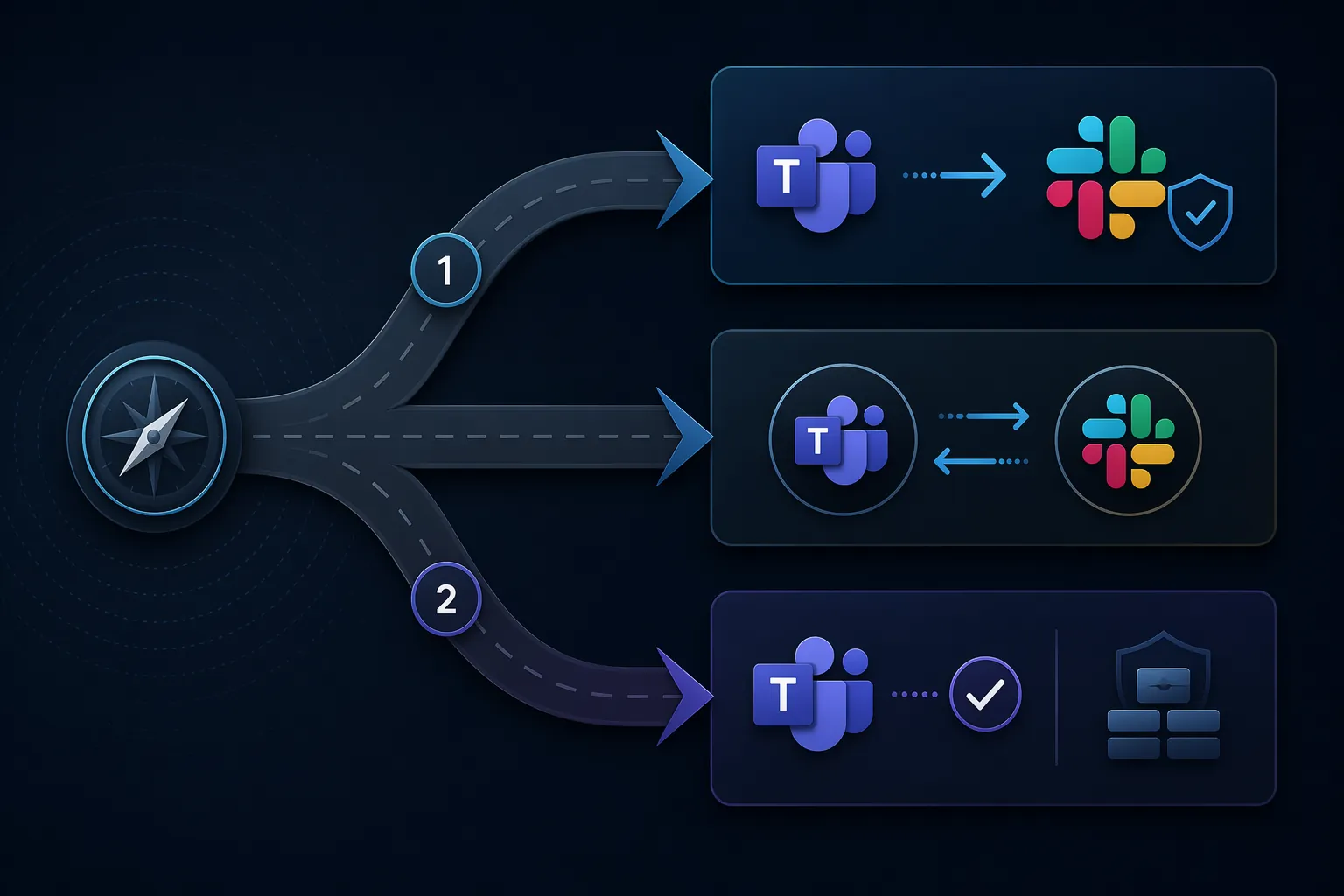
A practical decision framework
The decision is not “Teams bad, Slack good.” It is which failure mode your organization can survive with the least damage.
- Switch to Slack as the primary collaboration layer if a total communication blackout is the unacceptable risk, your teams can absorb migration work, and your required Slack plan actually includes the stronger SLA protection.
- Add Slack as a parallel backup if Teams remains useful for meetings, Office files, and Microsoft-native workflows, but Teams Phone or Teams-based incident coordination creates too much single-platform exposure.
- Stay with Teams if your main pain is occasional degraded messaging, your business depends heavily on Microsoft-native meetings and document flows, and the cost of migration would exceed the operational benefit.
- Do not rely on SLA credits as the recovery plan. Decide who opens the backup room, where customer-facing teams go, how managers announce the move, and which channel becomes authoritative during a Microsoft 365 incident.
For some companies, Slack will reduce catastrophic downtime risk because it tends to fail in smaller pieces and can sit outside the Microsoft 365 dependency chain. For others, switching will add cost, migration friction, and meeting complexity without solving the outages that actually hurt them. The evidence supports a narrow answer: Slack can be the more resilient choice when the danger is a Teams-centered communication collapse, but it does not eliminate downtime, and its stronger SLA only matters on the plans that include it.
References
- Microsoft Teams Outage History, StatusGator, https://statusgator.com/services/microsoft-teams/outage-history
- Slack Outage History, StatusGator, https://statusgator.com/services/slack/outage-history
- Service Level Agreement, Slack, 2015-01-07, https://slack.com/policy-archives/service-level-agreement/2015-01-07
- Microsoft Teams Phone Down Again? The Real Cost of “Free” VoIP, Techmode, https://www.techmode.com/blog/microsoft-teams-phone-down-again-the-real-cost-of-free-voip/
- Teams to Slack migration, Slack, https://slack.com/blog/transformation/teams-to-slack-migration