
At the gate, productivity usually fails in small, annoying ways first: the WiFi drops mid-sync, the battery turns stingy, the terminal gets loud, and the departure board steals your attention every ninety seconds. That is the moment a flight delay stops being free time and starts becoming work that has to survive bad conditions. In 2024, AirHelp says 236 million U.S. passengers had a flight delayed or canceled, and a broader travel dataset puts some form of delay on about 37% of flights, though the exact share changes with the method and the time window. [1][2]

Cloud-first tools are weakest right where airport work is hardest. Notion, Google Docs, and similar apps can be made to work offline, but only if you pre-configure them, and low-connectivity terminals still expose how much of the workflow assumes the network will behave. The right question is not which app looks nicest on a desk; it is which one still opens your notes, tasks, and claim details after the signal disappears. [3]
| Tool | What it solves | What to preconfigure |
|---|---|---|
| Obsidian | Offline notes and trip planning | Keep your delay note, task list, and claim evidence in a local vault. |
| Joplin | Local-first notes with sync later | Use it if you want open source storage and a lower-friction backup. |
| Todoist | Task capture and next actions | Load the project list before travel so it is ready even when signal drops. |
| Microsoft To Do | Simple task list | Keep it as the lighter fallback if you want less setup overhead. |
| Flio | Airport situational awareness | Use it for the details that change how you spend the next half hour. |
| TripIt | Itinerary hub | Keep flights, connections, and reservations in one place. |
| AirHelp | Compensation recovery | Capture the records you need before the trip details get buried. |
| Timeshifter | Jet lag planning | Set it up before departure so arrival-day focus is less expensive. |
Start With the Offline Core
Obsidian is the cleanest default for this kind of travel because it keeps notes in local Markdown files, so the trip note still opens even if terminal WiFi does not. Joplin is the more open-source, local-first backup if you want sync later without giving up offline access. Standard Notes belongs in the same family when encryption matters more than linking, but the free tier is tighter and the experience is intentionally simpler. Obsidian asks for more setup, Joplin gives up some polish, and Standard Notes gives up some flexibility; that tradeoff is usually acceptable when the airport is the test environment. [4]
For deeper architecture comparisons, see Local-First Note-Taking Apps in 2026: A Comparison by Archetype and Obsidian vs Notion for AI Notes.
- Keep one note for the trip itself: flight number, booking reference, gate, and backup contact details.
- Keep one note for work in progress: the one document, outline, or review you can actually move forward while waiting.
- Keep one note for claims and receipts: screenshots, delay timestamps, boarding pass images, and anything you will not remember after landing.
That setup matters because airport work is about minimizing taps. If you need a network check, a folder hunt, or a fresh login before every editing session, you lose the benefit of having offline notes at all. The goal is to open one file and start.
Make Tasks Survive the Gate Change
Todoist and Microsoft To Do cover the second layer: the work that should not stay in your head while you are waiting for boarding. Todoist is the better fit if you already think in projects, labels, and a fast inbox. Microsoft To Do is enough if you want a lighter system with less setup. The point is not to build a better planner at the gate; it is to move every real action out of your head before the delay starts.
- One capture inbox for anything that appears during the delay.
- One airport project with only the next actions that still fit a laptop, phone, or notebook.
- One follow-up task for after landing so the delay does not split the rest of the day.
If the connection comes back, great; if it does not, the queue should still be waiting when you land. Sync is the second step, not the first one. If you want a broader philosophy for keeping the stack lean, The Essential Digital Minimalism Productivity Setup is the better background read.
Use Flight Intelligence to Buy Time Back
Flio earns its place because it is about decisions you can make before the delay turns into a wander. Its pitch includes real-time security wait times, lounge locations, and outlet hotspots, which is exactly the kind of airport detail that changes whether you stay put or move. [5] TripIt plays the quieter role: keep the itinerary, connection times, and reservation details in one place so you are not reopening airline apps every time a gate changes.
You do not need six travel apps; you need one source of truth and one app that tells you where the next usable power socket is. That is enough to reclaim a meaningful slice of the waiting period without turning the delay into a configuration project.
Treat Compensation as Part of the Workflow
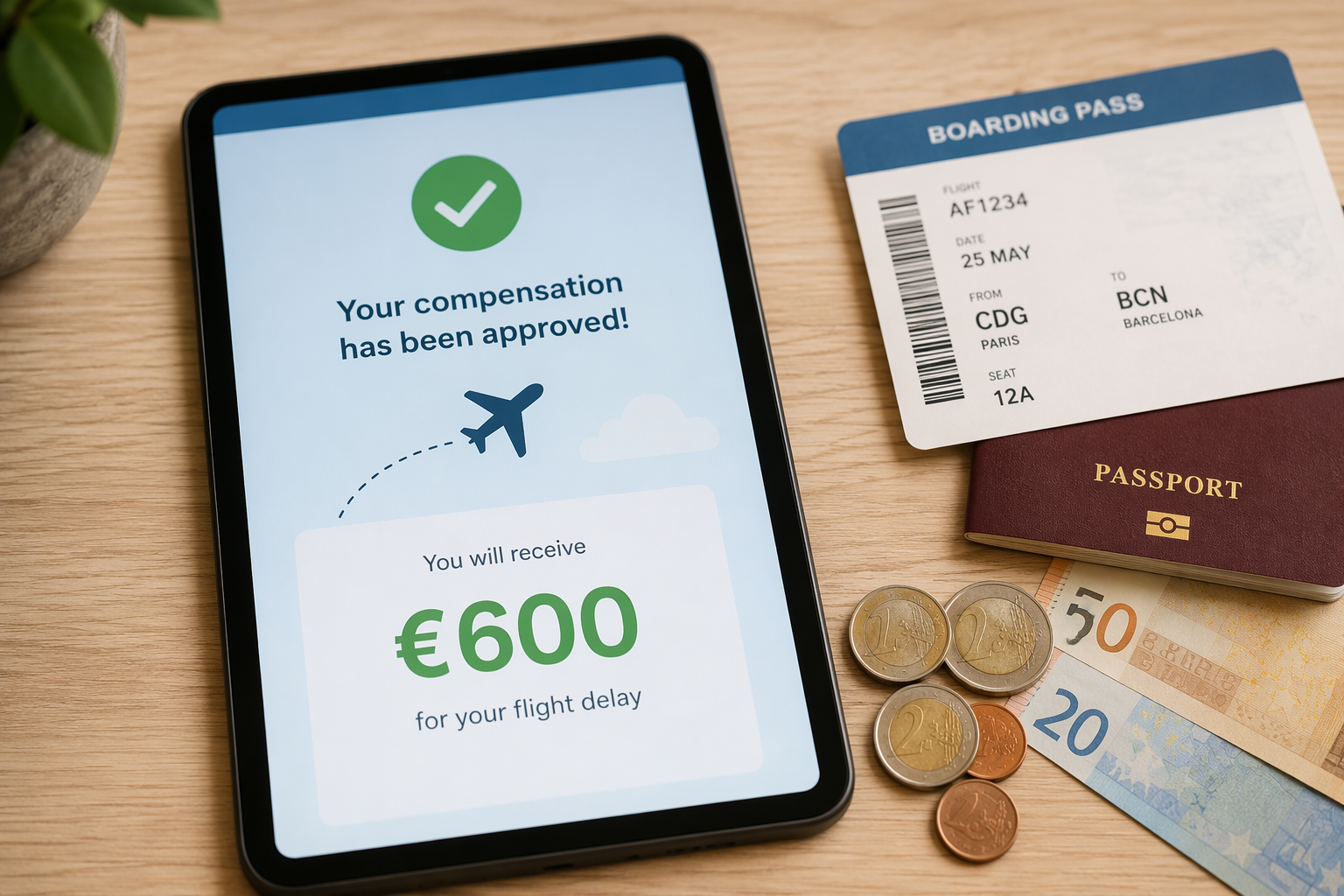
A delay is not only lost time; it can also be paperwork you can still do well while stranded. If you keep the booking reference, screenshots, boarding pass, and delay notes together in the same offline folder, filing a claim becomes copy-and-paste work later instead of archaeology after the trip. AirHelp belongs here because compensation recovery is one of the few airport tasks that can turn the disruption itself into a result. [1]
- Save the boarding pass and booking confirmation before the airport app decides to refresh itself.
- Screenshot the delay notice, gate change, or cancellation screen while it is still visible.
- Keep one note with the timeline so you are not reconstructing the disruption from memory.
For eligible delays over three hours under EU261, the recovery can be worth €250-€600 per person. The main point is simpler than that: do the capture work while you are already waiting, not after you have forgotten which screen showed what.
Prepare for Arrival, Not Just Departure
Timeshifter sits at the end of the stack because arrival-day focus can fail even when the flight itself went fine. The app is built around sleep and light timing before and after travel, and it bills itself as the world's most-downloaded jet lag app. [6] That makes it a better pre-trip install than a post-arrival rescue.
The useful version of this stack is boring on purpose: one offline note app, one task app, one itinerary view, one compensation path, and one jet lag plan. Set them up before departure, and a 2-3 hour delay can turn into 1-2 hours of usable work instead of a dead zone; if the disruption qualifies, the same stack can still recover money after you land. That is the right test for airport productivity: the system should hold when the connection drops, the battery dips, and the gate changes again.
References
- US passengers flight delays and cancellations in 2024 - AirHelp
- Delayed & canceled travel statistics - Perk
- The offline productivity problem - XDA Developers
- Offline Android productivity apps I use daily - Android Police
- About Flio App - Flio
- Jet Lag App - Timeshifter