
Most searches for remote work productivity tools compared end in the same crowded hallway: Slack, Zoom, Asana, Miro, Notion, maybe Loom, ranked as if chat, meetings, task boards, whiteboards, and notes carried the same kind of risk. They do not. Chat can be messy and still survivable. A project board can be replaced when a workflow changes. The note or knowledge app is different because it becomes the place where decisions, client context, research, drafts, screenshots, and institutional memory settle.

That makes the knowledge layer a longer-horizon decision than the usual remote-stack list admits. Gallup’s May 2026 indicator found that, among U.S. remote-capable employees, 52% were hybrid and 26% were exclusively remote; the point is not that every team works the same way, but that distributed work is now infrastructure for a large share of people whose jobs can be done remotely.[1] If the team’s memory lives in a tool, the tool has to be judged by what happens after the onboarding enthusiasm fades.
Decision snapshot, last verified August 26, 2026
Pricing was checked as a dated snapshot because 2026 SaaS comparisons do not agree cleanly with each other, especially around Obsidian Sync and bundled AI. Treat the price column as a procurement prompt, not a permanent quote.
| App | Best remote-work fit | Watch closely | Architecture and export read |
|---|---|---|---|
| Notion | Small remote teams that need a shared wiki, lightweight databases, page ownership, permissions, and low-friction collaboration. | Teams that expect a clean exit from complex databases, relations, and nested page structures. | Cloud-first and collaboration-first. Strong as a shared operating surface; weaker when the future job is reconstructing databases after export. |
| Obsidian | Solo researchers, writers, analysts, technical operators, and local-first users who want notes to remain ordinary files. | Teams that need built-in shared ownership, permissions, and real-time collaboration without extra design work. | Markdown-first local files. Portability is the main virtue; collaboration is the tradeoff to examine. |
| Logseq | Outliner-first thinkers, personal knowledge workers, and people who want local files with backlinks and journal-driven capture. | Teams that need polished shared workspaces or users who dislike block/outliner structure. | Local-first Markdown/Org-style approach. Better exit posture than most cloud notes; less obvious for conventional team wiki use. |
| Evernote | Capture-heavy remote workers who depend on web clipping, attachments, OCR-style retrieval, and fast resurfacing of older material. | Price-sensitive users, teams worried about export friction, or anyone planning a low-drama migration later. | Mature capture and retrieval history. Export via ENEX remains a serious migration consideration. |
| Apple Notes | Apple-only individuals who want fast, free, low-maintenance notes across iPhone, iPad, and Mac. | Mixed-device teams, structured knowledge bases, or users who need bulk export and portable archives. | Excellent default Apple utility. Legitimate for the right person; constrained as a team knowledge system. |
The five axes that matter after the demo

A note app for remote work has to be judged on five axes: data architecture, collaboration, retrieval, price stability, and export path. These are not equally glamorous. Architecture and export rarely look urgent in a sales demo. They become urgent when a new employee needs the old client decision, when a founder wants to leave a tool, or when a contractor’s personal workspace quietly becomes the only copy of project context.
Unstar’s 2026 complaint analysis is useful here because it looks at low-rated user complaints rather than promotional feature claims. Its defined dataset came from App Store and Google Play 1–3 star review subsets across six note apps; it is not a population survey of every user, but it does show where failures hurt enough for people to complain. In that analysis, sync and data-loss events accounted for 22% of 1–3 star complaints, offline failures for 13%, and export lock-in for 8%. Unstar also concluded that local-first apps avoid roughly 60% of the top complaint categories it tracked.[2]
That is why this comparison does not spend much time on plugin counts, app-store star averages, or broad productivity claims. A remote team does not fail because one app had fewer badge icons in a feature matrix. It fails when nobody can tell whether the approved wording was in a meeting note, a database row, a synced phone note, a renamed client page, or a private notebook that left with a contractor.
Architecture is where the switching cost hides
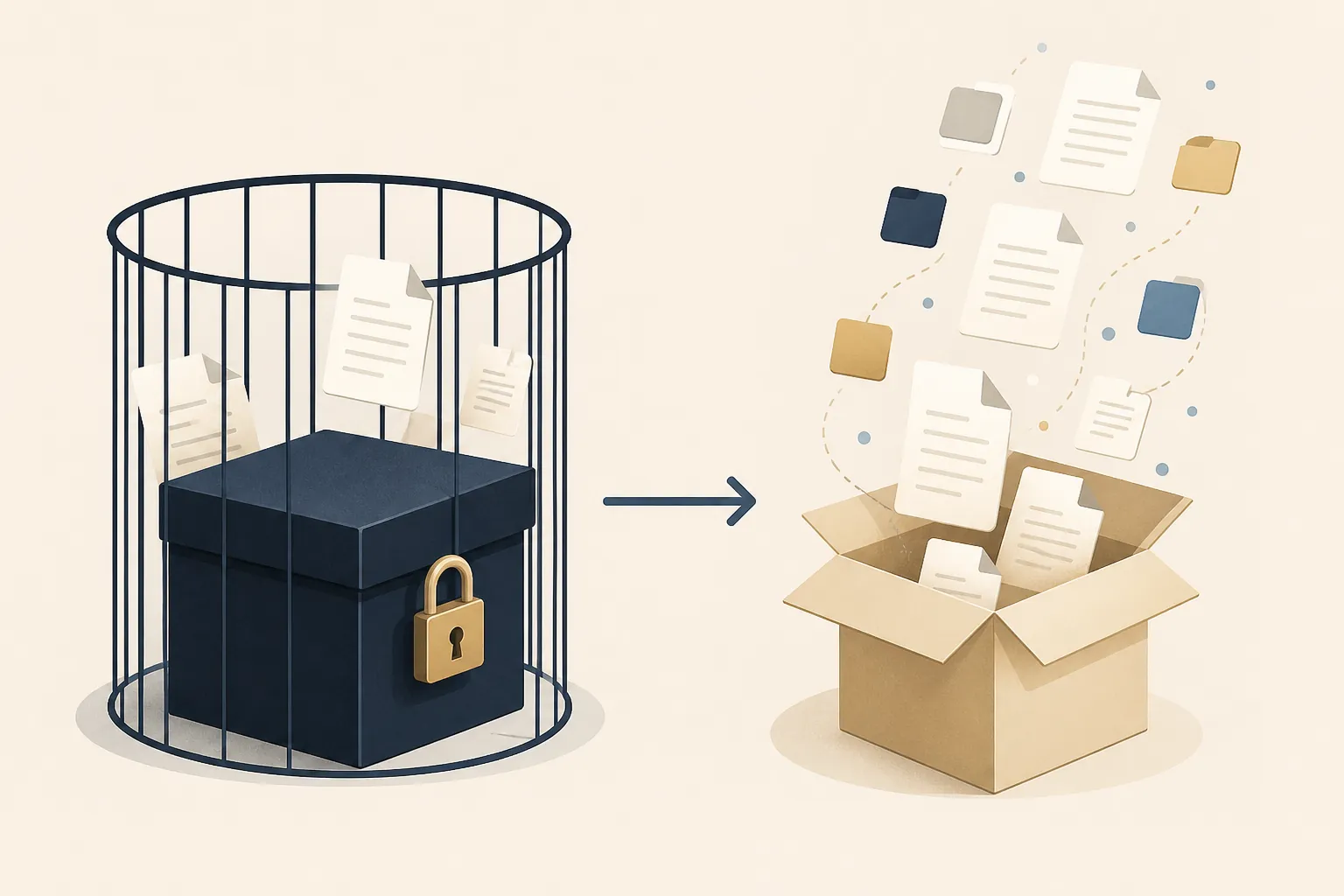
Notion earns its place in remote teams because it gives nontechnical people a shared surface for pages, databases, templates, permissions, and lightweight process. A small distributed team can create a client hub, editorial calendar, CRM-ish tracker, meeting archive, and onboarding wiki without asking engineering for a custom system. That matters. Collaboration is not a decorative feature when people are not sitting in the same room.
The cost is that Notion’s best structures are also the structures that make exit less clean. A plain page is not the problem. Databases with properties, relations, rollups, filters, and nested subpages are the problem. Exporting to Markdown may preserve much of the text, but the operational meaning of the workspace can degrade when database behavior and relationships stop behaving like the original system. If the team uses Notion as the live operating layer, someone should own periodic export tests, not just theoretical backup confidence.
Obsidian sits on the opposite side of that trade. Notes are ordinary local Markdown files, which makes the archive legible outside the app. A folder of project notes can be inspected, copied, searched, backed up, versioned, or migrated with far less ceremony than a workspace whose meaning depends on a vendor’s database model. For remote workers who write, research, synthesize, or maintain long-lived technical context, that is not nostalgia. It is operational resilience.
Obsidian still should not be crowned the default team wiki. Shared permissions, collaborative editing, and page ownership take more care than they do in Notion. Obsidian’s ecosystem is also a moving target: 2026 comparison sources report different plugin counts, which is enough reason not to make the count itself the argument. The stronger argument is file architecture. For a deeper split between these models, use the local-first vs cloud-first note-taking comparison rather than treating this article as a complete architecture textbook.
Logseq deserves similar respect on portability. Its outliner-first structure is not for everyone, but local-first notes reduce the future-migration dread that follows many proprietary knowledge systems. Logseq is strongest when the individual worker thinks in blocks, journals, backlinks, and progressive refinement. It is less obvious when a mixed team wants a tidy client-facing wiki or simple permissioned spaces.
Evernote is harder to judge cleanly because its strengths and risks sit so close together. It built a real reputation around capture: web clips, attachments, scans, quick notes, and later retrieval. For a remote consultant or manager who spends years catching fragments from clients, emails, receipts, screenshots, and research, that history matters. The anxiety is not whether Evernote can store a lot of useful material; it is whether the user will like the cost, trust the product direction, and accept ENEX export friction when it is time to move.
Apple Notes is often dismissed too quickly. If someone lives entirely on Apple hardware, does not need a team wiki, and wants fast capture that syncs through iCloud without another subscription, Apple Notes is a reasonable answer. The limits are equally plain: mixed-device collaboration is awkward, structure is thinner, and export is not designed for people who expect to carry a large archive into another serious knowledge system.
Retrieval and collaboration are one problem in remote work

Remote teams do not need search in the abstract. They need someone to recover the reason a decision was made while the client is waiting, while a teammate is offline, or while a new hire is trying not to ask the same question for the third time.
A frequently cited McKinsey figure estimates that knowledge workers spend about 1.8 hours per day searching for and gathering information; even if a team’s exact number is lower, the mechanism is familiar to anyone who has watched remote context disappear into chat scrollback and half-named pages.[3] A 2026 Atlas hands-on retrieval test also matters because it tested retrieval directly: Evernote scored 27/30 and Apple Notes 24/30 in a 28-day comparison.[4] That does not make Evernote the universal best app. It does mean retrieval should be weighted more heavily than broad claims about “productivity.”
Notion’s retrieval strength is partly social. A well-maintained team workspace narrows the search area because people know where the source of truth is supposed to live. Its weakness is maintenance discipline. If every team creates its own dashboard, archive, template, and naming pattern, Notion can become a polished maze. Remote teams choosing Notion should care less about the most beautiful homepage and more about ownership rules: who can create top-level spaces, who archives stale projects, and who checks that meeting notes connect to decisions.
Obsidian and Logseq make retrieval strong for the person who builds the system. Backlinks, local search, graph-adjacent workflows, daily notes, and plain files can make a personal archive remarkably durable. The risk is handoff. A vault that makes perfect sense to its owner may not make sense to a colleague under time pressure. For solo remote work, that is acceptable. For a team knowledge base, it needs naming conventions, shared folders, and explicit expectations about what belongs in the shared archive.
Evernote remains compelling when capture and later resurfacing are the job. It is easier to forgive a less fashionable interface when the old PDF, clipped page, or scanned note appears quickly. But retrieval value does not erase export risk or subscription pressure. A capture-heavy remote worker may reasonably choose Evernote while also planning a real migration path. If that is the situation, read the Evernote export pitfalls guide before the archive becomes too large to move casually.
Apple Notes is good enough at retrieval for many Apple-only individuals. It is quick, familiar, and present everywhere inside that ecosystem. The problem appears when “my notes” becomes “our knowledge base.” A personal note app can support remote work without being suitable as the place a team expects to recover shared decisions.
Pricing is a verification step, not a permanent truth
The pricing picture below is intentionally dated. Slite, G2, Fabric, Productive, and saascompared published 2025–2026 comparisons with overlapping but not always identical pricing details, especially around Obsidian Sync ranges and Notion’s AI-bundled plan structure.[5][6][7][8][9] Before a remote team commits, someone should check the official pricing page, the billing interval, AI or sync add-ons, guest limits, and what happens when the team grows from a few users to a few dozen.
| App | Dated pricing read, last verified August 26, 2026 | What to verify before committing |
|---|---|---|
| Notion | Third-party 2026 comparisons commonly place Plus around $10/user/month and Business around roughly $18–20/user/month, with AI bundled since May 2025.[5][8][9] | Confirm current official plan limits, AI terms, guest behavior, admin controls, and export needs for databases. |
| Obsidian | Core app is free for personal use in the cited comparisons; Sync pricing appears inconsistently across sources, with some placing it around $4–5/month and others higher.[5][6][7] | Confirm current Sync price, commercial-use terms, publishing or collaboration add-ons, and whether the team can live with file-based workflows. |
| Logseq | Fabric’s 2026 comparison frames Logseq as free with Sync around $5/month.[7] | Confirm Sync availability, team needs, and whether the outliner model fits the people who must maintain the archive. |
| Evernote | Atlas’s May 2026 comparison places Evernote Personal around $14.99/month after the Bending Spoons restructure.[4] | Confirm current Personal, Professional, and Teams pricing; export requirements; device limits; and whether capture value justifies the subscription. |
| Apple Notes | Free inside iCloud usage, with storage depending on the user’s iCloud situation.[4] | Confirm iCloud storage, device mix, collaboration expectations, and export requirements before treating it as a long-term archive. |
The price itself is rarely the whole issue. A cheap app that forces a messy migration can become expensive later. A pricier app can be defensible if it prevents repeated context loss. For Evernote specifically, the pricing question is substantial enough to merit its own read: Evernote 2026 pricing: is it worth it?.
How to route the choice
- Choose Notion when the main job is a shared remote operating space: team wiki, project hub, SOP library, client portal, lightweight database, or onboarding center. The buyer should also accept that export testing is part of ownership.
- Choose Obsidian when the main job is durable personal knowledge, long research arcs, writing, technical notes, or a local-first archive that should survive outside the app.
- Choose Logseq when the main job is journal-led thinking, outlining, backlinks, and local-first personal knowledge, and when the user likes working from blocks rather than polished pages.
- Choose Evernote when the main job is capture and retrieval across messy inputs: web clips, PDFs, scans, receipts, screenshots, and years of accumulated reference material.
- Choose Apple Notes when the user is Apple-only, the use case is personal rather than organizational, and the expected archive does not need clean bulk migration or structured team access.
If the decision is mostly between file ownership and shared cloud convenience, compare the broader AI, portability, and offline note-taking tradeoffs and the note-taking sync architecture comparison. If the decision is vendor-by-vendor, the Obsidian review and Notion field note-taking comparison are better next stops than another all-purpose remote-tool roundup.
The per-app “not for you if” verdicts
Notion
Notion is not for you if the team’s highest priority is a clean, low-risk exit from complex structured data. It is also not ideal if nobody will maintain page ownership, archive stale databases, and prune duplicate dashboards. It is a strong answer when collaboration is the daily constraint and the team can assign someone to keep the workspace from becoming decorative infrastructure.
Obsidian
Obsidian is not for you if the team needs a polished shared workspace on day one, with simple permissions and conventional collaboration. It is the better answer when the archive itself matters: Markdown files, local control, long-term research, and an exit path that does not depend on reconstructing a vendor-specific workspace.
Logseq
Logseq is not for you if the team wants conventional pages, client-ready spaces, and a collaboration model that needs little explanation. It is worth choosing when the user’s thinking naturally starts from daily notes, outlines, blocks, and backlinks, and when local-first portability is worth more than workspace polish.
Evernote
Evernote is not for you if subscription pressure and export anxiety already bother you. It is still defensible when capture and retrieval are the work: clipped research, scans, PDFs, receipts, and reference material that must come back quickly months later. Anyone leaving or evaluating it should start with an Evernote alternative decision framework and then use the Evernote migration decision tree before exporting a large archive.
Apple Notes
Apple Notes is not for you if the knowledge base belongs to a mixed-device team, needs structured permissions, or may need clean bulk export later. It is worth considering if the work is personal, Apple-only, and the real requirement is fast capture with almost no maintenance.
References
- Global Indicator: Hybrid Work, Gallup, May 2026
- Notion vs Evernote vs Obsidian: 6 Note Apps Ranked (2026), Unstar
- Remote Work Productivity Statistics: Trends & Data, WorkTime
- Apple Notes vs Evernote (2026), Atlas
- Obsidian vs Notion, Slite, February 2026
- Obsidian vs. Notion: I Tried Both and Here's How They Differ, G2, January/April 2026
- Obsidian vs Logseq, Fabric, May 2026
- Notion vs Obsidian – All Features Compared, Productive, December 2025
- Productivity Software for Remote Teams, saascompared, February 2026