
The hard part of choosing a process automation tool as a solo freelancer is not drawing a cute workflow. It is keeping the thing affordable after it starts working. A solo operator with 10–20 active automations can hit a task ceiling fast: client intake, proposal follow-up, invoice reminders, email sorting, content scheduling, research capture, file handoffs, calendar nudges. There is no team budget to absorb the bill and no operations person waiting to debug the broken scenario while you deliver paid work.
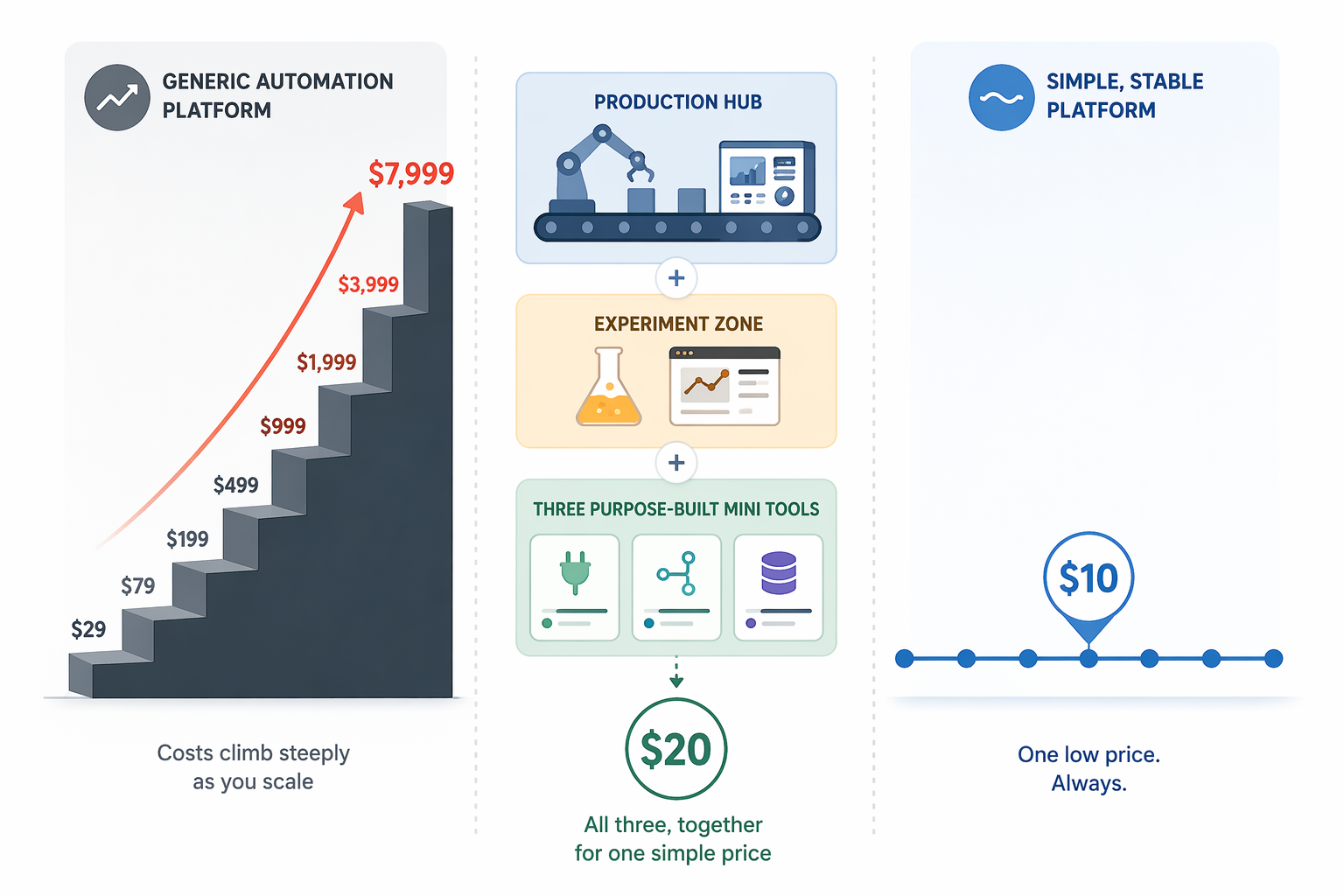
That is why the monthly bill matters early. In one February 2026 comparison aimed at solopreneurs, Zapier’s paid path is shown at $29.99/month and rising to $103.50/month at 3,500 tasks, while Make.com Core is shown at $10.59/month for the same workload. The same article also cites 12–18 active workflows as a common solopreneur baseline, which is a useful planning range even if your current setup is still smaller. Treat those figures as a planning snapshot, not a contract; automation vendors change packaging often. [1]
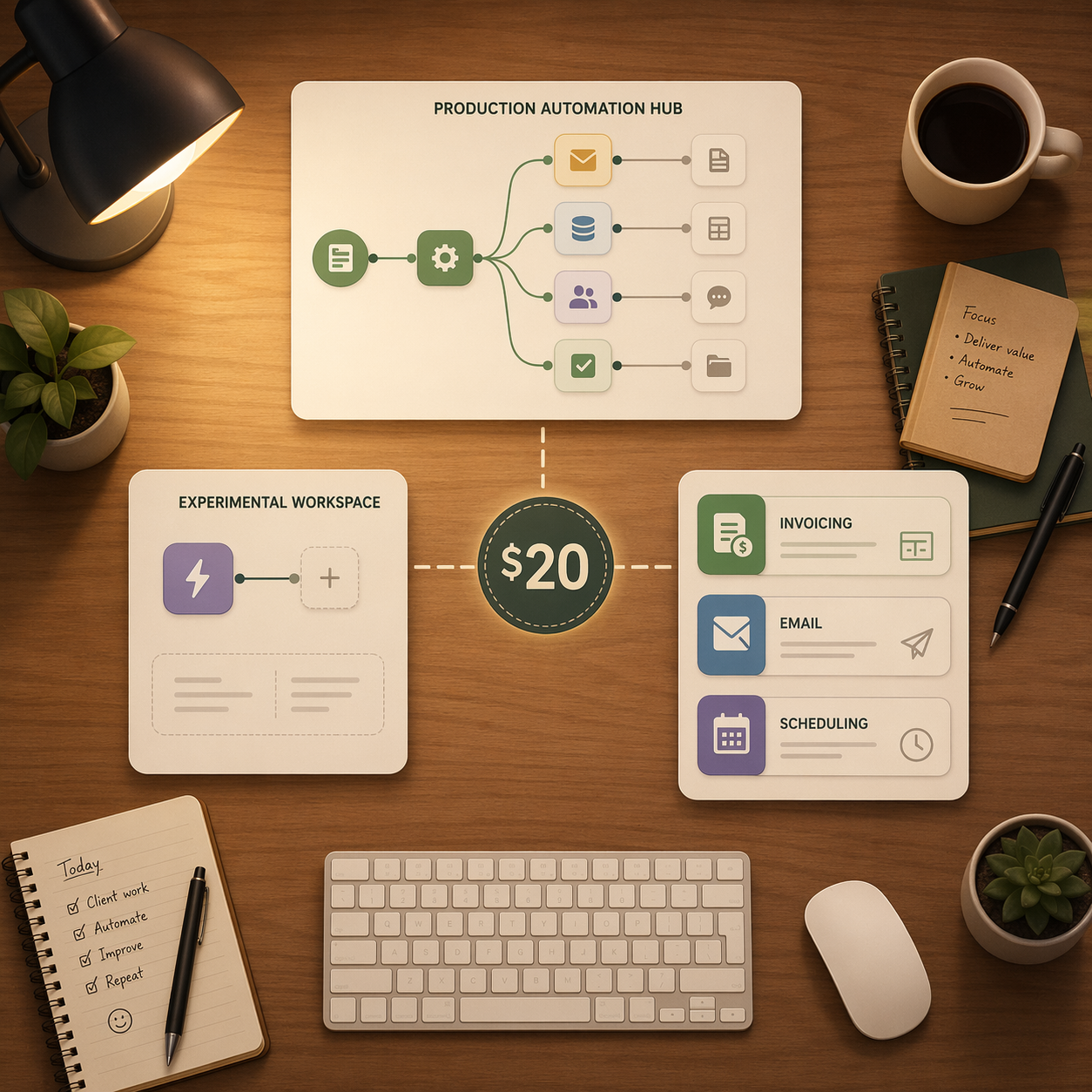
My short version: do not pick one universal winner. Put production workflows in Make.com Core, keep Zapier’s free tier for experiments and odd app connections, and remove common jobs from general-purpose automation platforms when a purpose-built free or low-cost tool already does the work.
| Job | Best fit for a solo freelancer | Why it belongs there |
|---|---|---|
| Production workflows | Make.com Core | Low monthly cost for branching, routing, and repeatable client or operations workflows |
| Experiments and unusual app connections | Zapier free tier | Useful for quick tests and access to a very broad app library without adding another paid plan |
| Technical, self-hosted automation | n8n | Worth considering only if you can maintain hosting, SSL, updates, backups, and troubleshooting |
| Invoice follow-up, email triage, simple social scheduling | Purpose-built tools | Often cheaper and quieter than building everything inside a general automation platform |
The solo problem is task volume, not feature envy
Most tool comparisons quietly assume a team. Even when they say “small business,” they often mean someone has a manager, shared inbox, admin help, and a software budget that can tolerate a few extra seats. If you are comparing tools for that world, a broader Zapier vs Make vs n8n vs Power Automate breakdown makes sense. If you are comparing company sizes, the adjacent small-business-versus-enterprise process automation guide is the right lane.
A one-person business is smaller than “small business” in the ways that matter. The same person sells the project, delivers the work, sends the invoice, follows up, handles the calendar, edits the website, and notices that an automation has silently stopped. A $70 jump in software cost is not a line item distributed across a department. It comes straight out of margin.
The f3fundit comparison includes a claim that 78% of profitable micro-SaaS founders use automation, but it attributes that figure to “indie hacker surveys” without linking the underlying survey. I would not use that as a load-bearing statistic. The more useful point is less glamorous: once you have a dozen or more active workflows, task-count pricing can become the real constraint. [1]
Why Make.com Core should own production work
Production workflows are the automations you would be annoyed to rebuild at 9 p.m. They include the handoffs that happen after a new client signs, the reminders that prevent unpaid invoices from going stale, and the routing that moves files, forms, calendar events, and project tasks into the right place. These workflows deserve the cheapest reliable execution layer you can tolerate learning.
Make.com Core is the best fit for that role in this stack because the cited pricing comparison keeps it around $10.59/month for a workload where Zapier is shown moving much higher. That gap is not cosmetic. At 3,500 tasks, the comparison shows Zapier at $103.50/month and Make.com Core at $10.59/month. For a solo freelancer trying to keep all automation under $20/month, that single difference decides the architecture. [1]
The practical reason to put production work in Make is that production work accumulates. A simple onboarding flow might start as: form submitted, folder created, contract copied, task list generated, welcome email sent. Then you add a branch for rush projects, a branch for clients who paid a deposit, and a branch for clients who need a kickoff call. That is exactly the kind of flow where visual routing and conditional logic are worth having in one place.
Fueler’s freelancer automation guide lists the ordinary work that tends to pile up for independent operators: lead capture, proposal and onboarding steps, project management updates, invoicing, portfolio or content workflows, and social posting. Its examples are not exotic. That is the point. The expensive workflows are often the boring ones that run every week. [2]
I would start Make with the workflows that already have a known path. If the client fills out this form, create this folder. If the invoice date passes, send this reminder. If a content draft moves to approved, add it to this queue. Do not use your production platform as a junk drawer for half-formed ideas. The cleaner it stays, the easier it is to fix when something breaks.
Zapier’s free tier is still useful if you stop asking it to be the whole system
Zapier’s problem for solo freelancers is not that it is bad. It is that it can become expensive at exactly the moment your automations become habitual. The f3fundit comparison notes Zapier’s free tier at 100 tasks/month and highlights its large app coverage, while also showing the pricing jump at higher task counts. [1]
That makes Zapier a good experiment layer. Use it when you are testing whether a workflow deserves to exist. Use it when the app connection is available there and not worth engineering around. Use it for low-volume oddities: a once-a-month alert, a temporary lead-source test, a personal admin shortcut, a client-specific bridge you may delete after the project ends.
The mistake is letting experiments harden into infrastructure without checking the task math. A Zap that fires ten times a month can live happily on the free tier. A Zap that touches every lead, every invoice, or every published post belongs under stricter cost control. Once a workflow proves itself and starts running frequently, rebuild it in the production layer or replace it with a purpose-built tool.
This is also how you avoid the usual multi-tool mess. Zapier does not own “automation.” It owns experiments and edge connections. Make owns repeatable production workflows. Purpose-built tools own narrow jobs when they do the job without extra plumbing.
The cheapest automation is sometimes no automation platform
A general-purpose process automation tool is not automatically the right place for every recurring task. If the job is common enough, a focused tool may already include the trigger, template, reminder, and reporting you were about to assemble yourself.
Invoice follow-up is the cleanest example. Fueler lists Zoho Invoice as a free option for freelancers. If your need is to send invoices and remind clients, start there before you build invoice logic across a form tool, spreadsheet, email account, and automation platform. [2]
Social scheduling has the same pattern. Fueler lists Buffer’s free plan for three channels. For a solo consultant posting to a small number of profiles, a native scheduling queue can be quieter than a custom automation that moves rows from a spreadsheet into a social tool and then needs monitoring every time an API changes. [2]
Email triage sits in the middle. A simple inbox rule that labels receipts, client leads, or newsletter research may be enough. If the next step requires routing into a project board, adding a client record, or attaching a file to a folder, then a production automation makes sense. The boundary is whether the task ends inside the native tool or creates a handoff.
The livedocs solopreneur article is useful here for its 80/20 framing: focus automation on the minority of workflows that remove the most repeated manual work. I would not lean on its product claims, because the article is promotional, but the general pattern is sound. Solo automation should remove recurring friction, not turn every small task into a system diagram. [3]
Where n8n fits, and where the $6 server story gets thin
n8n deserves respect. For a technical solo operator, especially someone comfortable with servers and logs, it can be a powerful way to keep control over workflows. The f3fundit comparison describes self-hosted n8n on a $6/month VPS and notes a roughly 2-hour setup path; it also lists n8n cloud at $20/month. [1]
The part that gets skipped too often is maintenance. A $6 VPS is not a managed operations department. Someone has to handle SSL, operating system updates, database backups, monitoring, and troubleshooting. If that someone is you, the real cost includes the hour you lose when a webhook fails before a client call.
For a developer-freelancer, n8n may be the right answer. For a strategist, designer, writer, coach, bookkeeper, or consultant who does not want to think about server hygiene, the cheap VPS number can be misleading. It is only cheap if you already have the skill and the appetite to maintain it.
This is not a warning against technical tools. It is a warning against pretending that self-hosting and subscribing are the same kind of purchase. A subscription bill is visible. Maintenance debt hides until the day you are busy.
A workable under-$20 stack
For most solo freelancers, the stack I would actually build is boring in the right way:
- Make.com Core for production workflows that run often, branch, or touch client delivery.
- Zapier free tier for experiments, temporary automations, and unusual app connections.
- Zoho Invoice, Buffer, native inbox rules, and similar focused tools when they replace an automation rather than add one.
- n8n only when you are technical enough that hosting maintenance is not a new business risk.
Using the cited pricing, that keeps the paid automation platform around the Make.com Core level of $10.59/month, leaves Zapier at $0 for low-volume testing, and uses free or low-cost purpose-built tools where appropriate. The exact total depends on the focused tools you choose, but the architecture is designed to stay under $20/month rather than drift upward one paid add-on at a time. [1][2]
Real freelancer examples tend to support this kind of selective automation. Emil Ingemar Karlsson’s freelancer automation examples focus on concrete handoffs: moving client information, generating documents, managing follow-ups, and reducing repeated admin steps. The useful lesson is not that every freelancer needs the same workflow. It is that the automations worth keeping usually sit at the handoff points where forgetting creates a visible consequence. [4]
When to deviate from the hybrid setup
Use mostly Zapier if your business depends on obscure app connections and your task volume is genuinely low. The free tier can carry small experiments, and the app library is often the reason people reach for it first. Just put a calendar reminder on yourself to review task usage before a temporary Zap becomes permanent infrastructure.
Use n8n if you already know how to maintain a small production service or you actively want that control. If you have to learn basic hosting just to save a few dollars, the savings may be imaginary.
Skip the platform entirely when the job is already solved inside a focused tool. Invoice reminders, basic scheduling queues, inbox labels, calendar booking links, and recurring templates do not always need a general automation layer. Fewer moving parts is a feature when one person owns the whole system.
Pay for a heavier platform only when the business case is specific. “This saves one hour a week” is not enough if it adds a subscription, a dashboard, and a new failure point. “This prevents missed follow-up on every qualified lead” is a better reason. “This removes manual setup from every new client project” is better still.
Start with ownership, not features
Before building, assign each job to one owner. Make owns repeatable production automations. Zapier owns experiments and rare connections. Purpose-built tools own narrow workflows they handle natively. n8n owns technical self-hosted workflows only if you are willing to maintain the machine under them.
That ownership map is more useful than asking which process automation tool is best. The better solo question is: which job should each cheap tool be trusted with? Once that is clear, implementation is mostly sequencing. If you are ready to build the first version, use the companion setup guide for choosing and configuring your first process automation tool and start with the workflow that breaks most expensively when you forget it.
References
- Make.com vs Zapier vs n8n: Which Automation Platform for Solopreneurs in 2026? — f3fundit.com, February 2026
- How to Automate Your Workflow as a Freelancer — Fueler, May 2025
- Solo-preneurs Workflow to Automate — livedocs.com, November 2025
- Automation for Freelancers: Examples — emilingemarkarlsson.com