
Notion Mail is no longer a product to compare in the usual way. It stops operating on September 22, 2026. Your underlying messages stay in Gmail, but the pieces that only existed inside Notion Mail need attention before September 21: drafts, scheduled emails, snippets, custom Views, auto-label instructions, and email reminders.[1][2]

That is the first and least glamorous rule here: do not migrate the mailbox twice, and do not spend a week rebuilding something that is not actually breaking. Gmail remains the system of record. Notion Mail was the layer where certain behaviors lived. The work now is to separate the safe mail archive from the fragile workflow residue.
Notion is not shutting off every email-related AI path. Its Gmail AI Connector and Custom Agent tools continue, and Notion said more than half of Notion Mail users were already managing email through agents without opening the inbox.[1][3] If that describes you, the shutdown may be more administrative than existential. The inbox interface disappears; the agent-centered workflow does not.
For everyone else, the practical choice is between three paths: return to Gmail and use Gemini, pay for a premium Gmail client such as Superhuman or Shortwave, or keep email inside a broader Notion agent setup if the inbox itself had already become secondary.
What Actually Breaks When Notion Mail Goes Away
The comforting part is simple: your Gmail messages are still in Gmail. The uncomfortable part is that Notion Mail encouraged people to build a working surface above Gmail. Those surfaces are easy to underestimate until a shutdown date turns them into a checklist.
| Part of your setup | What happens after shutdown | What to do before September 21 |
|---|---|---|
| Existing email messages | Remain in Gmail | No mailbox export is needed for the messages themselves |
| Drafts and scheduled emails created in Notion Mail | Notion Mail-only assets may not survive the shutdown | Export or recreate anything still needed |
| Snippets | Notion Mail-only asset | Export reusable text before the cutoff |
| Custom Views | Notion Mail-only behavior | Document the categories and rules you actually relied on |
| Auto-label instructions | Notion Mail-only behavior | Export or manually translate into Gmail labels and filters where possible |
| Email reminders | Notion Mail-only asset | Move live reminders into Gmail, Calendar, Tasks, or another trusted system |
This is where many migrations go wrong. People start by shopping for a new app, then discover a week later that the real problem was not “email,” but a half-dozen tiny commitments embedded in snippets, scheduled sends, and reminder logic. Before choosing a replacement, export the Notion Mail-only material and make a short inventory of what you used daily, weekly, and only because it looked neat during setup.
If you have been through other tool exits, this will feel familiar. The risk is rarely the data store. It is the polish layer that trained you to stop remembering where the real work was happening. A related migration habit applies here too: preserve the unique layer first, then decide whether to rebuild it. If you want a broader export mindset, this Google Keep migration guide is a useful adjacent example, even though the product is different.
Gmail Is Not the Same Inbox Notion Mail Left Behind
The default recommendation changed in January 2026, when Google rolled out Gemini 3 features across Gmail. The important additions are not decorative AI buttons; they map closely to the everyday reasons many people tried Notion Mail in the first place: summarizing threads, drafting replies, finding old information, surfacing priority messages, and cleaning up tone before sending.[4]
AI Overviews are the easiest replacement to understand. Instead of rereading a long thread chronologically, Gmail can summarize what happened and help answer natural-language inbox questions, including examples like asking for an old plumber quote from the previous year.[4] That matters because a lot of email pain is not writing; it is re-entering the context of a conversation you already survived once.
Help Me Write is the drafting replacement. With Gemini 3, Google describes it as style-personalized, which means the system is intended to produce text closer to the way you normally write rather than a generic corporate reply.[4] That will be enough for routine responses: acknowledging a request, asking for a deadline, turning a rough thought into a clean message, or softening a blunt reply before it leaves your outbox.
Gmail’s AI Inbox is more about triage. Google says it can identify VIPs, surface time-sensitive items, and filter noise.[4] This does not recreate Notion Mail’s custom Views, but it does address the ordinary version of the problem: “What needs my attention first?” For many users, that is the difference between needing a new email client and simply needing Gmail to stop behaving like a raw timestamp feed.
Suggested Replies and Proofread fill in the smaller gaps. They will not make an email workflow feel novel, but they reduce friction in exactly the places people tend to overbuild systems: quick acknowledgments, minor edits, tone checks, and the last pass before sending.[4] If your Notion Mail use was mostly summaries, drafting help, replies, proofreading, and priority filtering, Gmail now covers most of that ground with less migration risk.
There is also a platform reality that becomes more important after a shutdown. Notion Mail was Gmail-only and available on web, Mac, and iOS, with no Windows or Android app. Gmail has full cross-platform support.[5][7][8] That is not an elegant product argument, but it is a strong survival argument. The tool you can use on every machine you actually touch is less likely to leave stray work behind.
The Custom Views Gap Is Real
Notion Mail’s standout feature was not that it touched Gmail. Plenty of apps do that. Its strongest idea was AI-assisted, user-defined Views: an inbox that could be arranged around the categories you cared about, not just the categories the email provider gave you.[5][7][8]
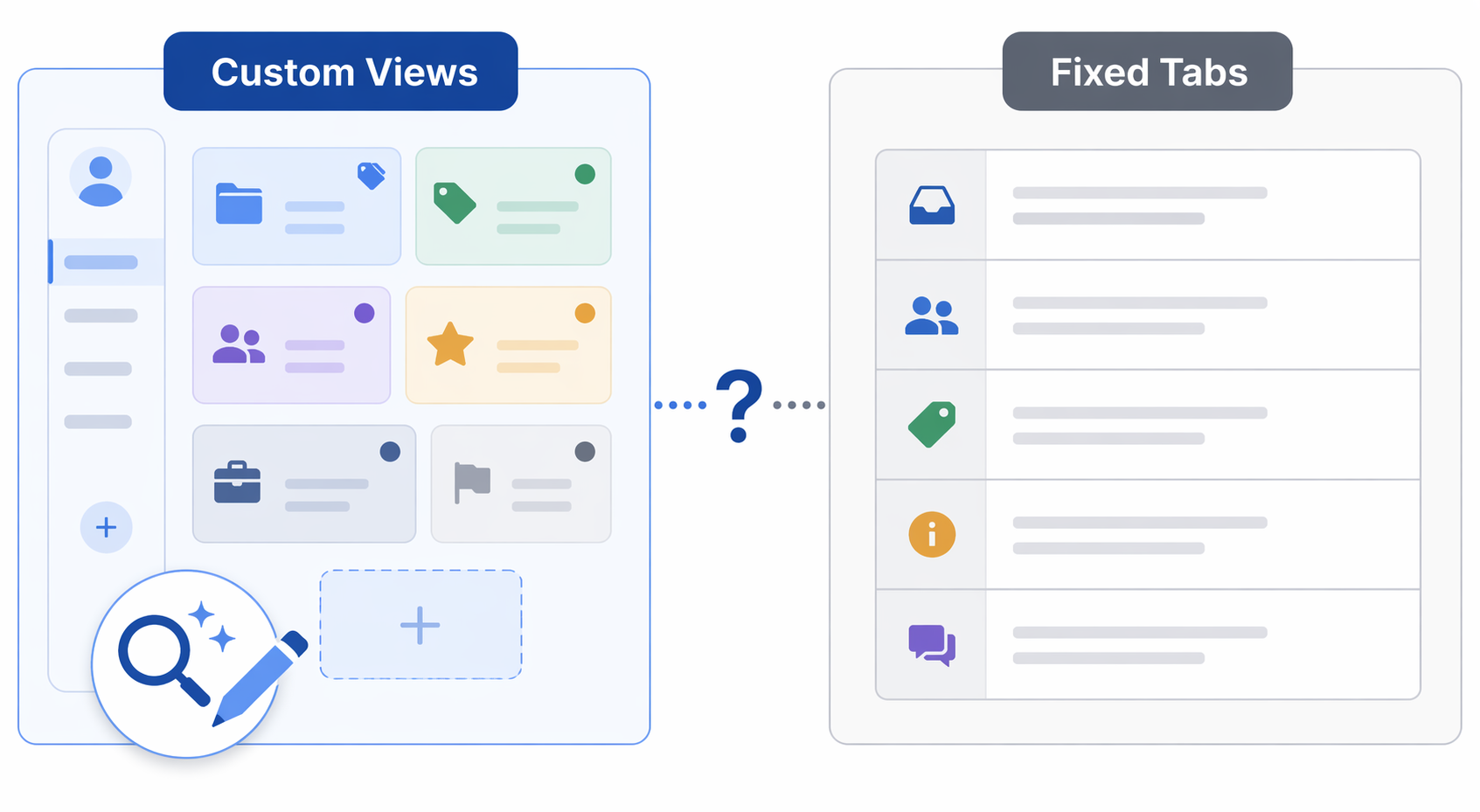
Gmail still relies on five default tabs: Primary, Social, Promotions, Updates, and Forums.[5] Those tabs are useful, but they are not the same as an inbox view called “clients waiting on me,” “finance items that need approval,” “school and family logistics,” or “messages related to active hiring.” Labels and filters can approximate some of this. They do not fully replace a flexible AI sorting layer built around your own working categories.
That distinction should decide more migrations than any feature table. If Notion Mail was mainly a nicer place to summarize and draft email, Gmail is now a sensible return path. If Notion Mail became your operating model for deciding what kind of attention each message deserved, Gmail may feel like a downgrade even with Gemini enabled.
This is the point where premium clients deserve consideration, not because they are shinier, but because they are trying to replace the layer that Gmail does not currently reproduce.
When Superhuman or Shortwave Makes Sense
Superhuman is the expensive escape route for people who treat email as a high-volume work cockpit. Its own comparison material claims users save “4+ hours every single week,” and it positions itself around speed, multi-account support, team collaboration, offline mode, and AI summaries.[10] That claim is worth reading as a vendor claim, not an independent time study. The better question is whether losing custom Views, fast navigation, and AI drafting quality would cost you enough time or control to justify paying for a premium client.
Superhuman’s price also makes the answer less casual. At $33 per month, it is not a small upgrade for someone who only needs thread summaries and the occasional rewritten reply.[10] It becomes more defensible when email is where deals, clients, recruiting, or executive coordination actually move, and when the replacement cost of a weaker inbox layer shows up every weekday.
Shortwave is the more budget-conscious Gmail-native alternative. It is described as an AI-native Gmail client with natural-language search and Ghostwriter for voice-matched drafting, with pricing in the $9 to $30 per month range.[11][12] That makes it a more plausible middle path for users who want more AI-native behavior than Gmail’s default interface provides but do not want to pay Superhuman prices.
Neither option needs to be treated as a general Gmail replacement for everyone leaving Notion Mail. They solve a narrower problem: preserving an opinionated inbox layer when Gmail’s fixed tabs and default AI triage do not match the way you actually divide work.
Drafting Quality Deserves Caution, Not Panic
One memorable data point has been circulating around Notion Mail’s AI drafting: an informal April 2026 self-test by an Icebox reviewer accepted Notion Mail drafts as-is only 4 out of 30 times, a 13% acceptance rate, compared with about 60% for a competitor.[6] That is relevant, but it is not a benchmark. It was a single informal test by someone reviewing from the orbit of a competing product.
The narrower lesson is more useful than the headline number. If your Notion Mail setup depended on AI-generated drafts being ready to send with little editing, you should test replacement drafting against your own real messages before committing. Use a few ordinary examples: a decline, a scheduling reply, a delicate client update, a status summary. The winner is not the tool that sounds most fluent in a demo. It is the one that requires the least cleanup when the stakes are boring and real.
The Agent Path Is the Quietest Option
Some Notion users should resist the urge to migrate for the sake of migrating. If your email flow already runs through Notion’s Gmail AI Connector or Custom Agents, and you rarely open Notion Mail itself, the product shutdown does not necessarily change your daily behavior.[1][3]
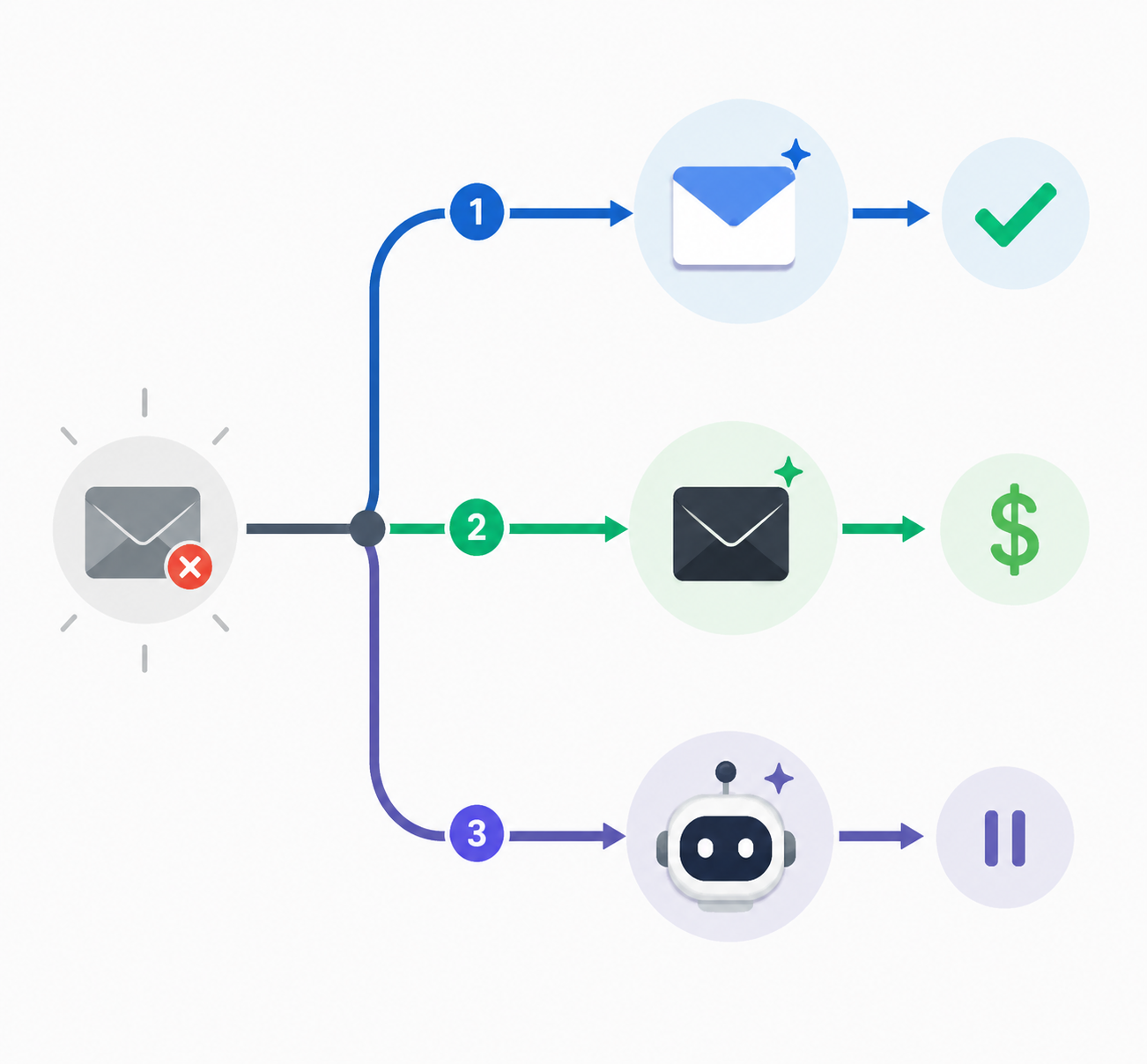
This is the difference between losing an interface and losing a workflow. An agent that reads, summarizes, routes, or prepares email-related work inside a broader Notion system can continue to sit above Gmail. That path also fits Notion’s broader 2026 direction around AI agents and platform work, which is covered in more detail in Notion in 2026: Everything New for Note-Takers.
The caution is that agent workflows should still have a visible recovery path. Know where the underlying message is, where the draft is saved, and what happens if the agent misses a routing cue. If the agent is part of a larger stack, this AI productivity stack guide gives a useful frame for layering tools without hiding the system of record.
Pricing Should Follow the Lost Workflow
Pricing is easy to over-discuss and easy to under-check. Notion AI has been listed as a $10 per user per month add-on, while Google AI Pro is listed at $19.99 per month for advanced AI, with basic AI features available without a paid upgrade according to the cited coverage.[4][5] After Google I/O 2026, reporting also described newer Google AI tiers including AI Plus at $7.99 per month and AI Ultra ranging from $99.99 to $199.99 per month.[9] Because Google’s AI subscription structure was in flux, current pricing should be verified directly before subscribing.
The useful pricing question is not “Which plan has the most AI?” It is “Which lost behavior am I paying to preserve?” Paying for Google AI Pro may make sense if Gemini’s advanced Gmail features cover your daily drafting, summarizing, and search work. Paying for Superhuman or Shortwave makes more sense if the missing piece is the shape of the inbox itself. If you are comparing subscription value across more than email, this AI productivity apps cost-benefit analysis is the better place to widen the math.
There is no prize for replacing a discontinued layer with a more expensive layer that fails the same survivability test. If a paid client becomes central, document what it owns: drafts, templates, labels, reminders, team comments, AI instructions, and any behavior that would be painful to recreate later.
A Practical Recommendation
Use Gmail if your Notion Mail workflow was mostly AI summaries, drafting help, suggested replies, proofreading, priority filtering, and cross-device access. Gemini now covers the main daily tasks, and returning to the underlying mailbox avoids another fragile wrapper.
Consider Superhuman or Shortwave if custom Views were central to how you worked. Gmail’s five tabs are not a real replacement for user-defined AI categories, and that is the one Notion Mail loss worth treating as structural rather than cosmetic.
Do nothing dramatic if Notion agents already handled your email and Notion Mail was only a surface you rarely opened. Confirm that your agent workflow still points to Gmail correctly, then leave the working system alone.
Whatever path you choose, export Notion Mail-only assets before September 21. The messages are safe in Gmail. The behaviors around them are the part that needs your weekday afternoon.
References
- Notion Mail shutdown and export guidance, Notion Help Center.
- Notion Mail shutdown coverage, The Register, June 26, 2026.
- Notion Mail and AI agent pivot coverage, TechCrunch, June 25, 2026.
- Gmail Gemini 3 AI feature rollout, Google Blog, January 8, 2026.
- Notion Mail, Gmail tabs, AI features, and pricing coverage, Android Authority.
- Notion Mail AI drafting informal self-test, Icebox, April 2026.
- Notion Mail custom Views and platform coverage, The Verge.
- Notion Mail availability and Gmail comparison coverage, Lifehacker.
- Google AI subscription tier reporting after I/O 2026, The Decoder, June 2026.
- Superhuman comparison page, Superhuman, 2026.
- Shortwave AI email client coverage, Carly AI.
- Shortwave Ghostwriter and pricing coverage, get-alfred.ai.