
With the 2026 Atlantic season forecast at 17 named storms, 9 hurricanes, and 4 major hurricanes [1], this is the moment to turn a static hurricane preparedness checklist template into something a household can actually maintain. The 2024 season also produced about $500 billion in economic losses and 335 US mainland deaths [2], which is enough to justify a system that helps people know who does what, where the list lives, and how to check it when the weather gets loud.
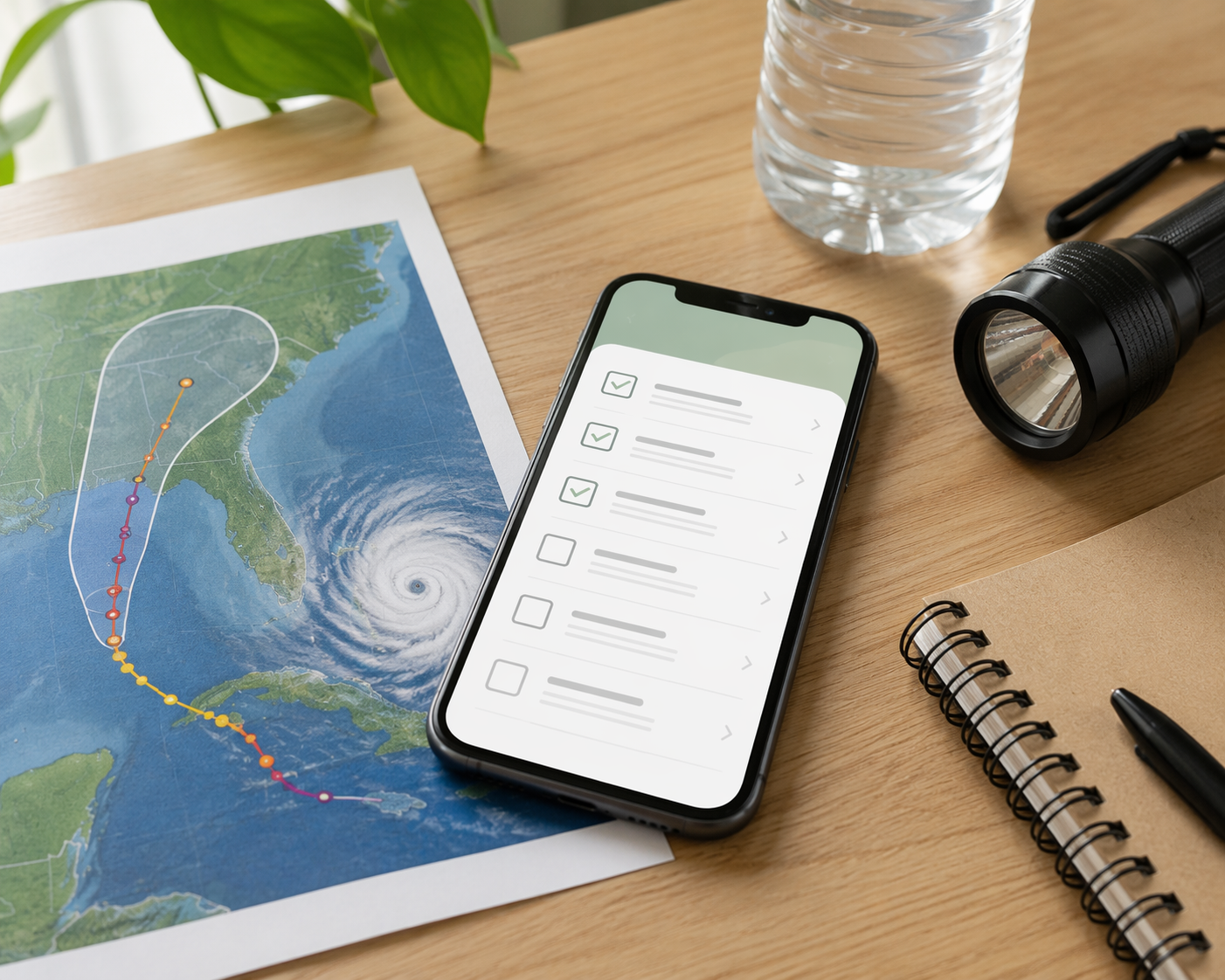
The real test for a digital hurricane preparedness checklist is not whether it looks tidy in a gallery, but whether it still works when the power is unstable, the phone signal slips, and one person in the house is the only one who usually knows where the paper copy ended up. There is no single winner here. In the July 2026 feature and pricing snapshot used for this comparison, the practical choice depends on how your household shares work, how much structure it needs, and how much risk you are willing to put on network access.
Best Fit By Household
- Notion if you want the richest template ecosystem and a broader household planning workspace, and you can live with sync dependence.
- Google Sheets if you want the most universal checklist, the easiest backup, and the least fragile offline use.
- ClickUp if several people need named ownership, due dates, and follow-through rather than one shared list.
- Airtable if the hard part is supply tracking across categories, expiration dates, or more than one property.
- Trello if you want a simple visual board and do not need a deep inventory system.
What The Checklist Needs To Hold
The tool is only the container. The content should still come from authoritative guidance: the Red Cross-style before/during/aftermath structure, as summarized by SafetyCulture [4], Team Rubicon's water minimum of 1 gallon per person per day for at least 3 days [3], and a phased checklist mindset like Miratag's 35-item sequence with about 2 hours of pre-season work [5]. Ready.gov's Make A Plan belongs in the same source stack, because the checklist should stay aligned with FEMA guidance rather than becoming a household invention [6].
- Before: supplies, medications, documents, contacts, charging, and evacuation planning [4][6].
- During: shelter decisions, water use, battery management, and family communication [3][4].
- After: damage checks, re-entry, claims, restocking, and confirming everyone is accounted for [4][5].
Comparison At A Glance
| Tool | Best fit | Strongest advantage | Main trade-off |
|---|---|---|---|
| Notion | Households that want a planning hub plus template depth | Emergency and disaster templates exist in the marketplace, including Natural Disaster Preparedness Plan, Emergency Preparedness Planner, Disaster Prep Plan, and Emergency Kit Checklist [7] | Full sync depends on internet access |
| Google Sheets | Households that want one shared master file | A six-tab consolidated checklist model like Hidefromthewind's shows how Sheets can handle contacts, supplies, tasks, and status in one place [8] | Less elegant for task ownership and database-style inventory |
| ClickUp | Families splitting prep across several owners | The Workplace Emergency Action Plan template uses statuses, dependencies, and automations [9] | Heavier than a simple checklist |
| Airtable | Supply-heavy households or multi-property tracking | The Emergency Preparedness Kit is built around inventory fields and expiration dates [10] | More setup than a plain spreadsheet |
| Trello | People who want a quick visual board | Fast to scan and easy to move cards through stages | Limited offline reassurance and not deep enough for inventory work |
Offline And Sharing Trade-Offs
Offline reliability is the first sorting question because hurricanes are exactly when a cloud-only plan gets fragile. Google Sheets is the most practical choice if you expect people to edit on phones with intermittent service. Notion can be excellent while the connection is healthy, but it is not the first pick if full sync has to survive weak service. Trello is fine for lightweight visual tracking, yet I would not treat its offline mode as the backbone of a household preparedness system.
That does not mean digital is worse than paper. It means the digital checklist should always have an export, a printout, or both. The point is to keep the same information available in more than one way, not to trust one device, one app, or one login.
Where The Workflow Shape Changes The Choice
Notion is strongest when the checklist needs neighboring pages: evacuation routes, pet notes, insurance contacts, links to guidance, and a place to keep the whole family plan together. The marketplace examples matter because they show how far that structure can go, even if template names and page layouts vary by region or marketplace version [7].
Google Sheets is the least fancy option and often the least fragile. Hidefromthewind's six-tab checklist, refined over 25 years, is a good example of why Sheets keeps showing up in real households: it can act as a master inventory, contact sheet, task list, and status log without asking anyone to learn a new system [8]. If one person is usually maintaining the plan, Sheets also makes it easier for everyone else to open, read, and update without confusion.
ClickUp makes more sense when the problem is not the list itself but the handoffs. If one person buys batteries, another checks prescriptions, and a third confirms the pets' supplies, a template built around statuses and dependencies is more useful than a prettier checklist [9]. It turns the plan into work that can be assigned and closed.
Airtable fits the inventory problem best. The Emergency Preparedness Kit template is the clearest sign of that, because expiration dates and category fields matter when you are tracking water, medication, fuel, batteries, and duplicate kits across more than one location [10]. If the household thinks in stock counts, not just tasks, Airtable is the cleaner model.
Trello is the lightest option, which is either a strength or a limit depending on the household. It works well if the goal is to see progress at a glance. It starts to wobble when you need deeper tracking, more structure, or a reliable offline-first record of what was packed, checked, and replaced.
The practical answer is simple: use the tool your household will still open when a watch becomes a warning, and keep the source material authoritative. A digital hurricane preparedness checklist template should reduce confusion, not replace FEMA, NOAA, the Red Cross, or Team Rubicon.
References
- Hurricane Preparedness for Businesses, AlertMedia, 2026
- Checklist for Hurricane Preparedness, Acuity International
- Hurricane Preparation Checklist, Team Rubicon, 2026
- SafetyCulture Free Hurricane Preparedness Checklist, SafetyCulture
- Free Hurricane Preparedness Checklist Template, Miratag
- Make A Plan, Ready.gov / FEMA
- Natural Disaster Preparedness Plan, Notion Marketplace
- Checklists, Hidefromthewind
- Workplace Emergency Action Plan Template, ClickUp
- Emergency Preparedness Kit, Airtable Universe