
The shortest answer
The best free note-taking app for students is not one app. Major-by-major guides already split the field in a similar way: STEM students need handwriting and equation support, humanities students need research databases, CS students need local Markdown and backlinks, and pre-med students need flashcards tied to notes.[1] The more useful answer is narrower: pick the app that fits the kind of work your major produces, not the one that appears most often in generic rankings.
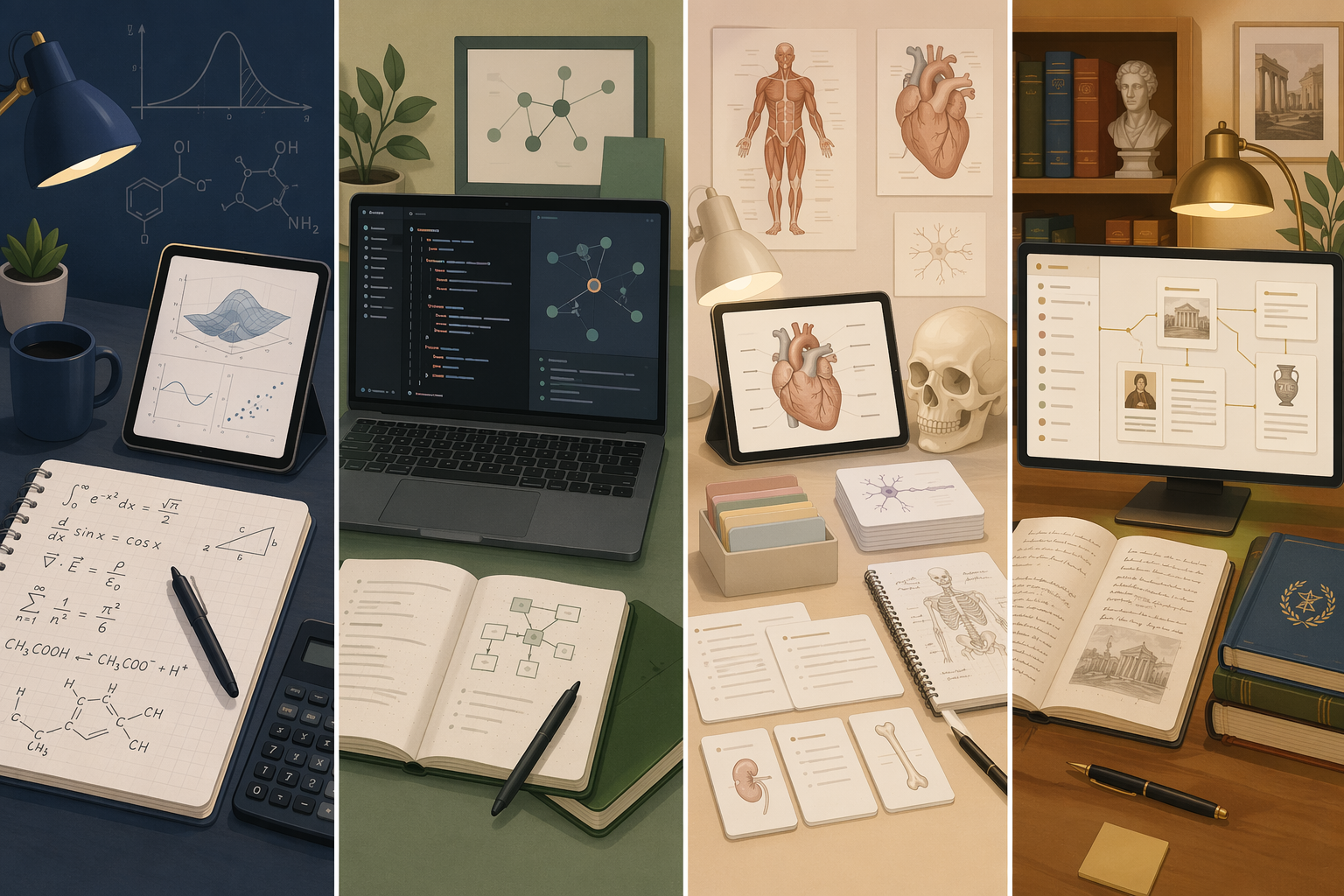
| Major or workflow | Best free fit | Why it fits | Main boundary |
|---|---|---|---|
| STEM | OneNote [2] | Handwriting, ink-to-math, cross-platform use, and enough free storage for lecture notes | Best when you move between laptop and tablet |
| Humanities / social sciences / pre-law | Notion [3] | Databases, linked pages, templates, and shared class organization | The free Plus plan only applies when the institution qualifies |
| Pre-med / biology / nursing | RemNote + OneNote [2][5] | Notes and spaced-repetition flashcards in one system, plus diagrams and PDF annotation | Works best as a two-app setup |
| Computer science / engineering | Obsidian [4] | Local Markdown, backlinks, code blocks, and plugins | Convenient sync may require paid Sync or a DIY setup |
| Languages | RemNote + Google Keep [5] | Spaced repetition for vocabulary and fast mobile capture | Keep is only the inbox, not the archive |
| Apple-only students | Apple Notes [6] | Fast capture, scanning, and handwriting inside the Apple ecosystem | Not useful on Windows or Android |
STEM: OneNote first, Apple Notes only if you live on Apple devices
For math, physics, engineering, and chemistry, the free app has to behave like a notebook before it behaves like a database. OneNote is the safest default because its free tier works across Windows, Mac, iOS, Android, and the web, and it supports handwriting, ink-to-math, OCR search, audio recording, and collaboration while giving students 5 GB of OneDrive storage.[2] That combination matters more than brand familiarity when lecture notes move from a laptop to a tablet and back again.
Apple Notes can be the better free answer only when the whole setup is already Apple-only. In that case, quick launch, Pencil input, and built-in capture tools matter more than cross-platform flexibility.[6] Outside that ecosystem, it stops being a broad recommendation and becomes a narrow convenience choice.
Humanities, social sciences, and pre-law: Notion when the education plan is available
Notion fits majors that spend as much time synthesizing sources as they do collecting them. Databases, linked pages, templates, and class hubs are more useful for a literature seminar or policy reading load than a simple notebook view.[3] The important limit is that Notion's Plus plan is free only when the student's institution qualifies under its education program, so it is not a universal free option for every student with an email address.[3]
That boundary matters because the appeal of Notion is organizational, not visual. If the education offer applies, it can become a strong free home for research notes across several classes. If it does not, the case for forcing it is weaker.
Pre-med, biology, and nursing: RemNote for memorization, OneNote for diagrams
Pre-med courses turn notes into recall work fast. RemNote is the strongest free fit here because it combines outliner-style notes with built-in spaced-repetition flashcards in the free tier.[5] That makes it more than a place to store lectures; it becomes the place where lecture material turns into exam review.
OneNote still earns a place beside it for the parts of the course that depend on diagrams, sketches, and PDFs. In this major, a two-app setup is often more honest than trying to make one free app do both jobs badly.[2][5]
Computer science and engineering: Obsidian for local-first notes
CS and software-heavy engineering work usually benefits from local Markdown, code blocks, and backlinks more than from polished page templates. Obsidian is the free app that fits that pattern: the core app is free for personal use, and its backlinking, graph view, and plugin ecosystem are built for connected technical notes.[4] Paid Sync costs $4 per month, with a 40% student discount, but students who are comfortable managing files can also sync through iCloud, Dropbox, or git without paying for the official service.[4]
That makes Obsidian a strong recommendation only for students who actually want a file-based system. If you do not want to think about folders or sync, the app is powerful but not frictionless.
Languages: RemNote for spaced repetition, Keep for capture
Language courses are one of the clearest cases where flashcards are not an accessory but the core workflow. RemNote works well because vocabulary can move directly from note to review.[5] Google Keep can sit beside it as a fast place to capture phrases or reminders on mobile, but it should stay an inbox rather than the main archive for long-form notes.
Where the free tier stops being interchangeable
The free plans are not interchangeable. Choose OneNote when handwriting and device flexibility matter, Notion when an eligible education plan will organize sources, RemNote when review is the work, Obsidian when local Markdown is worth the setup, and Apple Notes only inside an Apple setup.
References
- Atlas Workspace — Best Note-Taking Apps for Students (2026): K-12 to College — Atlas Workspace
- Microsoft — OneNote: The digital note-taking app for your devices — Microsoft
- Notion — Pricing — Notion
- Obsidian — Pricing — Obsidian
- RemNote — RemNote Free Plan — RemNote
- Apple Support — Notes User Guide — Apple Support