
Feature tables make ML automation platforms look more comparable than they are. Two tools can both promise “AI workflows,” “agents,” and “app integrations,” while creating completely different operating problems after the demo: one is manageable by a non-technical operations team, one needs a developer to maintain branching logic, and one only makes sense if the company is ready to govern model behavior, data movement, evaluations, and human review.
That is the real decision behind machine learning for automation. The question is not which platform has the longest feature list. It is whether your team can safely build, run, and pay for the workflows it is imagining.
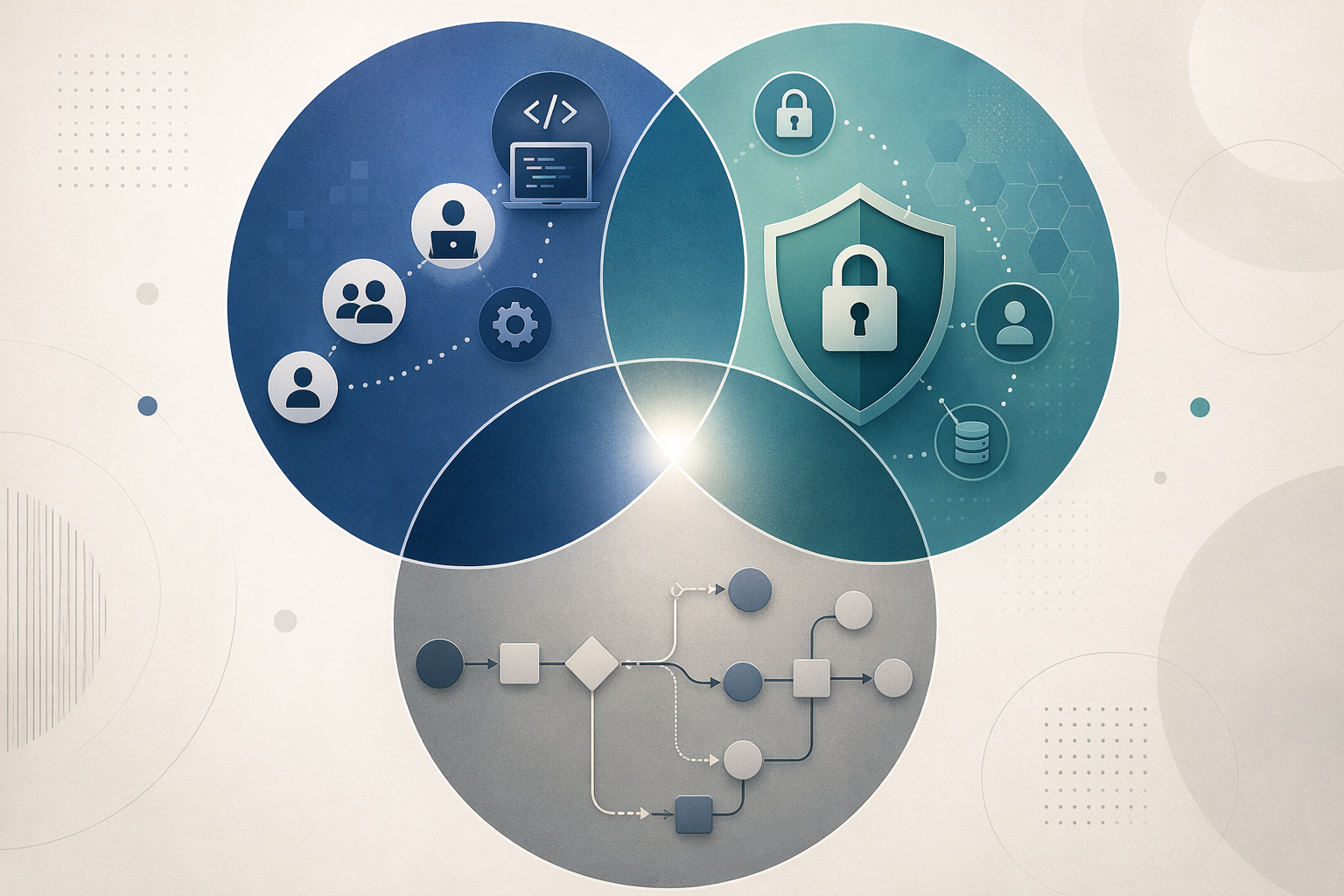
Start with three questions, not eight vendor names
A useful shortlist starts with three axes: team technical skill, data governance needs, and workflow complexity. They are connected. A workflow that touches sensitive customer data needs more review than a marketing content draft. A multi-step agent that reads, classifies, branches, writes back to a CRM, and asks an LLM to decide the next action is harder to cost than a simple “new form submission → summarize → send Slack message” automation. A platform that looks powerful in a technical founder’s hands may become a maintenance burden for a coordinator who only has time to fix broken runs between other work.
| Decision axis | What to ask before comparing tools | Why it changes the shortlist |
|---|---|---|
| Team technical skill | Who will build, debug, and revise the workflow six months from now? | No-code teams need usable builders and guardrails; technical teams may prefer code, self-hosting, and version control. |
| Data governance needs | What data will the workflow touch, and who must approve how AI uses it? | Sensitive data, autonomous actions, audit needs, and human review narrow the safe options quickly. |
| Workflow complexity | How many apps, branches, model calls, and exceptions will the workflow contain? | Integration breadth, pricing model, observability, and ML-native orchestration matter more as steps multiply. |
This is also where many AI automation rollouts get into trouble. Deloitte’s 2026 finding that only 1 in 5 companies has mature governance for autonomous AI agents is not a footnote; it means many teams are shopping for agentic systems before they have the operating discipline those systems require.[1]
Axis 1: Match the platform to the people who will maintain it
Skill level is not a vanity label. It determines who gets paged when a workflow fails, who can change a prompt without breaking downstream logic, and whether a process improvement waits three days for engineering help.
For a non-technical team, the strongest platform is often the one that makes common workflows boring: connect form tools, spreadsheets, CRMs, ticketing systems, email, chat, and a few AI steps for classification or summarization. Connector-first tools such as Zapier and Make belong in this conversation because they reduce the distance between “we know the process” and “we can automate part of it.” If your team is still building confidence, a practical comparison of process automation tools for non-technical teams may be more useful than a deep agentic AI roundup.
For a technical operations or engineering-adjacent team, the calculation changes. n8n’s appeal is not just that it can automate work; it offers a free self-hosted option, and its cloud pricing starts at $20 per month for 2,500 executions with unlimited steps, according to n8n’s own 2026 comparison.[2] That structure matters when workflows grow from three steps to thirty. A developer-capable team may also value self-hosting because it can control infrastructure, credentials, and data handling more directly than a purely hosted no-code tool allows.
That does not make self-hosting automatically better. Someone has to own updates, security, backups, secrets management, and incident response. If no one on the team is ready for that, a self-hosted option is not control; it is a future maintenance queue.
AI-native platforms sit in a different skill band. Gumloop, Miniloop, and Vellum are usually discussed when the workflow is not just “send data from app A to app B,” but “run model calls, compare outputs, add review points, evaluate behavior, and orchestrate AI-heavy processes.” Their value depends on whether the team actually needs that depth. If the only ML step is “summarize this ticket,” an AI-native platform may add overhead without adding much operational benefit.
Axis 2: Governance is a platform requirement, not a policy document
Governance changes the shortlist before features do. A workflow that summarizes public blog drafts is not in the same category as one that reads customer contracts, routes support escalations, updates a billing system, or recommends action on HR cases.
The practical questions are plain:
- Will the workflow process customer, employee, financial, legal, or regulated data?
- Can the platform show what data was sent to which model or service?
- Can humans approve high-impact outputs before an action is taken?
- Can failed or suspicious runs be inspected without reconstructing the whole process from chat logs and screenshots?
- Can admins restrict who builds, edits, publishes, and connects credentials?
This is where generic “AI agent” language becomes too loose. An autonomous agent that chooses tools, calls models repeatedly, and writes back into business systems creates a different risk profile than a deterministic automation with one summarization step. The Deloitte governance statistic matters because most companies are not yet mature in managing that autonomy.[1]
For lighter internal workflows, connector-first tools may be sufficient if admins can control access and the data is low-risk. For sensitive or high-impact processes, enterprise iPaaS and RPA platforms such as Workato, UiPath, or Elementum become more relevant because the decision is less about ease of building and more about orchestration, approvals, auditability, and enterprise controls. Elementum’s 2026 comparison positions enterprise workflow automation around governance and orchestration rather than simple app-to-app triggers, which is the right distinction to watch even if the vendor framing is promotional.[5]
Small and midsize companies should be careful here. Enterprise-grade governance can be necessary, but it can also be overkill. If the workflow is a low-risk internal handoff, buying a platform designed for heavily governed enterprise orchestration may slow the team down and inflate costs. If the workflow touches sensitive records or lets AI initiate real business actions, the cheap and easy option may be the expensive one later. The line between those cases is the real comparison. For a broader treatment of that divide, see process automation tools for small business vs enterprise.
Axis 3: Workflow complexity shows up in integrations, branches, and model calls
A simple workflow can tolerate a lot. A brittle integration, a clumsy prompt, or a manual retry step may be annoying but manageable. Complexity changes the cost of every weakness.
Integration breadth still matters in an ML era because work still lives in existing systems. Atlassian’s 2026 State of Teams finding, cited in n8n’s comparison, says 46% of product teams identify lack of integration with existing tools as the biggest blocker to shipping AI features.[2] That is not just a product-team problem. It is what happens when an automation can classify the message but cannot reliably reach the CRM, ticket queue, calendar, document store, or approval system where the next action belongs.
This is why Zapier’s self-reported 8,000-plus app ecosystem remains decision-relevant, even though app count is not the same as workflow depth.[2] Broad connectors reduce friction for common business automations. But app count does not tell you whether a platform handles complex branching, long-running processes, model evaluation, human review, or error recovery well.
The complexity question is not “How many steps can the platform technically run?” It is closer to this:
- Does the workflow branch based on model output?
- Does it need retries, fallbacks, or escalation paths when confidence is low?
- Does it call multiple models or compare outputs?
- Does it require a human to review only some cases, not all cases?
- Does the team need to evaluate prompt or model changes before publishing them?
If most answers are no, a connector-first or visual automation platform may be enough. If several are yes, the team is no longer just buying automation; it is buying ML workflow management. That is where AI-native platforms and more technical orchestration tools deserve attention.
A practical map of the platform market
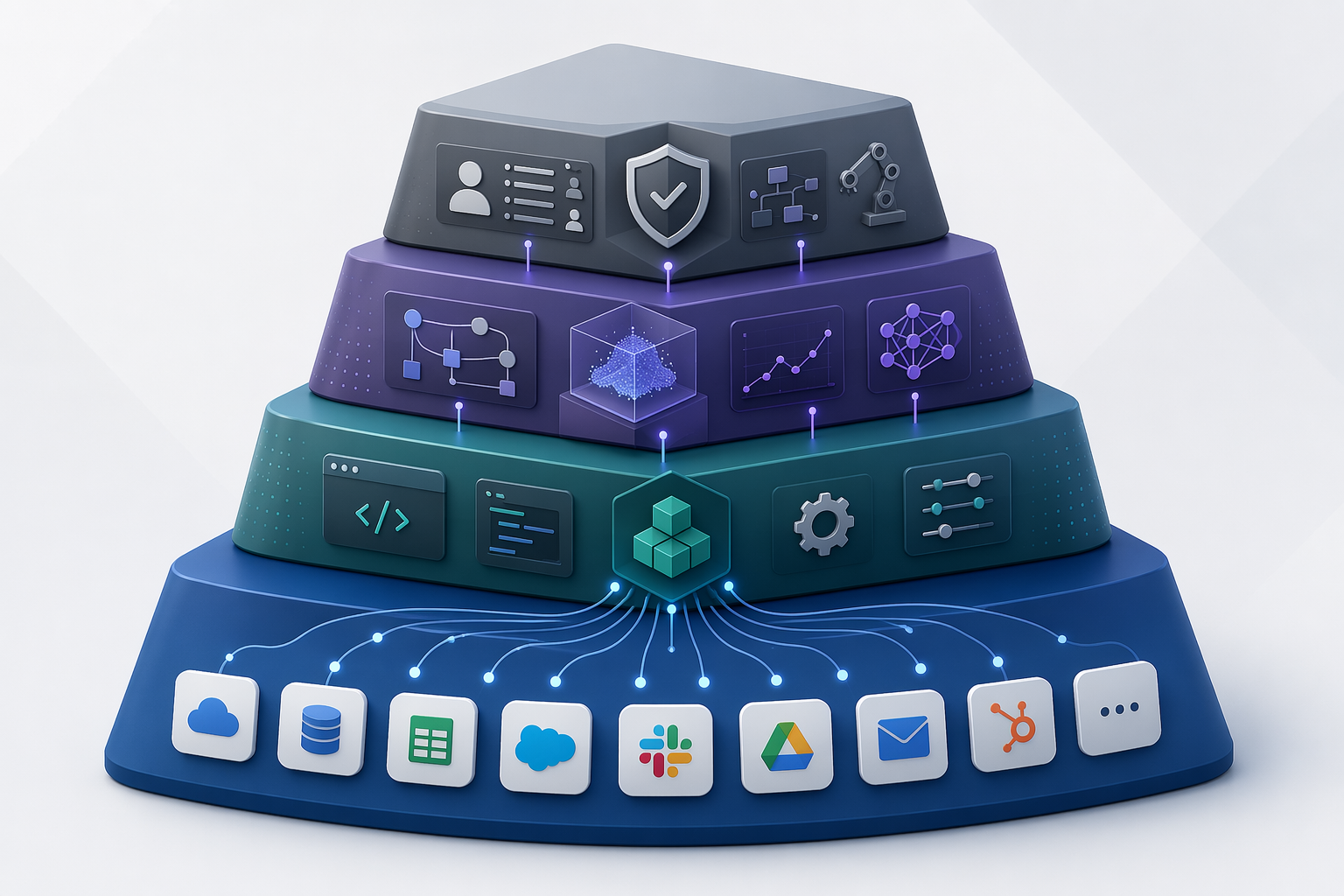
The market is easier to read as four broad tiers. The boundaries are not perfect, and vendor-authored comparisons tend to emphasize the category where the vendor looks strongest. Still, the structure is useful because each tier fails in a different way.
| Tier | Typical examples | Best fit | Not for you if |
|---|---|---|---|
| Connector-first automation | Zapier, Make | Teams that need broad app coverage and fast no-code workflow building | You need deep ML evaluation, versioning, or complex agent orchestration |
| Open-source or self-hosted automation | n8n | Technical teams that want more control, self-hosting options, and execution-based pricing | No one can own infrastructure, debugging, and maintenance |
| AI-native workflow platforms | Gumloop, Miniloop, Vellum | Teams building workflows where model calls, evaluations, human review, and orchestration are central | Your use case is mostly ordinary app-to-app automation with a thin AI step |
| Enterprise iPaaS/RPA and orchestration | Workato, UiPath, Elementum | Larger or regulated teams that need governance, scale, approvals, and enterprise controls | You are a small team automating low-risk workflows and cannot justify the cost or overhead |
For readers already comparing the first two tiers, a narrower Zapier vs Make vs n8n vs Power Automate breakdown will be more tactical. If the decision is specifically between no-code automation and AI-native workflows, Zapier vs. Make vs. Gumloop is the cleaner comparison.
Pricing is where the pilot stops being cute
Most comparison pages mention pricing too late. For ML automation, pricing belongs near the center of the decision because model-heavy workflows do not scale like simple trigger-action automations.
The pricing models differ in ways that affect workflow design:
| Pricing model | Commonly associated platforms | Operational consequence |
|---|---|---|
| Task-based | Zapier | Costs tend to rise with the number of completed automation actions; simple workflows are easier to estimate than heavily branched ones. |
| Credit-per-step | Make, Gumloop | Complex workflows can consume credits quickly because each action, AI step, or operation may count separately. |
| Execution-based with unlimited steps | n8n cloud; free self-hosted option | Longer workflows may be cheaper to run if they count as one execution, but technical maintenance still has a cost. |
| Consumption-based enterprise | Workato and similar enterprise platforms | Pricing may depend on negotiated terms, usage, connectors, environments, or enterprise features, making early cost modeling harder. |
Gartner’s estimate, cited in Gumloop’s 2026 article, is the number to keep in mind: agentic AI models may require 5 to 30 times more tokens per task than standard LLM calls.[3] That does not mean every AI automation will become expensive. It does mean a workflow that loops, reasons, retrieves context, calls tools, and retries can consume far more than the tidy demo implies.
On a credit-per-step platform, a workflow with several branches, multiple AI calls, and frequent retries can become costly for reasons that are not obvious from the first build. On an execution-based platform, the same workflow may look cheaper in platform fees but require more technical ownership. On an enterprise platform, the issue may be less per-step cost and more the total package: governance features, environments, premium connectors, implementation support, and contract terms.
The 2025–2026 vendor pages behind these comparisons are useful, but they are not neutral ground. Pricing pages, integration counts, and AI-depth claims change often and are usually self-reported. Treat any shortlist as “last verified before procurement,” not as a permanent fact. Miniloop’s 2026 comparison is helpful for seeing how AI workflow tools frame pricing models, but the numbers still need to be checked directly before buying.[4]
This is also why a deterministic automation platform and an AI-agent layer sometimes belong together rather than in a winner-take-all decision. A stable no-code workflow can handle routing, notifications, and system updates, while an AI step classifies, summarizes, or drafts. More complex agent behavior can be isolated where it is worth the extra cost and governance. That pattern is covered in more detail in the two-layer automation stack.
How to translate the three axes into a shortlist
Once the three axes are clear, the shortlist usually narrows quickly.
Choose connector-first tools when adoption risk is the main risk
If the team is non-technical, the data is not highly sensitive, and the workflows are mostly common app-to-app processes with a few AI steps, Zapier or Make will often be the responsible starting point. The operating advantage is adoption: more people can understand the workflow, change it, and spot when it is doing something wrong.
The tradeoff is depth. These tools can support AI-powered steps, but that is not the same as full ML lifecycle management. If the workflow depends on prompt testing, model comparison, evaluation datasets, or carefully governed human-in-the-loop review, a simple connector-first setup may become stretched. For a narrower look at this line, see Zapier vs Make 2026: AI and Agentic Workflows.
Choose n8n when control and complex workflow economics matter
n8n is most interesting when the team has enough technical skill to benefit from its flexibility. The free self-hosted option and cloud plan starting at $20 per month for 2,500 executions with unlimited steps create a different cost shape from credit-per-step tools.[2] For long workflows, that can be meaningful.
But the “who maintains this?” question has to be answered before the platform is chosen. n8n can be a strong fit for technical operators, RevOps engineers, internal tool builders, and small engineering teams. It is a weaker fit if the business side needs to own everything without technical backup.
Choose AI-native platforms when ML behavior is the product of the workflow
AI-native platforms deserve attention when the workflow’s value depends on model behavior, not just moving data between systems. That includes use cases where teams need model-agnostic orchestration, evaluations, prompt or workflow versioning, structured human review, and visibility into how outputs change over time.
Vellum’s 2026 comparison emphasizes low-code AI workflow tooling and governance concerns, while Gumloop and Miniloop frame their categories around AI-native workflow design and pricing.[1][3][4] Those are vendor perspectives, so they should not be treated as independent rankings. They are still useful for identifying which capabilities matter once a team moves beyond thin AI wrappers.
Choose enterprise platforms when governance and scale justify the overhead
Enterprise iPaaS and RPA platforms fit when the automation program needs centralized administration, audit trails, role controls, approval patterns, cross-department orchestration, and support for high-volume or regulated operations. They are not automatically better for a 40-person company trying to reduce manual handoffs in sales operations.
The enterprise category also deserves scrutiny because AI pilots have a poor record of turning into measurable business value. Fortune and MIT NANDA findings, cited in 2026 AI workflow comparisons, report that 95% of GenAI pilots fail to deliver measurable financial returns and that only 5% of enterprise AI pilots reach production.[6] Low-code AI workflow tools often position themselves as the bridge across that gap, but a bridge still needs traffic, maintenance, and a destination.
A short evaluation worksheet before the demo
Before sitting through another demo, write down the workflow you actually want to automate and score it against the three axes. A rough worksheet is enough.
| Question | Low-complexity answer | Higher-complexity answer |
|---|---|---|
| Who will maintain it? | Operations or business users can edit and debug it | Developers or technical operators must own logic, hosting, or review |
| What data does it touch? | Low-risk internal data or public content | Customer, employee, financial, legal, regulated, or sensitive operational data |
| How autonomous is the AI? | AI drafts, summarizes, classifies, or suggests | AI chooses tools, branches the workflow, or triggers business actions |
| How many systems are involved? | One to three common business apps | Many apps, custom systems, databases, or enterprise platforms |
| How does cost grow? | Mostly predictable tasks or executions | Multiple model calls, retries, branches, credits, tokens, or enterprise add-ons |
| What happens when it is wrong? | Someone can quickly correct a low-impact output | A wrong action affects customers, money, compliance, or trust |
If most answers fall in the left column, do not overbuy. Pick a tool your team can operate. If several answers fall in the right column, do not let a clean demo hide the need for governance, testing, observability, and cost controls. For teams comparing automation programs rather than individual tools, Best Business Process Automation Solutions for SMBs 2026 is the better adjacent read.
The responsible choice is the one your team can still run later
There is no universal winner for ML automation platforms. A small operations team automating everyday handoffs should not be pushed into an enterprise orchestration platform because it sounds more mature. A technical team running long, branching workflows should not ignore execution-based pricing and self-hosting options. A company letting AI touch sensitive records or take consequential actions should not treat governance as a checkbox after procurement.
The right platform is the one that matches the people who will maintain it, the data it will touch, and the shape of the workflow once the pilot becomes a real operating process.
References
- Top 10 Low-Code AI Workflow Automation Tools (2026) — Vellum
- The 9 best AI workflow automation tools in 2026 — n8n Blog
- 10 best AI workflow automation tools I'm using in 2026 — Gumloop
- Best AI Workflow Automation Tools in 2026 — Miniloop
- 7 Best AI Workflow Automation Tools Compared (2026) — Elementum
- AI Workflow Automation Platforms: 7 Tools Compared — Bubble