
The real test of cloud based workflow automation is not whether a demo looks clever. It is whether the person who owns the handoff can understand what starts the workflow, what happens next, where it can fail, and how to fix it when someone changes a field name on a busy Thursday.
For non-technical teams in 2026, the answer is no longer simply “wait for IT.” Zapier, Make, monday.com, ClickUp, and Jotform can all automate real work without a developer. The better question is which kind of workflow owner each tool is built for.
| If your workflow looks like this | Start with | Why it fits |
|---|---|---|
| Simple app-to-app handoffs, such as lead form to CRM to Slack | Zapier | Plain-English setup, large template library, and a familiar trigger-action model |
| Multi-step logic with branches, filters, and visible paths | Make | A visual scenario builder that suits teams ready for more control |
| Team process already lives on boards, statuses, owners, and due dates | monday.com | Automations are written like a sentence tied directly to board changes |
| Tasks, docs, goals, and automations need to stay in one workspace | ClickUp | Easy-to-find automation setup inside a broader work management system |
| The workflow begins with a form, approval, request, or submission | Jotform | Best treated as form-led workflow automation, not a general automation layer |
Why this category is worth taking seriously
Workflow automation has earned attention because the problem is painfully ordinary: teams copy details from one tool to another, chase approvals in chat, forget to update project boards, and rebuild the same status report every week. Reports cited by Activepieces say 74% of businesses with automated workflows reported improved operational efficiency, while McKinsey has estimated that 60% of employees could save 30% of their time through workflow automation; that McKinsey estimate predates the current wave of AI-assisted builders, so it is better read as directional context than a promise for every team.[1]
Error reduction is another reason teams look at these tools. Formstack cites workflow automation statistics saying 92% of businesses with automated workflows reduced errors by up to 80%.[2] That does not mean a new Zap or board automation will cut your mistakes by the same amount. It means repetitive handoffs are a legitimate place to look when the team is losing work through copy-paste, missed notifications, and inconsistent routing.
The broader market also explains why these tools are improving quickly. Vellum cites Mordor Intelligence’s estimate that the workflow automation market is about $26 billion, with cloud deployment capturing 62% of that broader market.[3] That figure is not limited to no-code team tools, but it helps explain why vendors are investing in easier builders, AI setup help, and template libraries.
What “no developer required” should mean
For this comparison, “no developer required” means a manager, coordinator, or operations lead can build and maintain the workflow using a cloud interface. They should not need to write code, manage servers, build a custom API integration, or ask engineering to review every change.
That still leaves plenty of room for judgment. A tool can be no-code and still be too confusing for the person who will own it. A visual canvas can be powerful and still become hard to audit after six branches, three filters, and a half-remembered exception path. A project-management platform can automate status changes beautifully while being the wrong place to orchestrate twenty unrelated SaaS apps.
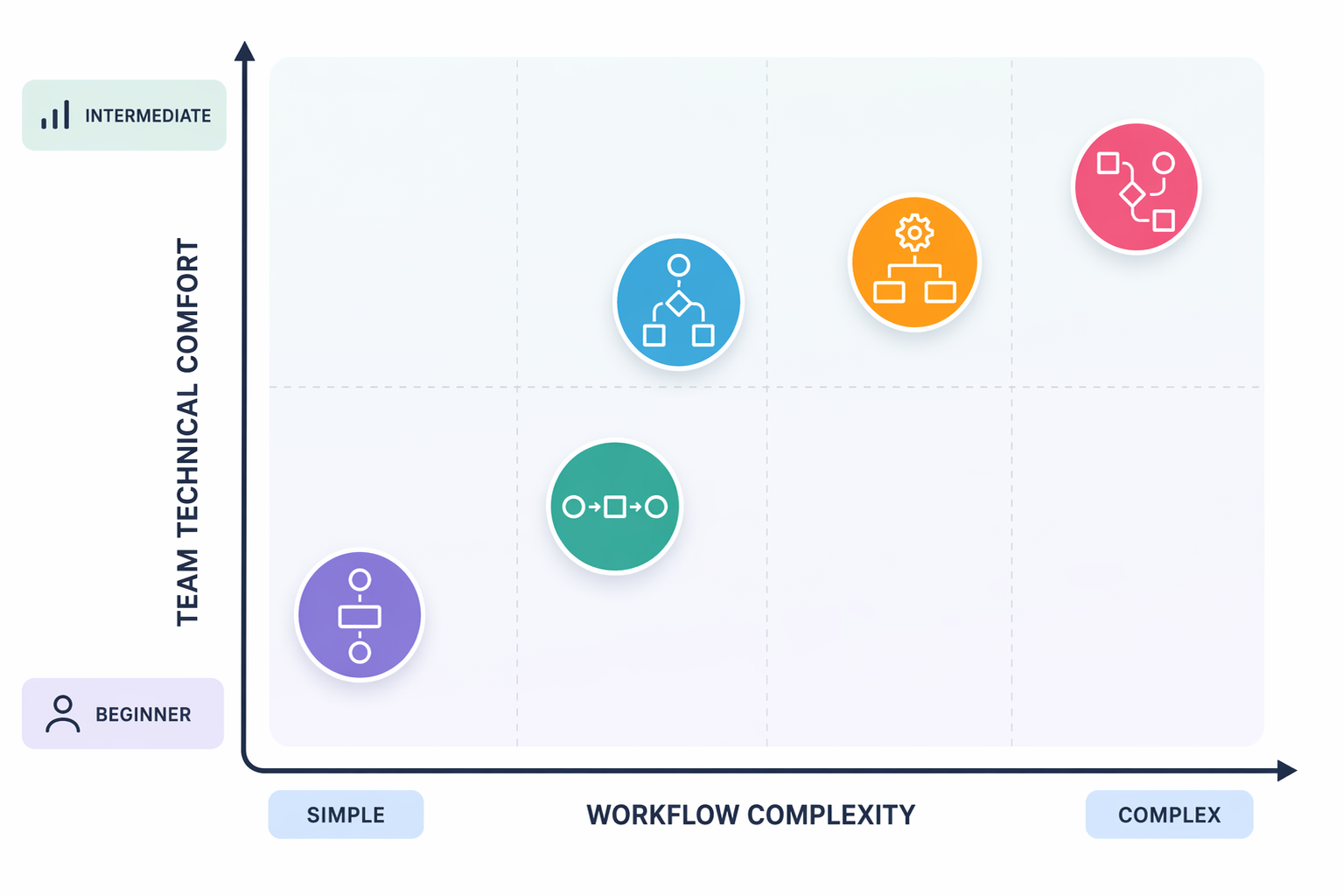
The useful split is workflow shape. If work moves from one app to another, look at cloud automation platforms. If work moves across people, statuses, and due dates inside a team board, look at work management tools with built-in automations. If work starts with structured intake, use a form-first workflow tool before buying a broader automation layer.
Zapier: best first stop for plain-English app handoffs
Zapier is the easiest recommendation when the workflow is a recognizable handoff between cloud apps: a new lead appears, a task gets created, a Slack message goes out, a spreadsheet row updates, a contact moves to the next step. The mental model is simple enough for a non-technical owner to explain: when this happens in one tool, do that in another.
The most important interface change is Zapier Copilot. Zapier says users can type a plain-English request such as “When I get a new lead in HubSpot, create a task in Asana and send a Slack message,” and Copilot builds the workflow automatically.[4] That is not the same as saying the finished automation needs no review. It does reduce the blank-page problem, especially for a marketing ops manager who knows the handoff but not the builder.
Zapier also has the strongest template advantage among the tools in this set. Its own materials describe more than 10,000 pre-built templates, which matters when the team needs a safe starting point more than a blank automation canvas.[4] Templates are not magic, but they make it easier to see the likely trigger, action, and app permissions before anyone starts experimenting in a live process.
Zapier is less attractive when the workflow becomes a maze. Multi-step Zaps are useful, but if the owner needs to inspect complex branching logic every week, a visual scenario tool can be easier to reason through. Zapier is strongest when the workflow can still be described in one sentence by the person accountable for it.
Make: better when the workflow needs a visible map
Make fits teams that have grown past simple trigger-action automation but are not ready to turn the work into an engineering project. Its visual scenario builder is useful when the owner needs to see multiple steps, routes, filters, and app connections in one place. That visibility is the point: a workflow with branching logic should look like branching logic, not like a long stack of settings screens.
The tradeoff is that Make asks for more operational confidence. A coordinator can learn it without coding, but they need to be comfortable thinking through conditions, test data, failure paths, and sequence. Make’s 1,000+ template count, cited by Vellum, helps with setup, but the product’s appeal is not mainly that it hides complexity.[3] It lets a capable non-technical owner control more of it.
A practical example would be a lead-routing workflow where different regions, product interests, and deal sizes trigger different CRM updates and notifications. In Zapier, that may still be workable. In Make, the owner can often inspect the paths more naturally. The moment those paths become business-critical, though, documentation and change control matter more than the builder.

monday.com: best when the workflow is already a board process
monday.com belongs in this comparison because many teams do not need a separate automation layer first. They need their existing board to stop depending on memory. If the process is already expressed as items, owners, statuses, dates, and columns, monday.com’s built-in automations may be the shortest path from “we keep forgetting this step” to “the system handles it.”
The interface is unusually approachable. Vellum describes monday.com’s automation builder as a single sentence pattern: “When [blank] changes to [blank] then [blank],” and The Digital Project Manager also calls out monday.com’s ease of use.[3][5] That matters because the automation is readable by the same people who run the board. A department lead can open it and understand the business rule without deciphering a technical flow.
Use monday.com when the pain is inside the team process: notify the designer when the status changes to ready, assign the next owner when legal approves, move an item when the due date arrives, create a recurring task for a monthly campaign review. Do not force monday.com to become the central nervous system for every app in the company unless the team is already committed to running work there.
ClickUp: best when tasks and automation need to live together
ClickUp is closest to monday.com in this set because it is also a work management platform first. It makes sense for teams that want tasks, docs, dashboards, goals, and automations in the same place. If the team already uses ClickUp every day, adding a small automation where work already happens is usually easier than introducing a separate automation platform.
The Digital Project Manager reports that ClickUp’s automation builder takes “no more than 10 seconds” from first opening the app to finding everything needed.[5] Treat that as an ease-of-access observation, not a guarantee that every workflow takes seconds to build. The useful takeaway is that ClickUp does not bury automation as an advanced admin-only feature.
ClickUp is a good fit when the workflow owner cares as much about task visibility as automation. A marketing team might automatically assign campaign QA when a task moves to review, notify the channel owner when creative is approved, or create follow-up work when a launch task closes. The automation is useful because it is attached to the work record people already check.
The caution is tool sprawl in reverse. If the real need is to connect HubSpot, Shopify, Airtable, and Slack across a messy app stack, ClickUp may be too centered on its own workspace. In that case, Zapier or Make is usually the cleaner automation layer.
Jotform: best when intake is the workflow
Jotform should not be padded into a fake race with Zapier and Make. It is not the broadest cloud workflow automation platform in this group. Its best case is narrower and very common: the workflow begins with a form, request, application, approval, registration, order, or internal submission.
That narrower fit can be exactly right. A team that needs structured intake often struggles before automation even starts. People submit requests in Slack, email half the details, forget attachments, or skip the budget field. A form-led workflow forces the first step to be complete enough for the next person to act.
Use Jotform when the main work is collecting information, routing it for review, and triggering a limited set of follow-up actions. For example, a hypothetical creative request process might collect campaign name, due date, channel, asset type, and approver before routing the submission to the right queue. If the process later needs complex cross-app branching, Jotform can hand off to a broader automation platform rather than replace one.
Where non-technical automation starts to break down
The boundary is not coding versus no coding. The boundary is whether the workflow owner can safely understand and maintain the system after the original build.
- Custom API integrations: if the app connection is not already supported, a non-technical builder may not be the right place to improvise.
- Self-hosted automation setups: n8n-style self-hosting can be attractive for technical teams, but server ownership changes the maintenance burden.
- Complex error handling: if a failed step can lose revenue, expose customer data, or block fulfillment, involve someone who understands monitoring and recovery.
- Hard-to-audit conditional branches: no-code logic can still become opaque when too many exceptions are layered into one workflow.
- Enterprise governance: regulated teams may need approval controls, permission models, audit trails, and security review before automations go live.
This is also where the “citizen automator” story can get too neat. Atlassian’s State of Teams Report 2026, cited by Vellum, found that 46% of product teams name lack of integration with existing tools as the biggest blocker to shipping AI features.[3] Low-code and no-code platforms help with that gap, but they do not remove the need to decide who owns the integration once it affects customers, revenue, or reporting.
A practical selection order
Start with the workflow owner, not the feature list. The person maintaining the automation should be able to open it, explain it, test it, and know when it failed. If they cannot, the team has built a dependency with a friendlier interface, not a maintainable process.
| Question | If yes | Likely tool |
|---|---|---|
| Can the automation be described as one app event causing one or more app actions? | Use a template or plain-English builder first | Zapier |
| Does the workflow need visible branches, filters, or multi-path logic? | Use a visual scenario builder and document the paths | Make |
| Is the work already managed through board statuses and owners? | Automate inside the board before adding another platform | monday.com |
| Does the team already run tasks, docs, and dashboards in one workspace? | Keep small automations close to the task record | ClickUp |
| Does the workflow start with a request or submission? | Fix intake quality before automating downstream actions | Jotform |
Pricing should be checked directly before rollout, especially in Q2 2026, because public tiers, automation limits, AI credits, task limits, and enterprise plans change often. For a small team, the relevant cost is rarely just the monthly subscription. It is the point at which usage limits, premium app connections, admin controls, or additional workspaces change the economics.
The shortlist
Choose Zapier if the team wants the most approachable starting point for cloud app handoffs and values plain-English setup plus a large template library. Choose Make if the workflow has enough branching that seeing the whole scenario matters. Choose monday.com if the process is already a board-based team workflow. Choose ClickUp if the team wants automation inside a broader task workspace. Choose Jotform if the real bottleneck is structured intake and approvals.
Non-technical teams can automate real work now. The durable choice is the one whose builder matches the person who will maintain the workflow before it becomes mission-critical.
References
- Benefits of Workflow Automation, Activepieces
- Workflow Automation Statistics, Formstack
- Top Low-Code AI Workflow Automation Tools, Vellum
- Best workflow automation software, Zapier
- Best Workflow Automation Software, The Digital Project Manager