
Claude vs ChatGPT for note-taking is the wrong question if it starts with model personality. Neither product is a proper note-taking app: neither is your notebook, your archive, your citation system, or your long-term meeting record. The useful test is smaller and less glamorous: can the tool capture the material, and once the material is text, can it turn the mess into a note you would actually keep?
That split changes the verdict fast. Claude’s official upload path, as checked in July 2026, accepts documents and images but not audio or video files. ChatGPT is the only one of the two with a documented recording mode for meetings, but that mode has its own hard edges: it is macOS desktop only, capped at 4 hours, unavailable on Free and Go tiers, can auto-join Google Meet only, and deletes the audio after transcription.[1]
| Note-taking job | Claude | ChatGPT | Practical verdict |
|---|---|---|---|
| Capture live audio | No native audio or video upload in the checked upload list.[1] | Record mode can transcribe and summarize audio recordings, with platform, tier, duration, and meeting-join limits.[1] | ChatGPT wins if you need one paid tool to record and summarize. |
| Transcription | Needs text from somewhere else first. | Can create a transcript through record mode under supported conditions.[1] | ChatGPT removes one handoff, but only in the supported workflow. |
| Structuring messy transcripts or rough notes | Reported stronger at holding context and consistency across long study material.[2] | Reported faster as a generalist, but not always as steady on long context-heavy material.[2] | Claude is the more plausible processing choice once the input is already text. |
| Pricing context | Claude Pro is roughly in the $17–20/month range, depending on billing, in the July 2026 comparison material.[1] | ChatGPT Plus is $20/month in the July 2026 comparison material.[1] | Pay for the missing step: capture points to ChatGPT; text cleanup points to Claude. |
| Best if | You already have transcripts, device recordings converted to text, lecture notes, or exported meeting notes. | You are allowed to record and want capture plus summary in the same paid tool. | The room condition decides more than the brand preference. |
The capture wall comes first
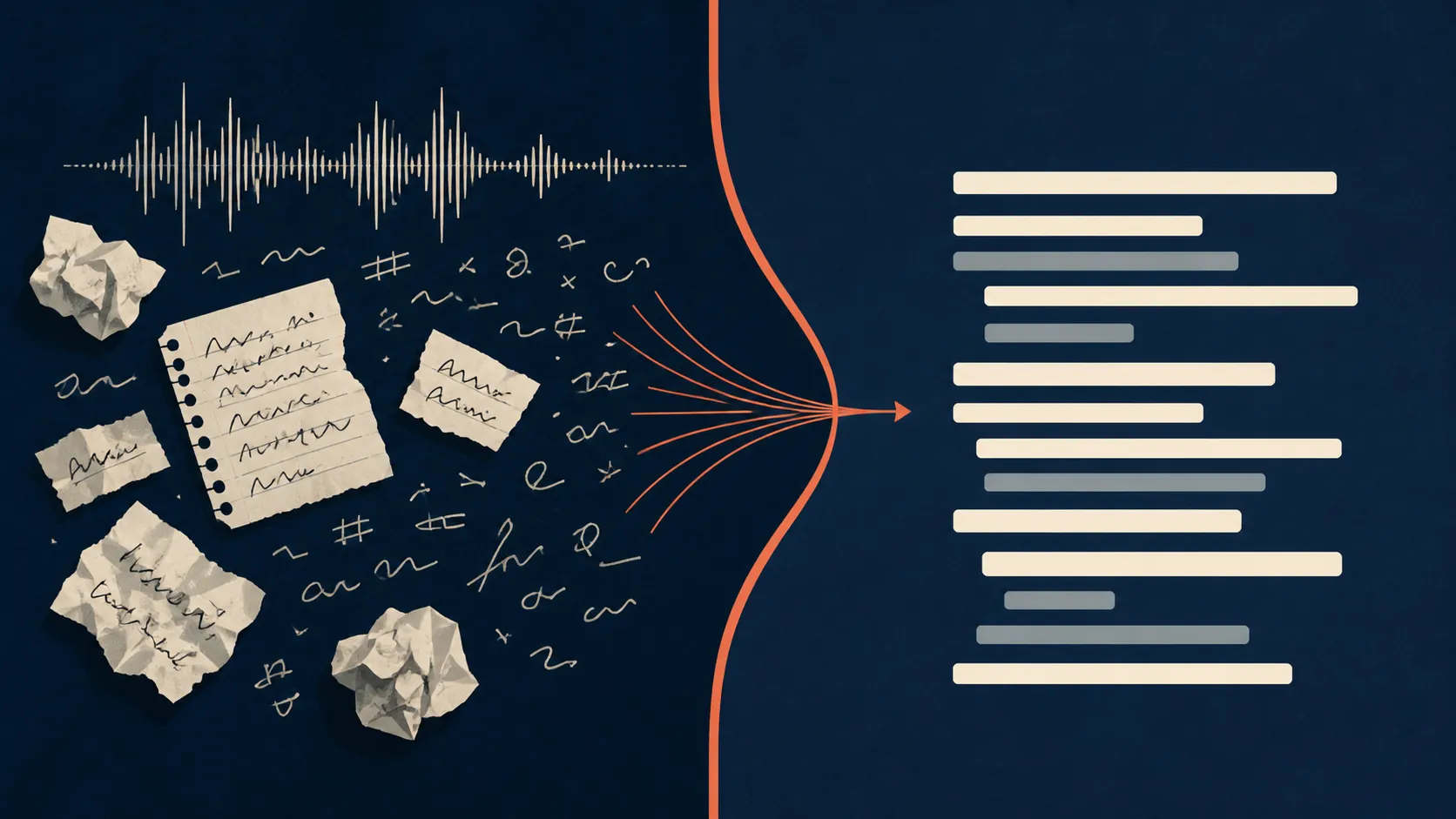
A clean AI demo usually begins after the hard part has already been solved. There is a transcript. The speakers are labeled. The meeting has ended. Nobody is trying to remember whether the joke about “shipping it Friday” was a decision, a threat, or a joke. Real note-taking starts earlier, when the raw material is still audio, scribbles, screenshots, chat fragments, and half-decisions.
On that first step, Claude hits a wall. The checked upload list includes document formats and images, but no audio or video formats.[1] That does not mean Claude is bad at notes. It means Claude cannot be the whole note-taking pipeline if your raw material is a recording. A lecture recording, a voice memo, or a meeting audio file must be transcribed elsewhere before Claude can help.
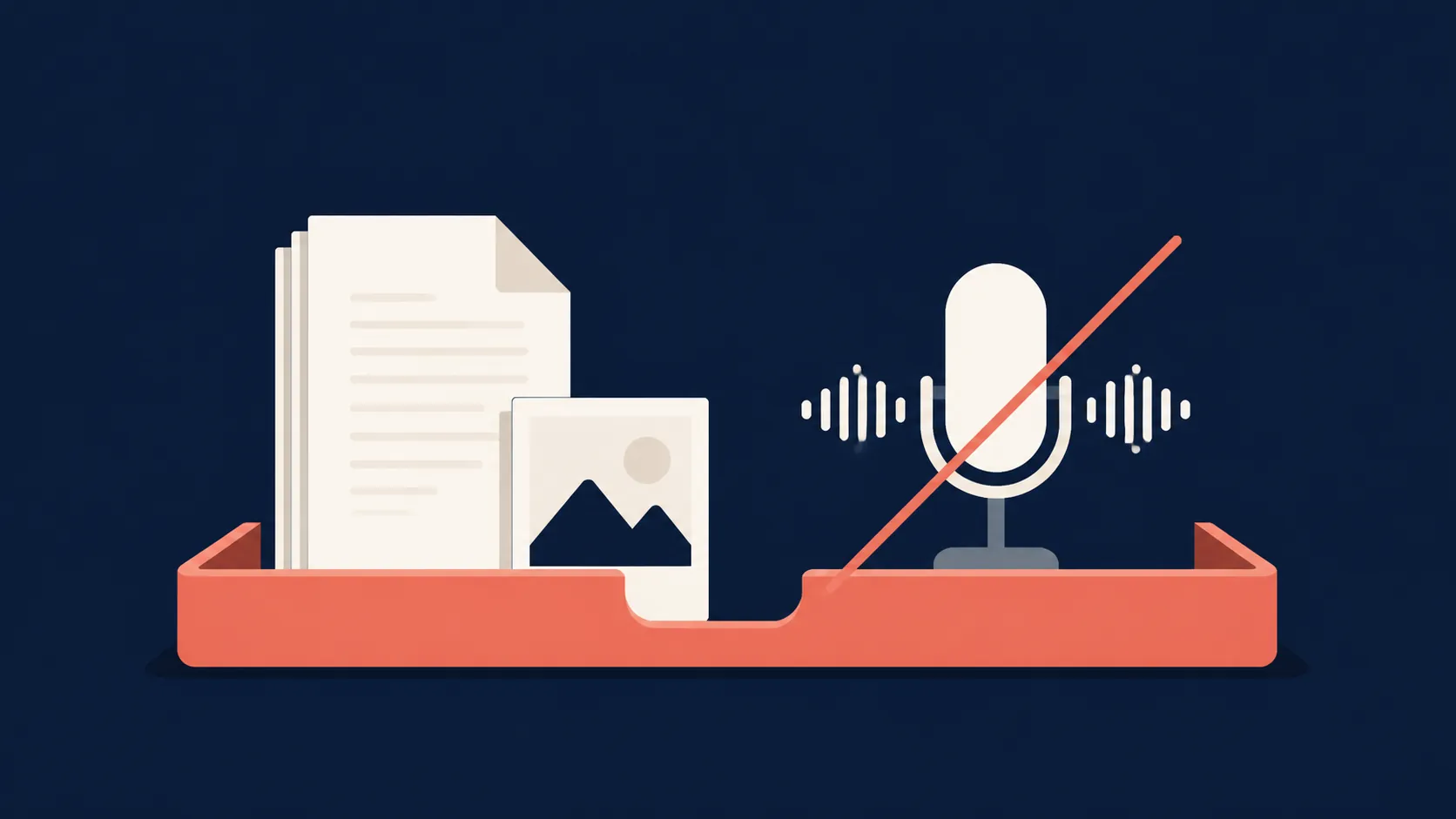
ChatGPT has the obvious advantage here because record mode can transcribe and summarize audio recordings like meetings.[1] But “can record” is not the same as “will fit every meeting.” The documented version is tied to the macOS desktop app, capped at 4 hours, excluded from Free and Go tiers, and its automatic meeting-join behavior is limited to Google Meet.[1] If the room is on Teams, Zoom, a classroom podium, a phone call, or a locked-down work laptop, there may still be a capture handoff.
That handoff is where note systems usually break. The official meeting ended at 2:00, but the note is not done. Someone is still downloading audio, finding a transcript, pasting text into a chatbot, cleaning speaker labels, and deciding whether “Alex to check” means Alex owns the task or Alex merely said the words. Community complaints about spending 2–4 hours writing up a 1-hour meeting are useful as a pain signal, not as a measured benchmark, but they point to the right failure layer: capture and transport are often more expensive than the summary itself.[1]
So the first verdict is blunt. If the job is “record this meeting and give me a summary,” ChatGPT wins by default among these two because Claude does not accept the audio. If the job is “make sense of this transcript I already have,” the comparison moves to processing quality.
Once the input is text, Claude has the cleaner case
Messy notes are not just long notes. They contain interruptions, implied decisions, stale agenda items, contradictory phrasing, and action items that were never introduced with the words “action item.” A useful note processor has to preserve the thread, not merely compress the transcript.
The strongest support for Claude here is not a universal note-taking benchmark. It is adjacent first-hand testing. In XDA’s study-oriented comparison, the writer found Claude better at holding context and maintaining consistency across long material, while ChatGPT remained the faster generalist.[2] That maps closely to the part of note-taking that happens after capture: turning dense material into study notes, meeting decisions, open questions, and follow-up lists without losing the thread.
Zapier’s 2026 platform comparison gives the broader setting: both Claude and ChatGPT now sit in a high-context class, with context windows around the million-token range depending on model and plan.[3] That matters because the old answer — “use whichever can fit the transcript” — is less useful than it used to be. For many normal meetings and lectures, both can fit enough text. The remaining question is which one produces a note that requires less repair.
Claude’s reported edge shows up in the repair work. Give it a rough transcript and ask for decisions, unresolved questions, ownerless tasks, and a cleaned narrative, and it is more likely to behave like a careful editor of the material. ChatGPT is still fast, flexible, and often good enough, especially when the note is short or the desired output is simple. But when the input is long, repetitive, and context-heavy, Claude is the one the available first-hand evidence favors for processing.
That advantage should not be inflated into a claim that Claude is the better note-taking app. It is better described as the stronger refinery for messy text. It still needs the raw material delivered in a form it can read, and it still should not become the only place the finished note lives.
Which one is worth paying for?
As of the July 2026 comparison material, Claude Pro sits roughly around $17–20 per month depending on billing, while ChatGPT Plus is $20 per month.[1] Those prices are close enough that the sensible purchase is not about saving a few dollars. It is about paying for the step that would otherwise cost you time.
| Your actual situation | Better paid choice | Why |
|---|---|---|
| You are allowed to record meetings and use the macOS desktop app | ChatGPT Plus | It can capture, transcribe, and summarize in the same tool under the supported record-mode conditions.[1] |
| You already receive transcripts from Zoom, Teams, a school system, a recorder, or another app | Claude Pro | The capture problem is already solved, so processing quality matters more. |
| You mostly take lecture notes from existing slides, PDFs, and typed notes | Claude Pro | The job is organizing text and documents, not recording audio. |
| You need one tool for short everyday notes and occasional recording | ChatGPT Plus | The recording advantage is more valuable if you do not want to manage a separate capture step. |
| You want a permanent knowledge base | Neither, by itself | Use a real note app for storage and let the chatbot process selected material. |
The last row is the one that prevents future cleanup work. Chatbots are good temporary workbenches. They are poor permanent note homes. Finished notes still need a place with folders, backlinks, tags, search habits, export options, and whatever trust model you already use. That might be Obsidian, Notion, Evernote, Apple Notes, Google Docs, or a local folder. The chatbot should improve the note before it enters that system, not replace the system.
The hybrid workflow is the practical release valve
The cleanest setup for many serious note-takers is not Claude or ChatGPT as the note app. It is a recorder you trust, a transcript you can move, an AI processor you choose per job, and a final archive that remains yours.
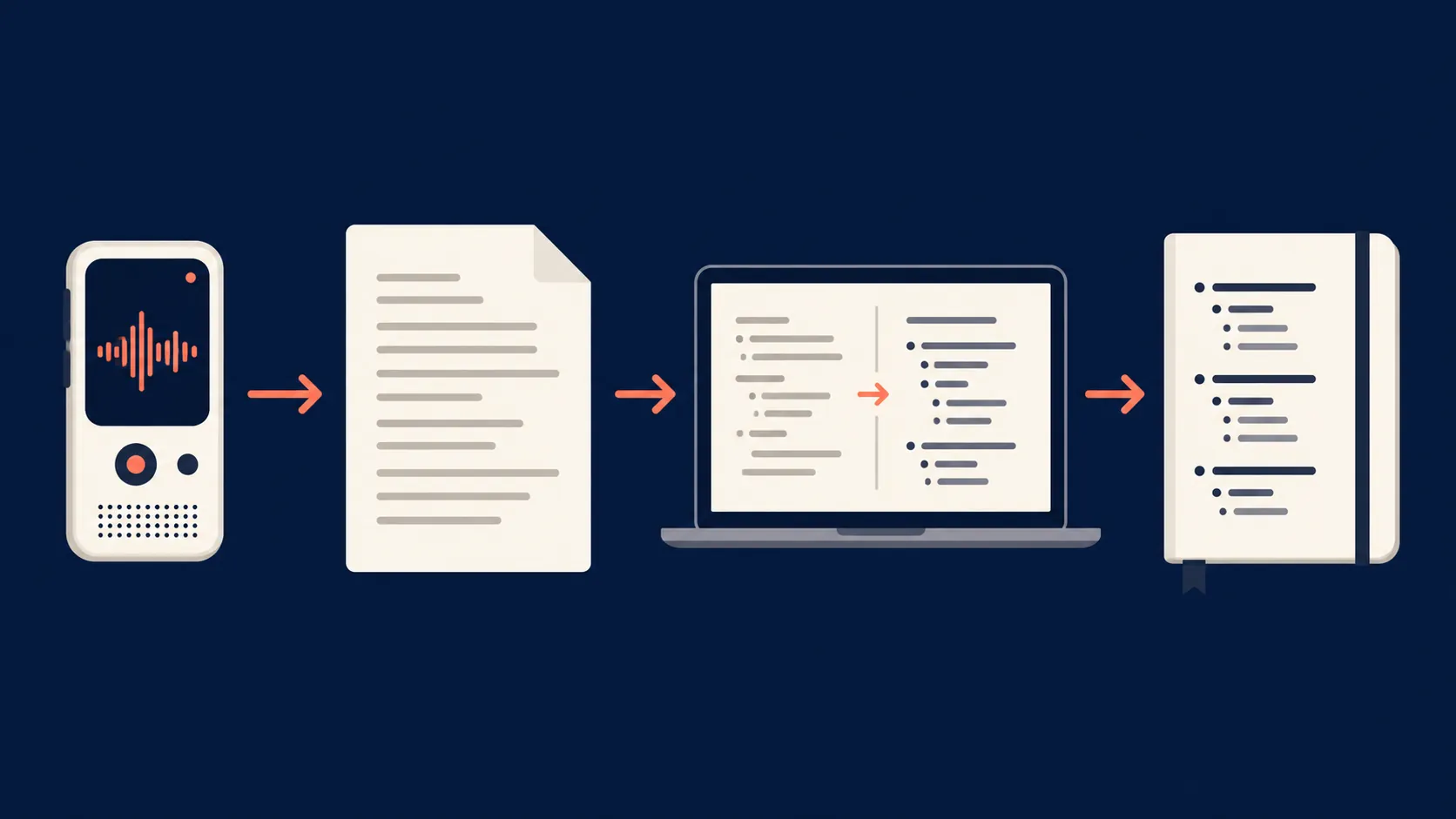
- Capture on the device or approved recording tool. Use whatever is allowed in the room: a meeting recorder, a phone recorder, Apple Notes transcription, Voice Memos, or a platform transcript.
- Convert the recording into text. This is the step Claude cannot do directly from audio, and the step ChatGPT can sometimes handle through record mode.
- Paste the transcript or rough notes into Claude or ChatGPT. If the material is long and messy, start with Claude. If capture happened inside ChatGPT or the note is simple, staying in ChatGPT may be faster.
- Ask for a note format that matches the job: decisions, action items, open questions, study outline, concept map, project risks, or exam review sheet.
- Move the finished note into the note system you actually use. Do not leave the only usable version buried in a chatbot thread.
A practical processing prompt can be plain. The tool does not need theatrical instructions; it needs the missing structure supplied.
Turn the transcript below into a working note.

Separate:
- confirmed decisions
- action items with owner and deadline when stated
- open questions
- risks or disagreements
- useful context that should be preserved

Do not invent owners or deadlines. Mark missing information as "not stated." Keep the final note concise, but include enough context that someone who missed the meeting can understand why each decision was made.

Transcript:
[Paste transcript here]
That workflow also makes the Claude-vs-ChatGPT decision less permanent. You can use ChatGPT when its recorder is available, Claude when the transcript is ugly, and neither as the archive. The switching cost stays low because the canonical note lives elsewhere.
If capture is the weak link, the next comparison is not another chatbot shootout; it is a voice recorder decision. FlowDesk’s voice-note app comparisons are the more relevant path. If the issue is whether a bot can join the room, compare bot-free vs bot-based AI note-takers. If the temptation is to let ChatGPT become the whole system, use it as a refinery and keep the finished note elsewhere; the ChatGPT note-organization workflow is built around that boundary.
Decision by room condition
If a recorder is allowed, the meeting fits ChatGPT’s record-mode limits, and you want one paid tool to capture and summarize, choose ChatGPT. Claude cannot receive the audio, so model preference does not matter at the capture step.
If you already have text — a transcript, exported lecture notes, rough meeting notes, a copied chat log, or a device-generated transcription — Claude is the better first stop for heavy cleanup. The available first-hand evidence favors it for long, context-heavy material, which is exactly where meeting and lecture notes become annoying to repair.
If recording rules are uncertain, do not buy a chatbot plan to solve a governance problem. Decide first whether the room permits recording, whether a bot may join, whether local device capture is acceptable, and where the final note must be stored.
The tested-and-checked answer is therefore split: ChatGPT wins capture, Claude is favored for messy-note processing, and the most durable setup is a reliable recorder plus a separate AI processing layer, with the finished note stored in the note system you already trust.
References
- Claude vs ChatGPT for Meeting Notes (2026): The Real Split — christopheralarcon.com, 2026-07-18.
- I ditched ChatGPT for Claude, and it changed how I study — XDA, 2026-02-12.
- Claude vs. ChatGPT: Which is best? [2026] — Zapier.