
The breakage shows up in one small place first: a prompt that used to work now refuses the part you actually depended on. In late July 2026, ChatGPT began declining requests to write in a named living author’s “exact style,” while offering to capture broader traits or a “similar feeling” instead, as Ars Technica reported on July 28 and as Engadget and Android Authority also covered.[1][2][3]
That makes the impact on note-taking less theoretical than it sounds. If your note workflow only asks for “clearer,” “more noir,” or “more conversational,” this may barely touch you. If your system uses named-author imitation as a shortcut for voice control, ChatGPT has become less reliable. If your system is really about preserving your voice across notes, drafts, and summaries, Notion AI and Obsidian’s local-model ecosystem now deserve more attention than a generic ChatGPT window. Reflect is still viable, but mostly as a multi-model compromise when you are willing to steer voice work away from OpenAI.
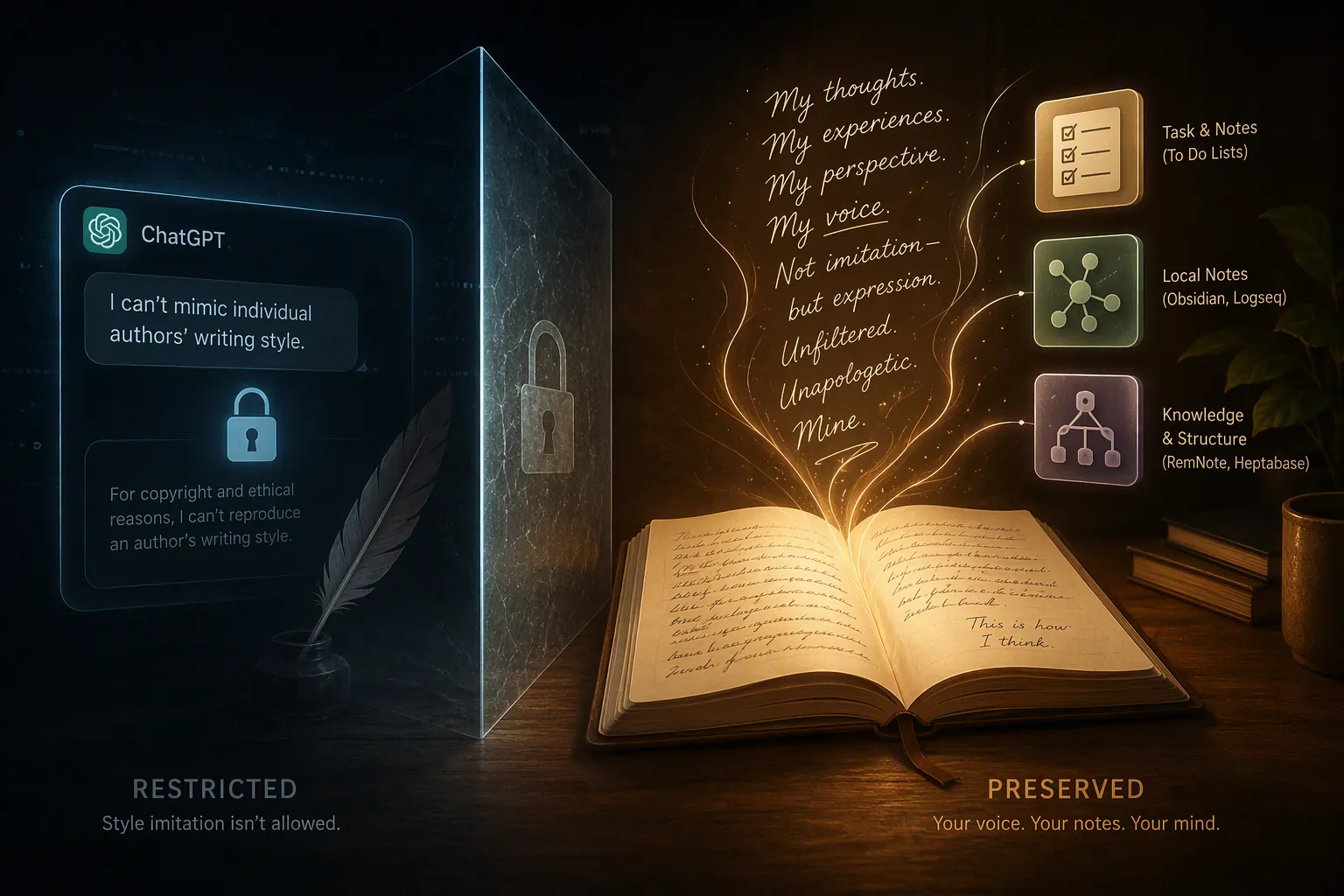
The important split: author imitation, personal voice, and broad tone
Most AI note-taking complaints get messy because three different jobs are being described as if they were one. They are not one job, and the July 2026 change only hits one of them directly.
| What the user asks for | Example of the job | How the July 2026 change matters |
|---|---|---|
| Named-author imitation | “Rewrite this in the exact style of a living novelist or essayist.” | This is where ChatGPT’s new refusal behavior matters most. |
| Personal voice preservation | “Use my past notes and style guide to draft in my own voice.” | Still possible in tools built around user style, especially when the model path is not locked to ChatGPT. |
| Broad literary or genre tone | “Make this more gothic, noir, concise, academic, or warm.” | Mostly still works; the prompt avoids exact living-author imitation. |
No Latency’s July 2026 audit makes that split harder to hand-wave away. In its comparison of five major consumer-facing AI chatbots, ChatGPT and Perplexity refused living-author imitation; Claude and Copilot complied with caveats; Gemini complied directly. ChatGPT also treated living and deceased authors differently, complying with deceased-author prompts while refusing living-author ones.[4]
That does not prove a final legal theory, and it does not prove every account tier or region will behave identically. The audit was of consumer-facing versions, and this was breaking behavior first observed around July 27–28, 2026. But it does show the restriction is not an obvious industry-wide technical limit. It is a product-policy boundary, and product-policy boundaries are exactly the kind that can reach into a note system without asking whether the user had already built muscle memory around it.
The pre-change workflow that now needs repair
The disrupted workflow is not “make the chatbot do a party trick.” A common pattern, documented in a 2023 Fortelabs guide, was to feed ChatGPT samples of your own writing, ask it to produce a style guide, then reuse that guide when drafting future notes and essays in your voice.[5] That is a practical note-taking workflow: collect raw material, extract repeatable style rules, and use those rules to reduce rewriting later.
The trouble is that many users did not keep the system cleanly limited to their own writing. Named authors became shorthand. Instead of maintaining a precise personal guide — sentence length, transitions, density, humor, citation habits, tolerance for jargon — a prompt might say, “Use my notes, but make the final draft feel like Author X.” That shortcut is now the fragile part.
Android Authority’s coverage also notes Reddit reports from r/WritingWithAI users saying workflows had broken, but those reports should stay in the correct lane: useful context, not a measured failure rate.[3] The reproducible point is narrower and stronger. ChatGPT is declining exact named-author style requests and offering broad stylistic alternatives instead. For some users, that is enough. For a tuned note workflow, “similar feeling” can mean rebuilding the prompt stack.
If you are trying to decide whether that means repair or migration, the useful first step is not outrage. It is an inventory: which prompts mention a named author, which prompts use a saved personal style guide, and which prompts only ask for broad tone. FlowDesk’s guide on when to fix versus switch your ChatGPT note-taking workflow is the right companion if your immediate problem is triage rather than app shopping.
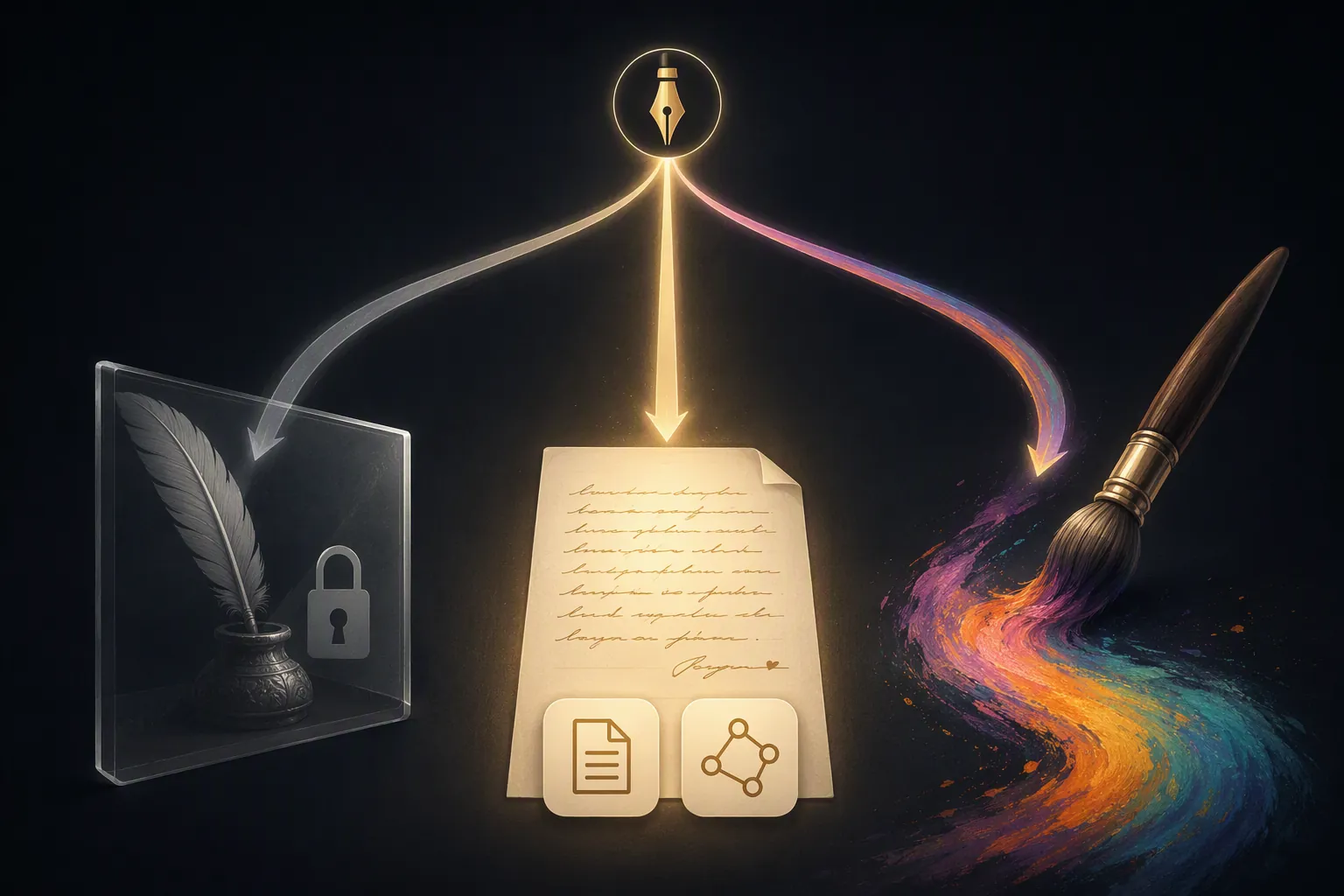
Notion AI: the lowest-friction answer for personal voice
Notion AI is suddenly more interesting because its documented “Write in Your Style” feature is aimed at the exact job many users actually care about: matching the user’s own voice inside the workspace where the notes already live. Notion describes the feature as learning style guidelines and helping edit documents to match a professional, casual, or custom personal style.[6]
That workspace placement matters. A separate chat window needs you to paste context, manage examples, and remember which version of the style prompt is current. In Notion, the AI can operate closer to the pages, docs, meeting notes, and project material that define the voice you are trying to preserve. The advantage is not that Notion magically writes better sentences. The advantage is that personal voice is treated as a workspace behavior, not as a one-off prompt trick.
There is also a model-dependency angle. PCMag’s 2026 review identifies Notion AI as running on Claude from Anthropic rather than ChatGPT.[7] Given No Latency’s audit showing that author-style restrictions are not uniform across major chatbots, that distinction is no longer trivia.[4] If your notes app’s AI path is not simply “send this to ChatGPT,” then OpenAI’s style boundary is less likely to become your app’s boundary overnight.
Notion is the best fit when the phrase “preserve my voice” means something mundane and repeatable: turn meeting fragments into status updates that sound like you, clean up rough notes without flattening your tone, or keep client-facing drafts consistent across a team wiki. It is less attractive if your priority is inspecting the whole model pipeline, keeping every note local, or customizing retrieval and prompt behavior at plugin level.
The limitation is worth stating cleanly: Notion’s feature is not a license to continue exact living-author imitation under another label. Its practical strength is personal consistency. If your workflow is really “make my internal notes sound like a famous novelist,” Notion AI is not the cleanest ethical or operational answer. If your workflow is “make my drafts sound like my prior drafts,” it is the mainstream app to beat.
Obsidian: the stronger choice when policy independence matters
Obsidian’s advantage is different. It is not trying to be the neatest all-in-one AI workspace. It wins when you care about where your notes live, which model touches them, and whether a third-party platform can silently change the rules of a workflow you depend on.
The ChatGPT MD community plugin has more than 125,000 downloads and lets users chat with AI directly in Obsidian notes, using wiki links for context. More importantly for this comparison, it supports local Ollama and LM Studio models, enabling private style processing without API calls to a hosted model provider.[8]
That changes the dependency model. With ChatGPT in a browser tab, the policy question is external: what will OpenAI allow today? With Obsidian plus a local model, the policy question shifts closer to the user: what model did you install, what context did you provide, what files did you expose, and what workflow did you design? The trade-off is setup burden. You may need to choose a model, run Ollama or LM Studio, configure a plugin, and accept that local model quality varies.
For personal voice preservation, Obsidian’s best version looks like this: your writing samples live as Markdown files; your style guide lives as a note; your prompts can link to both; your local model processes that context without sending the material to OpenAI. That is not as polished as pressing a Notion AI button. It is, however, much harder for a cloud vendor’s style policy to interrupt.
This is also where privacy stops being an abstract virtue and becomes workflow durability. If the notes that define your voice include client material, journal fragments, unpublished essays, or internal strategy notes, local processing has a practical appeal beyond “I like Markdown.” FlowDesk’s AI note data ownership guide is the better place to go deep on that question.
Obsidian is not automatically the right answer for everyone. Some readers do not want a plugin stack. Some teams need permissions, comments, shared docs, and admin controls more than they need local inference. Some users will spend more time tuning local models than they save in editing. But if the July 2026 change bothers you because it proves a hosted model can rewrite your workflow’s boundaries, Obsidian is the app in this comparison that most directly answers that anxiety.
If the next step is moving old ChatGPT-assisted material into a local-first system, the practical path is less dramatic than the argument. Export, clean the Markdown, preserve prompts and style guides as notes, and test one voice workflow before moving the rest. FlowDesk’s guide to exporting ChatGPT history to Obsidian Markdown covers that narrower migration problem.
Reflect: workable if you treat model choice as part of the workflow
Reflect belongs in the middle lane. It is a polished AI note app, and its multi-model posture gives it a route around OpenAI restrictions when Claude Sonnet is available for the task. That matters because a workflow exposed only to GPT-4o or other OpenAI services can inherit the same style boundary that just disrupted ChatGPT users.
The catch is that “multi-model” only helps if you actively use it that way. If transcription, summarization, or drafting steps still rely on OpenAI paths, then Reflect is not fully insulated from OpenAI policy shifts. If you deliberately route voice-sensitive drafting through Claude Sonnet while using other features for capture and organization, Reflect becomes more plausible.
That makes Reflect easier to recommend for users who want fewer moving parts than Obsidian but more model flexibility than a single-provider AI surface. It is not the safest voice-preservation bet in this comparison. It is the compromise: less setup than local Obsidian, less directly documented around personal style than Notion’s “Write in Your Style,” and less brittle than a ChatGPT-only note workflow if you actually use the Claude route.
What about Logseq and generic AI note setups?
Logseq and other local-first or graph-style tools can be good homes for notes, but the relevant question here is not the graph. It is the model path. If the app, plugin, or automation ultimately sends your style prompt to ChatGPT, the new author-style refusal can still appear. If the setup can use a local model or another provider, the workflow may be less exposed.
The same logic applies to generic chat-window workflows. A browser tab can still be useful for broad rewriting, outlining, and summarizing. It is just a poor place to keep a durable personal voice system if the system depends on prompts the provider can reinterpret without notice. That is the same category of dependency risk users already understand from outages: the tool can be excellent and still become unavailable or behaviorally different at the wrong moment. FlowDesk has separate comparisons on note apps with their own AI when ChatGPT is down and how ChatGPT outages disrupt note-taking workflows; the July 2026 style block is the policy version of that same dependency problem.
How to choose now
The decision depends less on which app has the flashiest AI label and more on what your prompts were actually doing before the refusal started.
- Stay with ChatGPT and adapt prompts if you only need broad tone: “more literary,” “more concise,” “warmer,” “noir,” “academic,” or “less corporate.” No Latency’s audit found broad literary-style prompts still work, so this is the least disrupted category.[4]
- Use Notion AI if your real need is low-friction personal voice consistency inside a shared workspace. Its “Write in Your Style” feature is the most direct mainstream answer to that job.[6]
- Use Obsidian with local-model plugins if control matters more than convenience. This is the strongest option when you want your notes, writing samples, prompts, and style guide to remain close to your own files rather than a hosted model’s policy surface.[8]
- Consider Reflect if you want a polished AI notes app and are willing to route voice-sensitive work through Claude Sonnet instead of treating OpenAI as the default for everything.
- Compare Claude and Copilot separately if your main plan is model-switching rather than app-switching. FlowDesk’s Claude versus Copilot migration comparison is more useful for that branch.
The current evidence does not support “everyone should leave ChatGPT.” It supports a narrower decision. If your workflow depends on exact named-author imitation, ChatGPT’s block is a real disruption. If your workflow depends on your own repeatable voice, Notion AI and Obsidian’s local-LLM ecosystem now have a meaningful advantage. If you only need genre-like tone, the change may barely matter.
Adapt prompts inside ChatGPT for broad tone. Use Notion AI for the simplest personal-voice workflow. Use Obsidian local models when control and policy independence matter most. Treat Reflect as a multi-model compromise, not the safest long-term home for voice preservation.
References
- ChatGPT stops cloning famous writers’ voices but may capture a “similar feeling”, Ars Technica, July 28, 2026.
- ChatGPT is refusing to write in famous authors’ styles, Engadget.
- ChatGPT author style change, Android Authority.
- AI Chatbot Author Imitation, No Latency, July 2026.
- How to Create an AI Style Guide: Write with ChatGPT in Your Own Voice, Forte Labs.
- Write in Your Style, Notion.
- The Best AI Tools for Taking Notes, PCMag, 2026.
- ChatGPT MD, Obsidian Community Plugins.