
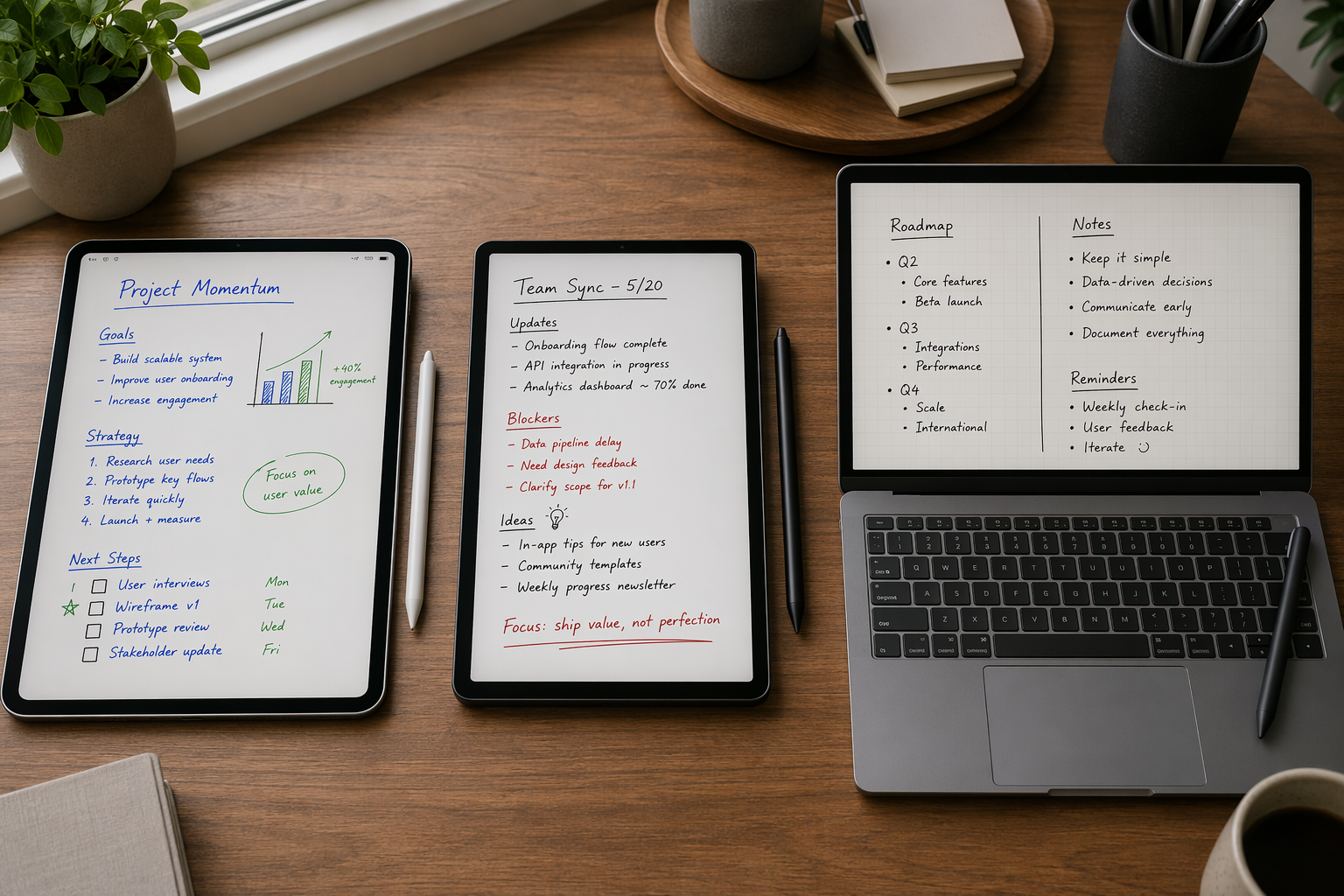
Before picking the best note taking app with stylus support, start with the device already on your desk. An iPad with Apple Pencil, a Galaxy Tab with S Pen, a Surface, and a mixed-device setup do not reward the same app. The right answer is less about finding one universal winner and more about avoiding the app that feels great on day one and becomes awkward when your semester, project, or client work gets real.
Pricing last verified: June 2026. App subscriptions, regional pricing, and bundle terms change often, so confirm current prices in the official App Store, Google Play Store, Microsoft Store, or the developer’s website before paying.
| Your main device | Best pick | Typical price / availability | Why this is the starting recommendation |
|---|---|---|---|
| iPad with Apple Pencil | GoodNotes 6 | $9.99/year or $29.99 one-time | Best overall iPad polish, strong handwriting recognition, PDF study workflow, and Ask Goodnotes AI study tools. Its Android/Web expansion helps, but the iPad version is still the mature one. [1][2] |
| iPad for lectures | Notability | $11.99–$14.99/year | Pick it when audio-linked notes matter more than everything else: tapping written notes can replay what was being said at that moment. [3] |
| Galaxy Tab with S Pen | Samsung Notes | Free, pre-installed on many Galaxy Tabs | The cleanest S Pen experience, with strong integration and screen-off memo, but it is mainly a Samsung/Windows lane. [4] |
| Android tablet, not necessarily Samsung | Noteshelf | $9.99 one-time | Best paid value on Android, especially if you want a traditional notebook-style app without another annual subscription. [4] |
| Windows laptop or Surface | OneNote | Free, with 5GB free storage | The most practical Windows stylus pick because it is free, syncs broadly, and works well across Microsoft’s ecosystem, even if handwriting feel is less refined than top iPad apps. [1][3] |
| Mixed iPad, Android, Windows, or web use | OneNote, or GoodNotes with caveats | OneNote free; GoodNotes paid | OneNote is safer for access across devices. GoodNotes is tempting if the iPad is still your main device, but its non-iPad versions should not be treated as feature parity. [1][5] |
That table is the honest shortcut. If you want a deeper handwriting-focused comparison after this, see Best Handwritten Notes Apps of 2026: A Cross-Platform Comparison. If you are mainly choosing by device, stay here: the platform differences matter more than the feature checklist.
iPad: GoodNotes 6 is the best overall, but not the only sensible choice
On iPad, GoodNotes 6 is the app I would tell most Apple Pencil users to try first. The handwriting canvas feels mature, PDF markup is smooth, notebooks are easy to organize, and handwriting recognition is good enough that search becomes part of the workflow instead of a novelty. The price also gives users a choice: a $9.99 annual plan or a $29.99 one-time purchase, which matters in a category increasingly crowded with subscriptions. [1][2]
GoodNotes also has momentum beyond basic ink. Ask Goodnotes and related AI study features make sense for students working through imported PDFs, lecture notes, and revision material. That does not mean the AI layer should decide the purchase by itself, but it does make GoodNotes feel more like a study workspace than a blank notebook. For a closer look at where those features help and where they still feel optional, see Goodnotes AI in 2026: A Deep Dive.
The reason GoodNotes wins here is not that it has every feature in the category. It wins because the iPad version feels like the center of the product rather than a companion app. That distinction matters. A stylus app is something you touch hundreds of times a week: changing pen size, lassoing text, annotating slides, searching old notes, and exporting work before a meeting. Small frictions compound.
Notability is the clear exception when lecture capture is the priority. Its audio-synced handwriting lets you tap a written word or sketch and jump back to the audio from that moment, which is exactly the kind of feature that changes behavior in a classroom or interview setting. If your notes are built around spoken material, Notability may be the better app even if GoodNotes is the more rounded everyday notebook. [3][6]
Apple Notes deserves more respect than it used to get in these comparisons. With Smart Script, Apple’s own app can clean up handwriting in place, and Math Notes can work with handwritten equations on supported iPads running iPadOS 18 or later. It is free, already installed, and good enough for people who do not need elaborate notebook covers, marketplace templates, or a heavy PDF study system. [6][7]
That free baseline changes the buying decision. If you mostly jot meeting notes, quick diagrams, and personal lists, Apple Notes may be enough. Pay for GoodNotes when you need better notebook structure, PDF workflows, study features, and a more dedicated handwriting environment. Pay for Notability when audio replay is central. Do not pay just because a paid app looks nicer in screenshots.
CollaNote is worth a brief mention because it is one of the more generous free options for Apple users, but its iPad/iPhone-only scope makes it a poor recommendation for anyone trying to build a device-flexible note archive. It is interesting inside the Apple lane; it does not solve Android or Windows access.
Android: Galaxy Tab owners and everyone else should not get the same answer
Android advice gets sloppy when it treats every tablet as the same tablet. A Galaxy Tab with an S Pen is a different proposition from a general Android tablet with a third-party stylus. If you own a Galaxy Tab, Samsung Notes should be the first app you test. It is free, deeply integrated with the S Pen, and includes conveniences such as screen-off memo that make it feel built into the hardware rather than layered on top. [4]
That tight integration is the appeal and the warning. Samsung Notes is excellent when your world is Samsung-first, and it can make other Android note apps feel unnecessarily detached from the device. But its sync story is not as open as OneNote’s or as broadly device-agnostic as many mixed-device users want; the practical lane is Samsung and Windows. [4][8]
If you use Android but do not want to live entirely inside Samsung’s note system, Noteshelf is the more broadly comfortable paid recommendation. At $9.99 one-time, it stands out immediately because many stylus apps now ask for annual subscriptions. It offers a familiar notebook structure, solid handwriting tools, PDF annotation, and enough AI-assisted features to feel current without turning the pricing into another recurring bill. [4]
The one-time price is not just a budget detail. Students and project workers often choose a note app at the start of a semester, certification program, or client engagement. A cheap subscription can become annoying if the app is merely adequate, while a one-time Android purchase is easier to justify when the app does the core job well.
Nebo, now increasingly presented under the MyScript name in some contexts, belongs in a different category: handwriting-to-text. If your main need is converting written notes into clean typed text, MyScript’s Interactive Ink technology is the reason to look at it across iPad, Android, and Windows. It is not always the app I would pick for relaxed notebook-style studying, but it is one of the strongest choices when recognition accuracy drives the workflow. [3][5]
So the Android split is simple enough to act on: Galaxy Tab owners should start with Samsung Notes; Android users who want a paid notebook app with good value should start with Noteshelf; people who care most about handwriting conversion should test MyScript/Nebo. If none of those fit because your notes must move cleanly among Android, iPad, Windows, and the web, skip ahead to the cross-platform trade-offs before buying anything.
Windows and Surface: OneNote is the practical default
On Windows, OneNote is the standout because the total package is hard to beat: it is free, it syncs across major platforms, and it fits naturally into the Microsoft account and Office-adjacent world many Surface users already inhabit. The free storage allowance is 5GB, so heavy PDF collectors and long-term archive builders should pay attention to storage before assuming “free” means unlimited. [1][3]
The trade-off is handwriting feel. OneNote works, and on a Surface it can be perfectly serviceable for meeting notes, diagrams, class notes, and marked-up handouts. But it does not usually feel as polished as the strongest iPad-first handwriting apps. If your benchmark is GoodNotes on an iPad Pro, OneNote may feel more utilitarian. If your benchmark is reliable access from a Windows laptop, phone, browser, and work machine, OneNote looks much better.
MyScript/Nebo is the main Windows alternative when handwriting conversion is the job. It is worth testing if your written notes need to become typed outlines, reports, or study documents. For a broader Windows-specific discussion, see Windows Note-Taking Apps: How Native Performance Affects Your Workflow.
Cross-platform users: sync is not the same as consistency
This is where the most expensive mistakes happen. A note app can be “available” on several platforms without giving you the same tools, layout behavior, speed, export options, or offline confidence everywhere. If you use an iPad at home, an Android tablet for travel, and a Windows laptop at work, the winner is not automatically the prettiest handwriting app. It is the one that fails least often when you switch devices.
OneNote is the safest cross-platform recommendation because access is its strength. It is not the most luxurious handwriting app, but it is broadly available and built around sync. If you need notes on multiple device types and do not want to keep exporting PDFs manually, OneNote deserves the first test. The 5GB free storage cap still matters, especially for users who attach slides, scans, and image-heavy notebooks. [1][3]
GoodNotes is more complicated. Its expansion to Android and Web makes it far more relevant to mixed-device users than it used to be, and that matters in 2026. But the non-iPad experience still should not be described as equal to the iPad app. If the iPad is your main writing device and Android/Web access is mostly for viewing or light use, GoodNotes can make sense. If you expect to create, edit, organize, and depend on the same workflow everywhere, test the exact devices first. [1][5]
A quick way to decide is to name the device where the note is born. If most notes are handwritten on the iPad and later reviewed elsewhere, GoodNotes stays attractive. If notes are created from whichever device is nearby, OneNote is usually safer. If the note’s final form must be typed text, MyScript/Nebo should be part of the trial even if it is not the broadest sync platform.
For a deeper look at the gap between cloud sync and true feature parity, see Cross-Platform Note-Taking Apps: An Honest Comparison of Sync and Feature Parity. That distinction is more important than it sounds when your notes are the working record of a course, project, or client engagement.
What to test before committing
Do not evaluate a stylus note app by opening a blank page and writing one sentence. That only tests first impressions. A real test should include the annoying parts of your actual workflow.
- Write a full page with your normal stylus grip and speed, then zoom, erase, lasso, move, and resize handwriting.
- Import a PDF or slide deck, annotate it, export it, and reopen the exported file somewhere else.
- Search for a handwritten word you know appears in the page.
- Check whether audio recording matters. If it does, test Notability against your lecture or meeting style before choosing GoodNotes by default.
- Turn off Wi-Fi, create or edit a note, then reconnect and check whether sync behaves the way you expect.
- Open the same notebook on the second device you actually use, not the device shown in the app’s marketing page.
- Find the export path. If leaving the app is hard, that is part of the price.
The export path is especially easy to ignore. A beautiful ink engine is less impressive if your notes become trapped in a format you cannot comfortably move later. This is why platform-native apps can be excellent and risky at the same time: they reward loyalty, then make switching feel like a project.
The decision rule
Choose the best app for the device you use most. For iPad, that is GoodNotes 6 for most people, Notability for audio-heavy lectures, and Apple Notes if free built-in tools are enough. For Galaxy Tab, start with Samsung Notes. For broader Android use, start with Noteshelf, and test MyScript/Nebo if handwriting-to-text is the priority. For Windows, OneNote is the default recommendation.
Break that rule only when cross-platform access matters more than handwriting polish. In that case, OneNote becomes the safer first download, while GoodNotes is best treated as an iPad-first app with useful but uneven reach beyond Apple hardware. The app you can trust across the devices you actually carry will beat the app that only feels perfect on the device you wish you used all the time.
References
- Best Notes Apps with Stylus — Tool Finder — toolfinder.com/best/notes-apps-with-stylus
- The best note-taking app for iPad — ZDNET — zdnet.com/article/best-note-taking-app-for-ipad/
- I Tested the Best Note-Taking Apps With a Stylus — MakeUseOf — makeuseof.com/best-note-taking-apps-stylus-test/
- Best Android Note Taking App with Stylus 2026 Guide — ROIPAD — roipad.com/product-analysis/mobile-products/best-android-note-taking-app-with-stylus-2026-guide
- 8 Best Handwriting Apps for Cross-Platform Notes — Paperless X — beingpaperless.com/8-best-handwriting-apps-for-cross-platform-notes/
- Best note-taking apps for iPad — Paperlike — paperlike.com/blogs/paperlikers-insights/best-note-taking-apps-ipad
- Best notetaking and handwriting apps for Apple Pencil and iPad — iMore — imore.com/best-notetaking-handwriting-apps-apple-pencil-ipad
- 14 Best Note Taking Apps — XPPen — xp-pen.com/blog/14-best-note-taking-apps.html