
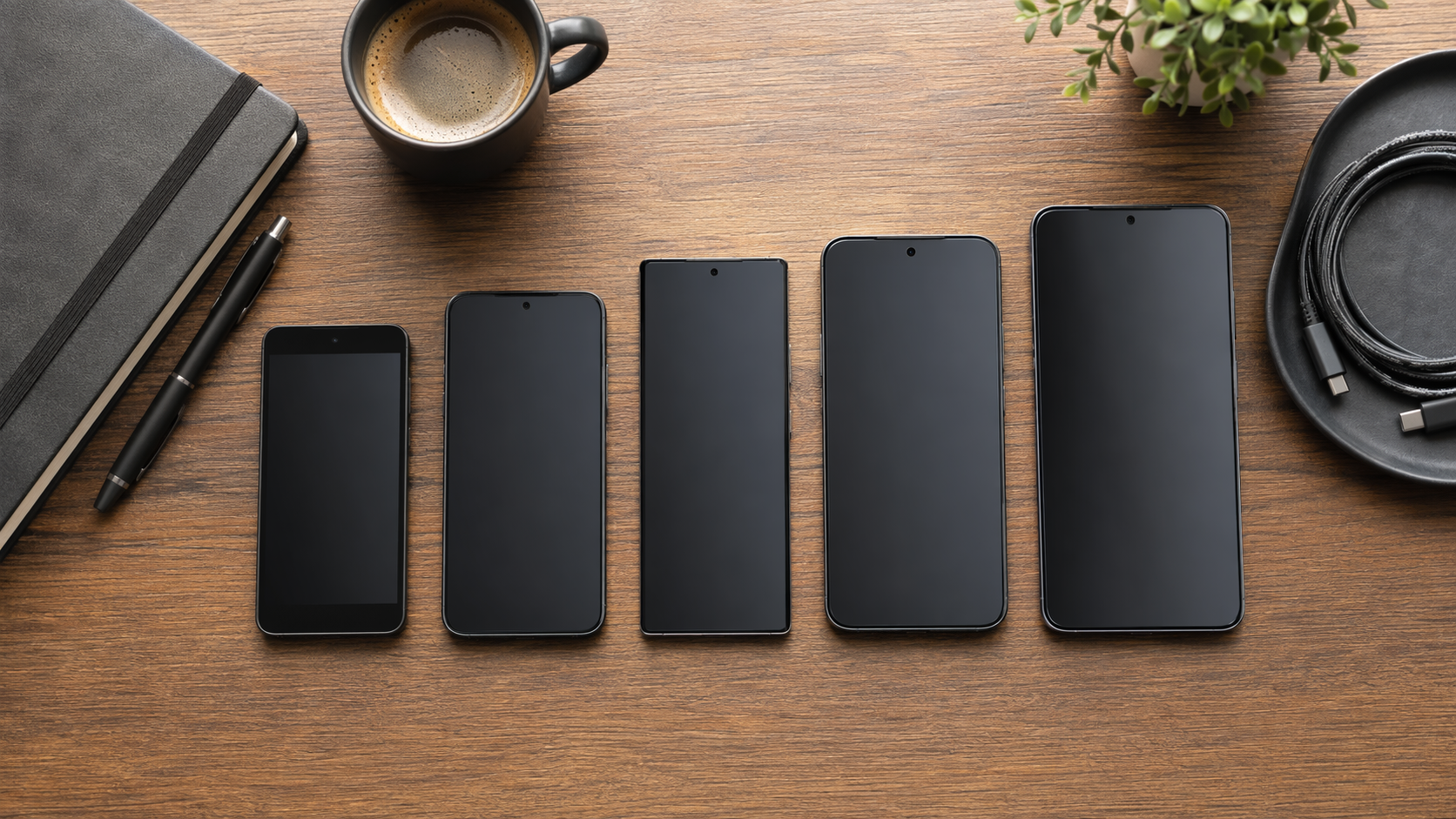
If you are asking which iPhone is best for productivity in 2026, start with the workday, not the model name. The right answer changes depending on whether your bottleneck is battery, display comfort, sustained video work, field travel, or simply keeping iOS work features without spending Pro money.
- Best for most knowledge workers: iPhone 17. It gets the important productivity upgrade this year: a 120Hz ProMotion display and 3,000-nit peak brightness without requiring a Pro model.
- Best for field workers and heavy creators: iPhone 17 Pro Max. It is the model to buy when battery life, cooling, camera range, and sustained performance can prevent real work delays.
- Best budget productivity pick: iPhone 17e. It keeps the core iOS 26 productivity layer at a much lower MSRP, with hardware compromises that matter mainly on long or heavy days.
- Best only if thinness is the requirement: iPhone Air. It is premium-priced, but its tested battery life and single-camera setup make it the weakest productivity choice.
- Middle case: iPhone 17 Pro. Buy it if you need the Pro camera system or vapor chamber cooling but do not want the larger Pro Max.
The battery numbers change the whole buying decision
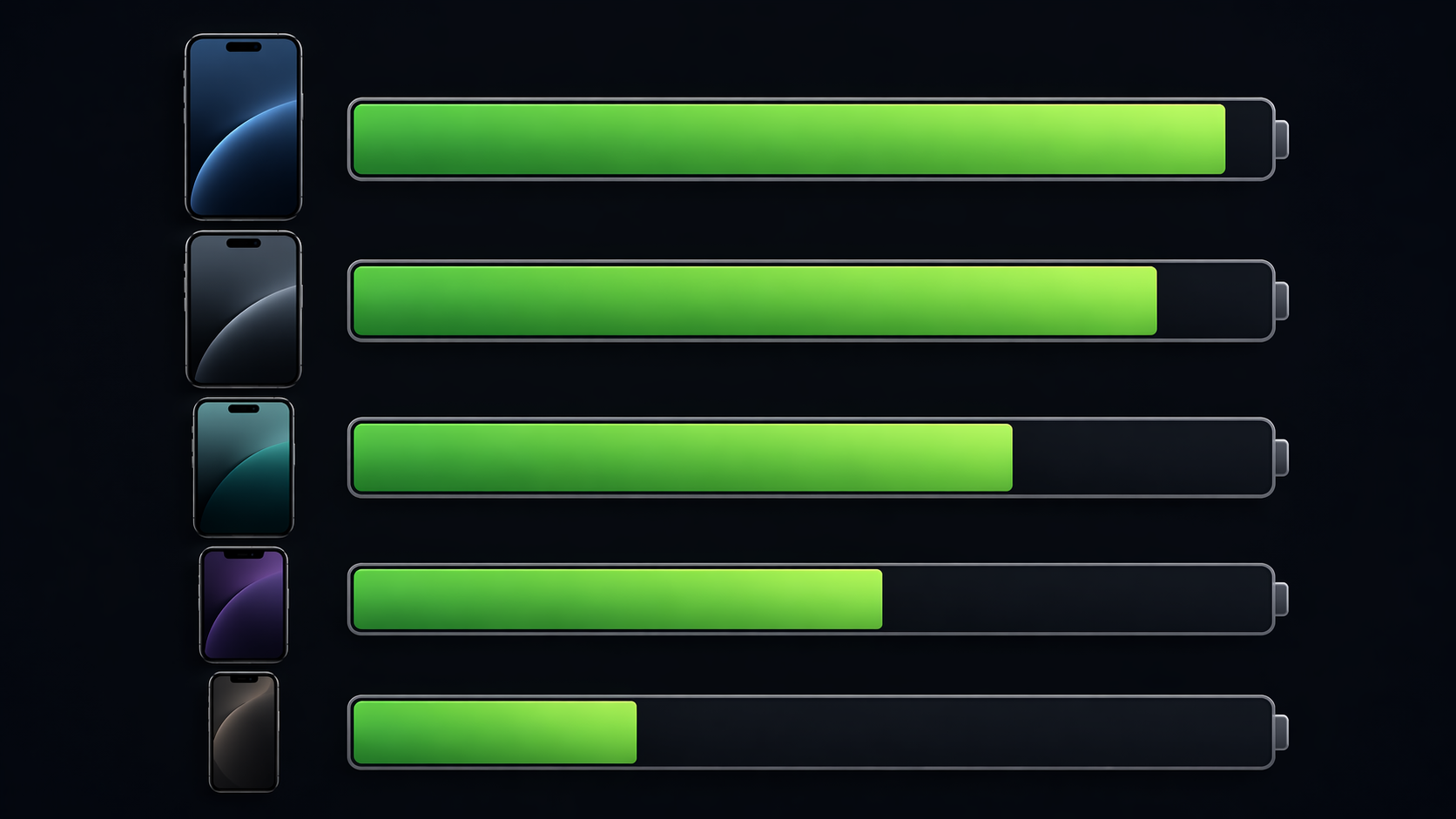
Battery life is not the only productivity feature, but it is the one that shows up at 4:30 p.m. when the calendar has slipped, the ride-share is late, and the next reply cannot wait. PCMag’s tested 2026 lineup puts the iPhone 17 Pro Max far ahead at 32 hours and 11 minutes, followed by the iPhone 17 Pro at 27 hours and 42 minutes, the iPhone 17 at 24 hours and 31 minutes, the iPhone 17e at 22 hours and 2 minutes, and the iPhone Air at 19 hours and 15 minutes.[1]
| Model | US MSRP | PCMag tested battery life | Productivity read |
|---|---|---|---|
| iPhone 17 Pro Max | $1,199 | 32h 11min | The safest pick for long days away from a charger.[1] |
| iPhone 17 Pro | $999 | 27h 42min | Strong endurance plus Pro hardware, without the Max size.[1] |
| iPhone 17 | $799 | 24h 31min | Enough for most desk-to-meeting knowledge work.[1] |
| iPhone 17e | $599 | 22h 2min | Good value if your workload is mostly communication and apps.[1] |
| iPhone Air | $999 | 19h 15min | Hard to justify for productivity unless thinness is the point.[1] |
That does not mean every person should buy the Pro Max. It means the Pro Max is the only model here that creates a different kind of workday: less battery management, less charger hunting, and more margin for navigation, hotspot use, photos, video, calls, and messaging in the same day.
CNET’s review supports that same practical gap from a different angle: after a full day of heavy use, the iPhone 17 Pro Max still had more than 22% battery remaining, and CNET called it “the best battery life of any phone we’ve ever tested.”[2] Macworld’s Geekbench 4 battery comparison also separates the Pro Max from the regular iPhone 17, with 1,560 minutes for the Pro Max versus 1,053 minutes for the iPhone 17.[3]
Those are tested results, not Apple’s official video playback estimates, and the three outlets do not use identical methods. Treat them as directional evidence. The useful conclusion is narrower and stronger than a marketing claim: across independent tests, the Pro Max has materially more endurance than the rest of the lineup, while the Air consistently looks weaker for heavy work.
For most knowledge workers, the iPhone 17 is the sensible productivity iPhone
The iPhone 17 is the model most people should look at first. It starts at $799, lasts 24 hours and 31 minutes in PCMag’s battery testing, and gains the two display features that used to push many office workers toward Pro: 120Hz ProMotion and 3,000 nits peak brightness.[1]
That display change matters more for everyday productivity than another abstract chip comparison. A smooth, bright screen makes reading, scrolling, switching apps, reviewing documents, checking dashboards, and using the phone outdoors less annoying. If your work is Slack, Teams, Gmail, Outlook, Notion, Google Docs, calendars, mobile banking, expense apps, calls, and the occasional edit or upload, the base iPhone 17 has crossed the line into practical sufficiency.
Charging also favors the iPhone 17 over the cheaper and thinner alternatives. Macworld reports that the iPhone 17 and iPhone 17 Pro models can reach 50% in 20 minutes with 40W charging, while the iPhone Air and iPhone 17e cap at 20W.[3] That difference is easy to understate until you have one short gap between meetings and need enough battery to get through a commute, a call, and dinner.
The iPhone 17 is not the right choice if your phone is also your production tool. If you regularly shoot long video, export 4K projects, rely on the most flexible camera system, or spend entire days away from chargers, the Pro or Pro Max earns a closer look. But if your work is mostly communication, coordination, review, and light creation, the base model is the point where paying more starts needing a specific reason.
The Pro Max earns its premium only when the day is genuinely heavy
The iPhone 17 Pro Max is the productivity powerhouse of the 2026 lineup, but that does not make it the default best choice. At $1,199, it needs to solve a problem the iPhone 17 cannot solve.[1]
For field workers, the problem is usually endurance. A phone used for navigation, photos, forms, messaging, voice calls, hotspot, mobile payments, and customer updates burns through battery differently from a phone that spends half the day beside a laptop. The Pro Max’s tested 32-hour-plus result gives it the strongest argument in the lineup.[1]
For creators, the argument is not just battery. The iPhone 17 Pro and Pro Max add vapor chamber cooling with the A19 Pro chip, which PCMag and Macworld identify as a distinction for sustained performance during heavier tasks such as 4K video work and demanding multitasking.[1][3] That is where the Pro label stops being decoration and starts connecting to time: fewer slowdowns during capture, editing, export, and upload.
The camera system belongs in this discussion only when it affects the job. A creator, real estate professional, site inspector, salesperson, journalist, or consultant who documents work in varied conditions can justify the Pro camera setup more easily than a manager who mostly scans receipts and photographs whiteboards. The purchase question is not whether the Pro Max is better. It is whether the better hardware removes a bottleneck you actually hit.
Where the iPhone 17 Pro fits
The iPhone 17 Pro is the compromise for people who need Pro hardware but dislike the size or price of the Pro Max. It starts at $999, lasts 27 hours and 42 minutes in PCMag’s test, and keeps the vapor chamber cooling and Pro camera advantages.[1] That is a strong package, but it is not automatically a better productivity buy than the iPhone 17 for office-heavy work.
Buy the Pro instead of the iPhone 17 if you can name the workload: sustained video, advanced mobile photography, heavier creative apps, or a professional need for the camera system. If the reason is only “I want the productive one,” the iPhone 17 already covers the display, speed, and iOS software experience most people notice every hour.
The iPhone 17e is the budget pick, not a fake Pro substitute
The iPhone 17e, released in March 2026 as the replacement for the iPhone 16e, is the right place to look if the goal is reliable iOS productivity at the lowest current-lineup price. At $599, it costs far less than the iPhone 17 Pro Max and still runs the current iOS 26 productivity layer.[1]
That software layer is not trivial. Apple says iOS 26 brings Call Screening, Hold Assist, Live Translation, and visual intelligence across the current iPhone lineup, from the 17e through the Pro Max.[4] For many professionals, those features are closer to daily productivity than a higher-end camera: fewer unknown-call interruptions, less time actively waiting on hold, faster translation help in supported contexts, and quicker ways to act on information seen through the phone.
The caveat is that software parity does not erase hardware limits. The 17e has lower battery headroom than the iPhone 17 and Pro models in PCMag’s testing, and its 20W charging cap trails the 40W charging available on the iPhone 17 and Pro models.[1][3] It also does not get the same display package as the iPhone 17 models that have ProMotion and 3,000-nit peak brightness.[1]
That makes the 17e a good productivity phone for a specific person: someone who mostly handles calls, email, messaging, calendar work, authentication, documents, and app-based workflows, and who wants the current iOS experience without treating the phone as a status purchase. It is not the model to buy if fast top-ups, outdoor screen comfort, or long unplugged days are already pain points.
The iPhone Air is the easiest productivity skip
The iPhone Air is the awkward one. It starts at $999, the same MSRP as the iPhone 17 Pro, but PCMag measured it at 19 hours and 15 minutes of battery life, the shortest result in this lineup.[1] It also has a single camera, which narrows its usefulness for people who depend on the phone for work documentation.[1]
There are people who should still buy it. If thinness is a real requirement because you carry the phone in formalwear, travel extremely light, or simply value the design enough to accept the trade-offs, that is a valid preference. But it is not a strong productivity argument. At the same starting price as the 17 Pro, the Air asks you to give up endurance and camera flexibility for form.
Software no longer justifies buying Pro by itself
The most useful software features in iOS 26 do not split neatly between regular and Pro buyers. Apple lists Call Screening, Hold Assist, Live Translation, and visual intelligence as iOS 26 features available across the current iPhone range.[4] That means a Pro model should be justified by hardware: battery life, cooling, cameras, display size, storage needs, or sustained performance.
There is one important caveat for multilingual and international work. Apple’s iOS 26 announcement notes that Live Translation and Call Screening do not support all languages at launch.[4] If those features are central to your workflow, check language and region support before making the phone purchase around them.
Which iPhone should you buy for your work role?
| Work role | Best pick | Why |
|---|---|---|
| Knowledge worker | iPhone 17 | Best balance of price, display quality, charging speed, and battery life. |
| Field or mobile worker | iPhone 17 Pro Max | The most battery headroom for long unplugged days. |
| Content creator | iPhone 17 Pro Max or iPhone 17 Pro | Pro camera system, vapor chamber cooling, and stronger sustained performance. |
| Executive or client-facing professional | iPhone 17 or iPhone 17 Pro | Choose iPhone 17 for practical value; choose Pro only if camera or premium build matters to the role. |
| Budget-conscious professional | iPhone 17e | Core iOS 26 productivity features at the lowest current-lineup MSRP. |
| Design-first buyer | iPhone Air | Only if thinness matters more than endurance and camera flexibility. |
For most people comparing two or three models, the decision is simple. Choose the iPhone 17 unless you can name a specific bottleneck it does not solve. Move up to the 17 Pro Max when battery margin, sustained performance, or creator hardware changes the workday. Choose the 17e when price matters more than display polish and fast charging. Skip the Air for productivity unless its thin design is the requirement.
Before buying, check carrier deals and trade-in pricing, because MSRP is not always the final price. A discounted Pro can become rational; an expensive Air can become even harder to defend. The best productivity iPhone is the cheapest model that removes the bottleneck in your actual workday.
References
- The Best iPhones We've Tested for 2026, PCMag.
- iPhone 17 Pro Max Review, CNET.
- iPhone comparison chart 2026, Macworld.
- Apple elevates the iPhone experience with iOS 26, Apple Newsroom, June 2025.