
If you are shopping for a CRM with workflow automation in 2026, the first filter is not brand size. It is where the automation actually lives. That matters because 45% of CRM users rank automation as the most important CRM feature, ahead of integration and mobile access, while sales reps still spend 19% of their time manually updating CRM data.[1][2] A cheap CRM that needs three paid connectors to route leads, trigger follow-ups, and sync fields is not really cheap once someone has to maintain the workaround.
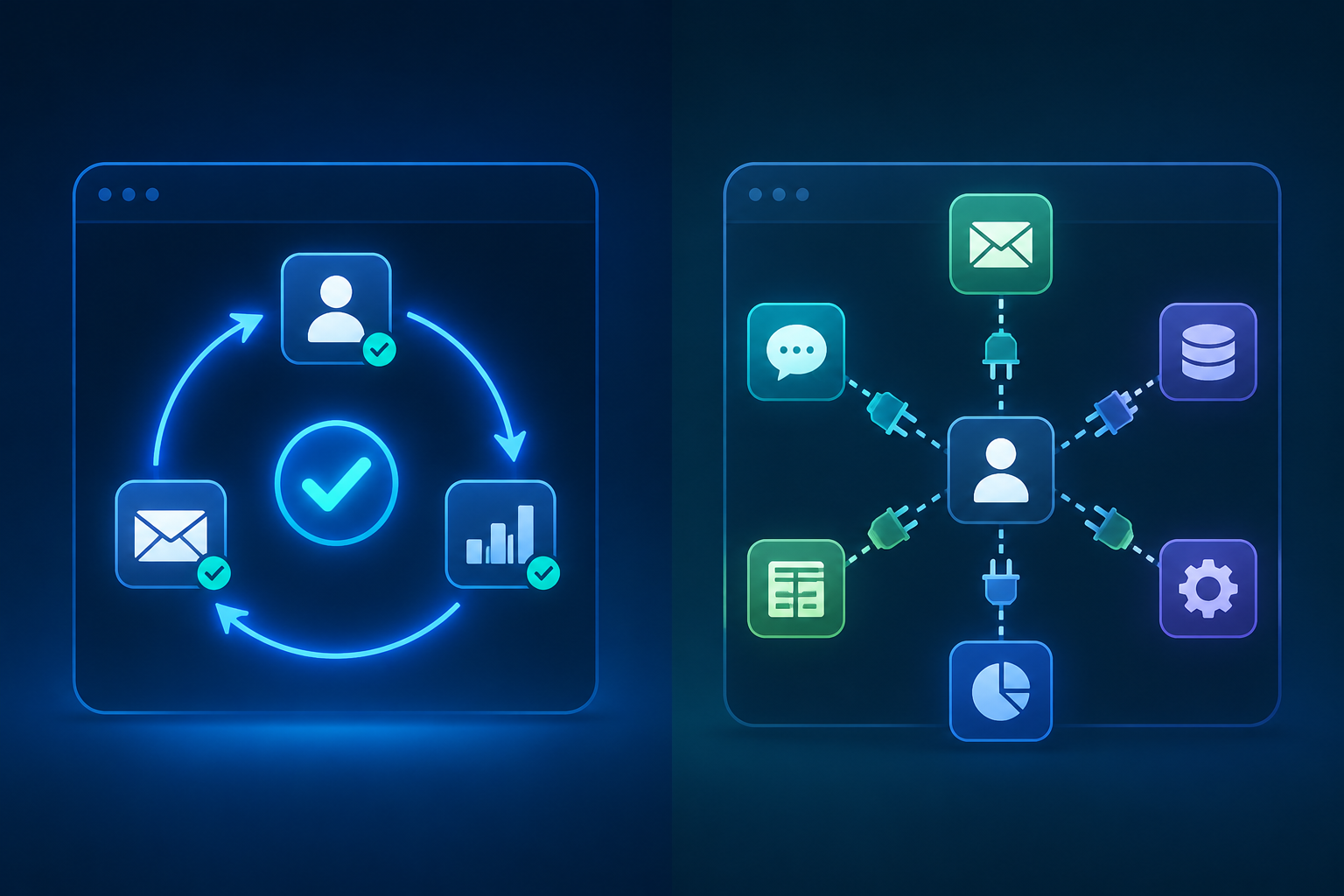
Use the table as a buying map, not a beauty contest. “Native” means the CRM can define the trigger, run the action, and leave an audit trail inside the product. “Add-on dependent” means the CRM may still be powerful, but the real workflow crosses into connectors, app marketplaces, or implementation work. Pricing is shown as a posture rather than a permanent quote because public plans and automation limits changed across the 2025–2026 source window; verify current tiers before committing.
| CRM | Pricing posture | Free plan | Automation status | Trigger/action depth | Best-fit verdict |
|---|---|---|---|---|---|
| HubSpot | Free entry point; workflow depth rises with paid hubs and higher tiers | Yes | Strong native workflows, with pricing escalation as automation gets more advanced | Lead routing, task creation, lifecycle-stage changes, email follow-up, scoring, and multi-step workflows depending on tier | Best for teams that want a broad native CRM/marketing/sales system and can budget for the tier where the needed workflows unlock [1][4] |
| Salesforce | Enterprise-priced once implementation, admin time, and add-ons are included | No typical SMB-style free CRM plan | Deep native Flow plus AppExchange and iPaaS-style orchestration for full cross-system automation | Very deep rule logic, approvals, record updates, external app triggers, and governed process automation | Best when the CRM must coordinate multiple business systems, not just sales follow-up [3][5] |
| Zoho CRM | Lower-cost paid tiers; workflow-rule caps matter on cheaper plans | Yes, with limits | Good native automation for the price | Workflow rules, assignment, alerts, tasks, field updates, and scoring depending on tier | Best for cost-sensitive teams that can live within tier limits or upgrade before hitting workflow caps [1][2] |
| Pipedrive | Paid plans with visual sales automation; extra tools may be needed for deeper cross-system sync | No long-term free CRM plan in the comparison sources | Native pipeline automation, lighter outside the sales pipeline | Deal-stage triggers, activity reminders, follow-up tasks, and simple sales-process automation | Best for teams that want reps to move deals cleanly through a visual pipeline without overbuilding [1][4] |
| Freshsales | SMB-friendly paid pricing; automation and scoring are part of the core sales motion | Yes, with limits | Strong native sales automation | Lead scoring, assignment, workflow rules, email actions, reminders, and sales sequences depending on plan | Best native SMB option when the main pain is lead handling, rep follow-up, and keeping sales activity moving [1][2] |
| monday CRM | Work-management-style paid tiers; AI and automation features vary by plan | Limited/free entry options may vary by packaging | Visual native automation with newer AI-assisted features | Board/status triggers, task creation, notifications, handoffs, updates, and AI-supported actions in current plans | Best for teams that want a highly visual operating board and can accept that CRM depth is newer than legacy platforms [4][6] |
| ActiveCampaign | Marketing-automation-led pricing; CRM value depends on sales pipeline needs | No standard free CRM plan in the comparison sources | Best-in-class email automation with CRM attached | Behavioral email triggers, segmentation, scoring, nurture paths, deal updates, and sales notifications | Best when email nurture is the workflow center and pipeline management is secondary [1][4] |
| EngageBay | Affordable all-in-one positioning with automation available at lower price points | Yes, with limits | Native all-in-one automation at budget level | Email sequences, task automation, contact updates, simple sales workflows, and marketing actions depending on plan | Best for very small teams that want one inexpensive suite before they need deep CRM governance [1] |
The Native-Automation Route
Native CRM workflow automation is the cleanest route when the workflow starts and ends inside sales: a lead comes in, the CRM scores it, assigns it, creates the task, sends the reminder, updates the stage, and logs what happened. The attraction is not that every rule is magical. It is that the sales manager or ops generalist can inspect the rule without opening a separate integration platform.
Freshsales is the clearest example in this group. Its case is not that it has the biggest ecosystem; it is that common SMB sales motions are treated as CRM work rather than connector work. Lead scoring and assignment belong inside the sales process, not in a side chain that breaks when a field name changes. For a team whose daily pain is slow lead response, inconsistent follow-up, or reps forgetting the next step, that native shape matters more than a long app marketplace.
Zoho CRM belongs in the same conversation, especially for teams watching cost. The caution is plan architecture. Lower-cost automation is useful only if the workflow-rule caps and tier limits match the way the team actually sells. A founder with a simple inbound process may get plenty from Zoho before needing to upgrade. A larger team with multiple territories, lead sources, and exception rules may hit plan boundaries sooner.
Pipedrive is more focused. Its automation makes the most sense when the pipeline itself is the operating system: deal moved to a new stage, task gets created; activity is overdue, rep gets nudged; proposal sent, next step appears. That is useful, especially for rep adoption, but it should not be confused with broad workflow orchestration. If the real requirement is to keep billing, support, marketing, and sales records aligned, Pipedrive will usually need help outside the CRM.
EngageBay sits at the budget end of this route. It is attractive when a small team wants CRM, email, and simple automation in one affordable suite. The tradeoff is depth. It is a sensible first automation layer for straightforward contact management and follow-up, not the platform to choose because you expect complex governance or heavily customized sales operations.
HubSpot Is Strong, But Price Is Part of the Workflow
HubSpot deserves more than a simple “easy to use” label. It is one of the better choices when a team wants CRM records, marketing activity, sales follow-up, forms, email, and reporting to live in one native system. That is exactly why many teams like it: fewer brittle handoffs, cleaner contact history, and workflows that can touch several parts of the customer journey without leaving the platform.
The buying risk is that the free or lower-cost entry point can make the automation story look simpler than it is. The important question is not “Does HubSpot have workflows?” It does. The question is whether the specific workflow you need—lead rotation, scoring, multi-branch nurture, lifecycle-stage automation, task creation, sales sequences, or reporting triggers—is available in the tier you are pricing.
This is where teams often under-budget. They compare a free CRM entry point against another vendor’s paid plan, then discover that the workflow they bought the CRM for sits behind a higher hub or bundle. HubSpot can still be the right answer, but it should be bought with the automation tier visible, not treated as an afterthought after the data migration.
ActiveCampaign Starts From the Inbox
ActiveCampaign is the tool to consider when the sales process is heavily email-led. Its strength is not classic CRM administration; it is behavioral automation. A contact opens, clicks, visits, submits, waits, qualifies, and moves through a sequence. The CRM layer can support sales, but the automation center of gravity is nurture, segmentation, and timing.
That makes it a strong fit for businesses where the buyer journey needs education before a sales conversation: agencies, course businesses, service firms, and smaller B2B teams with a meaningful newsletter or lead-magnet motion. It is less natural when the sales manager needs robust territory assignment, account hierarchy, complex forecasting, and pipeline governance. In those cases, ActiveCampaign may become the automation engine beside a CRM rather than the CRM of record.
When Cross-System Orchestration Is the Real Requirement
Some teams should not try to solve everything with a lightweight native CRM rule builder. If the sales workflow has to update finance, support, fulfillment, product usage, legal approvals, and executive reporting, the issue is no longer just CRM workflow automation. It is cross-system orchestration.
Salesforce is the obvious fit here. Flow, approvals, record-triggered automation, AppExchange apps, and integration layers can support workflows that smaller CRMs were never designed to own. Celigo’s 2026 cross-system automation framing is useful because it treats CRM automation as part of a larger data-movement problem, including the risk that bad CRM data propagates across systems.[3] That risk is not theoretical: 85% of sellers have admitted making embarrassing mistakes because of faulty CRM data.[3]
The cost is maintenance. Salesforce automation can be governed and powerful, but someone has to own the architecture: admins, consultants, RevOps, IT, or all of them. That can be exactly right for a complex business. It is overkill for a ten-person sales team that mainly needs inbound leads assigned quickly and stale deals surfaced before the forecast meeting.
A practical test: if the workflow failure creates a messy sales day, look first at native CRM automation. If the workflow failure creates a billing error, support escalation, compliance issue, or broken executive dashboard, look at orchestration.
AI Automation Is a Capability Snapshot, Not a Permanent Ranking
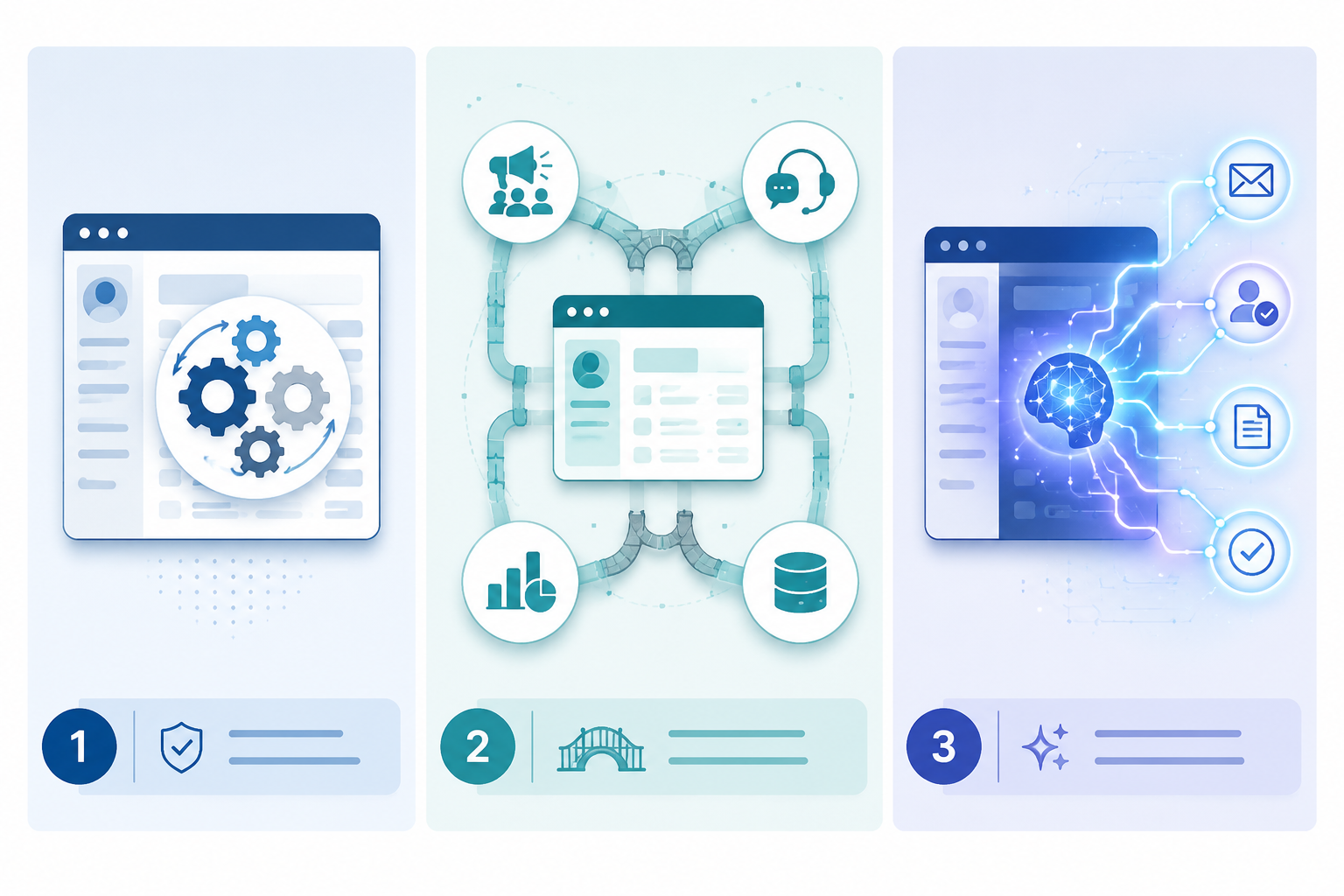
AI belongs in this comparison, but it needs a different standard. As of Q3 2026, AI-assisted CRM automation is moving quickly enough that a feature list can age within months. The useful question is not whether a vendor says “AI.” It is whether AI reduces a real step: routing a lead, summarizing an interaction, drafting a follow-up, updating a record, prioritizing a task, or triggering the next action with enough visibility for a manager to trust it.
monday CRM is interesting because it combines visual work management with automation and newer AI-supported actions. That is appealing for teams that think in boards, owners, statuses, and handoffs. The caution is CRM maturity. A visual system can feel wonderfully clear until the team needs deeper account structures, sales controls, or complicated reporting logic. Teams choosing monday should test the exact sales process, not just admire the board.
The broader AI case is real enough to watch. Sales teams using AI report 83% average growth compared with 66% among non-AI teams, according to the EmailToolTester statistics roundup.[1] That supports taking AI automation seriously, but it does not prove that adding any AI CRM feature causes growth. Stronger teams may also be better at process design, data hygiene, coaching, and tool adoption.
Lindy-style AI agents sit just outside the classic CRM comparison but are relevant when the buyer wants hands-off execution rather than another rules screen. The current promise is that an agent can complete more of the workflow—research, routing, enrichment, reminders, email drafting, or task handling—without forcing every step into a traditional CRM rule. That may be the right direction for some teams, especially those comparing standalone automation layers as well as CRMs. It should still be tested against auditability, permissioning, data accuracy, and what happens when the AI action is wrong.[4]
The Performance Case Is Adoption, Not Magic
The business case for CRM automation is strong, but it is easy to overstate. Nutshell cites that automation can reclaim 30–50 hours per month per team and that 84% of successful companies use CRM or sales automation software compared with 42% of unsuccessful ones.[2] HubSpot data cited by EmailToolTester also says 61% of overperforming sales leaders use CRM to automate parts of their sales process.[1]
Those numbers support adoption. They do not mean the software creates discipline on its own. A workflow that assigns the wrong owner faster is still wrong. A sequence that follows up with a bad-fit lead five times is still noise. Automation improves a sales process when the team has defined the trigger, trusted the action, and cleaned up the data that feeds the rule.
The 19% manual-update burden is the part to keep coming back to.[2] Every CRM in this comparison should be judged by what it removes from that burden. Does it stop reps from re-entering the same information? Does it create the next task without a manager chasing it? Does it update the stage when the buyer takes a meaningful action? Does it make the exception visible instead of burying it in someone’s private spreadsheet?
Which Architecture Fits Which Team?
| If your main pain is... | Prefer this architecture | Shortlist first | Watch for |
|---|---|---|---|
| Slow lead response, missed follow-ups, inconsistent rep activity | Native in-app CRM automation | Freshsales, HubSpot, Zoho CRM, Pipedrive | Workflow limits by tier, assignment logic, task visibility, and audit history |
| Email nurture, segmentation, and behavior-based follow-up | Email-led automation with CRM support | ActiveCampaign, HubSpot, EngageBay | Whether the CRM pipeline is strong enough for your sales managers |
| Many systems need to stay synchronized after a sales event | Cross-system orchestration | Salesforce, plus integration or iPaaS layer where needed | Admin ownership, implementation cost, data governance, and connector reliability |
| Work is managed visually across sales, delivery, and operations | Visual workflow automation | monday CRM, Pipedrive | CRM depth, reporting complexity, and whether boards replace or duplicate CRM records |
| The team wants routing, drafting, research, or task completion with less manual rule-building | AI-assisted or AI-agent execution | monday CRM, Lindy-style AI agent layer, HubSpot AI features where available | Fast-changing features, auditability, permissioning, and human review points |
A small sales team with no RevOps function should be careful about buying an architecture that needs one. Native automation is usually easier to own because the rules live near the records and the people using them. That does not make it less serious; it makes it maintainable.
A scaling company with multiple departments should be equally careful about pretending a native sales workflow can govern the whole customer lifecycle. Once customer data has to move across finance, onboarding, support, and product systems, the CRM becomes one node in a larger automation design. Salesforce often earns its complexity in that setting.
Teams comparing CRM-native tools against a broader sales automation stack may also need a separate workflow layer. If that is the direction, it is worth comparing CRM-native versus standalone platforms before forcing the CRM to do work it was not built to do. The same applies when the main requirement is not sales follow-up but broader workflow automation across the business.
How to Test a CRM Before You Buy It
Do not test automation with a perfect demo workflow. Test the ugly one: two lead sources, one territory exception, a rep on vacation, a duplicate contact, and a prospect who replies after the deal has gone cold. The CRM that handles that cleanly is more valuable than the one with the prettier automation gallery.
- Write down the trigger in plain English: “When a new inbound demo request arrives from this region...”
- Name the action owner: CRM, email tool, integration platform, AI agent, admin, or rep.
- Check the tier: confirm the exact plan that unlocks branching, scoring, assignment, sequences, or external actions.
- Inspect the audit trail: make sure a manager can see what fired, when it fired, and why.
- Break the workflow on purpose: duplicate a record, change a field, pause a user, and see whether the automation fails quietly.
- Assign maintenance: decide who edits the rule after pricing, territories, lead sources, or sales stages change.
The right CRM with workflow automation is the one whose automation location matches the work. Choose Freshsales, Zoho CRM, Pipedrive, EngageBay, or HubSpot when the job is mostly native sales follow-up and pipeline discipline. Choose ActiveCampaign when email behavior drives the sales motion. Choose Salesforce when customer data and approvals have to move across systems. Consider monday CRM or AI-agent-style tools when visual execution or hands-off task completion is more important than traditional CRM depth. The final decision should come down to where the automation lives, who maintains it, and what the real cost is once the workflow you actually need is turned on.
References
- 10 Top CRM With Automation Tools for Small Businesses in 2026 — EmailToolTester
- How to Use CRM Automation to Improve Efficiency — Nutshell
- What is CRM automation? A 2026 guide to cross-system workflows — Celigo
- CRM Automation Tools: Top 10 Platforms Tested for 2026 — Lindy
- CRM Workflow Automation: Tools, Examples & Best Practices — Cirrus Insight
- What Is CRM Automation? Benefits & Top Software For 2026 — monday.com