
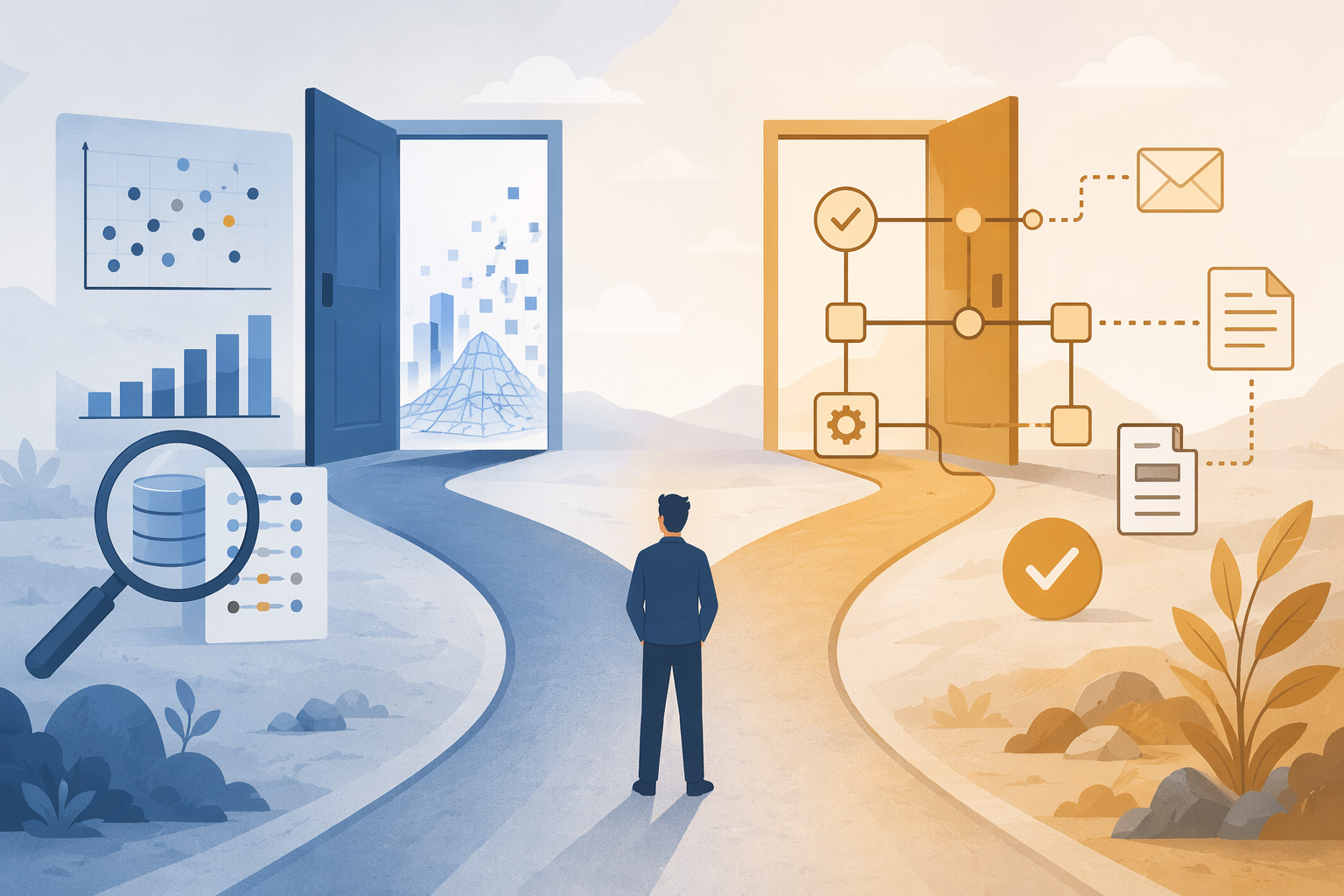
The first decision in machine learning for automation is not which platform has the most impressive model page. It is much plainer: do you need to train a model on your own data, or do you need to automate a workflow using a model that already exists?
For roughly 80% of knowledge-work automation—summarizing emails, routing support tickets, classifying content, extracting invoice fields, drafting replies, turning messy text into structured records—the better starting point is an AI workflow tool with a pre-trained LLM. No training set. No model tuning. No surprise data-science project hiding behind a friendly no-code screen.
AutoML earns its keep when the job is different: predicting a specific numeric value or category from your own labeled examples. Fraud risk, churn likelihood, lead score, defect probability, demand forecast—those are prediction problems. They need historical data with known outcomes. If you cannot name the thing being predicted, and you cannot point to past examples where the answer is already known, you are probably not ready for AutoML.
Why this choice matters more in 2026
The market is noisy enough to make a basic workflow problem sound like a model-building problem. Coursera cites a Grand View Research estimate that the AutoML market will grow at a 42.2% compound annual growth rate from 2024 to 2030; because that figure is second-hand and the original market report was not reviewed directly for this article, it is best treated as a directional signal, not as a planning guarantee.[1]
Demand is real, but production success is not automatic. Vellum cites the MIT NANDA 2025 finding that only 5% of enterprise AI pilots reach production.[2] Gartner also predicted in June 2025 that more than 40% of agentic AI projects would be canceled by the end of 2027 because of unclear business value, rising costs, or inadequate risk controls; as of June 26, 2026, that forecast is still useful as a warning label on overbuilt automation plans.[3]
Those numbers do not prove that AutoML is bad. They prove something more boring and more useful: choosing the wrong implementation path creates work that the team may not be staffed to maintain.
The practical difference: prediction system or workflow system
AutoML platforms help non-specialists train custom machine learning models. They usually handle parts of feature selection, model comparison, tuning, and deployment through a guided interface. The point is still model training. You bring labeled data; the platform tries to learn a pattern that can be applied to new rows.
AI workflow tools do something else. They connect apps, move data between steps, and call pre-trained AI models when a task needs language understanding, extraction, classification, or generation. The model is already trained. Your job is to define the trigger, the prompt or instruction, the destination, and the fallback when the output is messy.
| If your task sounds like this | You probably need | Why |
|---|---|---|
| “Predict which customers are likely to churn next month.” | AutoML | You need a model trained on past customer records and known churn outcomes. |
| “Summarize every inbound sales email and post it to Slack.” | AI workflow tool | A pre-trained LLM can summarize text inside an app-to-app workflow. |
| “Classify support tickets by urgency and route them to the right queue.” | AI workflow tool first | If the categories are simple and language-based, an LLM node may be enough before custom modeling is justified. |
| “Estimate invoice fraud risk from historical payment, vendor, and exception data.” | AutoML, possibly inside a workflow | The core task is a learned prediction from labeled examples. |
| “Extract invoice number, vendor, amount, and due date from PDFs.” | AI workflow tool | The main work is document extraction and process routing, not custom prediction. |
This distinction saves money because it keeps the expensive part attached to the right problem. A workflow that says “read this email, classify it, create a task, and notify the owner” should not start with model training unless there is a clear reason the existing models cannot do the job.
The cost difference is not cosmetic
The cleanest buying question is not “Which tool has AI?” It is “Where does the meter run?”
With AutoML, the meter can run while you prepare data, train models, compare runs, and generate predictions. Vellum lists Amazon SageMaker Canvas compute at approximately $1.90 per hour.[2] That figure is not outrageous by itself. The problem is that compute is only the visible part. Someone still has to gather records, clean columns, define the target label, remove leakage, label examples where labels do not exist, review model performance, and explain why the prediction changed when the data changed.
That hidden labor is where “no-code” often becomes “no-code, but not no-data-work.” If a team wants to predict whether a lead will convert, it needs past leads and actual conversion outcomes. If it wants to predict fraud risk, it needs past transactions and confirmed fraud labels. A spreadsheet full of customer notes is not a training set until the outcome column is trustworthy.
AI workflow tools usually price differently. The n8n comparison material describes n8n Community Edition as free when self-hosted, with no per-execution platform charge, while n8n cloud pricing is described as starting at $20 per month for 2,500 executions, with a single execution able to contain unlimited steps.[4] That does not make every workflow free; LLM API calls, hosting, maintenance, and premium app access can still cost money. But the starting burden is usually easier to understand: trigger, execution count, API usage, and maybe hosting.

The budget conversation therefore changes. AutoML asks, “Can we afford to create and maintain a prediction model?” AI workflow automation asks, “Can we afford to run this process repeatedly, and can we monitor bad outputs?” Those are different operational commitments.
When AutoML is the right tool
Use AutoML when the automation depends on a prediction that is specific to your business data. The model should be learning from your history, not merely applying general language ability.
- You have a defined target: churned or retained, fraud or not fraud, high-risk or low-risk, expected revenue, expected demand, approval probability.
- You have enough historical examples with known outcomes to train and evaluate a model.
- The decision is valuable enough that a custom model is worth maintaining.
- Someone can monitor performance after deployment and investigate drift, bad labels, and changing business rules.
A bank trying to detect fraud is a reasonable AutoML-style example because the organization is not just moving text from one app to another. It is trying to predict a risk outcome from transaction and customer data. Coursera cites Valley Bank using DataRobot for fraud detection, which illustrates the kind of problem where a trained predictive model can make sense.[1]
The important word there is “predict.” If the automation is “when risk score is above threshold, send the case to review,” the workflow step is straightforward. The hard part is producing the risk score responsibly. That is where AutoML platforms can be useful.
AutoML platforms to consider
| Platform | Best for | Watch before buying |
|---|---|---|
| Vertex AI AutoML | Teams already working in Google Cloud that need managed model training and deployment. | Cloud setup, data preparation, and governance still matter. |
| H2O | Data-minded teams that want strong automated machine learning capabilities and more control. | It can still feel like a data-science environment, even when automation reduces manual modeling work. |
| DataRobot | Organizations with serious predictive-modeling use cases, governance needs, and business-critical predictions. | Vendor case studies are useful signals, but the buyer should test against their own data and economics. |
| Amazon SageMaker Canvas | AWS users who want a visual interface for building ML models without writing code. | Compute pricing and data-preparation labor need to be included in the real cost. |
The right AutoML buyer is not necessarily a developer. But they do need to be able to say: here is the outcome, here are the examples, here is how we will judge whether the prediction is good enough, and here is who owns the model after launch.
When an AI workflow tool is the right tool
Use an AI workflow tool when the job is to move information through a process and apply pre-trained AI at one or more steps. This is where most non-developer automation work lives.
- Summarize long emails before creating CRM notes.
- Extract fields from invoices, contracts, intake forms, or attachments.
- Classify incoming tickets by topic, urgency, or department.
- Generate first-draft responses for human review.
- Route documents or messages based on AI-generated labels.
Invoice extraction is a useful example because it is easy to overcomplicate. If the goal is to pull vendor name, invoice number, amount, due date, and line-item text from a document and send it to an approval queue, a workflow tool with document parsing or an LLM step is often the correct first attempt. Factr describes e-commerce invoice processing through machine-learning workflow nodes, and also reports a chatbot response-time reduction of 60% for an unnamed beauty retailer; because those company details are not independently identified in the cited material, the figures should be read as illustrative vendor-side examples rather than universal benchmarks.[5]
The maintenance job is also more familiar. If a ticket is routed badly, you inspect the prompt, examples, categories, confidence rule, or downstream branch. That is not always easy, but it is usually more approachable for an operations lead than retraining a classification model from scratch.
AI workflow tools to consider
| Tool | Best for | Watch before buying |
|---|---|---|
| n8n | Flexible process automation, self-hosting, technical operations teams, and more advanced AI orchestration through LangChain nodes. | Self-hosting reduces platform execution cost but adds infrastructure responsibility. |
| Zapier | Fast setup across a very large app ecosystem, including 8,000+ app integrations. | Best when breadth and ease matter more than deep AI orchestration. |
| Make | Visual multi-branch workflows and debugging deterministic processes. | Complex scenarios can still become hard to govern if nobody owns the process map. |
| Gumloop | AI-native workflow building with built-in LLM token handling. | Gumloop-specific claims should be evaluated as vendor or partnered material unless independently verified. |
A simple AI workflow might look like this: a new email arrives, the workflow sends the body and attachments to an LLM or extraction step, the result is checked against required fields, a task is created for a human reviewer if confidence is low, and clean records are pushed into a spreadsheet, CRM, help desk, or accounting system. No custom model was trained. The automation value came from connecting the steps and using a general model at the messy-language point.
The litmus test
If the decision still feels fuzzy, use this test before opening a vendor demo.
- If you need the computer to predict a value from your own historical data, use AutoML. The output might be a probability, score, category, forecast, or estimate.
- If you need to automate a process involving unstructured information, use an AI workflow tool. The work is usually summarizing, extracting, classifying, routing, or generating text.
- If you need both, use a workflow tool that calls an AutoML API. Let the model produce the prediction, then let the workflow handle approvals, notifications, records, and exceptions.
The third option matters because the categories are not enemies. A good fraud workflow may call a trained risk model, then route high-risk cases to analysts. A demand-planning process may call a forecast model, then update a dashboard and notify purchasing. The workflow is the plumbing; the AutoML model is the prediction engine.
Where the categories blur
The boundary is useful, but it is not a wall. n8n can support more advanced AI orchestration through LangChain nodes, which means a capable team can build workflows that start to look like application logic around AI systems. AutoML platforms, on the other side, increasingly include deployment interfaces, monitoring, and integrations that make them feel less like isolated model builders.
That gray area is not a reason to start with the most complex option. It is a reason to name the job clearly. “Classify this message and send it to the right queue” is a workflow. “Learn from three years of resolved tickets which accounts are likely to escalate next quarter” is a prediction problem. The first can often be piloted in a workflow tool. The second needs labeled historical data and model evaluation.
A sensible buying path
Most non-developers should start with an AI workflow tool. Build the smallest version of the process: one trigger, one AI step, one destination, one human review path. Track whether it saves time, reduces handoffs, or improves response speed. If the process breaks, you want to be debugging a workflow you can see, not a model nobody on the team understands.
Graduate to AutoML when the simpler workflow has exposed a real prediction need. At that point, the question becomes sharper: what exactly should be predicted, what historical examples prove the outcome, how much is a better prediction worth, and who will maintain the model?
Use a hybrid stack only after that. A workflow tool calling an AutoML model can be powerful, but it is two systems to price, monitor, and explain. That tradeoff is justified when the model produces a valuable prediction and the workflow turns that prediction into action. It is not justified because a dashboard says “AI-powered.”
References
- Machine Learning for Automation: Exploring AutoML Tools and Applications — Coursera
- Top 10 AI Tools for Automation — Vellum
- Best AI Workflow Automation Tools — Elementum, June 2025
- n8n blog comparison — n8n Blog
- Machine Learning Business Workflow Automation — Factr