
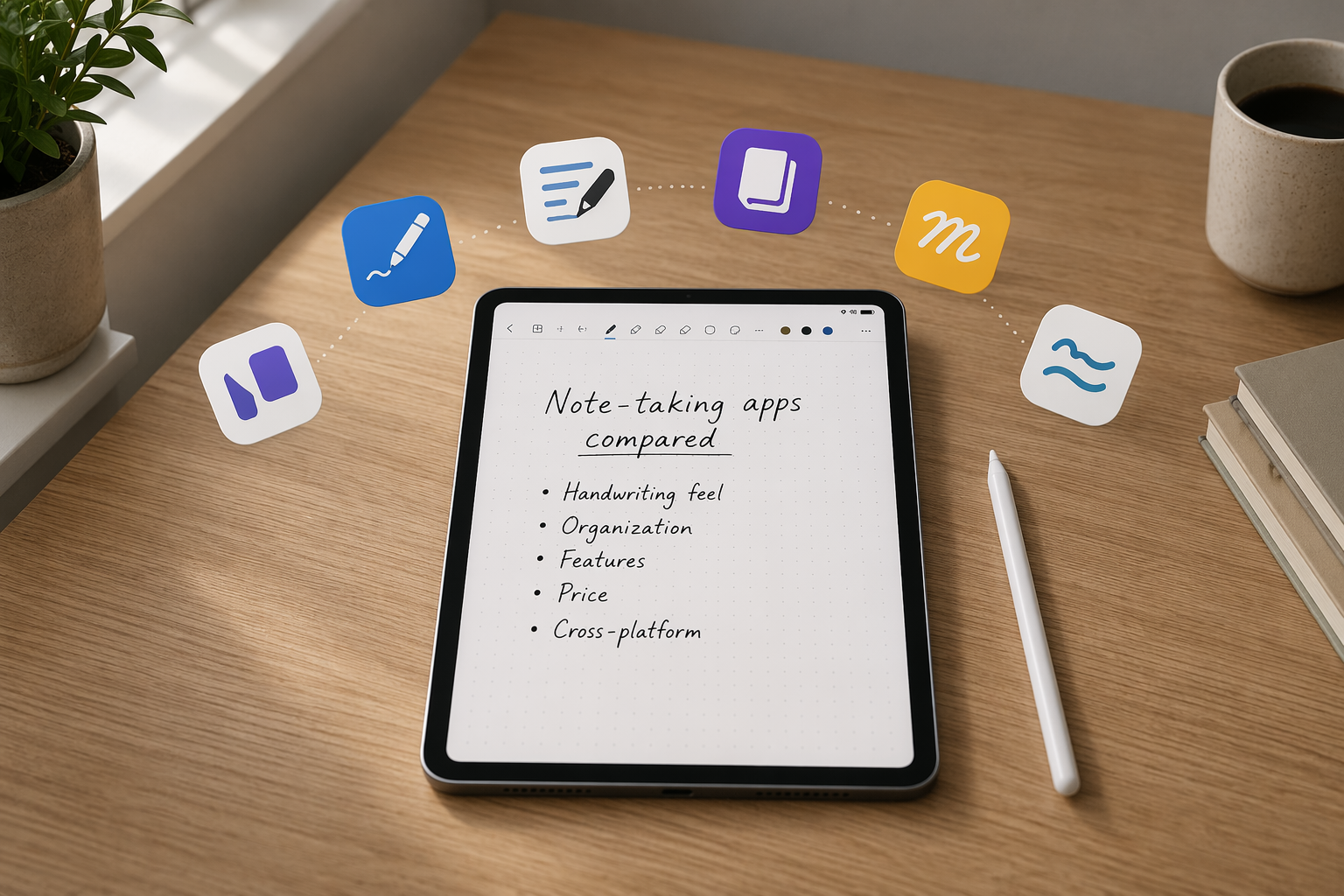
If you have an Apple Pencil and want one note-taking app to commit to, start with the workflow you will repeat every week. A lecture recording that needs to line up with handwriting is a different problem from a project notebook, which is different from turning handwritten meeting notes into clean typed text. The app that feels impressive in a review can become annoying three months later if your notes are hard to find, your PDFs live somewhere else, or the paid features are not the ones you actually use.
| Quick pick | Best app | Why |
|---|---|---|
| Best for students with lectures, recordings, and study review | Notability | Low-latency handwriting, audio-synced notes, Smart Notes, and AI flashcards make it strongest when class capture and review are the job. Reported pricing is $15/year or $19.99/month for the top tier, but recheck current App Store pricing before committing. [1][2] |
| Best overall notebook value | Goodnotes 6 | The broadest default for Apple Pencil note-taking: customizable notebooks, strong handwriting feel, and pricing reported as either $30 one-time or $10/year. It also has unusually broad Windows and Android support for a handwriting-first app. [3][4] |
| Best free Apple ecosystem option | Apple Notes | Fast, native, free, and very good for quick mixed typed and handwritten notes through iCloud. It is less convincing as a deep semester or project archive. [1][5] |
| Best free cross-platform option | OneNote | The safer free choice if your notes need to move between iPad and Windows, with Copilot AI available. The pen feel and pen customization are not as polished as the handwriting-first apps. [1][3] |
| Best handwriting-to-text conversion | Nebo | Use it when the point is converting handwriting into searchable typed notes, not building the prettiest digital notebook. Reported pricing is $24 one-time. [3][4] |
| Best for research-heavy PDF work | LiquidText | Built for annotating PDFs, connecting ideas across documents, and working on an infinite workspace. Reported pricing is $80 one-time. [2][4] |
| Budget alternatives worth a look | CollaNote, FreeNotes | Free or low-cost options with Apple Pencil support, including tilt and palm rejection, but they are better treated as budget picks than direct replacements for the main workflow apps. [4] |
The comparison that actually matters
For Apple Pencil note taking, I would not judge apps by whether they merely support handwriting. That is the entry fee. The better question is what happens after the first page: can you write without fighting the ink, organize without creating a filing tax, search later, work with PDFs, and use the same notes on the devices where you actually finish the work?
| App | Best for | Apple Pencil experience | Organization | Study or research tools | Platform support | Pricing noted in sources | Not for you if |
|---|---|---|---|---|---|---|---|
| Notability | Students who record lectures and review from handwritten notes | Excellent low-latency handwriting; strong Pencil-first feel; useful when writing and audio happen together [1][2] | Good for class notebooks and subject-based organization | Audio sync, Smart Notes, and AI flashcards are the main reason to choose it [1] | iPad-centered, with Apple ecosystem strength | $15/year or $19.99/month for top tier, as reported in source material [1] | You do not record lectures, do not need study tools, or dislike paying for features you may not use |
| Goodnotes 6 | People who want the most flexible everyday digital notebook | Strong handwriting feel with deep notebook customization [3][4] | Excellent notebook-style structure for long-running classes, projects, planners, and PDFs | Good general study and annotation tools; AI features should be checked against the current app version before purchase | iPad plus Windows and Android support, which is unusual for this category [4] | $30 one-time or $10/year, as reported in source material [3] | Your main need is synchronized lecture audio or automatic handwriting-to-text conversion |
| Apple Notes | Quick capture inside the Apple ecosystem | Native Apple Pencil support; good for fast handwriting mixed with typed notes [5] | Simple folders and Apple-native organization; less depth than dedicated notebook apps [1] | Good for quick jots, sketches, and everyday capture rather than structured study systems | Apple devices through iCloud | Free with Apple devices [1] | You need deep notebook organization, stronger handwriting search, or a dedicated class-review workflow |
| OneNote | Free cross-platform notes, especially for Windows users | Works with Apple Pencil, but pen customization and writing feel are less refined than Notability or Goodnotes [1][3] | Notebook, section, and page model works well across school and work | Includes Copilot AI, with feature availability subject to current Microsoft plans and accounts [1] | Strong cross-platform support across Apple and Windows environments [3] | Free core app, with Microsoft account and plan details depending on use case | You mainly care about the most natural handwriting feel on iPad |
| Nebo | Turning handwriting into clean, searchable typed notes | Excellent for handwriting recognition and conversion rather than decorative notebook building [3][4] | More document-centered than notebook-aesthetic-centered | Best-in-class handwriting-to-text conversion in the cited comparisons [4] | Useful across devices where converted text matters | $24 one-time, as reported in source material [4] | You want a rich planner-like notebook, lecture audio workflow, or research canvas |
| LiquidText | Research notes built around PDFs and multiple documents | Useful for annotation, excerpting, and connecting ideas with Pencil input [2][4] | Workspace model instead of a normal notebook model | Cross-document linking, PDF annotation, and infinite workspace are the point [4] | Best considered for research workflows rather than casual capture | $80 one-time, as reported in source material [4] | You mostly take daily meeting notes, lecture notes, or quick personal notes |
The prices and AI feature labels above need a final App Store check before purchase. The cited sources flag pricing volatility and fast-changing AI features, and that matters more here than it does in a simple calculator or calendar app. A note app becomes an archive. Moving later is possible, but it is rarely fun.
If you are a student, Notability is the first serious fork in the road
Notability earns its place because it solves a specific student problem: the professor keeps talking while you are still writing. Audio-synced notes change review from “where did I write that?” into “tap the ink and hear what was being said around that moment.” For lecture-heavy courses, that is not a small convenience; it can become the difference between a notebook that only records effort and one that helps you reconstruct the class.
The same logic explains why its AI study tools are more interesting than generic AI branding. Smart Notes and AI flashcards make sense when they sit on top of lecture capture and handwritten material, because the student already has a pile of class notes that need to become review material. ZDNET identifies Notability as a top iPad note-taking app for 2026 and highlights its audio recording sync and AI study features; iMore also places it among the best note-taking apps for iPad and Apple Pencil in 2026. [1][2]
That does not make Notability the automatic answer for every Apple Pencil user. If you rarely record audio, do not need flashcards, and mostly want a clean notebook for meetings or project planning, the subscription can feel like paying rent on a feature set built for a different person. The reported pricing in the source material is $15/year or $19.99/month for the top tier, so the choice should come after checking the current plan names and feature limits in June 2026. [1]
Goodnotes 6 is the safer default for a long-lived notebook system
Goodnotes 6 is the app I would shortlist for someone who says, “I just want my iPad to replace my notebooks.” Its strength is not one dramatic feature. It is the combination of handwriting feel, page templates, notebook customization, PDF annotation, and an archive structure that still makes sense after weeks of use.
That matters because most Apple Pencil notes are not written in perfect categories. A student may have lecture slides, problem sets, exam review pages, and handwritten summaries. A professional may have client calls, annotated PDFs, planning pages, and stray sketches. Goodnotes is built around the familiar idea of notebooks, but it gives those notebooks enough digital flexibility to avoid simply recreating a messy backpack.
The pricing also helps. The cited sources report Goodnotes 6 at $30 one-time or $10/year, which makes it unusually easy to recommend to people who dislike open-ended subscriptions but are willing to pay for an app they will use constantly. Zapier identifies it among the best iPad note-taking apps, while Paperlike calls out its customizable notebook experience and broader platform support. [3][4]
The cross-platform point deserves more attention than it usually gets. Handwriting-first iPad apps often assume the iPad is the whole world. Goodnotes’ support for Windows and Android makes it more practical for people who write on iPad but review, reference, or present from other devices. That does not mean every feature will feel identical everywhere, but it reduces the risk of building your entire notebook life inside a beautiful iPad-only room. [4]
Choose Goodnotes over Notability if the center of gravity is the notebook itself: class binders, planners, meeting books, PDFs, and long-term organization. Choose Notability over Goodnotes if lecture audio and study generation are not extras but the main workflow.
Apple Notes is not a consolation prize
Apple Notes is the app I would tell many iPad owners to try before spending money. It opens quickly, syncs through iCloud, handles typed notes and handwritten Pencil input in the same general space, and comes free with Apple devices. Apple’s own Pencil materials position the Pencil as a tool for writing, sketching, annotating, and interacting directly on iPad, and Apple Notes benefits from being part of that native environment. [5]
Its best use is capture: a phone number during a call, a sketch beside typed meeting bullets, a quick checklist, a thought you do not want to lose while the laptop is doing something else. For people already living across iPhone, Mac, and iPad, that native speed is worth real respect.
The limit appears when capture turns into curriculum or project memory. ZDNET’s comparison treats Apple Notes as a strong quick-jot and ecosystem choice, while also noting that it lacks the organizational depth of third-party apps such as tags, notebooks, and search across handwriting at the same level. [1]
So the dividing line is simple: if you mostly need fast Apple-native notes, use Apple Notes until it gets in your way. If you already know you need a semester archive, a client notebook system, stronger PDF workflows, or study review tools, do not pretend “free” solves those problems.
OneNote is the practical free choice when Windows is part of your life
OneNote is less elegant as an Apple Pencil handwriting app than Goodnotes or Notability, but it has a different advantage: it is free and genuinely cross-platform. If your iPad is only one device in a Windows-heavy school or work setup, that may matter more than smoother ink animations or prettier page templates.
The notebook-section-page structure is familiar, and it scales reasonably well for classes, projects, and reference material. ZDNET and Zapier both identify OneNote as a strong free cross-platform option, especially for Windows users, while noting the trade-off: fewer pen customization options and a less refined handwriting feel than the leading handwriting-first iPad apps. [1][3]
OneNote also includes Copilot AI, but that should be treated as a current-plan and account-dependent feature rather than a permanent reason to choose the app blindly. AI in note apps is changing too quickly to buy into vague promises. Check what your Microsoft account actually includes before making it the deciding factor. [1]
Nebo is for people who want handwriting to become text
Nebo should not be judged as just another notebook app. Its reason to exist is handwriting conversion. If your ideal Apple Pencil workflow is to write naturally in a meeting or class and then turn that handwriting into searchable, editable typed notes, Nebo belongs near the top of your shortlist.
Paperlike describes Nebo as having the best handwriting-to-text conversion on the market, and Zapier also highlights it for users who want handwritten input to become usable digital text. The reported price in the cited sources is $24 one-time. [4][3]
The trade-off is that conversion-first design is not the same as notebook-first design. If you care about page aesthetics, elaborate planners, or a familiar binder-like structure, Goodnotes may feel more natural. If you care about reducing the distance between Apple Pencil handwriting and typed notes you can reuse elsewhere, Nebo is the sharper tool.
LiquidText is not for ordinary notes, and that is why it works
LiquidText makes the most sense when your notes live inside documents. Think research papers, legal documents, long PDFs, reports, or source-heavy projects where the important action is not just writing a page of notes but connecting passages across materials.
Its strengths are PDF annotation, cross-document linking, and an infinite workspace. Paperlike describes LiquidText as unmatched for research-heavy workflows, while iMore also includes it among notable iPad and Apple Pencil note-taking options. The reported price is $80 one-time. [4][2]
That price and structure make sense only if you need the workspace. For normal lecture notes, weekly planning, or quick meeting pages, LiquidText is more tool than you need. For a thesis chapter, litigation file, policy memo, or deep reading project, the ordinary notebook model can be the wrong shape entirely.
Budget apps are real options, but treat them as budget decisions
CollaNote and FreeNotes are worth mentioning because Apple Pencil note taking is not limited to the big names. Paperlike identifies them as free or low-cost alternatives that still support Apple Pencil well, including tilt and palm rejection. [4]
That is enough to make them worth testing if your budget is tight or your needs are simple. It is not enough to make them the first recommendation for someone building a semester-long lecture system, a professional project archive, or a research workflow. With notes, the hidden cost is usually not the download price. It is the time spent later trying to rescue scattered material from an app that was “good enough” for the first week.
Apple Pencil details that should not be treated as a checkbox
When an app says it supports Apple Pencil, that does not tell you enough. Palm rejection, tilt behavior, pressure response, double-tap actions, squeeze or hover behavior on newer hardware, and latency all affect the first ten minutes of writing. Some advanced Pencil behaviors depend on the Apple Pencil model and iPad model, not just the app. Apple’s Pencil page describes model-specific capabilities, so check your exact Pencil and iPad combination before assuming a feature will work. [5]
This is also why trial periods and free tiers matter. A handwriting app can have the right feature list and still feel wrong under your hand. If possible, test the same small routine in each finalist: write one page quickly, annotate a PDF, search for something, move a note into a folder or notebook, and open it on another device. Ten minutes of that tells you more than another grid of checkmarks.
If you use a third-party stylus such as Logitech Crayon or another Pencil alternative, the broad app recommendations may still apply, but the hardware-specific Pencil features may not. In that case, judge the app more heavily on basic ink feel, palm rejection, sync, and organization rather than Apple Pencil-only gestures.
A narrow shortlist is better than a universal winner
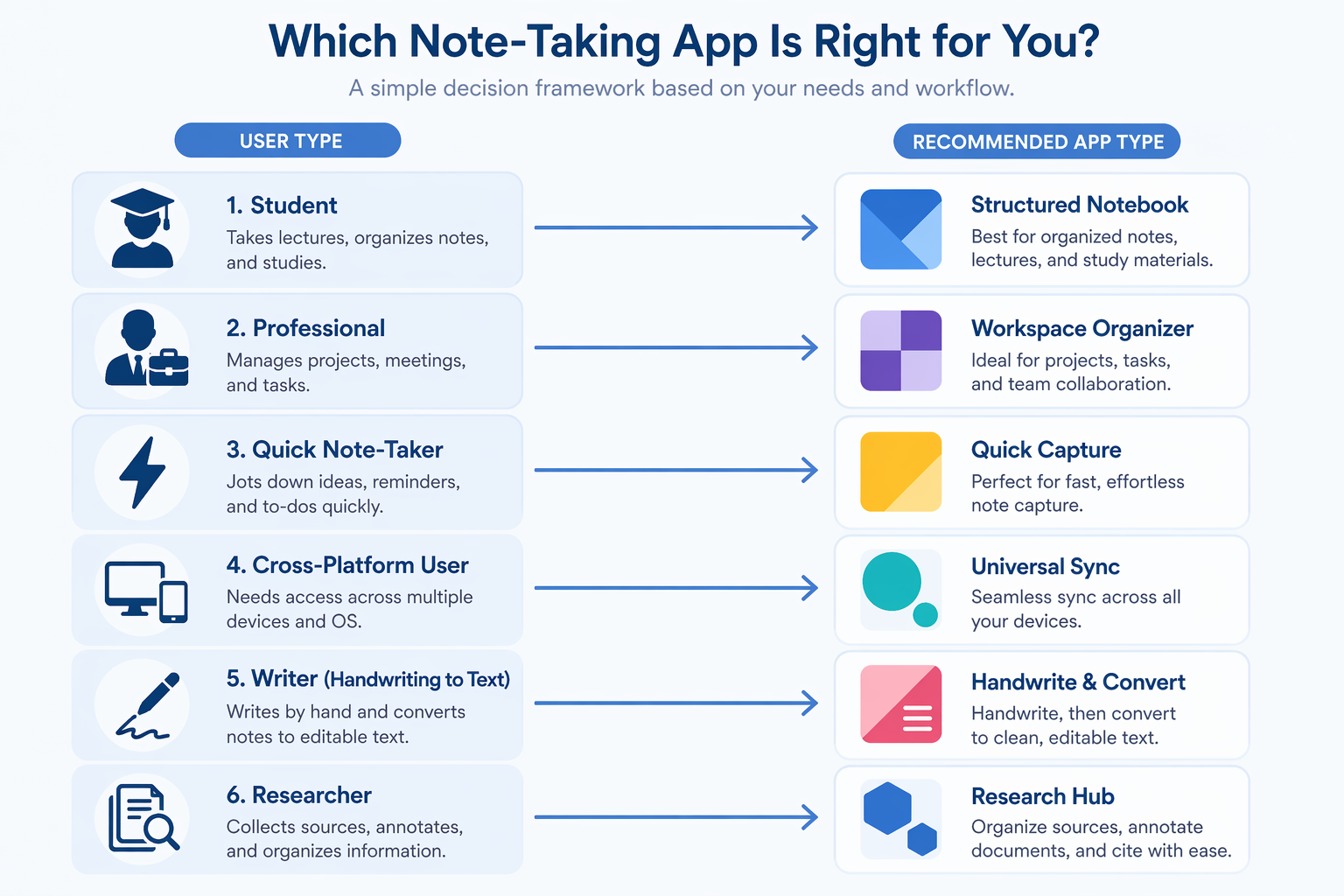
Choose Notability if lectures, recordings, and study review drive the decision. Choose Goodnotes 6 if you want the most flexible notebook system and the best balance of handwriting, organization, and value. Choose Apple Notes if speed, simplicity, and Apple-native capture are enough. Choose OneNote if free cross-platform access matters most, especially with Windows in the mix. Choose Nebo if handwriting-to-text conversion is the point. Choose LiquidText if your notes live inside research documents.
The right Apple Pencil app is the one you can trust with the notes you will need later, not the one with the longest feature list today.
References
- The best note-taking apps for iPad of 2026: Expert tested — ZDNET
- Best note-taking apps for iPad and Apple Pencil 2026 — iMore
- The 10 best note-taking apps for iPad — Zapier
- 13 Best Notetaking Apps for iPad [2025] — Paperlike
- Apple Pencil — Apple