
Last verified in July 2026: if your team is choosing between Notion artificial intelligence, ChatGPT, Coda AI, and ClickUp Brain, the practical question is not which one has the most impressive demo. It is where the work already lives after the demo ends: in docs, in chats with a general-purpose model, in data tables and automations, or in task lists that someone has to keep clean.
| Team pattern | Best fit | Why it fits | Main caution |
|---|---|---|---|
| Most work lives in docs, wikis, meeting notes, policies, and project pages | Notion AI | Strong workspace context, Enterprise Search, agent-first work inside the knowledge base | Business plan pricing, limited native integrations, and unresolved credit language for advanced agents |
| People need broad reasoning, writing, coding, debugging, and one-off analysis | ChatGPT | Stronger general-purpose reasoning and coding than a workspace assistant | No persistent team workspace context by default |
| The team runs work through tables, databases, formulas, and cross-app automations | Coda AI | Automation depth and 300+ integrations make it better suited to data-heavy workflows | Credit-based pricing can be harder to forecast |
| The bottleneck is task execution, project status, and budget discipline | ClickUp Brain | Built into a structured work management system at $5/user/month | Weaker fit for knowledge management and content-heavy collaboration |
Notion’s current pricing matters early because the product has moved. Notion AI used to be discussed as a separate add-on; by mid-2026, Notion lists AI inside its Business plan at $20 per user per month when billed annually, while its product page positions AI as part of the workspace rather than a sidecar feature.[1][2] ChatGPT Plus is still the cleaner individual reasoning subscription at $20 per month in the comparison material, but that price buys a capable model interface, not an organized company memory.[3]
That distinction is the whole buying problem. A clever model can draft a launch memo. A workspace AI has to find the old launch memo, understand which one became policy, avoid citing the duplicated draft, and leave the team with something maintainable.
Start With Where The Work Actually Lives
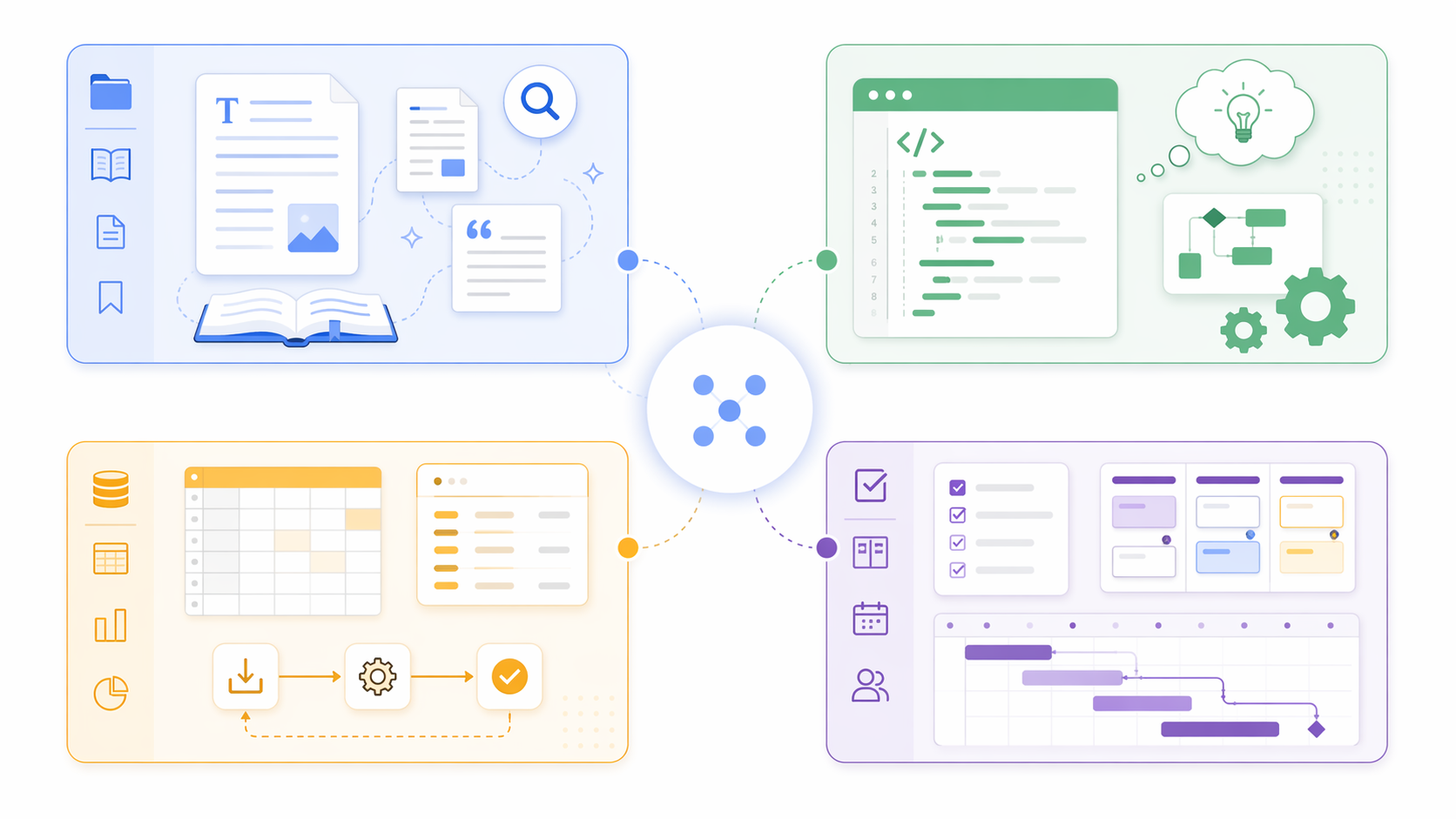
The easiest way to waste money on AI workspace software is to compare feature names before mapping the work. “Ask AI,” “summarize,” “agent,” and “automation” show up everywhere now. They do not mean the same thing when the underlying system is a wiki, a chatbot, a database app, or a project management tool.
If the team already uses Notion as its operating system — docs, project plans, meeting notes, lightweight databases, internal policies — Notion AI has the strongest claim. It can work where the context sits. If the team mostly opens an AI tab to reason through code, rewrite a customer email, compare options, or generate analysis from scratch, ChatGPT remains the sharper general tool. If the important work is a table that triggers workflows across other apps, Coda AI deserves a serious look. If managers are mainly trying to reduce task-chasing and keep project execution visible, ClickUp Brain is the more natural fit.
This is also why a single-tool replacement story often falls apart in real teams. A product manager may need Notion AI to search decisions and draft release notes from internal pages, while an engineer still keeps ChatGPT open for debugging and architecture tradeoffs. That is not failure. It is a sign that workspace context and open-ended reasoning are different jobs.
Where Notion AI Is Strongest
Notion AI is most convincing when the problem is not “write me something,” but “help me work through the mess we have already created.” That includes searching past project notes, turning meeting notes into tasks, drafting from existing documents, answering policy questions, and helping a new hire understand how a team works without asking five people in Slack.
The July 1, 2026 Notion 3.6 release pushed that direction further with external agent orchestration, longer autonomous execution windows, and model choice across GPT-5.2, Claude Opus 4.5/4.8, Gemini 3, Grok 4.3, and GLM 5.2.[4] The important part is not the model list by itself. Model choice matters because different teams trust different providers and different tasks benefit from different model behavior. The operational question is whether the workspace can make that choice useful without turning every employee into an AI routing specialist.
The 20-minute autonomous execution window in the same release is the more interesting signal.[4] A short prompt assistant can summarize a page. An agent that can continue working for a defined window starts to look more like a junior operations helper: gather related pages, update a project brief, reconcile missing fields, or prepare a first pass at a handoff. That does not remove the need for review. It changes what review is for: checking judgment and consequences, not doing every mechanical step by hand.
Notion’s Enterprise Search also matters because workplace knowledge rarely stays inside one clean wiki. Notion describes search across connected tools including Slack, Google Drive, and GitHub, which makes it more useful for teams whose official answer may be split between a project page, a decision thread, and a repo discussion.[2] The catch is integration breadth. Current comparison data puts Notion at 36 native integrations versus Coda’s 300+ integrations, so Notion’s advantage is depth inside its own workspace rather than maximum app coverage.
That makes Notion AI a good fit for documentation-heavy teams, editorial teams, product teams, founders who use Notion as a company brain, and operations groups trying to reduce repeated internal questions. It is less compelling if Notion is only a nice-looking note app on the side while the real process lives in spreadsheets, Jira, Salesforce, or custom automations.
Treat Notion’s ROI Data As Directional, Not Guaranteed
Notion’s ROI material is useful because it measures recognizable friction. The company reports an average of 2.7 Q&A queries per user per day, estimates roughly five minutes saved per query, and says 74% of surveyed users reported productivity improvement.[5] Those are exactly the small interruptions that make a team feel slower than its headcount suggests.
There are also more concrete case-study claims. Notion cites Osaka Gas as seeing a 35% reduction in search time, and outside summaries describe Remote.com saving about 20 hours per week by replacing an IT help desk flow with a single Custom Agent.[5][6][7] Those examples are worth paying attention to because they connect AI to support deflection and search reduction, not just prettier drafts.
They still belong in the directional-evidence box. These are vendor-supplied or case-study numbers, and motivated power users usually behave better than a mixed department with uneven habits, stale pages, and three competing places to ask questions. A team with clean permissioning, maintained docs, and a clear internal support workflow has a much better shot at seeing those gains than a team that has never agreed where final answers live.
ChatGPT Is The Better AI Tool When The Workspace Is Not The Job
ChatGPT should not be dismissed just because it is not a workspace. For broad reasoning, coding help, debugging, synthesis, drafting, role-play, and exploratory analysis, it is often the tool people reach for first. Fabric’s comparison frames ChatGPT as stronger for general AI tasks, while Notion AI is stronger when the answer needs to sit inside an organized workspace.[3]
That difference becomes obvious in daily use. ChatGPT can help a developer reason through an API design, help a founder pressure-test a pricing page, or help a marketer generate campaign variants. What it does not automatically have is the persistent, governed context of the team’s actual docs, task history, permission structure, and internal naming habits.
For many teams, the sane answer is not Notion AI versus ChatGPT. It is Notion AI for company memory and ChatGPT for open-ended thinking. That pairing is more expensive than pretending one tool does everything, but it matches how work splits: shared context in one place, individual reasoning in another.
If the team is already comparing standalone AI subscriptions, the related ChatGPT Plus vs Claude Pro vs Gemini AI Pro comparison is the cleaner place to evaluate model-first buying. The workspace decision is a different budget line.
Coda AI Fits Teams That Think In Tables And Automations
Coda AI becomes more attractive when the real workflow is structured data plus action. If the team runs approvals, product specs, content calendars, CRM-like trackers, or operations dashboards through tables, formulas, buttons, and automations, Coda’s AI can sit closer to the moving parts.
The integration difference is the clearest reason to keep Coda in the comparison. Current comparison data puts Coda at 300+ integrations versus Notion’s 36 native integrations. That does not automatically make Coda better. It does mean Coda is usually the more serious candidate when the workflow depends on moving structured information across many systems rather than searching and improving a central knowledge base.
The tradeoff is pricing comprehension. Credit-based AI models can be fair if usage is uneven, but they are harder to explain to finance and harder to forecast for managers who do not yet know whether employees will use AI twice a week or fifty times a day. A per-seat subscription is not always cheaper, but it is easier to budget.
A practical test: if your most painful process starts with “someone updates a row, then three other things should happen,” Coda AI belongs on the shortlist. If the pain starts with “nobody can find the latest answer,” Notion AI is usually the better first test.
ClickUp Brain Wins When Tasks And Price Matter More Than Knowledge Depth
ClickUp Brain has the simplest economic argument in this group: at $5 per user per month, it is 75% cheaper than Notion AI’s $20 per user per month Business-plan pricing. That gap matters for a 40-person team before anyone has proven adoption, and it matters even more when the AI budget is being added on top of existing project management software.
Its fit is also narrower in a useful way. ClickUp is built around structured work management: tasks, owners, statuses, due dates, docs attached to work, and reporting. If the team’s recurring complaint is that priorities are unclear, updates are scattered, and managers spend too much time asking for status, ClickUp Brain is closer to the source of the problem than a document-first AI assistant.
The limitation is the same as the strength. A task system can tell you what is assigned, overdue, summarized, or blocked. It is not automatically the best place to develop nuanced internal knowledge, long-form documentation, editorial workflows, product research notes, or a company wiki that people actually want to read.
Teams already weighing broader project-management tradeoffs may want the monday.com vs ClickUp vs Notion vs Trello comparison before treating AI as the deciding layer. If the underlying workflow tool is wrong, the AI assistant inherits the wrong shape.
The Cost Question Is Really A Pairing Question
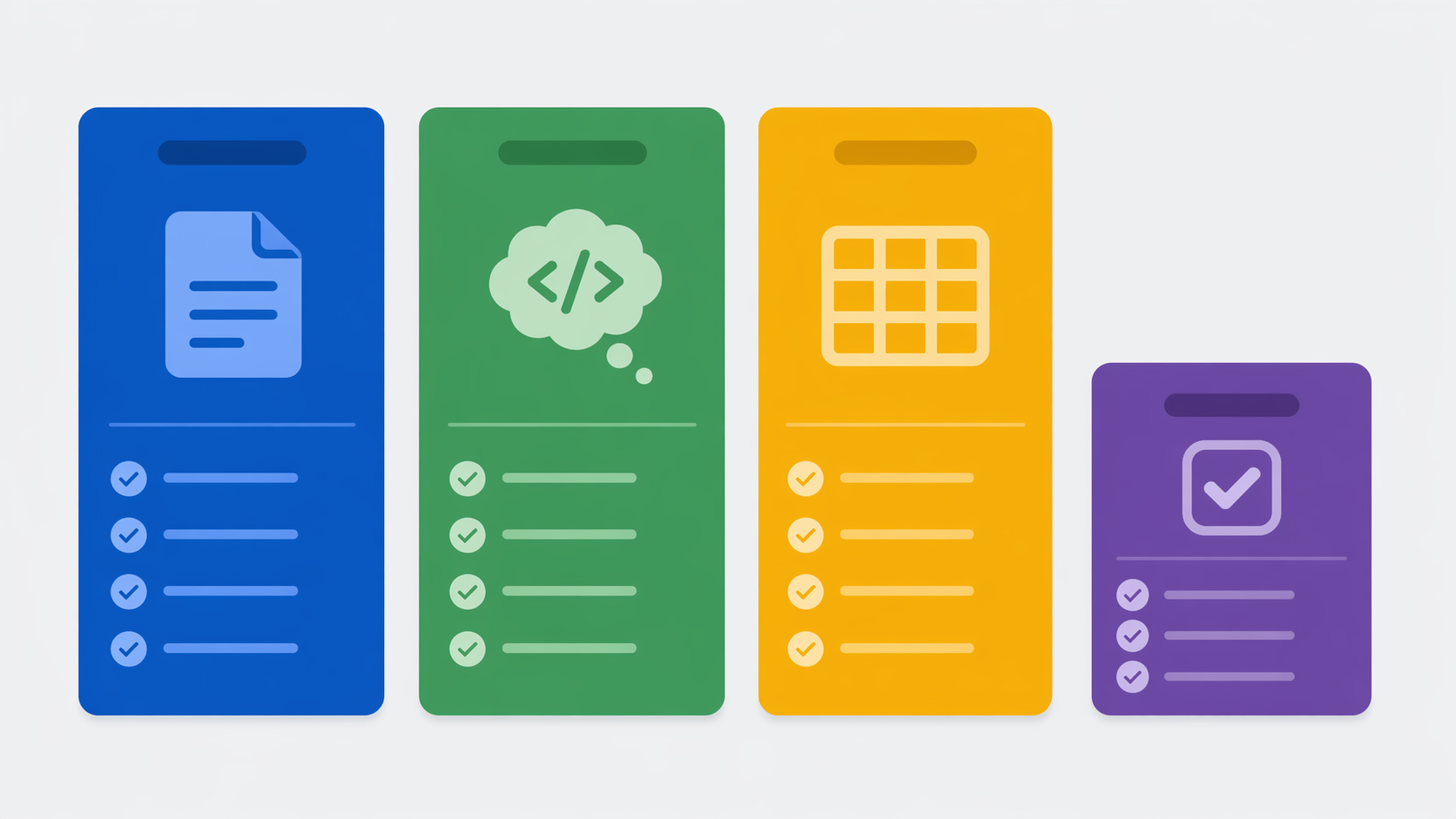
Per-seat comparisons are helpful, but they can hide the real buying pattern. Many teams will not choose one of these tools cleanly. They will keep ChatGPT for people doing coding, strategy, support analysis, and writing, while adding workspace AI only where shared context creates enough value.
| Likely setup | When it makes sense | Budget risk to watch |
|---|---|---|
| Notion AI only | The company already runs docs, projects, and knowledge in Notion | Paying $20/user/month for employees who mostly view pages |
| ChatGPT only | The team needs individual reasoning, coding, and drafting more than shared workspace memory | Losing decisions and context back into disconnected chats |
| Notion AI + ChatGPT | Knowledge retrieval and general reasoning are both important | Duplicate AI spend unless seats are assigned deliberately |
| Coda AI + ChatGPT | Operational workflows depend on tables and automations, but employees still need broad reasoning | Credit forecasting plus subscription overlap |
| ClickUp Brain + selected ChatGPT seats | Task execution is the shared bottleneck and only some roles need advanced reasoning | Underinvesting in durable knowledge management |
The most expensive mistake is giving every employee every AI tool because the pilot group loved them. A cleaner rollout is role-based. Give workspace AI to people who create, maintain, and search shared knowledge. Give general-purpose AI to people whose work depends on reasoning, coding, synthesis, or creative iteration. Give task AI to managers and execution-heavy teams that live inside the project system.
Notion’s Custom Agent pricing deserves special caution. Available pricing notes put Custom Agents at about $10 per 1,000 credits as of May 4, 2026 in some places, while other pages left the figure as TBD; Workers were described as free through August 2026 and then moving to credits. Because that language was not fully settled, any buying decision that depends on heavy agent usage should be re-checked against Notion’s live pricing page before signature.[1]
A Practical Buying Path
Choose Notion AI if the team’s bottleneck is knowledge retrieval, documentation, meeting-note cleanup, internal Q&A, and turning scattered pages into usable work. It is the strongest option here when Notion is already the place where decisions, projects, and team memory live. If the team is still deciding whether Notion itself is the right base, start with a broader Notion Review 2026 rather than evaluating the AI layer in isolation.
Keep ChatGPT as the primary AI tool if the need is broad reasoning, coding, analysis, and one-off intellectual work. It is not a clean replacement for Notion AI because it does not, by default, maintain the team’s governed workspace context. It is also not weaker just because it lacks that context. It is solving a different problem.
Consider Coda AI if important processes are table-driven and automation-heavy. The 300+ integration footprint makes it a better candidate for teams that need AI attached to structured operational systems rather than a document workspace. Before committing, model credit usage with real workflows, not optimistic pilot behavior.
Choose ClickUp Brain if structured task execution and budget discipline matter most. At the low-price end, it is the easiest AI add-on to justify when the team already manages work in ClickUp and mainly needs summaries, task intelligence, and status visibility. Do not expect it to become the richest company knowledge layer unless the team already treats ClickUp that way.
Combine tools when the team has two genuinely different work surfaces. Notion AI plus ChatGPT is the obvious pairing for many knowledge teams: Notion handles the shared memory, ChatGPT handles broad reasoning. Coda AI plus ChatGPT can work for operations-heavy teams. ClickUp Brain plus a smaller pool of ChatGPT seats can keep costs down when only some roles need advanced model access.
The final check is ownership. Someone has to maintain the workspace, archive duplicated pages, decide which docs are authoritative, review agent outputs, and explain the bill. If that person cannot name the workflow the AI will improve, the team is not ready to buy more software. If they can, the choice is usually clear: docs and knowledge point to Notion AI, open-ended reasoning points to ChatGPT, data automations point to Coda AI, and structured tasks point to ClickUp Brain.
References
- Notion Pricing, Notion
- Notion AI, Notion
- ChatGPT vs Notion AI, Fabric
- Notion 3.6 release notes, Notion, July 1, 2026
- How to calculate your company’s AI ROI for real, Notion Blog
- Notion just turned its workspace into a hub for AI agents, TechCrunch, May 13, 2026
- Notion AI Guide, Dan Cumberland Labs