
A generic AI summary can feel useful for about three minutes. The PDF goes in, the neat bullet points come out, and the first pass is done. Then the real work starts: one sentence says the authors found a stronger effect in one condition, another says the limitation was sample size, and now someone has to reopen the PDF, search the wording, skim the methods, and figure out whether the model summarized a finding, inferred a conclusion, or simply sounded confident.
That is the difference between an AI summarizer for PDFs with citations and a PDF summarizer that merely lists a source somewhere near the answer. For research work, a citation is not decoration. It is a route back to the sentence, page, section, or bibliography entry that lets a human decide whether the summary can be trusted.
Last verified: July 5, 2026. Pricing and free-tier details in this category change often; the tool limits discussed here reflect information collected and checked from February through June 2026, with product pages reviewed again for this article where available.
What “citations” actually mean in PDF summarizers
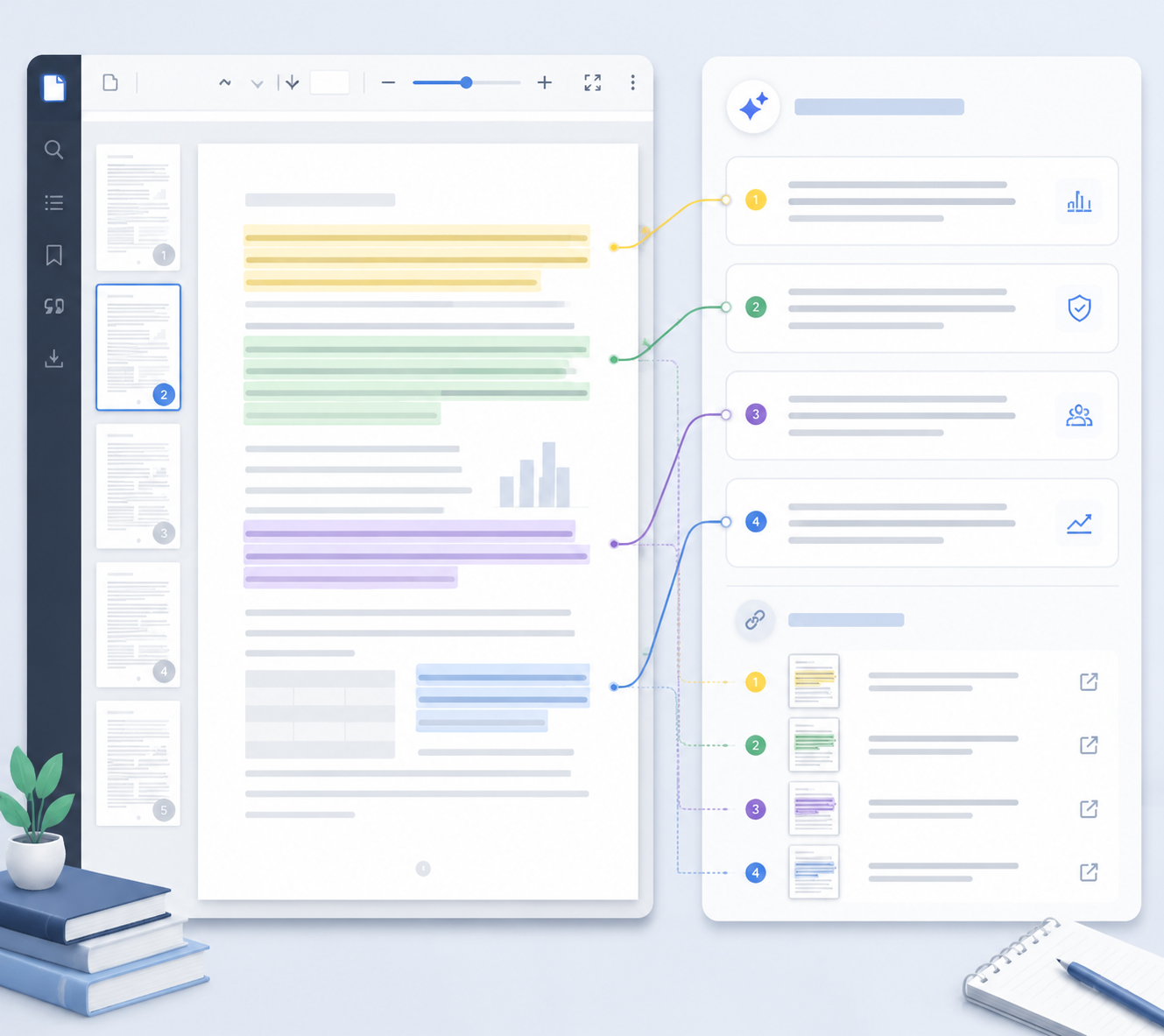
The confusing part is that vendors use the same word for several different behaviors. A tool can be excellent at linking an answer back to a PDF page and still be weak at producing a bibliography. Another can extract references cleanly for Zotero or EndNote but be less convenient when checking whether a single generated claim came from page 7 or page 19.
| Citation type | What it helps you verify | Best fit |
|---|---|---|
| Page-level inline references | Which page supports a specific claim in the summary or answer | Close reading, literature review notes, due diligence, claim checking |
| Answer-level source links | Which source passage or section the answer is drawing from | Fast document Q&A, lightweight reading, first-pass extraction |
| Bibliographic reference extraction | Which works the PDF cites, often as formatted references | Academic writing, literature mapping, reference cleanup |
| Structured export to reference managers | Whether extracted references can move into tools such as Zotero or EndNote | Thesis writing, manuscript drafting, shared research libraries |
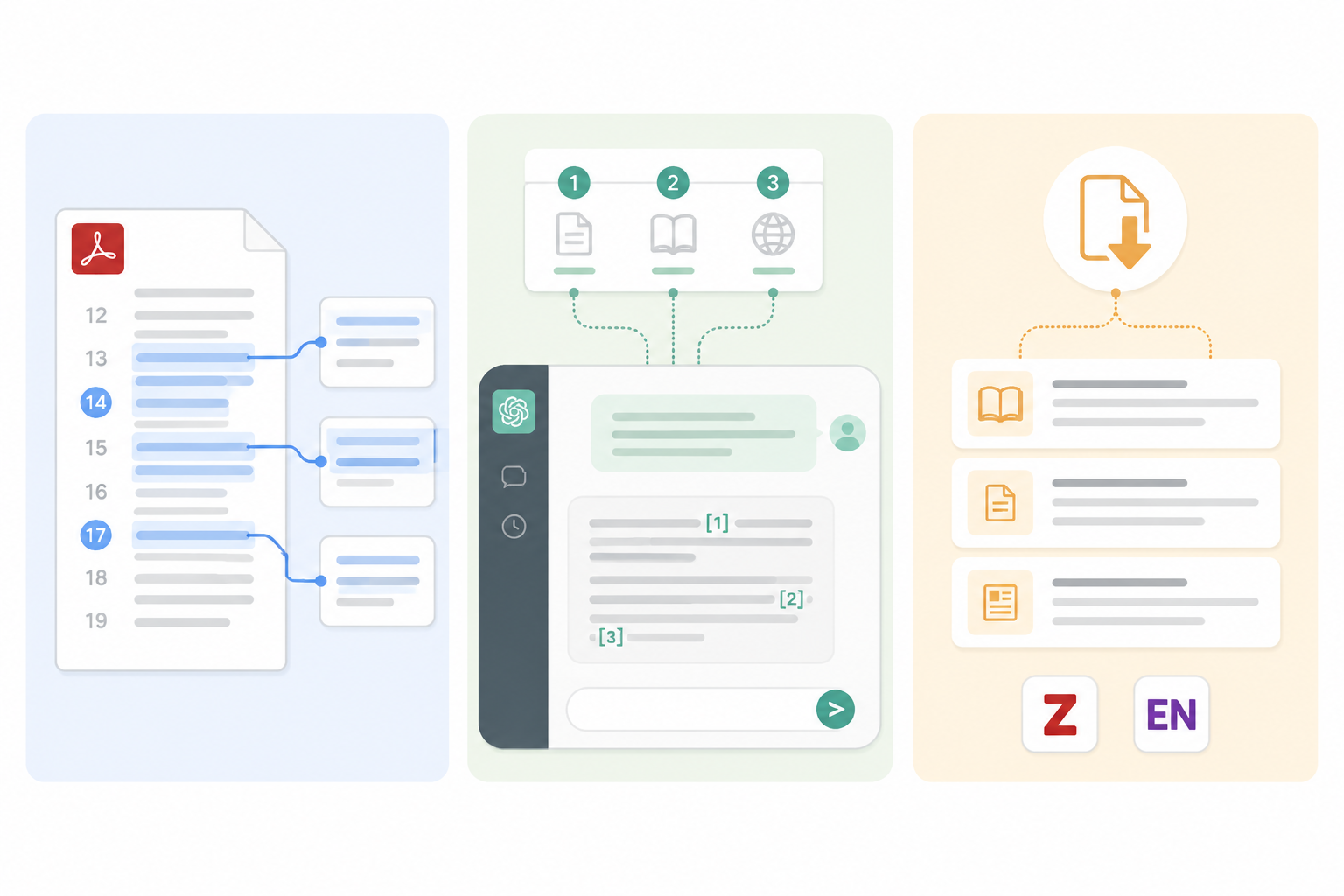
These are not small interface differences. They answer different questions. Page references help with “where did this claim come from?” Bibliographic extraction helps with “how do I cite the paper and its sources correctly?” Inline source links help with “can I jump from this answer back into the document without manually searching?”
That is why this comparison does not crown a universal winner. The right choice depends on the kind of verification you have to do after the summary appears.
Best tools when page-level verification matters
For serious PDF reading, page-level citation is the most defensible form of AI assistance. It does not make the model right, but it shortens the path to checking it. If a generated answer says an author qualifies a conclusion, the reader should be able to jump to the relevant page rather than rebuild the trail from search terms.
Sharly AI is the strongest fit in this category because its core citation value is granular source verification: summaries and answers can point back to clickable page references in the original PDF.[1] That matters most in workflows where the user is not just trying to understand a document, but later has to defend a note, memo, literature review paragraph, or client-facing conclusion.
The practical test is simple: paste in a dense methods section, ask for the inclusion criteria or main limitations, and then click every cited point. If the tool consistently lands near the evidence, it is saving real verification time. If it only names the uploaded PDF as a source, it is not doing the job this category requires.
Humata belongs beside Sharly for users who want page-referenced answers rather than a polished but untraceable abstract. Its free tier is limited to 60 pages and 10 questions per month, so it is better treated as a trial or occasional-use option than as an unlimited graduate-student reading system.[2]
The difference between Sharly and Humata will usually come down to document volume, interface preference, and plan limits. For page-level checking, both are more relevant than general-purpose chatbots because the citation behavior is built around the PDF itself, not added afterward as a prose explanation.
Choose page-level tools if your real task is verification
- You need to check generated claims against exact PDF pages.
- You work with long reports, academic articles, legal-style documents, or policy PDFs.
- You share notes with someone who may ask where a statement came from.
- You care more about traceability than about the prettiest summary format.
Best tools for academic reference workflows
Bibliographic citation support is a different job. It is less about verifying one generated sentence and more about turning the PDF’s scholarly apparatus into usable research infrastructure: extracted references, formatted citations, and sometimes export paths into a reference manager.
SciSpace is useful when the reading workflow needs citation-backed answers and academic reference handling in the same environment. Its Chat PDF product is described around answers tied to the paper, with support for linking answers to exact sentences in the PDF and producing formatted references.[3] That combination is especially helpful when a reader is moving between comprehension and writing rather than only extracting a quick summary.
Scholarcy is stronger when the main problem is extracting and organizing the structure of academic papers, including references. Its article summarizer supports structured reference extraction and export workflows for Zotero and EndNote; its free tier is limited to 3 summaries per day.[4] That limit is strict enough to matter for a thesis chapter or systematic reading sprint, but the export behavior solves a problem that page-reference tools often do not.
This distinction is easy to blur, and many comparison pages do blur it. A page citation beside a generated answer is not the same thing as a formatted APA, MLA, or Chicago reference. A formatted reference is not the same thing as proof that every sentence in the summary is supported by the cited page. Academic users often need both, but they are separate features.
Choose bibliography-first tools if your bottleneck is citation production
- You are building a Zotero or EndNote library from PDFs.
- You need formatted references, not just clickable source passages.
- You are writing a manuscript, thesis, grant document, or literature review.
- You want summaries to sit near reference metadata rather than in a standalone chat window.
Free and lightweight options with inline source links
NotebookLM deserves attention because it removes a real barrier: cost. For students and solo researchers, unlimited free access with inline citations can be the difference between using a traceable reading tool and returning to copy-paste summaries in a general chatbot. NotebookLM requires a Google account and provides inline source links, but it should not be described as a bibliography manager or a formal citation export tool.[5]
That limitation does not make NotebookLM weak. It makes it specific. It is a good choice when the user wants to upload PDFs, ask questions across sources, and click back into cited passages while reading. It is a poor substitute for Scholarcy or SciSpace if the next step is exporting references into an academic writing workflow.
ChatPDF is another lightweight option for readers who want source references without adopting a larger research workspace. Its free tier allows 2 PDFs per day and includes source references, which can be enough for occasional use but will feel cramped for sustained academic work.[6]
The free-tool question should therefore be framed narrowly. If “free” means “I need unlimited exploratory reading with inline links,” NotebookLM is the obvious starting point. If “free” means “I need formal bibliography export,” free access alone will not solve the workflow.

Where ChatGPT and Claude still fit
ChatGPT and Claude are still useful for fast orientation. If the task is to get a rough explanation of a paper’s topic, simplify a dense paragraph, or generate questions to ask while reading, they can be faster than a specialized PDF tool.
They are not, however, the best answer to this article’s problem. Without built-in PDF citation traceability, the reader has to verify the model’s claims manually. That may be acceptable for casual reading. It is a bad trade when the output will feed a literature review, research memo, class assignment, policy analysis, or client report.
Decision matrix: choose by citation need
| If you need... | Start with... | Why |
|---|---|---|
| Exact page-level verification | Sharly AI or Humata | They are strongest when the important action is checking generated claims against PDF pages. |
| Academic reference extraction and citation production | Scholarcy or SciSpace | They fit workflows where references, formatted citations, and export matter as much as summarization. |
| Unlimited free reading with inline links | NotebookLM | It offers a low-friction way to ask questions and jump back to source passages, without formal bibliography export. |
| Occasional lightweight PDF Q&A with source references | ChatPDF | It is simple to use, but the free tier is limited. |
| Fast non-verifiable orientation | ChatGPT or Claude | They are useful for rough comprehension, but not for built-in PDF citation traceability. |
For a graduate student reading papers every week, the best setup may be split: NotebookLM for free exploratory reading, Scholarcy or SciSpace when references need to enter a writing system, and a page-level tool such as Sharly or Humata when claims must be checked carefully. For an analyst working through long reports, page-level verification may matter more than bibliography export. For a casual reader, ChatPDF or NotebookLM may be enough.
The important move is to stop asking which tool has “citations” and ask what the citation lets you do. Can you click to the page? Can you see the exact sentence? Can you export a formatted reference? Can you move the source into Zotero or EndNote? Those answers decide whether the tool reduces verification work or merely moves it to the end of the process.
Pricing and free-tier caveats
Free tiers in PDF summarization are usually designed for testing, not sustained research. Humata’s free cap of 60 pages and 10 questions per month, Scholarcy’s 3 summaries per day, and ChatPDF’s 2 PDFs per day are all usable constraints for evaluation, but they shape the workflow quickly once document volume increases.[2][4][6]
NotebookLM is the exception on access, because it is the only tool in this comparison treated here as truly unlimited and free for this use case. The trade-off is feature type, not price: inline citations are valuable, but they do not replace bibliographic export or full reference-manager workflows.[5]
Vendor-published comparison pages can be useful for discovering features, but they should not be the final authority on competitor limits or citation quality. In this category, the safest habit is to test a tool with one familiar PDF and verify whether the cited answer actually lands where it should.
Final recommendation
Choose Sharly AI or Humata when page-level verification matters most. Choose Scholarcy or SciSpace when the harder problem is bibliography extraction, formatted references, or reference-manager export. Choose NotebookLM or ChatPDF when you want inline source links with low cost and minimal setup.
Do not expect one AI PDF summarizer to handle all citation needs equally well. A trustworthy workflow starts by naming the kind of citation support you need, then choosing the tool whose citations survive the simple test that matters: can you get from the generated claim back to the source quickly enough to trust your own work?
References
- Sharly AI, Sharly AI, https://www.sharly.ai/
- Humata AI, Humata AI, https://www.humata.ai/
- SciSpace ChatPDF, SciSpace, https://scispace.com/chat-pdf
- Article Summarizer, Scholarcy, https://www.scholarcy.com/article-summarizer
- NotebookLM, Google, https://notebooklm.google/
- ChatPDF, ChatPDF, https://www.chatpdf.com/