
The phrase app that takes notes for you sounds simple until the first mismatch. A sales manager wants CRM-ready notes from scheduled Zoom calls. A freelancer wants to remember what a client said over lunch without making the table feel recorded. A student wants a 45-minute lecture turned into flashcards. A researcher wants answers grounded in three PDFs, not a transcript of someone talking about them.
Those are not four versions of the same job. They are four different input streams, and the best tool in one can be a poor fit in another. Before comparing brand names, start with the material your notes actually come from.

| Your main input | Best-fit app category | Good starting points | Not for you if |
|---|---|---|---|
| Scheduled video meetings | Meeting assistants with calendar auto-join, transcript, summaries, and integrations | Fathom, Otter, Fireflies, tl;dv | Your platform blocks bots, or clients dislike visible notetakers |
| In-person or phone conversations | Bot-free device capture or hybrid note-plus-transcript tools | Granola, Laxis, Jamie | You need mature CRM automation or a deep searchable meeting archive |
| Lectures and classes | Live audio capture plus student study output | Polar Notes AI, Otter, paired with NotebookLM when readings matter | Most of the learning comes from textbooks and PDFs rather than spoken lectures |
| PDFs, textbooks, and research reading | Source-grounded synthesis and Q&A | NotebookLM | You mainly need live transcription from rooms, calls, or lectures |
Scheduled Video Meetings: Strongest Market, Sharpest Friction
If your notes come from scheduled Zoom, Teams, or Google Meet calls, meeting assistants are still the most developed category. They know how to join a calendar event, identify speakers, produce summaries, extract action items, and in some cases push information into a CRM. This is where tools like Fathom, Otter, Fireflies, and tl;dv make the most sense.
The useful question is not whether these tools can transcribe. Most can. The question is what happens after the transcript exists: who reviews it, where it lands, how many summaries you actually get, and whether the bot is allowed into the room.
Fathom is a good example of why free-plan wording needs to be read closely. One 2026 test reports unlimited recordings and transcriptions on the free plan, but only 5 AI summaries per month. For someone with 30 meetings a month, that means only 1 in 6 meetings gets the structured note output most people are actually shopping for.[1]
Otter has the opposite kind of constraint: minutes. Zapier reports Otter’s free plan at 300 minutes per month, with a 30-minute limit per conversation. That is workable for short internal check-ins. It is a bad surprise for a 45-minute lecture or discovery call, where the last 15 minutes are exactly where decisions and next steps often appear.[2]
There is also an unresolved pricing wrinkle around Otter’s paid minute caps. Laxis reported in April 2026 that Otter.ai Pro had reduced its monthly minute cap from 6,000 to 1,200 minutes, but that point should be verified against Otter’s current pricing page before purchase because it is only supported here as a single-source report.[3]
The bigger architectural change is bot access. tl;dv reports that Google’s March 2026 Meet update flags third-party notetaker bots as a “potential risk” and defaults to denying entry. That turns bot-based note-taking from a feature choice into an access question: the assistant may be excellent, but it cannot take notes from the waiting room.[4]
That is why device-level capture is becoming more relevant even for people who spend all day in scheduled meetings. tl;dv says its desktop app bypasses Meet bot-blocking by capturing locally, and its free tier includes unlimited video recordings plus 10 AI meeting notes per month.[4] The tradeoff is familiar: bot-free capture reduces access friction, but it may not always match the CRM workflows, searchable archives, or team administration that mature meeting bots have been building for years.
| Tool pattern | Where it helps | Watch closely |
|---|---|---|
| Bot joins the scheduled meeting | Recurring sales calls, team standups, customer success handoffs, CRM-centered workflows | Participant comfort, admin approval, Google Meet bot access, summary limits |
| Device-level capture | Meetings where a bot may be blocked or socially awkward | Integration depth, searchable history, platform support |
| Transcript-first assistant | Users who mainly need searchable recall and light summaries | Whether the output is usable notes or just a cleaner transcript |
For scheduled meetings, choose by the failure point. If your team lives in the CRM, prioritize the assistant that turns calls into fields, follow-ups, and account context. If you work in Google Meet with outside participants, test whether a bot can enter before you evaluate summary quality. If you are on a free plan, count summaries and minutes, not just recordings.
In-Person and Phone Conversations: The Room Matters
Some conversations get worse when a bot appears. Client lunches, user interviews, hiring debriefs, hallway discussions, and sensitive phone calls have a social layer that scheduled meeting software often ignores. The note-taking app has to capture enough context without making people perform for the recorder.
This is where bot-free tools deserve attention. Laxis reported that only Laxis, through its OSO earbuds plus app workflow at $15.99 per month, and Jamie, through device audio with a free tier that includes 10 AI summaries per month, offered dedicated in-person workflows in its 2026 comparison.[3] Because that comes from a vendor comparison, treat it as a useful market signal rather than an independent census of the whole category.
Granola takes a different route: the user jots rough notes, and the system fills in context from the transcript. That hybrid pattern fits user research and customer interviews especially well, because the human can mark what mattered in the moment instead of hoping an automated summary guesses the hierarchy afterward. Granola says it stores no audio, has no Android app, offers 25 lifetime free meetings, and prices its Business plan at $14 per user per month.[5]
The limitation is not minor. In-person AI note-taking is still a younger category than scheduled meeting bots, and the research base is thinner. If your workflow depends on team-wide search, Salesforce fields, admin controls, and repeatable reporting, a bot-free recorder may feel elegant in the room and underpowered after the meeting.
Use this category when trust and access are the constraint. A researcher interviewing a participant may get better data from a low-friction capture setup than from a visible bot that changes the tone. A freelancer meeting a client in a cafe may care less about CRM automation than about leaving with accurate next steps. A manager doing formal sales operations may make the opposite choice.
Lectures and Classes: Capture Is Not the Same as Studying
Lecture notes expose the biggest misunderstanding in this market. A transcript is useful, but it is not an exam plan. Students usually need a sequence: capture the lecture, identify what matters, connect it to assigned readings, and turn it into something they can test themselves on.
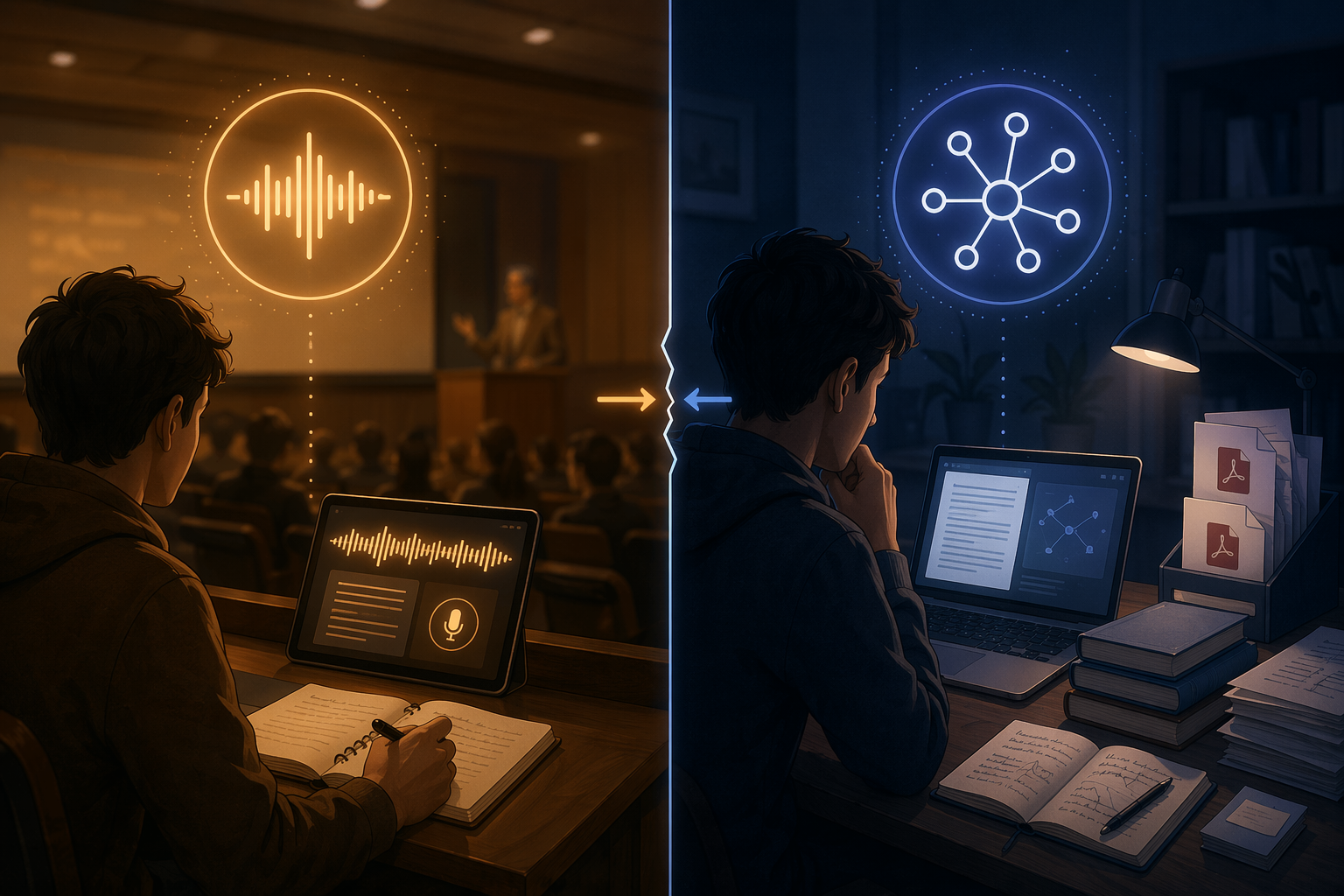
Polar Notes AI is built closer to that student workflow. Its student-focused comparison describes the app as converting lectures into study packs, including summaries, flashcards, and quizzes, on iOS.[6] That output shape matters. A student trying to prepare for a midterm does not just need to remember that a professor mentioned a concept; they need prompts, retrieval practice, and a way to separate tested material from background explanation.
Otter can still be useful for lecture capture, especially when the job is to preserve spoken content. But it is not primarily a study-pack system. The same free-plan constraint reported by Zapier applies here: 300 minutes per month and 30 minutes per conversation means a single 45-minute lecture can exceed the per-conversation limit.[2] A student on that plan would not merely run out of convenience; they could lose the closing portion of the lecture.
The right setup depends on where the course content lives. If the professor’s spoken explanation is the main source, a lecture-capture app with student outputs is the first layer. If the exam draws heavily from readings, problem sets, or textbook chapters, live transcription alone leaves too much work untouched.
| Student situation | Better first tool | Why |
|---|---|---|
| The professor explains most testable material in class | Polar Notes AI or Otter-style lecture capture | The primary input is live audio |
| The lecture is useful, but readings carry the detail | Lecture capture plus NotebookLM | Spoken notes and source-grounded synthesis are separate jobs |
| Most studying happens from PDFs, textbooks, and slides | NotebookLM-style source synthesis | The primary input is text, not the room |
This is the point where a two-tool stack often beats a single app. Capture the lecture with a tool designed for live audio. Then use a source-grounded tool for the readings and slides. The handoff is not glamorous, but it matches the work students actually have to do.
PDFs, Textbooks, and Research: Start With the Sources
Research reading asks for a different architecture. The app has to understand uploaded materials, keep answers grounded in those sources, and let the user ask questions across documents. A meeting transcript tool is usually the wrong starting point because there may be no meeting to transcribe.
NotebookLM is the strongest fit in the research quadrant in the available material. Polar Notes AI’s 2026 student comparison identifies NotebookLM at $7.99 per month via a Google One tier and positions it around PDFs, textbooks, and web sources rather than live capture.[6] MeetingNotes also highlights the key distinction: NotebookLM reads all uploaded sources and answers questions grounded in those materials, while Notion AI only sees the current page.[7]
That difference changes the workflow. If a student uploads a textbook chapter, a syllabus PDF, and lecture slides, the useful output is not a meeting summary. It is an answer that can point back to the materials, compare concepts across sources, and help the student find where an idea appears. If a researcher is buried in reports, the same source-grounding matters more than speaker labels or action items.
The current gap is that the market does not offer a clearly supported single research note-taker that combines high-quality live transcription with deep source synthesis. The practical answer is pairing: one tool captures spoken material, another works through the documents. That is less tidy than a universal winner list, but it prevents the common mistake of buying a meeting assistant and expecting it to behave like a research assistant.
How to Choose Without Chasing a Universal Winner
A workable decision starts with one sentence: “Most of my notes come from ____.” Fill that blank before opening pricing pages. The answer usually eliminates half the market.
- If most notes come from scheduled meetings, start with meeting assistants. Compare auto-join behavior, summary limits, CRM usefulness, and whether bots can enter your meeting platform.
- If most notes come from sensitive or in-person conversations, start with bot-free capture. Accept that CRM depth and searchable archives may be weaker than in mature meeting-bot systems.
- If most notes come from lectures, separate recording from studying. A transcript helps, but flashcards, quizzes, and reading synthesis are different outputs.
- If most notes come from PDFs and textbooks, start with source-grounded synthesis. A meeting assistant is not the natural tool for research reading.
- If your workflow spans two quadrants, plan for two tools instead of forcing one app to cover incompatible inputs.
Pricing should be judged inside the use case. For meeting-heavy users, the meaningful boundary may be monthly summary count or transcription minutes. For students, it may be whether a lecture exceeds a per-conversation limit or whether the app produces study materials. For researchers, it may be whether the tool can read all relevant sources rather than only the page currently open.
The right app that takes notes for you is not the one with the broadest promise. It is the one built for the material you need to turn into knowledge: the meeting, the room, the lecture, or the source document.
References
- 7 Best AI Note-Taking Apps: I Tested and Ranked Them for 2026, Lindy
- The 10 best AI meeting assistants in 2026, Zapier
- Best AI Note Taker 2026: I Tested 5 Apps Across 200+ Meetings, Laxis, April 2026
- AI Note Taker Apps: I Tested the 5 Best Free Options in 2026, tl;dv
- Meeting note tool pricing: Granola vs. Fireflies vs. Fathom vs. Otter, Granola
- The 15 Best AI Note Taker Apps For Students In 2026, Polar Notes AI
- The 10 Best AI Note Takers in 2026, MeetingNotes