
The uncomfortable part of choosing an AI meeting note tool usually arrives after the demo. The notes look useful. The summaries are clean. Someone can finally find the sentence that decided the project. Then the rollout question lands: who gets notified that the meeting is being recorded or transcribed, when do they see it, what counts as consent, and what happens if they do not give it?
That is the practical core of a meeting transcription consent checklist. It is not enough to ask whether a vendor “supports consent.” The better question is whether the tool can enforce the consent process your meetings actually require: recurring sales calls, candidate interviews, HR conversations, cross-state customer calls, health-related discussions, or engineering meetings with people joining from multiple countries.

The tools split into three consent architectures. Bot-based tools join as visible meeting participants. Local-first tools capture audio from the user’s device and do not need to appear in the participant list. Platform-native or admin-enforced systems can tie recording behavior to organization-level policy. The same phrase, “participants are notified,” means very different things across those models.
Consent Comparison At A Glance
This table keeps the comparison focused on consent architecture, not general note quality. Pricing is included because rollout decisions need it, but prices change often and should be treated as last verified on July 5, 2026.
| Tool | Consent architecture | Notification method | Enforcement strength | Compliance notes | Pricing last verified July 5, 2026 | Best fit |
|---|---|---|---|---|---|---|
| Avoma | Admin-configurable consent engine | Calendar disclaimer, reminder email, voice announcement, chat notification | Strong: four policy levels from Disabled to Permission Required | Org-level recording compliance controls documented by Avoma | $24/mo Starter; $59/mo Business | Teams that need repeatable, policy-driven consent workflows |
| Microsoft Teams | Platform-native meeting policy | In-meeting consent prompt tied to recording policy | Very strong: participants who have not consented can be muted until they affirm | ExplicitRecordingConsent available through Teams meeting policy configuration | Depends on Microsoft 365 licensing | Organizations already standardized on Teams that want technical participation blocking |
| Granola | Local-first device capture | User-managed disclosure; in-meeting chat notification can create a timestamped record | Medium: privacy posture is strong, but disclosure depends on the user | SOC 2 Type 2; not HIPAA | $18/mo Pro; $30/mo Team | Teams that want bot-free capture and can train users to disclose consistently |
| Otter | Bot-based by default | Visible bot participant; meeting visibility settings | Medium: visible presence helps, but consent handling depends on settings and user practice | HIPAA compliance available on Enterprise plan; litigation pending as allegation, not liability | $16.99/mo Pro; $33.99/mo Business; Enterprise for HIPAA | Teams comfortable with visible bot workflows and plan-gated compliance features |
| Fireflies | Bot-based by default, with optional desktop bot-free recording rolling out | Visible bot participant by default; desktop mode may reduce bot presence | Medium: bot visibility is useful, but enforcement depends on workflow and plan | HIPAA compliance available on Enterprise plan; litigation pending as allegation, not liability | $19/mo Pro; $39/mo Business; Enterprise for HIPAA | Teams that value integrations and can manage consent settings carefully |
| Fathom | Bot-based by default; botless recording launched October 2025 | Visible bot participant or botless mode depending on configuration | Medium: architecture choice affects who must disclose and how | Compliance claims should be verified directly for the selected plan | Free individual; $24/mo Team | Users who want a generous individual option and need to decide bot vs. botless intentionally |
| Circleback | Bot and botless modes with consent workflows | Bot presence and consent workflow options | Medium: useful workflow framing, but enforcement depends on deployment | Compliance claims should be verified directly for the selected plan | $24/mo Pro; $49/mo Team | Teams comparing bot and botless approaches without leaving the meeting assistant category |
Why Architecture Changes The Consent Burden
A visible bot gives everyone a cue. It appears in the meeting roster, often with a name that signals recording or note-taking. That cue matters, especially when external participants did not buy the tool and did not attend the internal rollout meeting. But a bot can also become wallpaper. If every recurring call includes another silent assistant, people may stop treating its presence as a real consent moment.
Local-first recording changes the problem. Granola describes an approach that captures meeting audio from the user’s device rather than joining as a meeting participant, with local capture and immediate audio deletion presented as ways to reduce the audit surface. Its privacy materials also describe a user workflow that includes in-meeting chat disclosure and a timestamped record of that disclosure.[1] That is attractive, but it moves responsibility. If the tool is not visibly in the room, the person running it has to make the disclosure real.
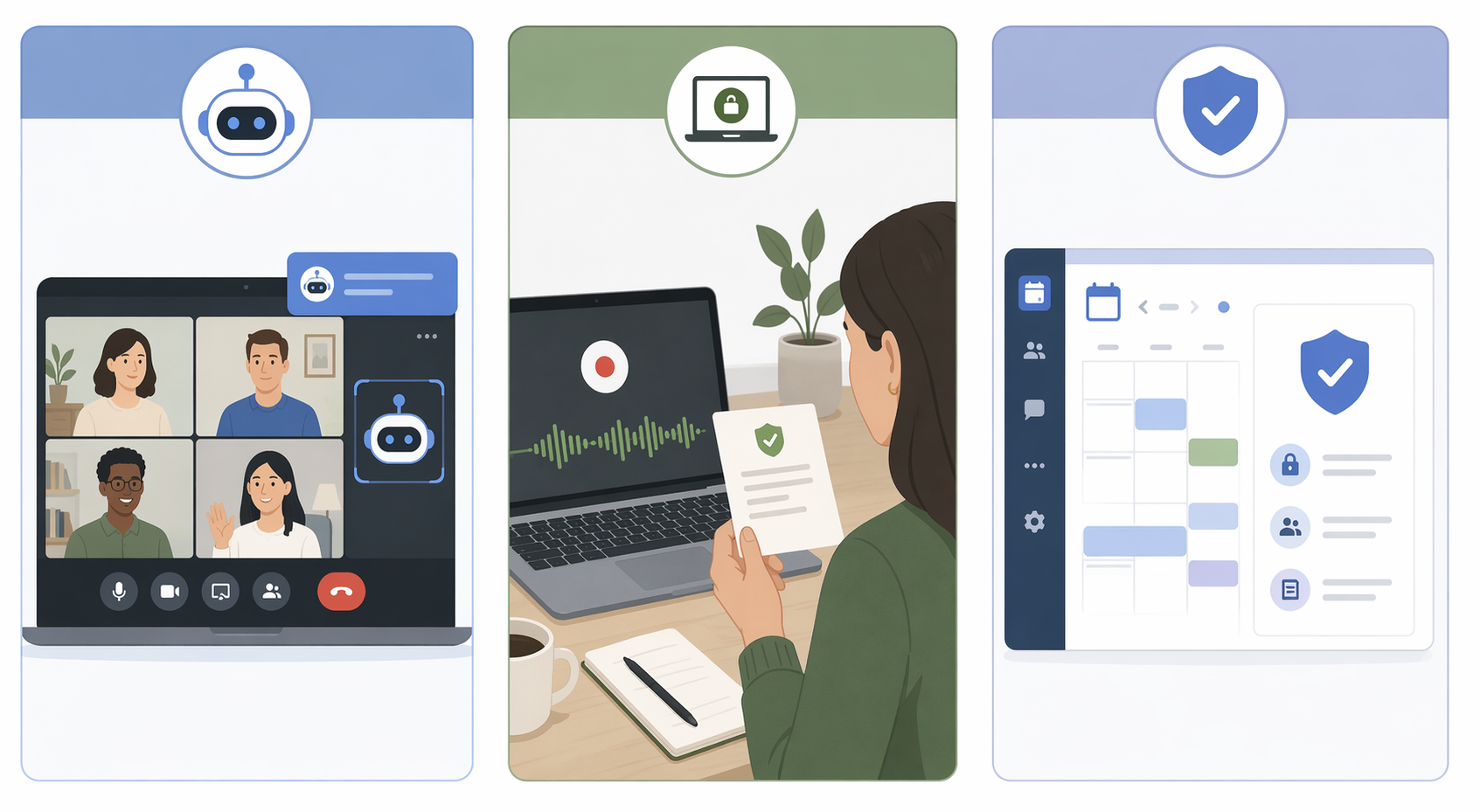
Platform-native or admin-enforced models attack the failure point differently. They do not rely only on a participant noticing a bot or a user remembering a script. They let an organization set recording behavior as policy. That does not make them automatically compliant in every jurisdiction, but it makes the process more repeatable.
The Legal Context Is Boring Until It Is The Whole Problem
Consent rules are not uniform. Sources identify 11 U.S. all-party consent states: California, Connecticut, Florida, Illinois, Maryland, Massachusetts, Michigan, Montana, New Hampshire, Pennsylvania, and Washington.[2][3] In cross-state calls, the safer operational rule is to apply the strictest participating jurisdiction, especially when a meeting includes customers, candidates, patients, or employees in sensitive conversations.[4]
International calls add another layer. Sources cite Germany’s Section 201 StGB as carrying up to three years of imprisonment for certain unlawful recording activity, and France’s Article 226-1 as carrying a possible €45,000 fine.[2][5] The point for a tool buyer is not to become a part-time lawyer. It is to avoid a rollout where every employee has to improvise the company’s legal posture five seconds after a call begins.
Avoma: The Clearest Admin-Controlled Consent Ladder
Avoma is the strongest example here of consent as an administrative workflow rather than a user habit. Its recording compliance controls define four levels: Disabled, Notified only, Acknowledgment required, and Permission required. Avoma also describes automated calendar disclaimers, reminder emails, voice announcements, and chat notifications as part of that compliance workflow, with enforcement available through organization-level admin policy.[6]
That ladder matters because different meetings do not deserve the same consent treatment. A low-risk internal project sync may only need clear notification. A candidate interview or customer call in an all-party consent state may require affirmative permission before the recording continues. A sensitive HR conversation may be better kept outside automatic recording entirely.
Avoma’s advantage is not that it removes judgment. It gives administrators places to put that judgment before the meeting starts. The user is no longer the only line of defense. Calendar text, reminder email, voice announcement, chat notice, and the selected consent level all reinforce the same policy instead of depending on one person remembering to say the right sentence while the client is already talking.
For a cautious buyer, this is the kind of structure that survives ordinary mess: recurring calls, late starts, employees switching teams, and external participants who have never seen the tool before. The limitation is still important: configurable consent is not the same thing as universal compliance. Someone still has to map policy levels to jurisdictions, meeting types, and internal risk tolerance.
Microsoft Teams: Consent As Technical Participation Control
Microsoft Teams takes a different route. Its ExplicitRecordingConsent setting can be enabled through PowerShell on a Teams meeting policy. When enabled, participants who have not consented are muted, and their camera is disabled until they affirm consent.[7]
That is a sharper form of enforcement than a visible bot or a notification banner. It changes the meeting state. A participant who has not consented is not simply informed; their ability to participate by microphone or camera is withheld until they act. For organizations already standardized on Teams, that can be a cleaner compliance control than adding a separate notetaker with its own bot behavior and settings.
It also has an operational cost. Technical blocking is only useful when the organization understands when to use it and how participants will experience it. A client who joins a call and suddenly cannot speak may need a clear explanation, not just a policy toggle. Teams is compelling when the organization wants platform-native enforcement; it is less useful as a generic answer for teams that run meetings across Zoom, Google Meet, and other platforms.
Granola: Cleaner Room, Heavier User Responsibility
Granola’s local-first model avoids one source of friction: the bot that joins every call and changes the room. The company’s privacy materials emphasize local capture, immediate audio deletion, SOC 2 Type 2 status, and the fact that it is not HIPAA compliant.[1] For some teams, especially those that dislike external bots entering customer meetings, that is a meaningful design choice.
The tradeoff is disclosure. Granola’s materials describe an in-meeting chat notification that can create a timestamped disclosure record and a pre-meeting consent checklist with six steps.[1] Those are useful supports, but they do not replace the need for the user to act. If an employee starts a sensitive call late, skips the disclosure message, and records anyway, the architecture will not have put a visible assistant in the room to remind everyone.
That makes Granola a good fit for teams with disciplined meeting hosts and clear internal rules. It is a weaker fit where users are expected to navigate mixed jurisdictions, sensitive calls, and external participants without reliable training. Local-first can reduce the visible-bot dynamic; it does not make consent disappear.
The Bot-Based And Hybrid Tools: Useful, But Settings Matter
Otter and Fireflies are the familiar bot-based pattern. They join meetings as visible participants by default. Otter offers a meeting visibility setting to control the bot, while Fireflies offers optional desktop bot-free recording described as rolling out.[8] Visibility is helpful, but it should not be mistaken for complete consent handling. A participant noticing a bot is not the same as a documented permission flow.
Both Otter and Fireflies are cited as offering HIPAA compliance on Enterprise plans.[8] That plan-gating matters. A buyer should verify whether a Business Associate Agreement is available, which plan includes it, and whether the intended meeting type is actually covered. A public pricing page or sales claim is not a substitute for the contract the organization will rely on.
There is also current litigation risk to mention carefully. Sources cite two pending class-action lawsuits: Cruz v. Fireflies.AI, filed in December 2025 under BIPA, and Brewer v. Otter.ai, filed in August 2025 under ECPA and CIPA.[8] As of July 5, 2026, those are allegations, not findings of liability. They still matter for buyers because they show where plaintiffs are testing claims around AI transcription, biometric privacy, and recording consent.
Fathom sits in a hybrid position. It is bot-based by default, but available information states that it launched botless recording in October 2025.[9] That means the buyer has to decide which mode is actually being deployed. A bot-based Fathom workflow gives participants a visible cue; a botless workflow may feel cleaner but increases the need for deliberate disclosure by the host.
Circleback is also described as offering both bot and botless modes, with consent workflows.[10] That flexibility is useful, but it is not self-executing. A team should decide when bot visibility is preferable, when botless capture is acceptable, and who owns the disclosure step in each case.
A Practical Meeting Transcription Consent Checklist
A useful checklist starts before vendor selection. It should describe the meetings you actually run, not the ideal version from a procurement spreadsheet.
- Identify the highest-risk meeting types: candidate interviews, HR conversations, customer calls, patient or health-related discussions, legal discussions, and cross-border meetings.
- Map the strictest likely jurisdiction for each meeting pattern, including all-party consent states and international participants.
- Decide what counts as adequate notice: calendar disclaimer, email reminder, spoken announcement, chat message, visible bot, platform prompt, or a combination.
- Decide when affirmative consent is required and what should happen if a participant does not consent.
- Assign responsibility: admin policy, meeting host, meeting platform, or a documented combination.
- Confirm the record: timestamped chat disclosure, consent prompt logs, admin policy settings, calendar notice, or another defensible artifact.
- Verify plan-specific compliance terms, including HIPAA, BAA availability, retention controls, and enterprise-only features.
The most common failure is assigning the whole checklist to the meeting host. People forget. Meetings start late. External participants join from phones. A late executive asks to “just record this one.” The tool should reduce those failure points, not quietly move them into a settings page nobody revisits.
Which Tool Fits Which Risk Profile?
Choose Avoma when configurable consent policy matters more than a lightweight individual workflow. It is the strongest fit in this comparison for teams that want layered notices, admin-set consent levels, and a repeatable process across many users.
Choose Microsoft Teams when your organization already lives in Teams and wants platform-native enforcement. Muting participants until they consent is a different category of control from sending a notification. It is especially relevant when the organization wants the meeting platform itself to enforce the consent gate.
Choose Granola when bot-free capture is a priority and the organization can train users to disclose reliably. It is appealing for teams that dislike visible meeting bots, but it should be paired with a clear host script or chat disclosure process.
Choose Otter, Fireflies, Fathom, or Circleback when bot visibility, workflow convenience, integrations, pricing, or hybrid botless options match the team’s risk tolerance. For these tools, the buying question should be specific: which mode will we use, which plan includes the compliance feature we need, and what record proves participants were notified or gave consent?
There is no useful coronation here. “Most compliant” is too broad unless the meeting type, jurisdiction, retention policy, and consent threshold are already known. The better decision is narrower: pick the tool whose architecture can enforce the consent process your meetings actually require.
References
- Participant privacy in enterprise AI notetakers, Granola.
- Call Recording Laws by State: A Complete Guide, Avoma.
- Call Recording Laws by State, viaim.ai.
- AI Meeting Transcription Risk, Duane Morris.
- Recording Consent Laws, Wave.
- How to comply with recording compliance laws in Avoma, Avoma Help.
- Microsoft Teams Explicit Recording Consent, Sean McAvinue, August 2024.
- AI meeting consent guide, Circleback.
- Granola pricing comparison blog, Granola.
- The 7 Best AI Meeting Assistants in 2026, Circleback.